10 Best Free MP4 Trimmer Online


In today’s digital age, video content is everywhere. Whether you’re a content creator, a social media enthusiast, or simply someone looking to share a memorable moment, you’ll find that trimming your videos is an essential skill. If you’ve ever tried to edit videos, you know that finding the right tools can be challenging. Luckily, many excellent resources are available online, including various Free MP4 Trimmer Online options. In this blog, we’ll explore the ten best free MP4 trimmers available on the internet, helping you choose the right one for your video editing needs.

Why Use a Free MP4 Trimmer Online?
With countless video editing software options, you might wonder why you should use a Free MP4 Trimmer Online. The answer is simple: convenience and accessibility. Online tools allow you to trim your videos without the hassle of downloading software or installing applications. You can quickly access these tools from any device with an internet connection. Moreover, many of these tools offer user-friendly interfaces, making them suitable for beginners and experienced editors alike.
So, let’s dive into the ten best free MP MP4 trimmers available online.
1. Clideo
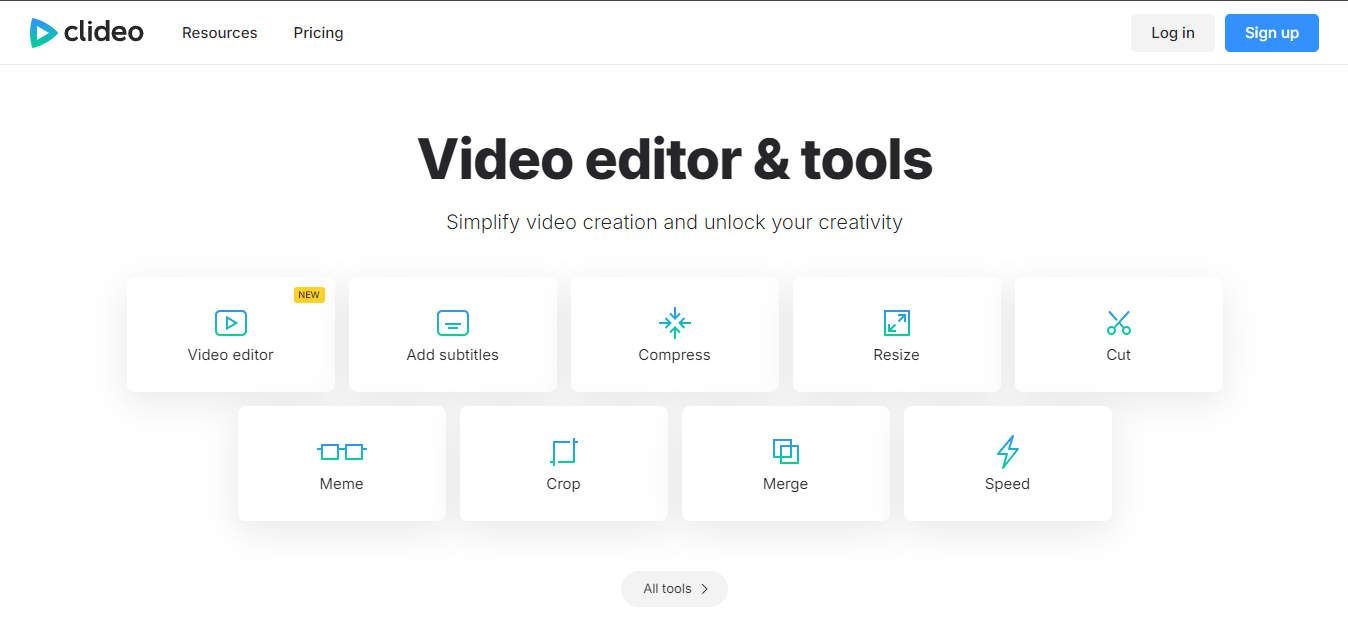
Clideo is a versatile online tool that offers a range of video editing features, including a fantastic Free MP4 Trimmer Online. With a simple drag-and-drop interface, you can easily upload your MP4 video, select the trimming area, and export your final product. Clideo supports various video formats, ensuring compatibility with most media files.
Pros:
- User-friendly interface
- Supports multiple formats
- Quick processing times
Cons:
- Limited editing features beyond trimming
2. Kapwing
Kapwing has gained popularity for its simple yet effective video editing tools, including its Free MP4 Trimmer Online. With Kapwing, you can cut your videos seamlessly and even add text or images if you wish. This platform is perfect for social media enthusiasts who want to create engaging content quickly.
Pros:
- Intuitive design
- Additional editing features
- Great for social media content
Cons:
- Export quality may vary for free users
3. Online Video Cutter
If you’re looking for a straightforward tool, Online Video Cutter is a fantastic option. This Free MP4 Trimmer Online allows you to trim videos without any distractions. You can upload your file, select the desired start and end times, and save the trimmed video instantly.
Pros:
- Minimalistic design
- No sign-up required
- Quick processing
Cons:
- Limited additional features
4. Adobe Express
Adobe Express offers a free MP4 trimming tool as part of its suite of online editing tools. With a clean and professional interface, Adobe Express is great for users who appreciate quality and ease of use. You can easily trim your videos and utilize other creative tools to enhance your content.
Pros:
- High-quality output
- Professional design
- Access to Adobe’s editing suite
Cons:
- Some features require a paid subscription
5. VidTrim
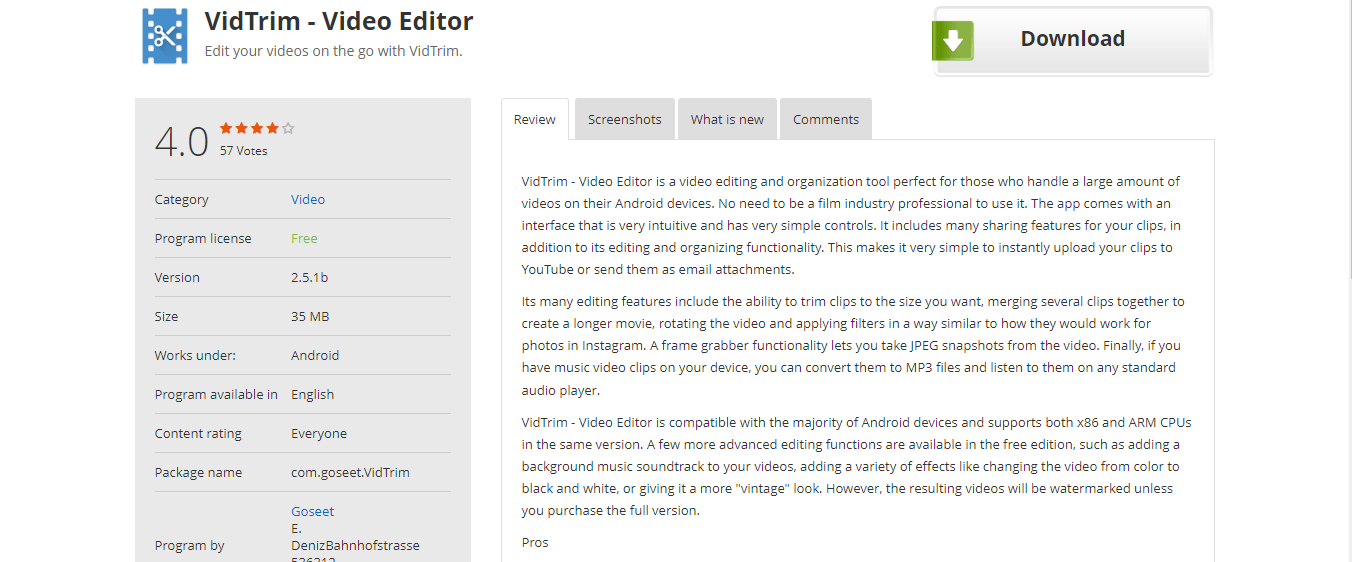
VidTrim is another excellent option for trimming MP4 videos online. With its straightforward interface, you can upload your video, select the portion you want to keep, and download the trimmed file. VidTrim also offers basic editing features, making it a well-rounded tool for casual users.
Pros:
- Easy to use
- Basic editing features included
- Supports various video formats
Cons:
- Limited advanced features
6. YT Cutter
YT Cutter focuses on trimming videos from YouTube, but it’s also a reliable Free MP4 Trimmer Online. If you want to cut specific segments from YouTube videos, YT Cutter is the tool for you. It allows you to paste the YouTube URL, select the trimming points, and download the MP4 file.
Pros:
- Perfect for YouTube content
- Simple interface
- No downloads required
Cons:
- Limited to YouTube videos unless you upload your own
7. EZGif
Although primarily known for GIF creation, EZGif also provides a robust Free MP4 Trimmer Online tool. You can upload your MP4 file, select the trim points, and even apply effects if desired. EZGif is perfect for those looking to create short clips or GIFs from their videos.
Pros:
- Multiple editing options
- User-friendly
- Supports GIF creation
Cons:
- More suitable for shorter clips
8. Veed.io
Veed.io is a comprehensive video editing platform that offers a Free MP4 Trimmer Online. With a sleek interface, you can easily cut, edit, and export your videos. Veed.io is also great for adding captions, text, and other elements, making it suitable for more advanced users.
Pros:
- Advanced editing features
- Intuitive interface
- Ideal for social media content
Cons:
- Limited export quality for free users
9. Aconvert
Aconvert is a versatile online tool that offers a Free MP4 Trimmer Online. You can easily upload your video, set the trim points, and download the final product. Aconvert also supports various formats, making it an excellent choice for users with diverse needs.
Pros:
- Supports multiple formats
- Easy to use
- Quick processing times
Cons:
- Limited features compared to competitors
10. Clipchamp
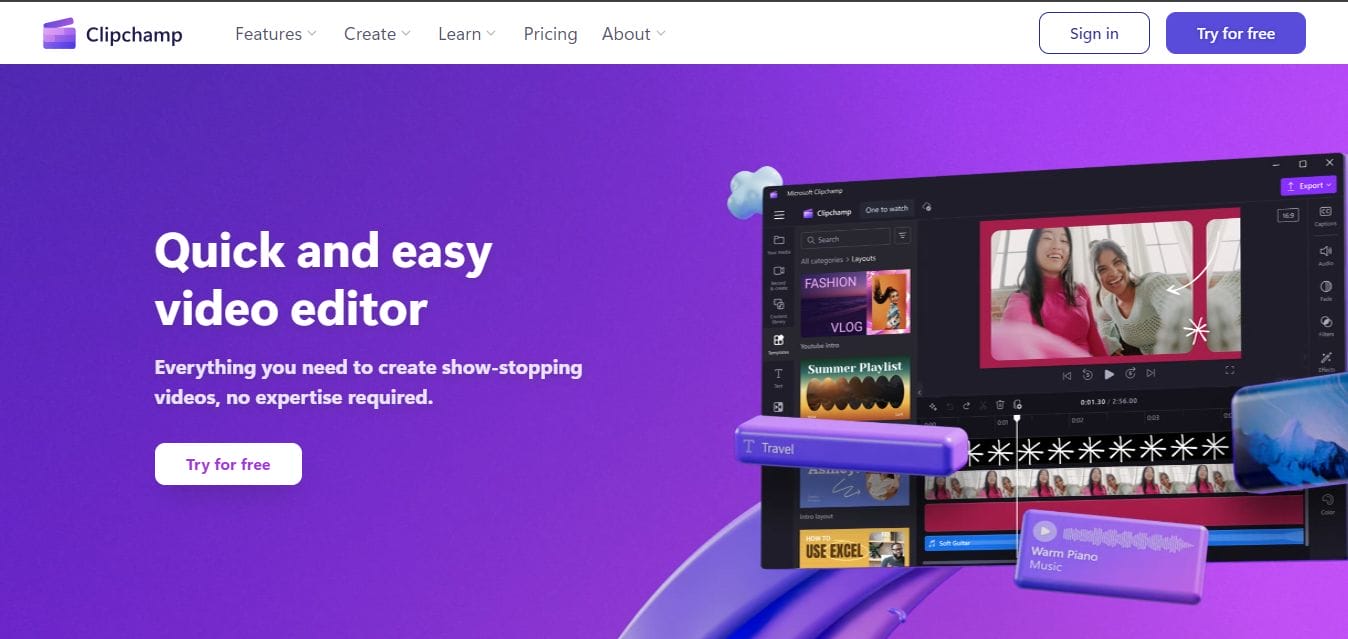
Clipchamp is a popular online video editor that includes a Free MP4 Trimmer Online tool. With its user-friendly design, you can trim videos quickly and even add effects or filters. Clipchamp also offers various templates and features for more advanced editing needs.
Pros:
- Wide range of editing features
- User-friendly interface
- Templates available
Cons:
- Some features require a subscription
Comparison Table
| Name of Tool | Best for | Standout Feature |
|---|---|---|
| EZGif | Creating short clips or GIFs | Multiple editing options and user-friendly interface |
| Veed.io | Advanced video editing and social media content | Intuitive interface with advanced editing features |
| Aconvert | Users needing versatile format support | Supports multiple formats with quick processing times |
| Clipchamp | Users looking for a comprehensive video editing platform | Wide range of editing features and templates available |
| Kapwing | Collaborative editing and easy sharing | Supports real-time collaboration for teams |
| Online Video Cutter | Quick and simple video trimming | No download needed; works directly in the browser |
| Clideo | Users needing a straightforward trimming tool | User-friendly interface with a variety of video formats supported |
| Kapwing Studio | Content creators looking for advanced features | Multiple editing options, including overlays and text |
| FlexClip | Those who need a versatile online editor | A wide selection of templates for various occasions |
| Video Toolbox | Advanced users needing extensive editing features | Supports various file formats and advanced settings |
Your Next Steps in Video Editing Success
Finding the right Free MP4 Trimmer Online can significantly enhance your video editing experience. Whether you need to make a quick cut or want to create engaging social media content, the tools mentioned in this blog offer various features to meet your needs. With user-friendly interfaces and various editing options, these free online tools can help you create polished videos without the need for expensive software.
Interesting Reads
Top 10 Valentine Day Video Invitation
Top 10 Valentine Ecard Wishes Video Maker

Shashank is a seasoned digital marketing and WordPress expert who specializes in SEO, software tools reviews, and cutting-edge strategies for boosting online presence. With a passion for simplifying complex topics, Goutham crafts engaging blog posts that help readers optimize their websites, improve search engine rankings, and stay ahead in the ever-evolving digital landscape.