10 Best Online Headlines Video Makers for Free


Creating engaging videos has become essential in today’s digital landscape. With the rise of social media and content marketing, having eye-catching headlines in your videos can significantly boost engagement and conversion rates. Fortunately, there are many online headline video makers available for free that can help you create stunning videos with ease. Here’s a detailed overview of the ten best online headline video makers, complete with key features, pros and cons, and a comparison table.
What Makes the Best Online Headlines Video Makers
The best online headline video makers share several key characteristics that set them apart from the rest. Here are the most important factors that contribute to their effectiveness:
1. User-Friendly Interface
- A clean, intuitive interface allows users of all skill levels to create videos quickly and efficiently. Drag-and-drop functionality, clear navigation, and easy access to features are essential.
2. Template Variety
- A diverse range of customizable templates helps users create videos for various purposes, including marketing, education, social media, and more. Good headline video makers should offer templates that are visually appealing and optimized for different platforms.
3. Text Customization Options
- The ability to customize text is crucial for creating impactful headlines. Features like different fonts, sizes, colors, and animations can enhance the visual appeal and effectiveness of the headline.
4. Media Library
- A comprehensive library of stock images, videos, and music gives users the resources they need to enhance their videos. Access to high-quality media can significantly improve the production value of the final product.
5. Animation and Transition Effects
- Animation options for text and other elements, along with smooth transitions, help create more engaging and dynamic videos. These features are especially important for retaining viewer attention.
6. Collaboration Tools
- For teams working on projects, collaboration features allow multiple users to work on the same video, provide feedback, and make edits in real-time. This can streamline the production process.
Best Online Headlines Video Makers
1. Canva

Canva offers a user-friendly interface with a variety of customizable video templates, including headline options. Users can easily drag and drop elements, add text overlays, and incorporate stock footage and music.
Pros:
- Intuitive design tools
- Extensive library of templates and elements
- Ability to collaborate with team members
Cons:
- Limited features in the free version
- Some elements may require a paid subscription
2. Animaker
Animaker allows users to create animated videos with text headlines. It offers a range of animated characters, props, and scenes, making it easy to produce engaging content.
Pros:
- Extensive animation options
- User-friendly drag-and-drop interface
- Good for creating explainer videos
Cons:
- Watermark on videos in the free version
- Limited resolution options
3. InVideo
InVideo offers over 5,000 customizable templates and a rich media library. Users can add dynamic text, voiceovers, and transitions to create captivating videos.
Pros:
- High-quality templates
- Versatile video editing options
- Allows text-to-video functionality
Cons:
- Free version has watermarks
- Limited exports per month
4. FlexClip
FlexClip is a straightforward video maker that includes various text animations and templates. Users can create videos in minutes by selecting a template and customizing it.
Pros:
- Simple and intuitive interface
- Large stock media library
- Good for quick video creation
Cons:
- Limited editing features in the free version
- Watermark on free exports
Also Read: 10 Best Free Online Fitness Video Makers
5. Wave.video
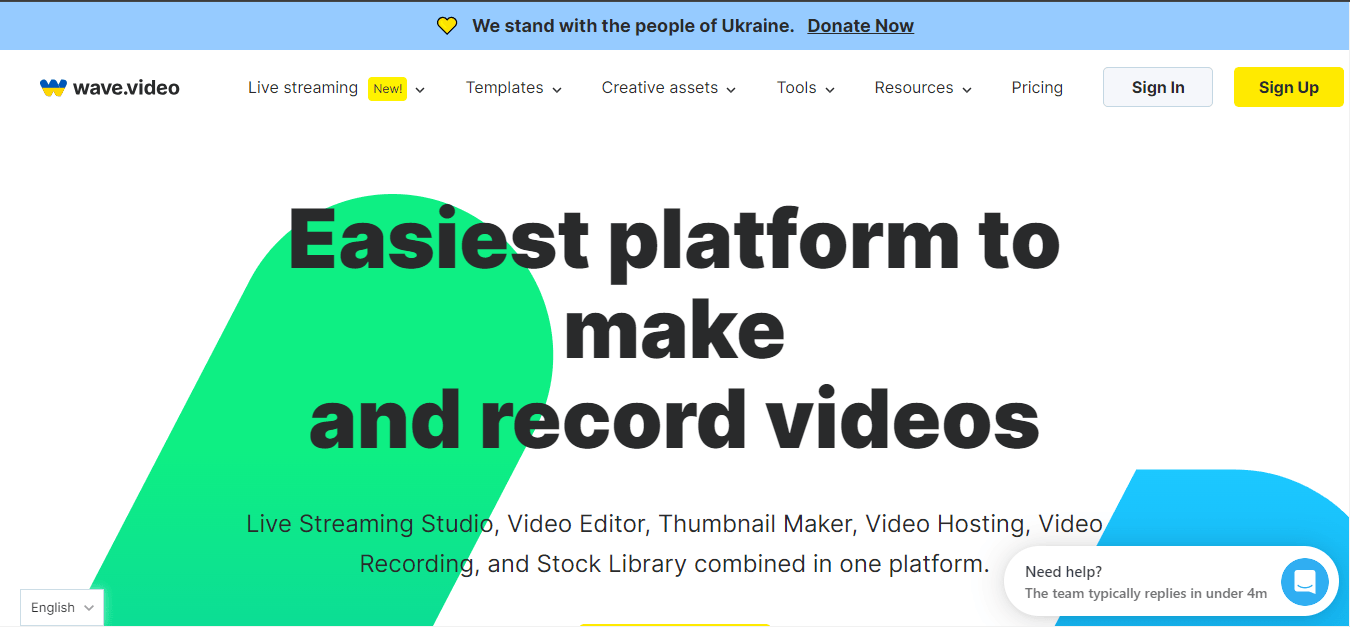
Wave.video combines video creation and hosting. It provides customizable video templates, text overlays, and the option to add your own media.
Pros:
- User-friendly interface
- Video hosting capabilities
- Great for social media videos
Cons:
- Limited export options for free users
- Watermark on videos
6. Lumen5
Lumen5 uses AI to turn blog posts into engaging videos. Users can add headlines and customize scenes, making it perfect for content marketers.
Pros:
- AI-driven content creation
- Extensive media library
- Good for repurposing written content
Cons:
- Limited customization options
- Free version has watermarks
7. Biteable
Biteable allows users to create animated videos easily. It features a library of templates specifically designed for various video types, including marketing and promotional videos.
Pros:
- Extensive template library
- Simple editing tools
- Great for beginners
Cons:
- Watermark on free videos
- Limited features in the free plan
8. Kapwing
Kapwing is a versatile online video editor that supports text overlays, meme generation, and video trimming. It’s ideal for social media content creation.
Pros:
- Easy-to-use interface
- Collaborative editing features
- Supports various media formats
Cons:
- Limited export options for free users
- Some features may have a learning curve
9. Renderforest
Renderforest offers a wide range of templates for creating promotional videos, slideshows, and more. Users can easily add text and customize video styles.
Pros:
- Large selection of templates
- User-friendly interface
- Good for creating high-quality videos quickly
Cons:
- Free version has watermarks
- Limited customization options
10. Pixiko
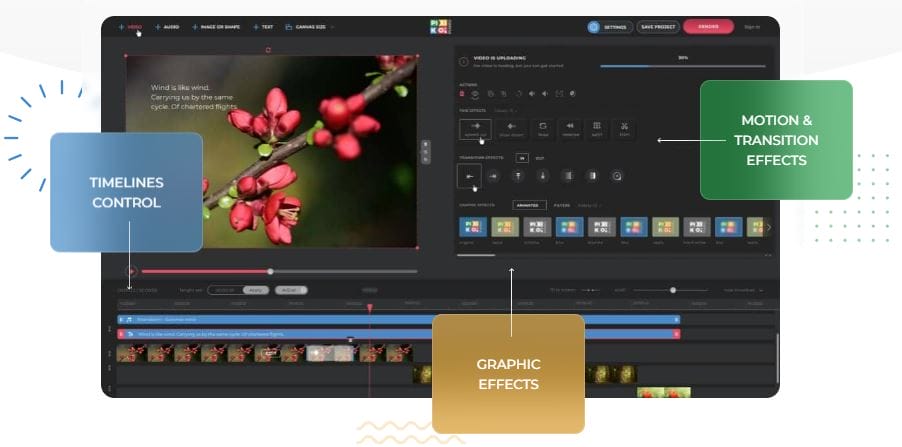
Pixiko enables users to edit videos online and add animated headlines and effects. It supports various video formats and allows users to customize their projects.
Pros:
- Easy video editing features
- Supports multiple video formats
- Good for quick edits
Cons:
- Limited features in the free version
- Watermarks on exports
Comparison Table
| Tool | Key Features | Pros | Cons |
|---|---|---|---|
| Canva | Templates, drag-and-drop | Intuitive, collaborative | Limited features, paid elements |
| Animaker | Animation, characters, props | Extensive options, user-friendly | Watermark, limited resolution |
| InVideo | Templates, media library | High quality, text-to-video | Watermarks, limited exports |
| FlexClip | Text animations, stock library | Simple interface, quick creation | Limited editing, watermark |
| Wave.video | Templates, hosting | User-friendly, great for social media | Limited exports, watermark |
| Lumen5 | AI-driven, extensive media | Good for repurposing content | Limited customization, watermark |
| Biteable | Animated videos | Extensive templates, simple tools | Watermark, limited free features |
| Kapwing | Text overlays, meme generator | Collaborative, versatile | Limited exports, learning curve |
| Renderforest | Various templates | Large selection, quick creation | Watermark, limited customization |
| Pixiko | Video editing, animated headlines | Easy editing, supports multiple formats | Limited features, watermark |
Final Thoughts
These ten online headline video makers offer a variety of features to cater to different needs and preferences. While free versions often come with limitations such as watermarks and fewer customization options, they are excellent for individuals and small businesses looking to create engaging content without a financial investment. By exploring these tools, you can find the right fit for your video creation needs and enhance your online presence with compelling visuals.
Always remember to check for updates or new features, as these platforms frequently evolve to meet user demands. Happy video making!
Interesting Reads
10 Best Free Product Showcase Video Makers

Shashank is a seasoned digital marketing and WordPress expert who specializes in SEO, software tools reviews, and cutting-edge strategies for boosting online presence. With a passion for simplifying complex topics, Goutham crafts engaging blog posts that help readers optimize their websites, improve search engine rankings, and stay ahead in the ever-evolving digital landscape.