

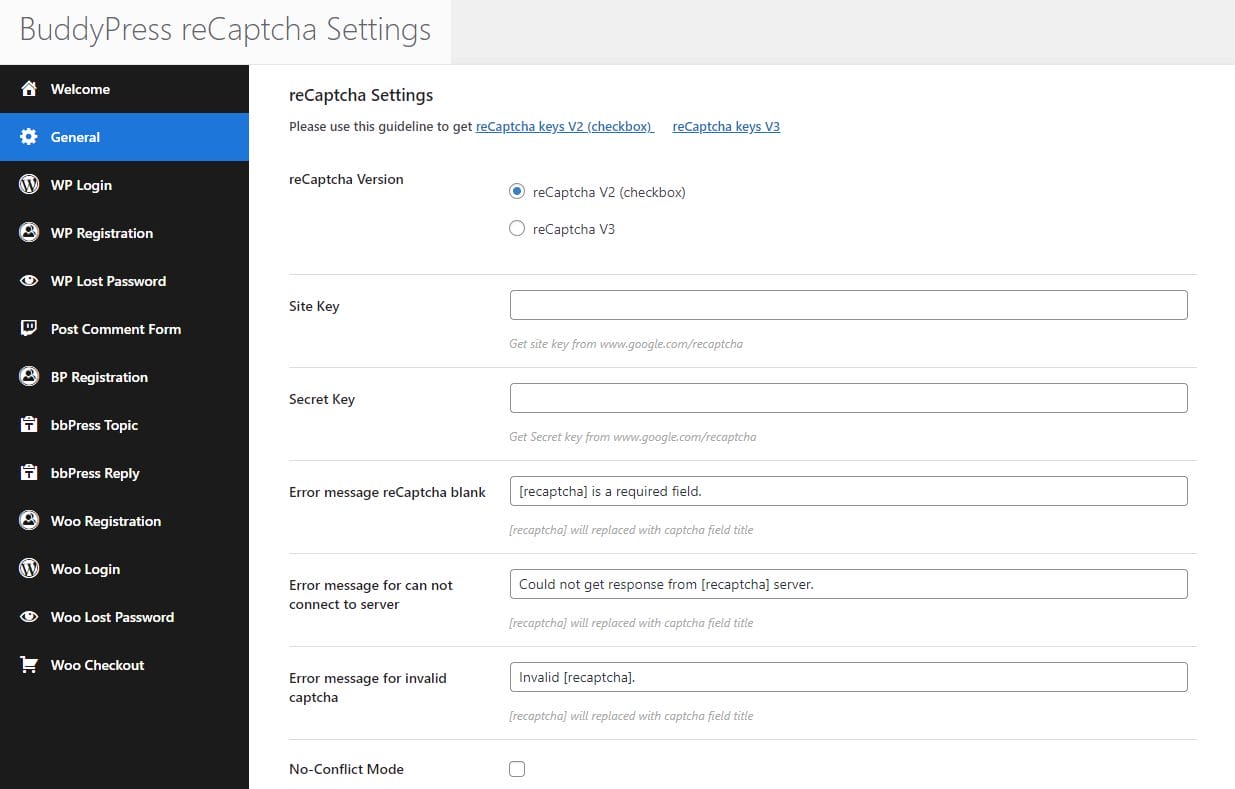
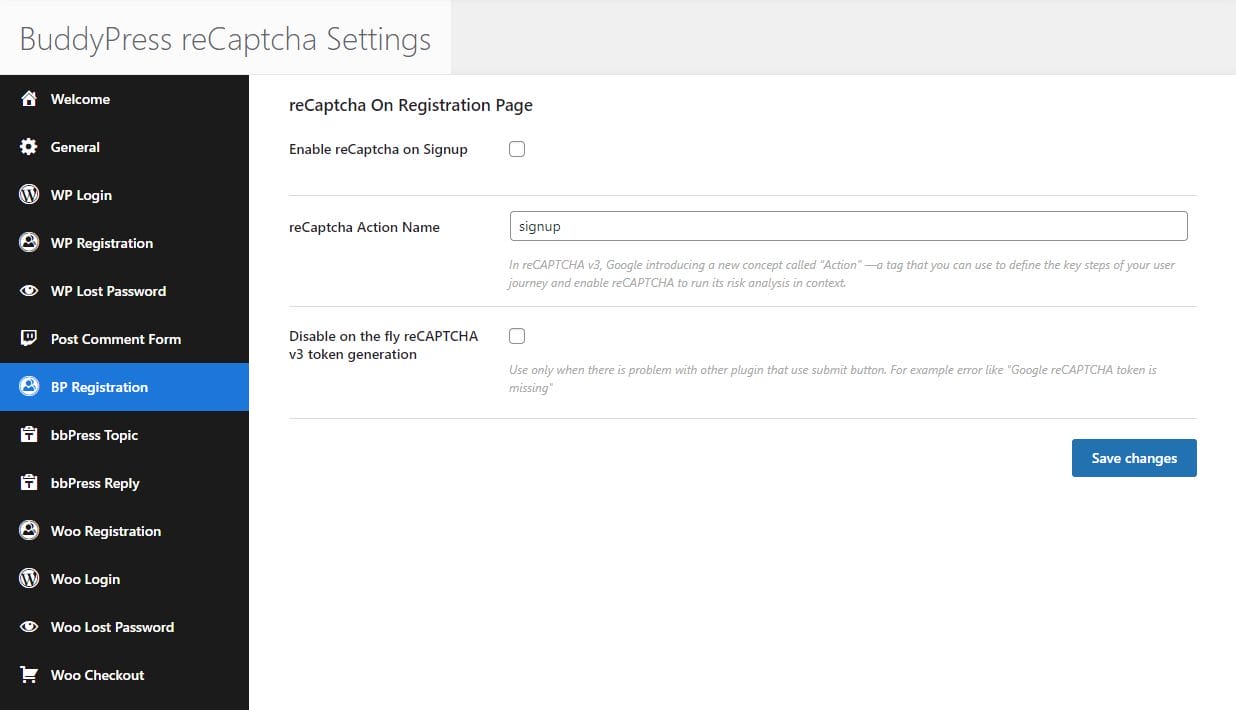
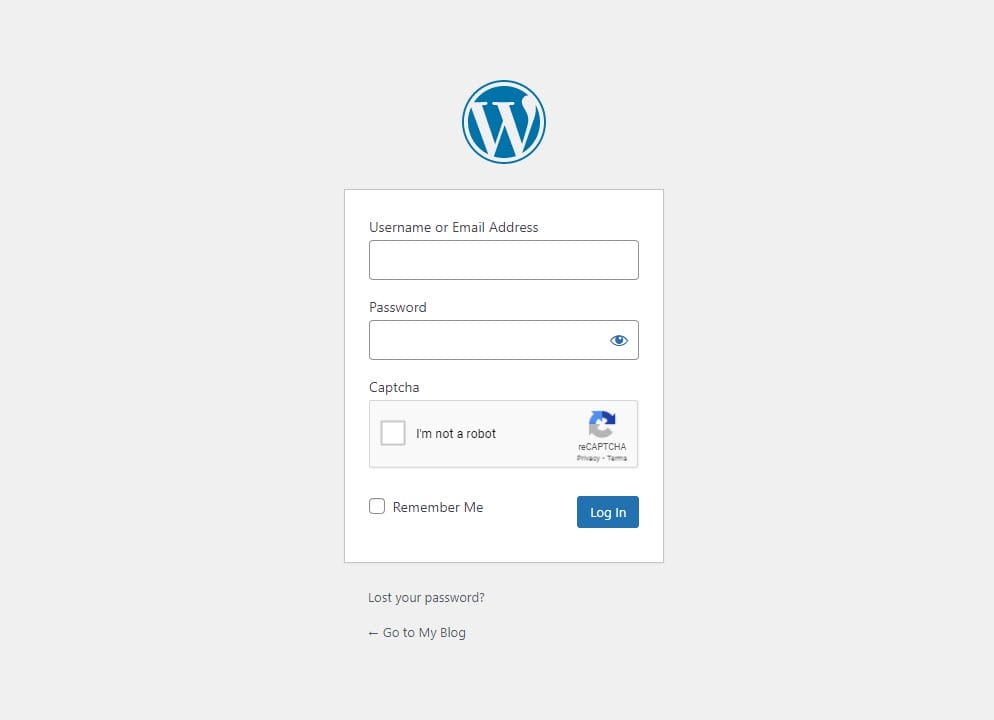
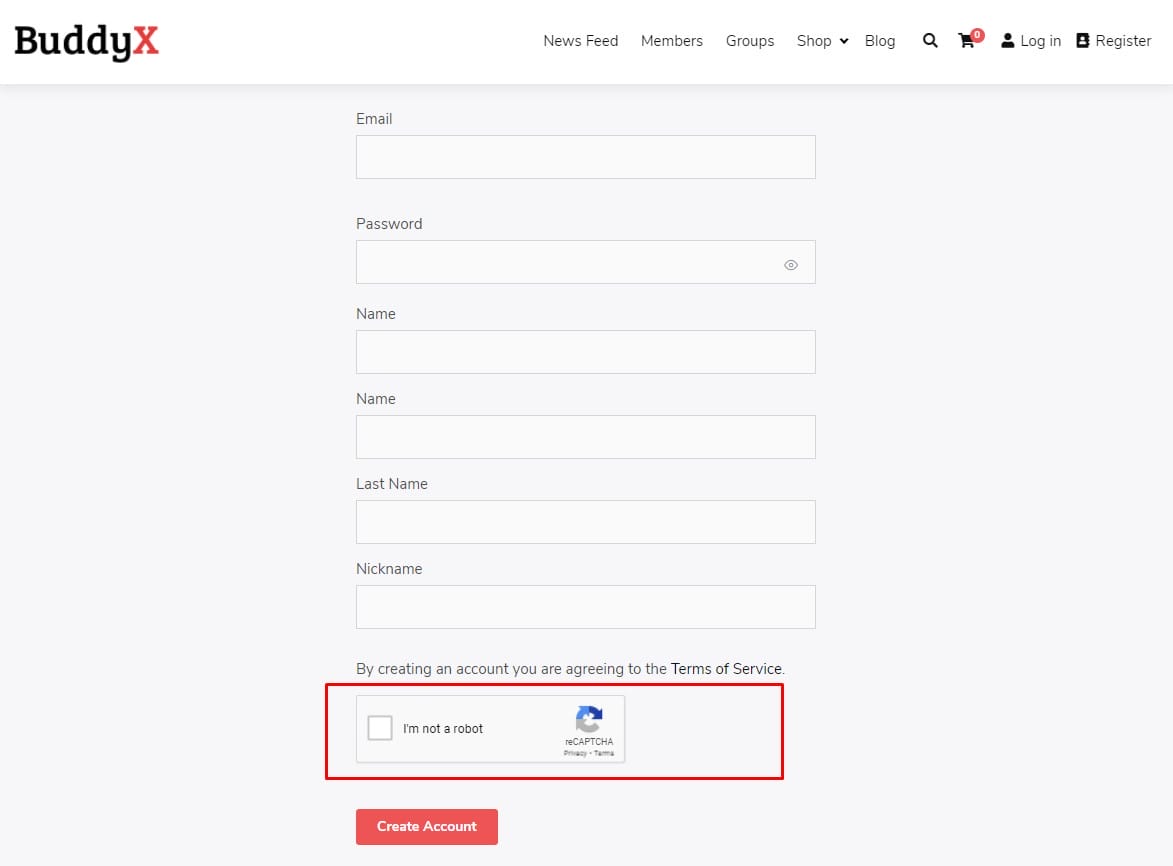
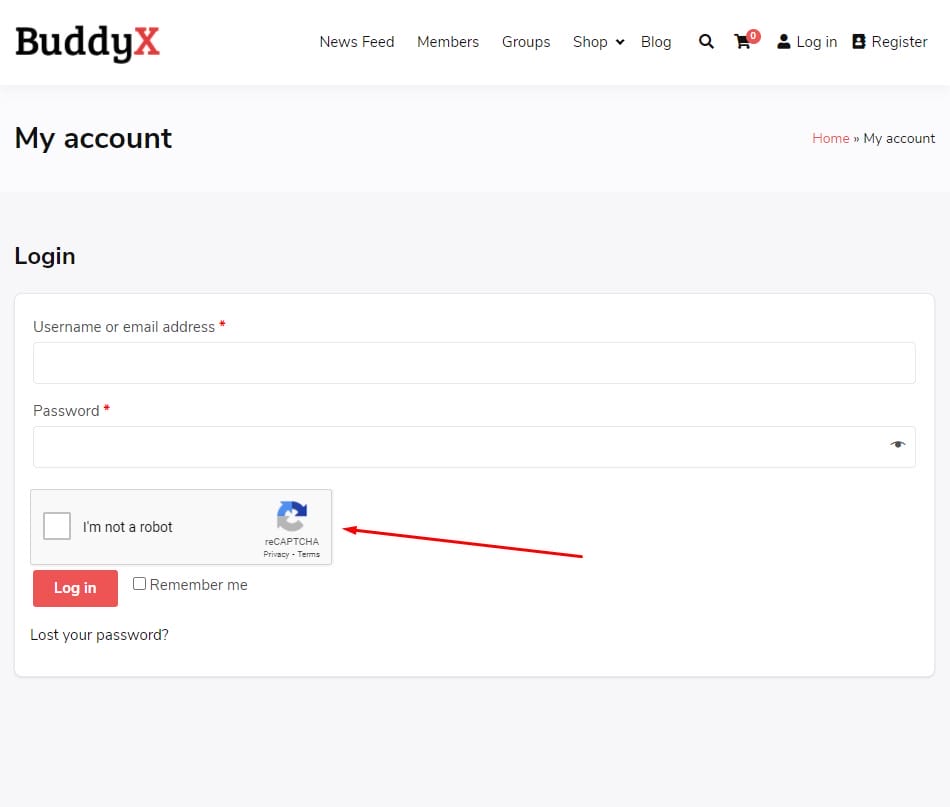
The BuddyPress reCaptcha plugin seamlessly integrates with your WordPress, BuddyPress, and WooCommerce websites to add an extra layer of security. By incorporating reCaptcha on essential areas like login, registration, lost password, and order pages, this plugin helps prevent bots and spam. With easy on/off toggles, you can choose where to enable reCaptcha, making security management simple and effective.
Key Features of BuddyPress reCaptcha
- Supports reCaptcha V2 & V3
- Choose between reCaptcha V2 (checkbox) or reCaptcha V3 for more advanced security options.
- reCaptcha for WordPress Login
- Add reCaptcha to your WordPress login page to secure your site’s entry point.
- reCaptcha for WordPress Registration
- Secure your WordPress registration forms by enabling reCaptcha to prevent spam registrations.
- reCaptcha for WordPress Lost Password
- Protect the password recovery process by adding reCaptcha to the lost password page.
- Custom Labels for reCaptcha
- Set personalized labels to make your reCaptcha form user-friendly and tailored to your site’s design.
- reCaptcha on Comment Forms
- Prevent spammy comments by enabling reCaptcha on WordPress comment forms.
- BuddyPress Registration reCaptcha
- Add reCaptcha to the BuddyPress registration form for enhanced security against bots.
- Custom Error Messages
- Personalize error messages for invalid captcha submissions to offer a better user experience.
- Dark/Light Theme for reCaptcha
- Select between dark or light themes for reCaptcha to suit your site’s visual style.
- Normal/Compact Mode for reCaptcha
- Choose between normal and compact modes for reCaptcha, ensuring it fits seamlessly into your design.
- Language Selection for reCaptcha V2
- Enable users to interact with reCaptcha in their preferred language by selecting from multiple language options.
- Disable Submit Button Until Captcha is Checked
- Prevent form submissions until the captcha is successfully verified.
- Disable reCaptcha for Specific IPs or Ranges
- Exclude specific IPs or IP ranges from reCaptcha to ensure a smooth experience for trusted users.
WooCommerce-Specific reCaptcha Features:
- WooCommerce Login reCaptcha
- Protect your WooCommerce login page by adding reCaptcha to secure customer accounts.
- WooCommerce Registration reCaptcha
- Enable reCaptcha on WooCommerce registration forms to prevent spam accounts.
- WooCommerce Lost Password reCaptcha
- Secure the password recovery process on your WooCommerce store with reCaptcha.
- Guest Checkout reCaptcha
- Add reCaptcha to guest checkout pages to prevent fraudulent orders.
- Logged-in User Checkout reCaptcha
- Enhance security for logged-in customers during the checkout process by enabling reCaptcha.
- Captcha for Payment Request Buttons
- Add an extra layer of security to payment request buttons to avoid unauthorized transactions.
- WooCommerce Pay for Order reCaptcha
- Secure the payment process by adding reCaptcha to the pay for order page.
Compatibility with BuddyX Theme
The BuddyPress reCaptcha plugin is fully compatible with the BuddyX Theme, ensuring seamless integration and consistent design across your community website. Whether you’re running a social network or an online store, the plugin works perfectly with BuddyX to enhance your site’s security without compromising its appearance.
By integrating BuddyPress reCaptcha, you can effectively safeguard your website against spam, bots, and malicious users. With customizable options for reCaptcha placement and design, you can ensure that your security measures blend seamlessly into your site’s interface while offering robust protection. The plugin’s compatibility with BuddyPress, WooCommerce, and the BuddyX theme makes it a valuable addition to any community-driven or eCommerce platform.