



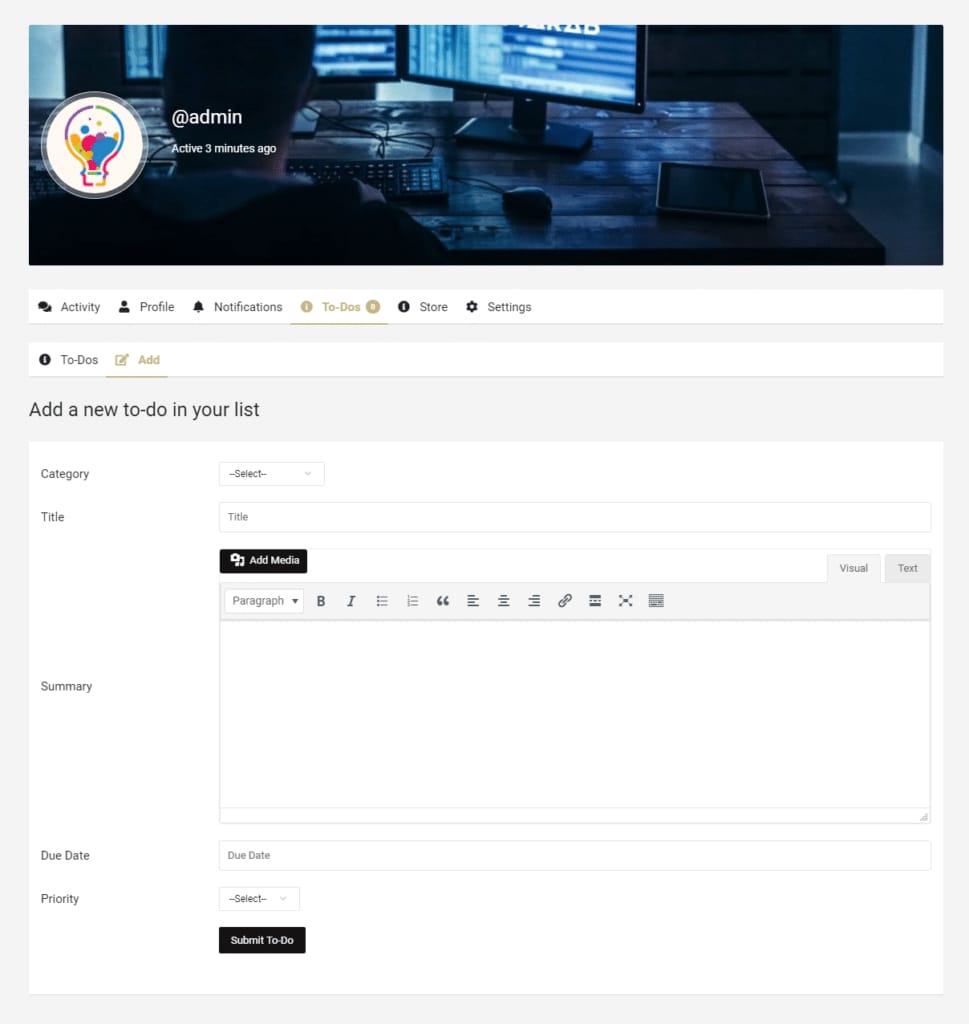


The BuddyPress User To-Do List plugin includes a due date reminder feature that notifies users via email or BuddyPress notification when their task’s due date arrives. Users can also export all their to-do tasks in CSV format for easy tracking and record-keeping.
You can display all to-do items on any page using a shortcode. To do this, go to the WordPress admin dashboard, navigate to Todo Items > Settings > Page, click on the Shortcode tab, and copy the shortcode [bptodo_by_category category=”CATEGORY_ID”]. Then, paste this shortcode on the page or template where you want to display the to-dos, replacing CATEGORY_ID with the ID of the specific category you wish to display.
BuddyPress User To-Do List Features
- Customize the profile menu label for the to-do section.
- Allow or disallow users to create their own to-do categories.
- Enable or disable email notifications for tasks with upcoming due dates.
- Enable or disable BuddyPress notifications for tasks with upcoming due dates.
- Frontend options for users to edit, delete, or mark tasks as complete.
- Use the shortcode [bptodo_by_category category=”CATEGORY_ID”] to display to-dos based on category.
Compatibility: This plugin is fully compatible with the BuddyX Theme, ensuring a seamless user experience for community-driven websites.