

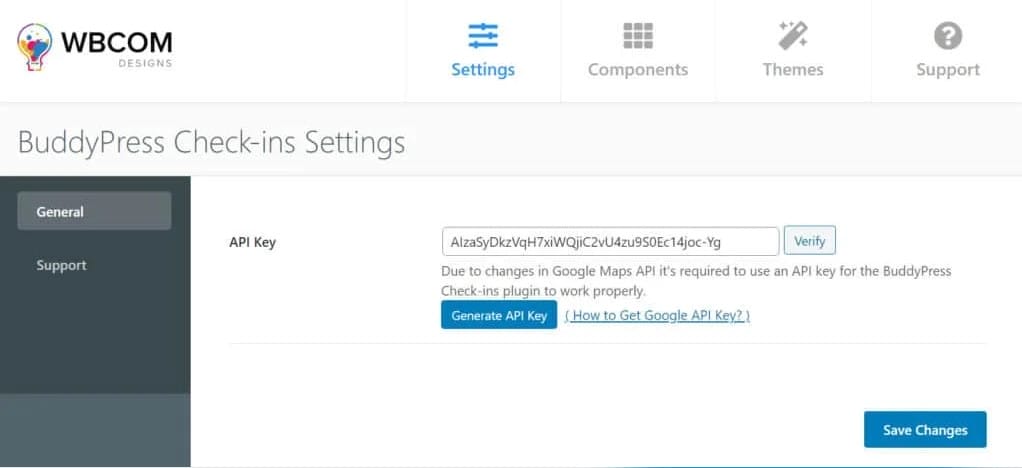
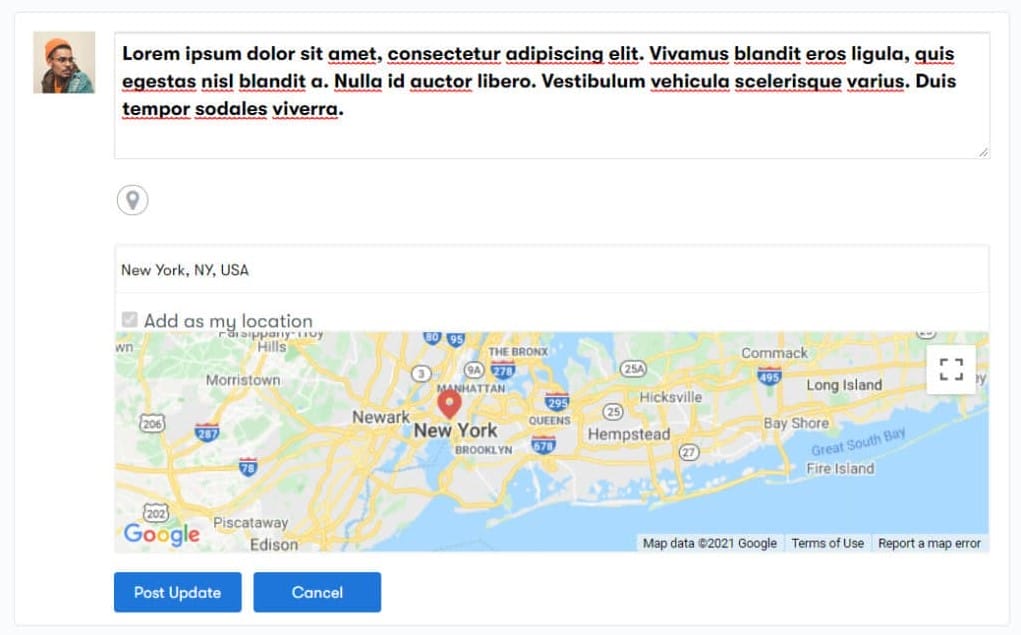
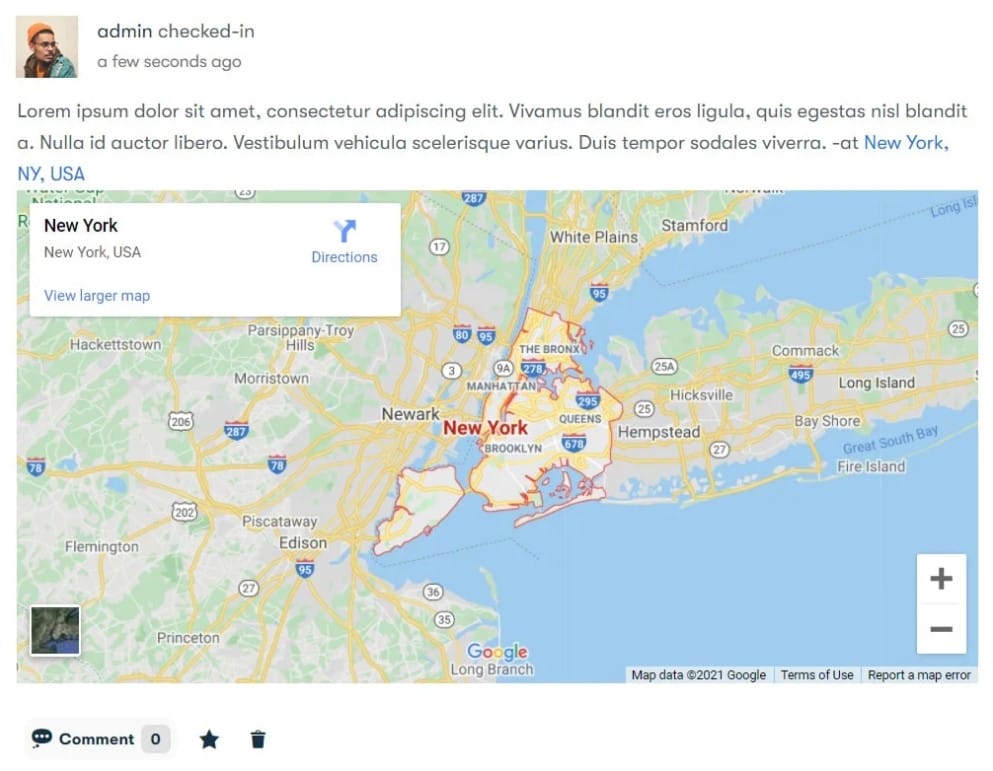
The BuddyPress Check-ins plugin provides a seamless way for BuddyPress members to share their locations when posting updates. Just like popular social media platforms, users can easily add places they’ve visited, fostering a more interactive and engaging community experience.
Once the BuddyPress Check-ins plugin is configured, a Check-ins Icon will be displayed next to the activity update input form. By clicking this icon, users can access a list of locations available for check-in based on their IP address.
Key Features
- Check-ins with Place Type or Location Autocomplete
- The plugin supports location check-ins through an intuitive autocomplete feature, allowing users to begin typing a location name and receive suggestions based on their input.
- Customizable Location Range
- Administrators can set a specific range for fetching locations during check-ins, ensuring relevant suggestions based on the user’s current vicinity.
- Place Type Restrictions
- To tailor the check-in experience, site administrators can restrict location types based on their website’s nature. For example:
- A religious site may allow check-ins only at churches or temples.
- A foodie website might limit check-ins to bars, pubs, and restaurants.
- This feature allows for a more curated and relevant check-in experience for community members.
- To tailor the check-in experience, site administrators can restrict location types based on their website’s nature. For example:
Compatibility with BuddyX Theme
The BuddyPress Check-ins plugin is fully compatible with the BuddyX Theme, a powerful and feature-rich theme designed for creating vibrant online communities. The BuddyX Theme enhances your BuddyPress site with a modern design and extensive customization options, making it easier to build and engage with your community.