

Creating eye-catching Pinterest pins is essential for driving traffic to your website or blog. With the rise of artificial intelligence, several tools have emerged to simplify and enhance the design process. This blog post will explore the ten best AI Pinterest pins makers, highlighting their key features, pros and cons, and providing a comparison table to help you choose the right one for your needs.

Quick Links
Why You Need AI Pinterest Pins Maker
Creating visually appealing Pinterest pins is crucial for attracting attention and driving traffic to your content. However, designing pins can be time-consuming and requires a certain level of design skill. Here’s why using an AI Pinterest pin maker can be a game-changer:
1. Time Efficiency
AI Pinterest pin makers automate many aspects of the design process, allowing you to create pins quickly. Instead of spending hours on graphic design, you can generate professional-quality pins in minutes, giving you more time to focus on other important tasks.
2. User-Friendly Design
Most AI tools come with intuitive interfaces and drag-and-drop features that make them accessible to everyone, regardless of design experience. This democratizes design, allowing even those without artistic backgrounds to create eye-catching visuals.
3. Professional Quality
AI-powered tools often use advanced algorithms to suggest layouts, color palettes, and font combinations that are visually appealing. This results in high-quality pins that look polished and professional, which can enhance your brand’s credibility.
4. Customization Options
While AI tools provide templates, they also allow for customization. You can adjust colors, fonts, and images to align with your branding and personal style. This flexibility ensures that your pins are unique and tailored to your audience.
5. Consistency in Branding
Many AI Pinterest pin makers offer brand kit features that help you maintain consistency across all your designs. By using your brand colors, logos, and fonts, you can create a cohesive look that strengthens your brand identity.
6. Access to Resources
AI tools often include a vast library of stock images, graphics, and fonts. This accessibility means you can find the perfect visual elements for your pins without having to source them from multiple places.
Best AI Pinterest Pins Makers
1. Canva

Canva is a versatile design platform that uses AI to streamline the creation of various graphics, including Pinterest pins. With a vast library of templates, images, and fonts, users can quickly create professional-looking designs.
Key Features
- Extensive template library specifically for Pinterest
- Drag-and-drop interface for easy customization
- Collaborative features for team projects
- Integrated stock photos and illustrations
Pros
- User-friendly interface
- Free version available with ample features
- Regularly updated with new templates and designs
Cons
- Some advanced features require a paid subscription
- Limited options for animation in the free version
2. Visme
Visme is an all-in-one visual content creation tool that allows users to create engaging Pinterest pins with ease. Its AI capabilities help suggest design elements based on user preferences.
Key Features
- Customizable templates tailored for Pinterest
- Infographic and presentation capabilities
- Animated graphics and interactive elements
- Data visualization tools
Pros
- Excellent for data-driven designs
- Intuitive interface with drag-and-drop functionality
- Great customer support
Cons
- Limited features in the free version
- Can be overwhelming for beginners due to numerous options
3. Crello (VistaCreate)
Crello, now known as VistaCreate, is an online graphic design tool that helps users create stunning Pinterest pins quickly. Its AI-powered features suggest design elements and layouts based on the content.
Key Features
- Thousands of ready-to-use templates
- Video and animation capabilities
- Image editing tools and filters
- Social media scheduling features
Pros
- Affordable pricing plans
- Easy to navigate for beginners
- Extensive media library
Cons
- Some features may be less polished than competitors
- Occasional bugs and glitches
4. Snappa
Snappa is a graphic design tool that emphasizes simplicity and speed. With a focus on social media graphics, it includes templates specifically for Pinterest pins.
Key Features
- Pre-sized templates for various social media platforms
- One-click resizing for different formats
- Integrated stock photo library
- Customizable graphics and text options
Pros
- Straightforward user interface
- Fast loading times and quick editing
- No learning curve for basic design tasks
Cons
- Limited advanced features compared to other tools
- Free version restricts downloads per month
5. Adobe Express (formerly Adobe Spark)
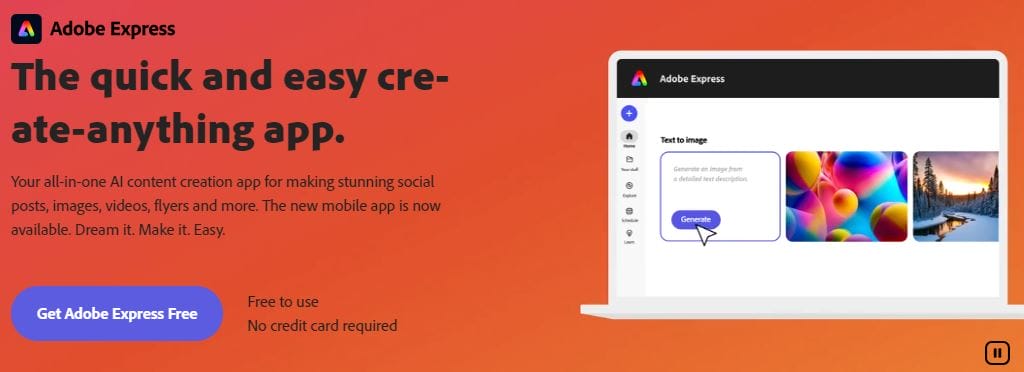
Adobe Express is part of the Adobe suite and allows users to create visually appealing content easily. Its AI features help automate design suggestions, making the process smooth and efficient.
Key Features
- High-quality templates designed by professionals
- Robust image editing tools
- Brand kit functionality for consistent branding
- Animation options for dynamic pins
Pros
- Integration with other Adobe products
- Extensive customization options
- High-quality output
Cons
- Subscription required for full access
- May be more complex for beginners
Also Read: 10 Best Free Online Event Video Makers
6. Designify
Designify leverages AI technology to automate the design process, making it easier for users to create Pinterest pins without prior design experience.
Key Features
- AI-driven background removal
- One-click design adjustments
- Variety of templates optimized for Pinterest
- Custom image and text options
Pros
- Quick and easy to use
- Unique features like automatic background removal
- Cost-effective pricing
Cons
- Limited features compared to more established tools
- May require additional tools for advanced editing
7. Fotor
Fotor is a powerful photo editing and graphic design tool that features a range of templates for Pinterest pins. Its AI capabilities enhance photo editing and design suggestions.
Key Features
- AI photo enhancement tools
- A wide array of templates and stock images
- Collage and design capabilities
- User-friendly drag-and-drop interface
Pros
- Versatile for both photo editing and graphic design
- Comprehensive design features
- Competitive pricing for premium options
Cons
- The free version has limitations
- May be less intuitive than some competitors
8. Pixlr
Pixlr is primarily a photo editing tool but also offers design capabilities suitable for creating Pinterest pins. Its AI features simplify image enhancement and editing processes.
Key Features
- AI-driven photo editing tools
- Layer-based editing for advanced users
- Pre-designed templates for social media
- Mobile app for on-the-go editing
Pros
- Powerful editing features
- Free version available with solid capabilities
- Good for users familiar with advanced editing tools
Cons
- Not specifically tailored for Pinterest design
- Can be overwhelming for beginners
9. RelayThat
RelayThat focuses on brand consistency across designs, making it ideal for marketers and businesses. Its AI features help automate design processes and maintain branding.
Key Features
- Brand management features for consistent designs
- AI-generated layouts based on brand assets
- Automatic resizing for different formats
- Team collaboration tools
Pros
- Great for businesses focused on branding
- Saves time with automated design suggestions
- Easy-to-use interface
Cons
- May be too niche for casual users
- Higher price point for full features
10. BeFunky
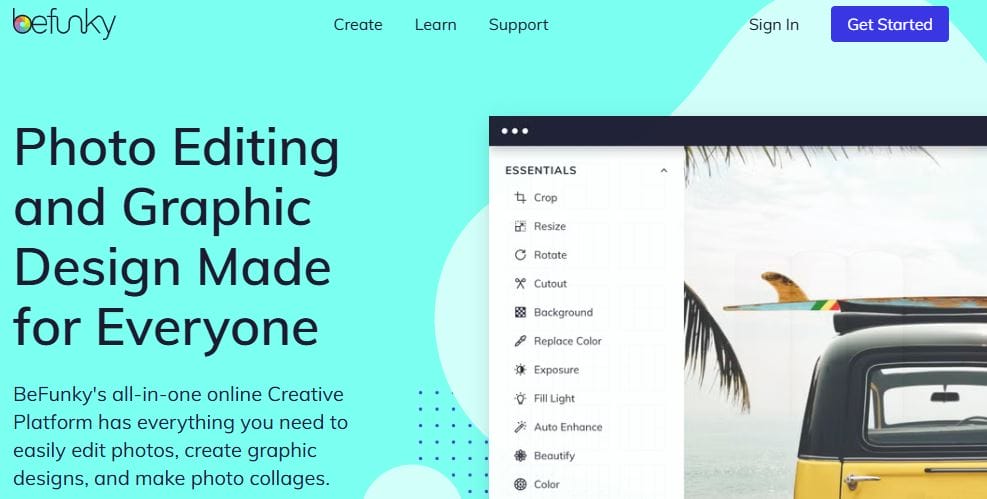
BeFunky combines photo editing with graphic design tools, making it easy to create visually appealing Pinterest pins. Its AI features simplify the design process while offering flexibility.
Key Features
- Photo enhancement and editing tools
- Various templates and design elements
- Collage maker and graphic design tools
- User-friendly interface
Pros
- Versatile for both design and photo editing
- Affordable pricing options
- Intuitive user experience
Cons
- Limited templates compared to dedicated design tools
- Some advanced features may require a subscription
Comparison Table
| Tool | Key Features | Pros | Cons | Pricing |
|---|---|---|---|---|
| Canva | Extensive templates, collaborative features | User-friendly, free version | Some features behind a paywall | Free/Paid |
| Visme | Customizable templates, data visualization | Excellent support, intuitive | Limited in free version | Free/Paid |
| Crello (VistaCreate) | Video/animation, extensive media library | Affordable, easy to navigate | Occasional bugs | Free/Paid |
| Snappa | One-click resizing, stock photo integration | Straightforward, quick | Limited features in free version | Free/Paid |
| Adobe Express | High-quality templates, brand kit functionality | Extensive options, high-quality output | Subscription required for full access | Free/Paid |
| Designify | AI-driven adjustments, variety of templates | Quick and easy, cost-effective | Limited features compared to others | Free/Paid |
| Fotor | AI photo enhancement, collage capabilities | Versatile, competitive pricing | Free version has limitations | Free/Paid |
| Pixlr | Layer-based editing, mobile app | Powerful editing features | Not tailored specifically for Pinterest design | Free/Paid |
| RelayThat | Brand consistency, automated layouts | Great for branding, saves time | Higher price point for full features | Free/Paid |
| BeFunky | Photo enhancement, collage maker | Versatile, affordable | Limited templates compared to others | Free/Paid |

Final Words
The rise of AI in design tools has made creating Pinterest pins easier and more efficient than ever. Whether you’re a beginner or a seasoned designer, the tools listed above cater to various needs and preferences. Consider your specific requirements, such as budget, features, and user experience, to choose the best AI Pinterest pin maker for your projects. With the right tool, you can create stunning pins that attract more engagement and drive traffic to your content.
Interesting Reads
10 Best YouTube Thumbnail Makers

