

Quick Links
Why Your Profile Picture Matters
Your profile picture is often the first impression others get of you online. Whether it’s for your social media accounts, professional profiles, or even personal blogs, a high-quality and well-crafted profile picture can set the tone for how people perceive you. But making a great profile picture requires more than just a good photo—it’s about using the right tools to make your image stand out.
This is where a Profile Picture Maker comes into play. With the right Profile Picture Maker, you can create a professional and polished image that makes a lasting impression. You don’t need to be a design expert to enhance your photo or create a custom look. In this blog, we will dive into 10 of the best online Profile Picture Makers that are simple, free to use, and provide excellent results. Let’s explore what makes each of these tools a go-to option for creating the perfect profile picture.

10 Best Online Profile Picture Makers to Elevate Your Social Presence
1. Canva – The All-In-One Design Tool
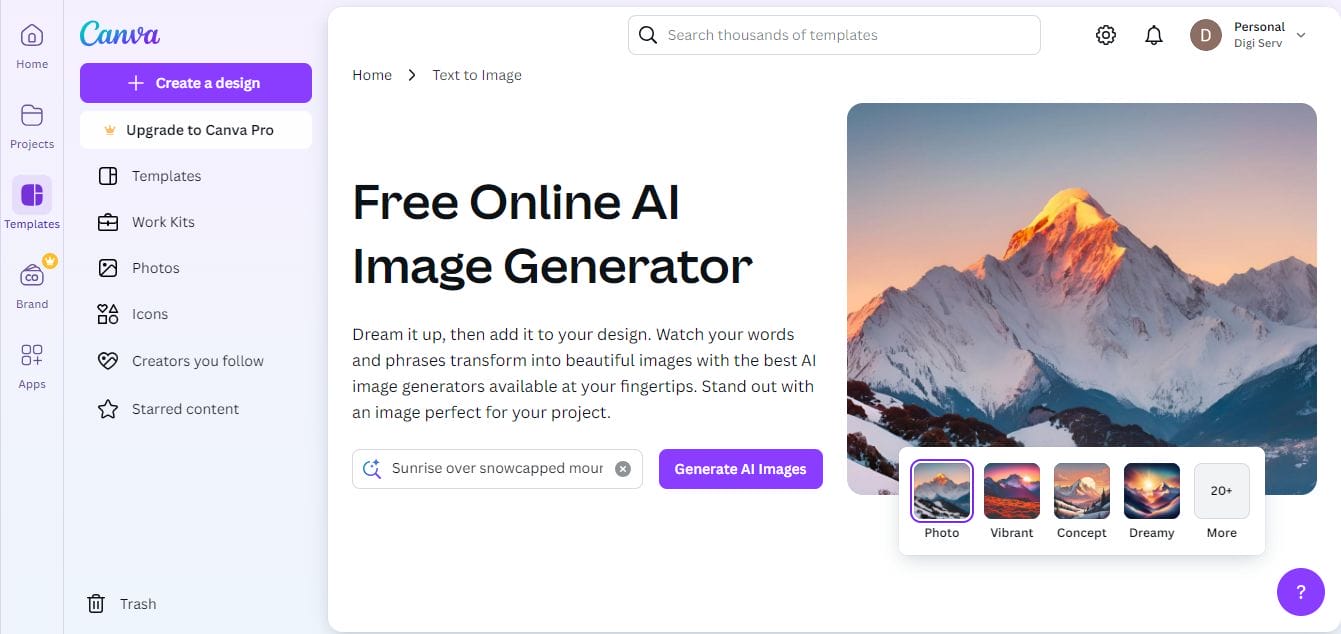
Canva has become a household name for creating all kinds of designs, and its Profile Picture Maker is no exception. Whether you’re looking for an Instagram-worthy shot or a professional LinkedIn profile image, Canva makes it effortless to craft the perfect picture. With its intuitive interface and diverse features, it’s the ideal tool for both beginners and those with a bit of design experience.
Key Features
- A wide variety of customizable templates.
- Drag-and-drop functionality for easy design.
- Access to fonts, elements, and backgrounds for personalized photos.
- Resizing tools to make your picture fit different platforms.
Pros
- Free to use with access to a large library of templates.
- Extremely user-friendly and intuitive interface.
- Offers templates specifically for social media profile pictures.
Cons
- Some premium features require a paid plan.
- Limited customization for advanced users without a Pro subscription.
2. Fotor – Powerful Photo Editing at Your Fingertips
Fotor’s Profile Picture Maker offers a mix of powerful editing tools that can help you fine-tune your photo and give it a professional touch. With its variety of filters, touch-up tools, and background removal options, Fotor is ideal for those who want to enhance their profile picture with a few clicks.
Key Features
- Auto-enhancement tools for automatic photo improvements.
- Various filters and touch-up features for personalizing your picture.
- Background removal tools.
- Free templates for profile pictures.
Pros
- Provides advanced photo editing features.
- Intuitive interface that’s easy for beginners.
- Great for creating profile pictures for both personal and business profiles.
Cons
- Some features are locked behind a premium subscription.
- Limited free templates compared to other tools.
Also Read: 10 Best Christmas Promo Video Templates
3. PicMonkey – Edit Like a Pro
If you’re looking to get professional results with minimal effort, PicMonkey is a great choice. Its Profile Picture Maker comes equipped with everything you need for detailed edits, whether you’re refining skin tone or adding stylish overlays. With PicMonkey, your profile picture can have a polished, magazine-quality look.
Key Features
- Blemish removal and skin smoothing.
- Background eraser tool for a clean, professional look.
- Advanced effects and overlays for creative profile pictures.
- Resizing and cropping tools for social media compatibility.
Pros
- Easy-to-use tools for quick fixes and touch-ups.
- Professional-looking profile pictures made easy.
- Background removal and other premium features available.
Cons
- Many premium features are locked behind a paid plan.
- May require a bit of a learning curve for beginners.
4. Remove.bg – Instant Background Removal
The Profile Picture Maker from Remove.bg is perfect if you’re aiming for a clean, minimalistic background. This tool focuses on one thing: removing the background from your image in a matter of seconds. It’s ideal for making your profile photo stand out with a professional, polished appearance.
Key Features
- Automatic background removal in just one click.
- High-quality output with no visible rough edges.
- Option to upload custom backgrounds or use transparent ones.
- Fast processing times for quick edits.
Pros
- Extremely easy to use with instant results.
- Free to remove background from basic images.
- Perfect for users who want a clean, professional look.
Cons
- Limited editing options besides background removal.
- Premium features like high-resolution images come with a paid plan.
5. ProfilePicture.com – Tailored for Profile Pics
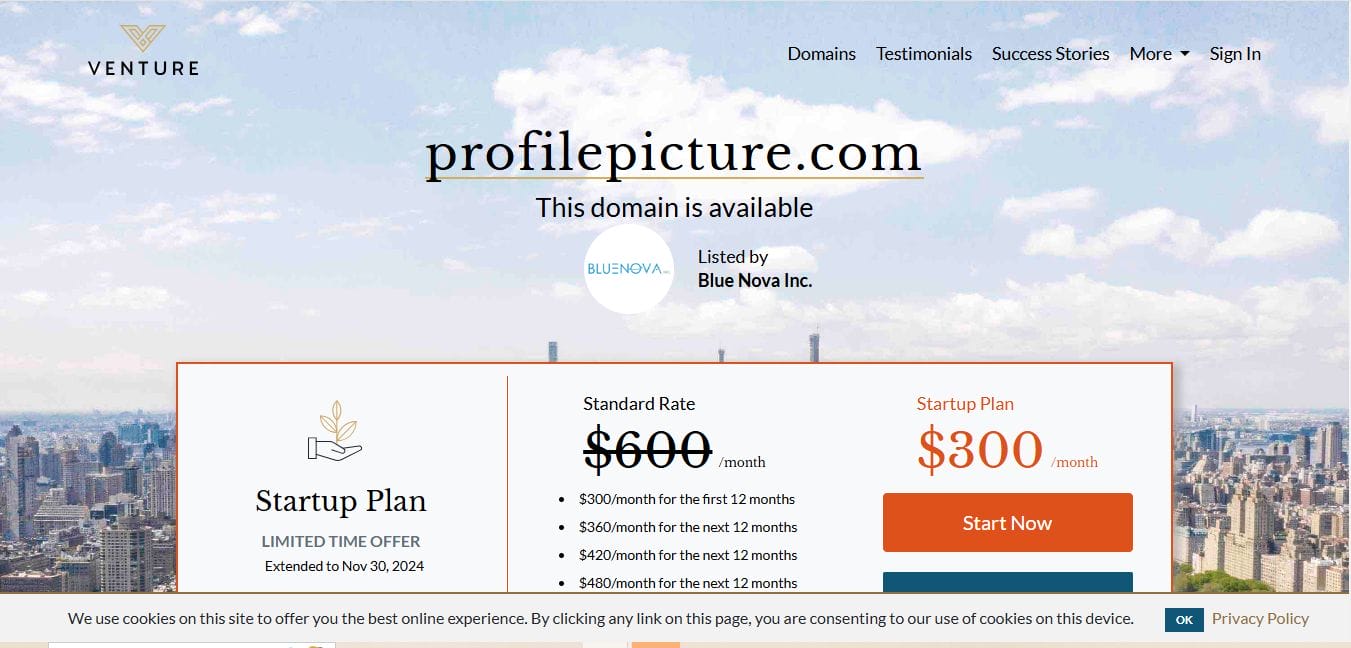
If you need a tool that’s specifically designed for profile pictures, ProfilePicture.com is a great choice. This Profile Picture Maker offers easy-to-use templates and simple design options that are perfect for creating professional-looking photos for social media profiles, resumes, or other online platforms.
Key Features
- Customizable templates designed specifically for profile pictures.
- Easy resizing and background options.
- Touch-up tools for skin, eyes, and other facial features.
Pros
- No sign-up required to use the basic features.
- Custom-made templates that suit various social media platforms.
- Quick and easy to use for those with limited design experience.
Cons
- Limited customization options compared to other advanced tools.
- Some features are behind a paywall.
6. Photopea – Advanced Editing, Free of Charge
For users who want full control over their profile picture editing, Photopea offers a robust Profile Picture Maker that allows for detailed adjustments. With its Photoshop-like interface, it’s an excellent option for anyone who needs more advanced tools but doesn’t want to pay for expensive software.
Key Features
- Full suite of editing tools, from layers to masks.
- Supports editing PSD files, making it a great Photoshop alternative.
- Works on all devices without needing to download software.
Pros
- Free to use and web-based.
- Advanced features allow for complete control over image design.
- Wide range of file format support.
Cons
- Requires a bit of a learning curve if you’re not familiar with editing tools.
- Can be overwhelming for beginners.
Also Read: 10 Best Festive Christmas Photo Collage Makers
7. Snappa – Simple and Fast Profile Picture Maker
If you want a quick and easy Profile Picture Maker, Snappa is a great option. Its streamlined process lets you choose templates, upload photos, and adjust designs in a flash. With Snappa, you can create social media-ready profile pictures in no time.
Key Features
- Pre-made templates for profile pictures.
- Resize and crop tools to fit social media profile dimensions.
- User-friendly interface with drag-and-drop features.
Pros
- Very easy to use for beginners.
- No design skills needed to create great-looking profile pictures.
- Includes a variety of free templates.
Cons
- Free plan is limited in terms of templates and image downloads.
- Not as advanced in editing features compared to other tools.
8. Adobe Spark – Creative Profile Picture Maker
Adobe Spark’s Profile Picture Maker makes it easy to create professional-looking profile pictures that are creative and unique. You can quickly apply design elements, choose filters, and customize your photo with various fonts and effects.
Key Features
- Creative filters and effects to enhance your profile picture.
- Resize options to make your image fit different platforms.
- Integration with other Adobe tools for advanced users.
Pros
- High-quality, professional templates.
- Easy to use for beginners.
- Free and paid plans available with more features on the premium version.
Cons
- The free version limits customization options.
- May require an Adobe account to unlock full features.
9. BeFunky – Fun Editing Tools for Unique Photos
For those who want a fun, creative spin on their profile pictures, BeFunky offers a variety of filters and effects to give your image a distinctive look. Its Profile Picture Maker is perfect for individuals who want their photo to be artistic and stand out from the crowd.
Key Features
- Fun filters and effects to give your photo a unique look.
- Portrait retouching tools for improving skin, eyes, and other details.
- Background removal tools for a polished, professional appearance.
Pros
- Great for artistic and creative edits.
- Free access to many editing tools.
- Easy to use with quick results.
Cons
- Limited in terms of advanced design options.
- Some features require a paid subscription.
Also Read: 10 best Christmas Invitation Video Maker
10. LunaPic – Free and Fast Editing Tools
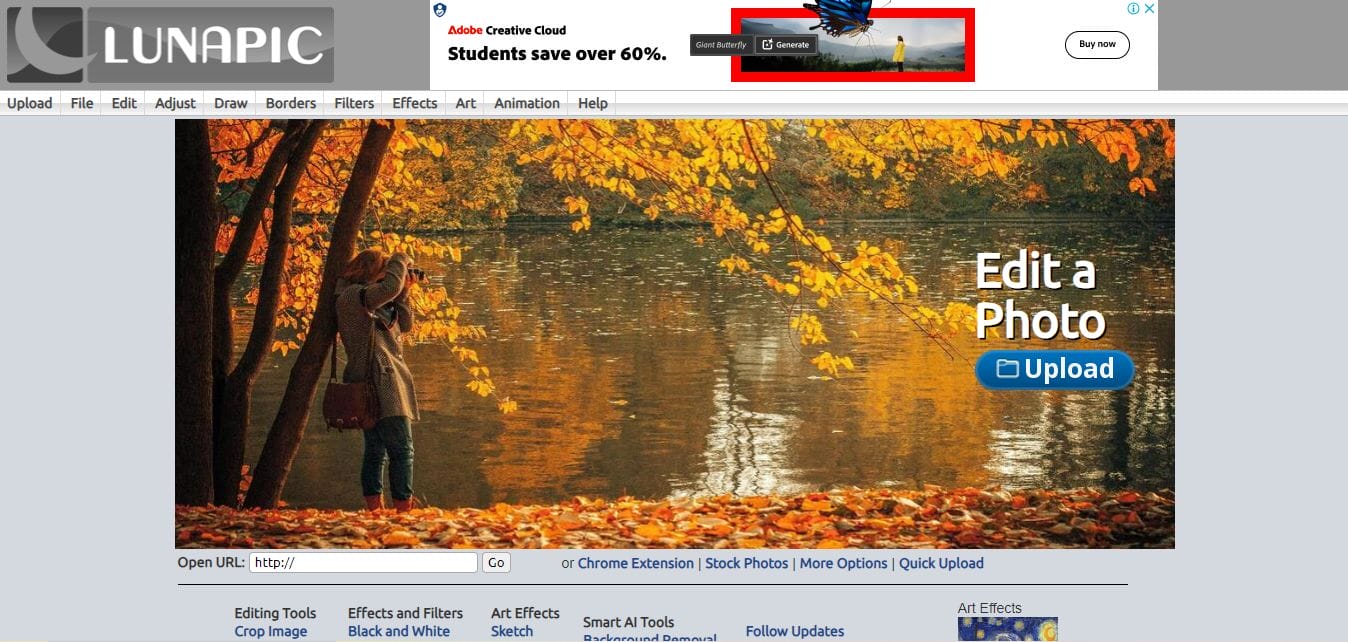
LunaPic is an easy-to-use, free photo editor that’s great for simple and fast profile picture edits. If you need basic tools for cropping, resizing, and enhancing your photo, LunaPic is an excellent choice for creating a polished profile picture with minimal effort.
Key Features
- Basic editing tools for cropping, resizing, and enhancing images.
- Special effects and filters to make your picture stand out.
- Option to add text or other elements to your profile picture.
Pros
- Free to use with no sign-up required.
- Quick and simple interface for quick edits.
- Suitable for basic profile picture enhancements.
Cons
- Limited in terms of advanced features compared to other tools.
- The interface can feel outdated compared to newer platforms.
Comparison Table
| Name of Tool | Best for | Standout Feature | Pricing |
|---|---|---|---|
| Desygner | Beginners and mobile users | Simple drag-and-drop interface | Free, Premium plan available |
| Smilebox | Personalized e-cards | Direct sharing options via email or social media | Free, Premium plan available |
| CardX | Digital and printable cards | High-quality printable templates | Free, Premium options available |
| Postermywall | Print and digital designs | Advanced customization tools | Free, Premium features for a fee |
| JibJab | Fun and animated cards | Animated templates and photo personalization | Free, Paid versions available |
| Fotor | Photo-heavy designs | Powerful photo editing features | Free, Premium plan required for advanced features |
| Vistaprint | Business and corporate cards | High-quality printing options | Pricing based on quantity |
| Kards | Interactive and digital cards | GIFs and interactive elements | Free, Premium version available |
| Designhill | Professional designs | High-end, professional templates | Free, Premium designs available for purchase |
| HelloSign | Business and corporate use | Clean, corporate-ready designs | Free, Paid version available |

Choosing the Right Profile Picture Maker for You
When it comes to creating the perfect profile picture, the right Profile Picture Maker can make all the difference. From background removal to creative effects, each tool offers unique features designed to help you enhance your image quickly and easily. Whether you’re looking for a professional look or a fun, artistic design, there’s a profile picture maker out there for you. So, choose the one that best fits your needs and start crafting the perfect image to elevate your online presence!
Interesting Reads
10 Best Women’s Day Wishes Card Maker Templates

