

In the world of digital content creation, video plays a crucial role in engaging audiences. However, the audio quality can sometimes fall short, prompting the need to Remove Audio From Video for various reasons. Whether you’re looking to eliminate background noise, replace an unwanted soundtrack, or create a silent video for impact, there are several tools available that can help. This article will introduce you to ten new and innovative tools designed to make the process of removing audio from video seamless and effective.

Quick Links
The Need to Remove Audio
Imagine you’ve just finished filming an exciting new video, but the audio is less than ideal. Perhaps there are distractions in the background or the soundtrack doesn’t match the mood. This is where the ability to Remove Audio From Video becomes essential. Knowing how to do this effectively can enhance your content’s quality and professionalism.
Situations Requiring Audio Removal
- Social Media Content: Remove unwanted audio to create engaging, silent looping videos.
- Educational Videos: Use voiceovers or music instead of the original audio.
- Corporate Presentations: Eliminate background noise to keep the focus on visuals.
Understanding these scenarios highlights the importance of tools that allow you to Remove Audio From Video easily and effectively.
The Complexity of Audio Editing
For many, audio editing can seem intimidating, often requiring technical expertise and expensive software. This misconception can prevent creators from achieving the polished content they desire. Thankfully, the landscape of video editing tools has evolved, offering user-friendly options that make it easy to Remove Audio From Video without a steep learning curve.
Discovering the Right Tool
In this article, we will explore ten new and effective tools that enable you to Remove Audio From Video effortlessly. Each tool has unique features that cater to different needs, helping you find the right solution for your specific requirements.
1. Descript
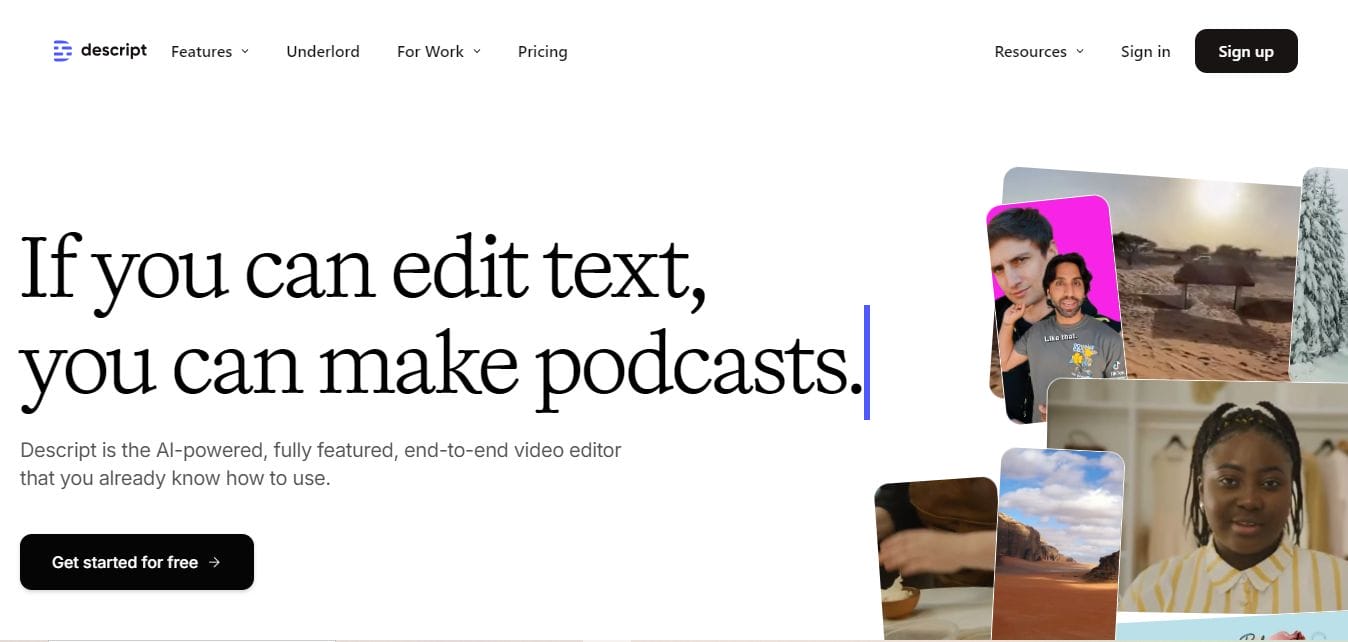
Descript is a revolutionary tool that offers an all-in-one audio and video editing experience. With its intuitive interface, you can easily Remove Audio From Video by editing the text transcript of your audio.
- Upload your video, and Descript automatically transcribes it.
- Edit the text to remove unwanted audio, and the video updates accordingly.
- Export your final product seamlessly.
Pros:
- Powerful editing features beyond just audio removal.
- User-friendly with a unique transcription feature.
Cons:
- Subscription-based model can be costly for some users.
2. VEED.IO
VEED.IO is an online video editor that allows you to Remove Audio From Video with ease. Its straightforward interface makes it simple for anyone to edit their videos.
- Upload your video and mute or remove the audio track directly in the editor.
- Export your video without the audio hassle.
Pros:
- Fast and easy to use, perfect for quick edits.
- No software installation required.
Cons:
- Limited features on the free version.
Also Read: Top 10 Online New Year Frames for Photos
3. Kapwing Studio
Kapwing Studio is an online video editor that offers robust tools, including the ability to Remove Audio From Video effortlessly. It’s ideal for social media creators looking for quick solutions.
- Upload your video and mute the audio track or replace it with new audio.
- Export your edited video directly from the platform.
Pros:
- User-friendly interface tailored for quick edits.
- Supports a wide range of video formats.
Cons:
- Some features are behind a paywall.
4. VideoLAN Movie Creator (VLMC)
VLMC is a new offering from the makers of VLC Media Player. This free, open-source software allows users to Remove Audio From Video quickly.
- Import your video file into VLMC.
- Use the audio track options to mute or delete the audio.
Pros:
- Free to use with a familiar interface for VLC users.
- Supports various file formats.
Cons:
- Some features are still in development, which might lead to bugs.
5. Avidemux
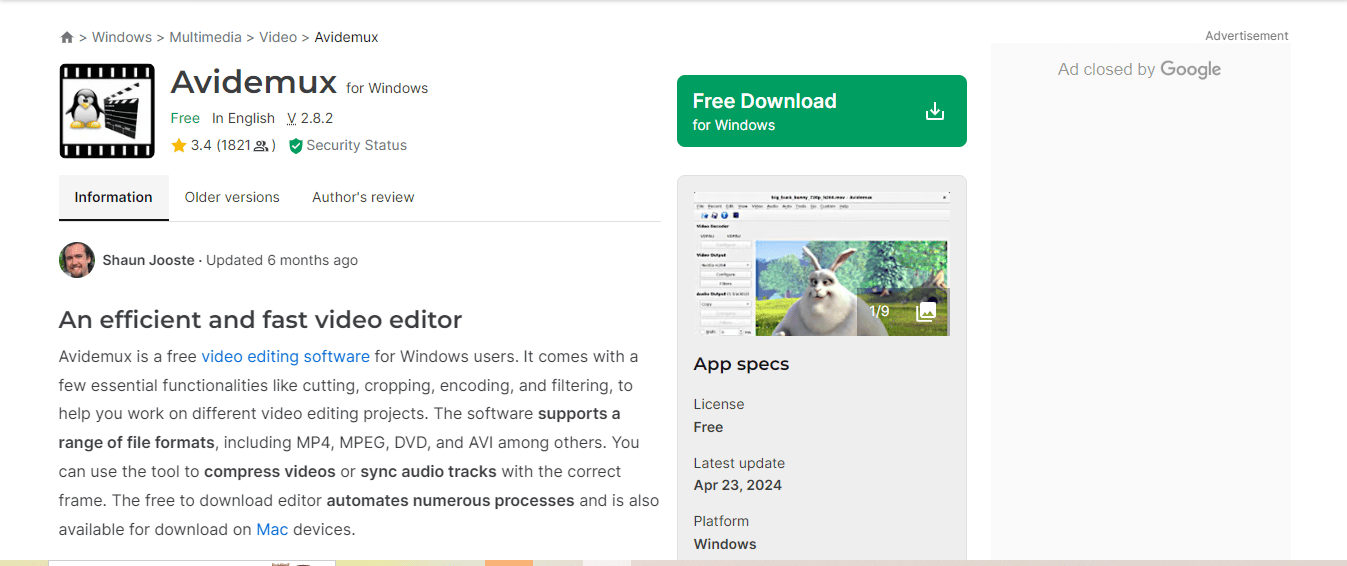
Avidemux is a free video editing tool that provides a straightforward approach to Remove Audio From Video. It supports various video formats and is particularly effective for simple tasks.
- Open your video file and select the audio track.
- Set the audio output to “none” and save your video.
Pros:
- Free and lightweight software.
- Easy to use with a no-frills interface.
Cons:
- Limited advanced features for more complex editing.
Also Read: 10 Best New Year Sale Ad Video Maker
6. HitFilm Express
HitFilm Express is a powerful video editing software that allows you to Remove Audio From Video among other advanced features. It’s suitable for both beginners and more experienced users.
- Import your video, right-click the audio track, and select mute.
- Use additional tools for more complex editing if needed.
Pros:
- Professional-grade features for free.
- A strong community for support and tutorials.
Cons:
- The initial setup might be complex for complete beginners.
7. Clideo’s Video Mute Tool
Clideo offers an online tool specifically for muting videos. It’s an easy way to Remove Audio From Video without complex editing.
- Upload your video to the platform.
- Mute the audio and download your silent video.
Pros:
- Quick and efficient, requiring no downloads.
- Very straightforward for users of all skill levels.
Cons:
- Limited features beyond audio removal.
8. Wondershare UniConverter
Wondershare UniConverter is an all-in-one video converter that also allows you to Remove Audio From Video. Its user-friendly interface makes it accessible for beginners.
- Import your video and choose the option to mute or remove the audio track.
- Export your edited video in various formats.
Pros:
- Versatile tool for multiple video editing tasks.
- Supports a wide range of formats.
Cons:
- Requires a purchase for full features.
Also Read: 10 Best Free New Year Promotion Design
9. Lumen5
Lumen5 is primarily a video creation platform but also includes features to Remove Audio From Video. It’s perfect for marketers looking to create engaging content quickly.
- Upload your video and adjust audio settings in the editor.
- Create engaging videos without unwanted audio distractions.
Pros:
- Ideal for creating marketing videos quickly.
- Easy to use with a focus on visual storytelling.
Cons:
- Limited audio editing features compared to dedicated software.
10. Zubtitle
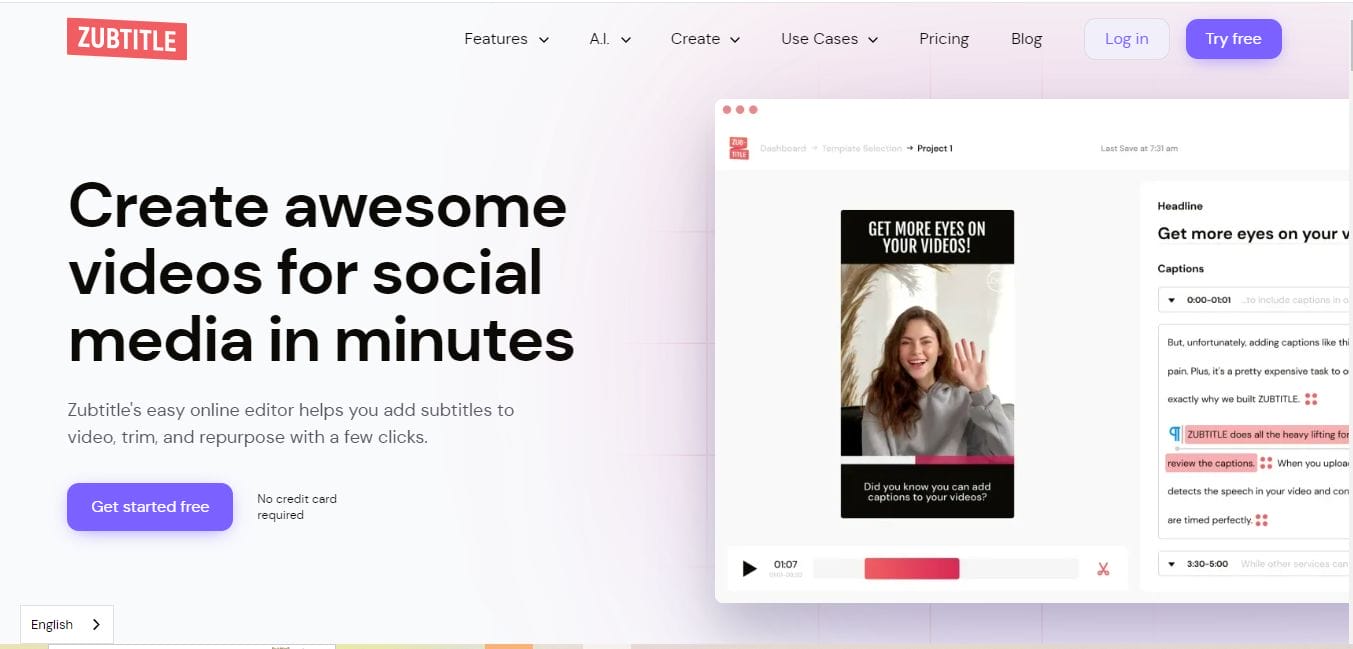
Zubtitle is a unique tool for adding captions and subtitles, but it also allows users to Remove Audio From Video easily. This is particularly useful for social media videos.
- Upload your video and adjust the audio settings to mute or replace the sound.
- Export your video with captions or without audio.
Pros:
- Great for creating accessible content.
- Simple interface focused on social media needs.
Cons:
- Mainly focused on captioning, so audio features are limited.
Comparison Table
| Name of Tool | Best For | Standout Feature | Pricing |
|---|---|---|---|
| Descript | All-in-one audio and video editing | Text-based audio removal | Subscription-based; starts at $15/month |
| VEED.IO | Quick video edits | Fast and easy audio removal | Free; Pro starts at $12/month |
| Kapwing Studio | Social media video editing | User-friendly interface | Free; Pro starts at $20/month |
| VideoLAN Movie Creator (VLMC) | Open-source video editing | Familiar interface for VLC users | Free |
| Avidemux | Simple audio removal tasks | No-frills interface | Free |
| HitFilm Express | Advanced video editing | Professional-grade features | Free; paid upgrades available |
| Clideo’s Video Mute Tool | Quick audio muting | Easy-to-use platform | Free; paid features available |
| Wondershare UniConverter | All-in-one video conversion | Versatile editing capabilities | Starts at $39.95/year |
| Lumen5 | Creating marketing videos | Focus on visual storytelling | Free; paid plans start at $19/month |
| Zubtitle | Adding captions and subtitles | Accessible content creation | Free; paid plans start at $19/month |

Elevate Your Videos by Removing Unwanted Audio
With the rise of digital content creation, knowing how to Remove Audio From Video has never been more critical. The tools listed above offer a variety of options, from simple online editors to comprehensive software solutions. Each has unique features to suit different editing needs, making it easier for anyone to enhance their videos without unwanted audio distractions.
Choosing the right tool for your specific situation can elevate your video content, ensuring that the focus remains on your visuals. Whether you need a quick online solution or a robust editing suite, there’s a tool out there to help you achieve your goals. Embrace these resources and start creating your best videos yet, free from audio annoyances!
Interesting Reads
10 Best Free Tools to Add Music to Photo Online
10 Best Free Online Valentine’s Day Video Ecard & Greeting Video Makers
10 Best Valentine Day Video Invitation

