

As of 2025, Synergy remains a popular tool for sharing a single keyboard and mouse across multiple computers, including those running different operating systems like Windows, macOS, and Linux. According to Symless, the company behind Synergy, over 2 million users rely on the software daily, including Fortune 500 companies and institutions like Pixar and Apple.
Despite its popularity, users have reported occasional lag, complex setup processes, and a lack of free features, leading many to seek more stable, user-friendly, or free alternatives.
For those managing multiple systems or desiring to control both Mac and PC with one keyboard and mouse, several alternatives offer seamless device switching, clipboard sharing, drag-and-drop support, and more, often with faster performance and better design.

Quick Links
Tips for Choosing the Right Keyboard & Mouse Sharing Tool
With so many alternatives to Synergy, it can be overwhelming to pick the right one. Here are a few tips to help you decide:
- Check OS Compatibility: Make sure the tool supports all the operating systems you need, whether it’s Windows, macOS, or Linux.
- Free vs Paid: Decide if you need advanced features like multi-monitor support, drag-and-drop file transfers, and clipboard sharing, or if a free tool will suffice.
- Network Requirements: Some tools work best over a LAN, while others may allow Bluetooth or remote connections.
- User Interface: Consider how easy it is to set up and switch between devices. A polished UI can save a lot of time and frustration.
- Performance: Look for tools with low latency and stable connections, especially if you work with graphics, video editing, or gaming.
Top Synergy Alternatives to Control Multiple Computers
If managing multiple computers with a single keyboard and mouse is slowing down your workflow, there are several reliable alternatives to Synergy. These tools offer seamless device switching, clipboard sharing, and enhanced performance across different operating systems.
1. Multiplicity (by Stardock)
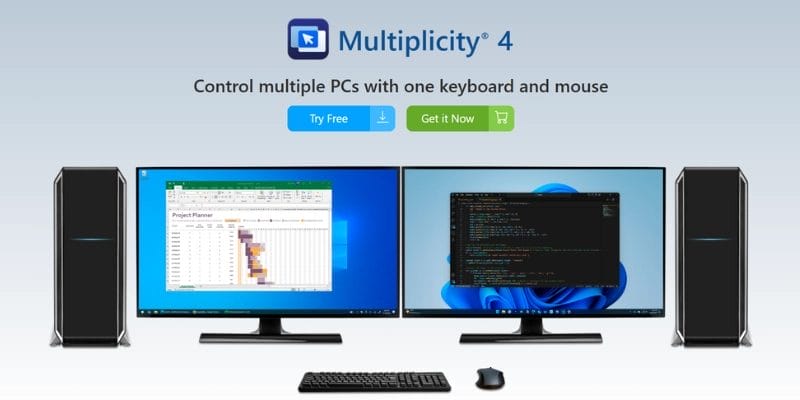
Multiplicity is a paid alternative that allows users to control multiple PCs from a single keyboard and mouse, with seamless switching, secure connectivity, and optional KVM-like functionality.
It includes support for encrypted sessions, audio sharing, and remote desktop access—features not commonly found in free tools. It’s especially effective for professional setups with multiple high-performance workstations.
Best for: Advanced users or businesses needing enhanced security and multi-device workflow tools.
2. Mouse Without Borders
Developed by Microsoft Garage, Mouse Without Borders lets you control up to four Windows PCs using a single mouse and keyboard. It also supports drag-and-drop file transfers and clipboard sharing between systems.
It’s extremely lightweight, free, and simple to set up—but only works with Windows.
Best for: Windows-only users who want fast and free keyboard/mouse sharing on a local network.
3. VNC with Input Control
While not designed for peripheral sharing, VNC solutions like RealVNC, TigerVNC, or TightVNC can provide full remote control of another system, including keyboard and mouse, via a graphical interface. This is more of a remote desktop setup, but it can work for those who need occasional interaction without physically switching devices.
Best for: Users already using VNC for remote access and looking to expand control across devices.
4. Input Leap
Input Leap is another open-source tool derived from Barrier and Synergy. While still in active development, it supports multi-platform mouse and keyboard control over a network.
It works well on Windows and Linux, and macOS support is improving. Users who want to tinker and possibly contribute to the project may find this a good fit.
Best for: Developers and Linux enthusiasts looking for a community-driven open-source solution.
5. Barrier
Barrier is a free and open-source fork of Synergy that retains the core functionality—keyboard and mouse sharing across networked computers—without the paywall. It’s one of the closest alternatives, offering cross-platform support for Windows, macOS, and Linux, along with features such as a shared clipboard and drag-and-drop file transfer.
Setup is a bit technical, but the community is active, and performance is generally stable for LAN use.
Best for: Users who want Synergy’s functionality without paying, and don’t mind a basic UI.
Also Read: Top 25 Fiverr Alternatives for Freelancers and Businesses
6. Logi Options+ / Logitech Flow
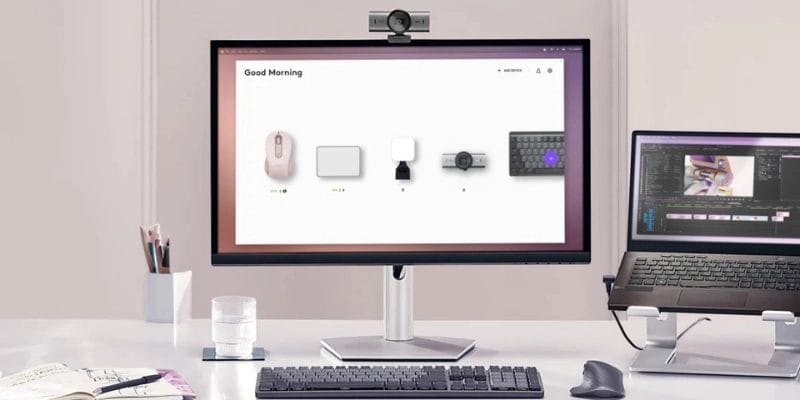
If you’re using Logitech mice and keyboards, Logitech Flow (now part of Logi Options+) allows device switching across Windows and macOS by simply moving your cursor across screens. It also supports clipboard sync and file drag-and-drop.
It requires compatible Logitech devices, but when it works, it’s seamless and stable.
Best for: Logitech users seeking simple multi-computer control with zero config beyond hardware pairing.
7. Across
Across is a paid utility focused on sharing Bluetooth-based keyboards and mice. It supports Windows and macOS and is optimised for low-latency switching—ideal for gamers or developers.
It differs from Synergy by allowing you to share your primary computer’s peripherals via Bluetooth rather than relying solely on LAN.
Best for: Low-latency Bluetooth-based control between PCs and laptops.
8. Teleport (for macOS)
Teleport is a macOS-only tool that lets you control multiple Mac computers using one keyboard and mouse over Bonjour. It supports drag-and-drop files and copy-paste between machines.
It’s clean, lightweight, and designed to feel native on Apple systems, but does not support Windows or Linux.
Best for: Mac users managing multiple macOS systems side by side.
9. Input Director
Input Director is a Windows-exclusive alternative that allows users to control multiple networked computers with a single keyboard and mouse. It supports shared clipboards and screen edge transitions. The software is free for personal use, making it a great budget-friendly alternative to Synergy.
Best for: Windows-only users who want fast and free keyboard/mouse sharing on a local network.
10. ShareMouse
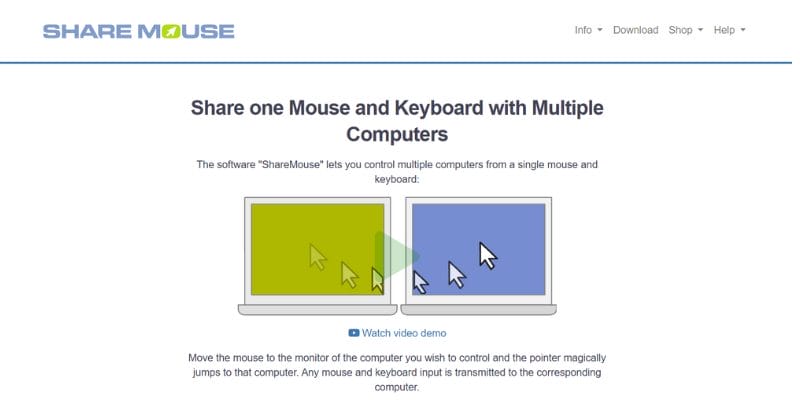
ShareMouse offers seamless control of multiple Windows and Mac systems with automatic device discovery, drag-and-drop file transfers, and clipboard sync. It provides a polished, intuitive user interface and supports features like screen dimming when switching devices.
The free version supports basic sharing between two devices, while the Pro version unlocks additional functionality like multi-monitor support and password protection.
Best for: Professionals seeking a polished Synergy alternative with easy setup and strong performance.
Comparison of Top Synergy Alternatives (2025)
| Alternative | Key Features | Pricing |
|---|---|---|
| Multiplicity (by Stardock) | Seamless switching, secure connectivity, encrypted sessions, audio sharing, and remote desktop access | Paid (Starting ~$39.95) |
| Mouse Without Borders | Control up to 4 Windows PCs, drag-and-drop file transfer, and clipboard sharing | Free |
| VNC with Input Control | Full remote control of other systems, keyboard & mouse control via network | Free / Paid (depending on software) |
| Input Leap | Open-source, multi-platform support, network-based mouse & keyboard sharing | Free |
| Barrier | Cross-platform support, clipboard sharing, drag-and-drop file transfer | Free |
| Logi Options+ / Logitech Flow | Device switching across Windows & macOS, clipboard sync, drag-and-drop | Free (Requires Logitech devices) |
| SynergyKM / Teleport (macOS) | Control multiple Macs, drag-and-drop, clipboard sharing, macOS native UI | Free / Donation-based |
| Input Director | Windows-only, shared clipboards, screen edge transitions | Free for personal use |
| ShareMouse | Automatic device discovery, clipboard sync, drag-and-drop, multi-monitor support | Free for 2 devices, Paid for Pro version |

Choosing the Best Synergy Alternative
If you’re looking for a direct free alternative, Barrier and Mouse Without Borders are the most accessible, offering solid keyboard and mouse sharing without a paywall. For a feature-rich, polished experience, ShareMouse and Multiplicity offer more stable performance and support for advanced setups, including multi-monitor workflows, clipboard synchronization, and drag-and-drop file transfers. These paid solutions are suitable for professionals who need reliability and enhanced functionality.
Ultimately, your choice depends on your operating systems, budget, and feature requirements. Free solutions are great for casual setups, while paid options provide professional-grade performance, security, and workflow enhancements. Consider whether you need cross-platform support, low latency, or advanced features before deciding.
FAQs
1. How can I use a single keyboard and mouse between multiple computers?
You can use software solutions like Synergy, Barrier, ShareMouse, or Input Director to share a keyboard and mouse across multiple computers over a local network. These tools allow seamless control, clipboard sharing, and sometimes even drag-and-drop file transfers between devices.
2. Are there free alternatives to Synergy for sharing a keyboard and mouse?
Yes, Barrier and Mouse Without Borders are popular free alternatives. Barrier works on Windows, macOS, and Linux, while Mouse Without Borders is Windows-only. Both offer basic keyboard and mouse sharing functionality without cost.
3. Can I use one keyboard and mouse across Windows and macOS?
Absolutely. Paid solutions like ShareMouse and Logi Options+ / Logitech Flow, as well as open-source tools like Barrier, support cross-platform setups. Ensure your chosen software explicitly mentions Windows and macOS compatibility for smooth operation.
4. What are the advantages of using a hardware KVM switch instead of software solutions?
A KVM switch allows you to share a keyboard, mouse, and monitor across multiple computers without relying on software or a network. It provides zero latency, high reliability, and works in environments where security or performance is critical. However, it lacks advanced features like clipboard sharing or drag-and-drop file transfers.
Interesting Reads:
10 Best WordPress Plugins for Building an Online Community

