10 Best WordPress User Activity Plugins


When you run a WordPress site, it’s helpful to know what users are doing behind the scenes. Whether it’s tracking who logged in, what changes were made, or keeping an eye on security, user activity plugins can help. These tools show you everything that’s going on — and that can be a game-changer for website owners.
Here, we’ll explore the top 10 user activity plugins, why they’re useful, how to pick the right one, and tips for setting them up.
Why You Need a User Activity Plugin
User activity plugins help you keep track of what’s happening on your WordPress site. If you have multiple users, these plugins show you who did what and when. This can include logins, content updates, settings changes, and more.
These tools are especially useful for large websites, membership sites, or online stores. They can help you spot mistakes, fix problems faster, and stay in control. For example, if something breaks on your site, you can check the activity log to see what was changed recently, just like an NYC courier service tracks every delivery step to ensure accountability and transparency.
User activity plugins also play a big role in security. You’ll know if someone logs in from a strange location or tries to make unauthorized changes. It’s like having a digital paper trail for your website.
Top 10 User Activity WordPress Plugins
1. WP Activity Log
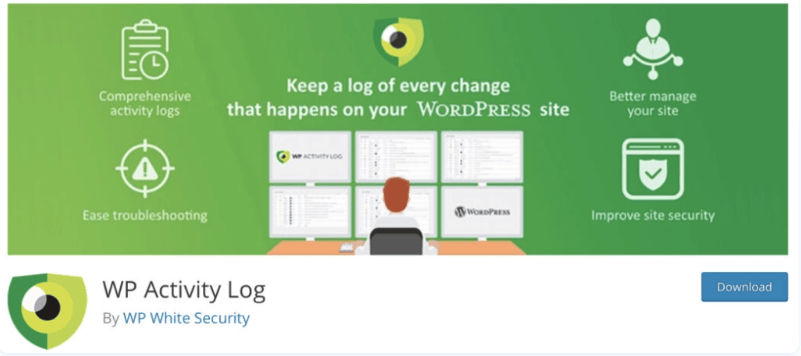
WP Activity Log is one of the most detailed activity tracking plugins for WordPress. It keeps track of almost everything that happens on your website. This includes logins, post edits, plugin updates, user profile changes, and more.
It’s very helpful for people managing large sites or working with multiple users. If something goes wrong, you can quickly check the log to see what was changed and who did it. It’s like having a full record of your website’s behind-the-scenes activity.
The plugin also has real-time alerts. You can choose to get an email when something important happens, like an admin logging in from a new device. It’s a powerful tool if you want full control and clear visibility.
2. Simple History
Simple History lives up to its name — it’s a plugin that keeps things clear and easy. Once you install it, it shows recent activity right on your dashboard. You can quickly see who logged in, what posts were updated, and other simple actions.
This plugin is great for small sites or anyone who doesn’t want too many features. You don’t have to dig through settings. Everything you need is right there on your admin screen.
If you just want a basic log without any complicated setup, Simple History is a great choice. It gives you peace of mind without adding any extra confusion.
3. Activity Log by Activity Log Team
This plugin focuses on keeping things lightweight while still showing you what you need to know. It tracks user logins, changes to content, failed login attempts, and updates to settings or plugins.
It’s a good pick for site owners who want to keep an eye on user actions without using up a lot of system resources. It doesn’t slow down your site, which is important if you’re trying to keep things fast.
The layout is clean and the plugin is easy to set up. If you want something that’s simple and works well, this plugin can do the job without overloading your dashboard.
4. User Activity Log
User Activity Log is made to help you monitor what users are doing on your site. It shows login/logout details, changes to files, updates to menus, and more. You can even track actions by different roles, like admins or authors.
This plugin is helpful if you run a blog, online store, or membership site. It gives you a way to keep things organized and avoid confusion. For example, if someone deletes a post by mistake, you can see who did it and when.
It also supports custom post types, so you’re not limited to just regular pages and posts. It’s a solid choice for anyone looking for a balance of features and ease of use.
5. Stream
Stream is made for people who want live updates on what’s happening on their site. It tracks almost everything users do, and you can view the logs in real time. It’s a smart choice for developers, teams, and agencies.
You can filter activity by user, date, or type of action. This makes it easy to find the information you need without scrolling through pages of data. It also works well with multisite WordPress setups.
Stream also supports other tools like Slack and email alerts, so you can get notifications the moment something changes. If you want to monitor your site closely, Stream has the tools to help.
6. Audit Log
Audit Log is mainly focused on website security. It tracks user activity and highlights anything that looks suspicious, such as repeated failed login attempts or sudden role changes. It’s built for people who want to keep their site safe and secure.
You’ll get alerts when something unusual happens, so you can take action right away. This is especially useful if your site has many users or handles sensitive information.
It’s a good choice for anyone worried about unauthorized access or hidden changes. With Audit Log, you can catch problems early and prevent damage to your website.
7. User Login History
This plugin does exactly what the name says — it tracks user login and logout times. It’s simple, easy to use, and doesn’t come with a bunch of extra features.
It’s useful if you just want to know when users are logging into your site. You can use it to keep an eye on employees, writers, or members of your site.
If you’re not interested in tracking every little action, but just want to know who’s coming and going, this plugin keeps things clean and to the point.
8. Activity Log for MainWP
If you manage more than one WordPress site using MainWP, this plugin is made for you. It lets you see activity logs for all your sites in one place, which saves a lot of time.
Instead of logging into each site one by one, you can track everything from your MainWP dashboard. You’ll know who made changes, what was updated, and whether anything needs your attention.
It’s perfect for agencies or freelancers who manage many websites. The plugin helps keep everything organized and easy to follow.
9. WP Security Audit Log
WP Security Audit Log gives you detailed tracking of everything that happens on your WordPress site. It records things like user sessions, post edits, plugin changes, and much more. It’s a powerful tool for large or high-traffic websites.
One great thing is that you can export the logs, create reports, and set up user session controls. This means you can dig deeper into what’s going on and even spot long-term trends.
The plugin is made for people who want detailed insights and better control. If you’re running a business or managing a big site, this one gives you the advanced tools you need.
10. Jetpack (Activity Feature)
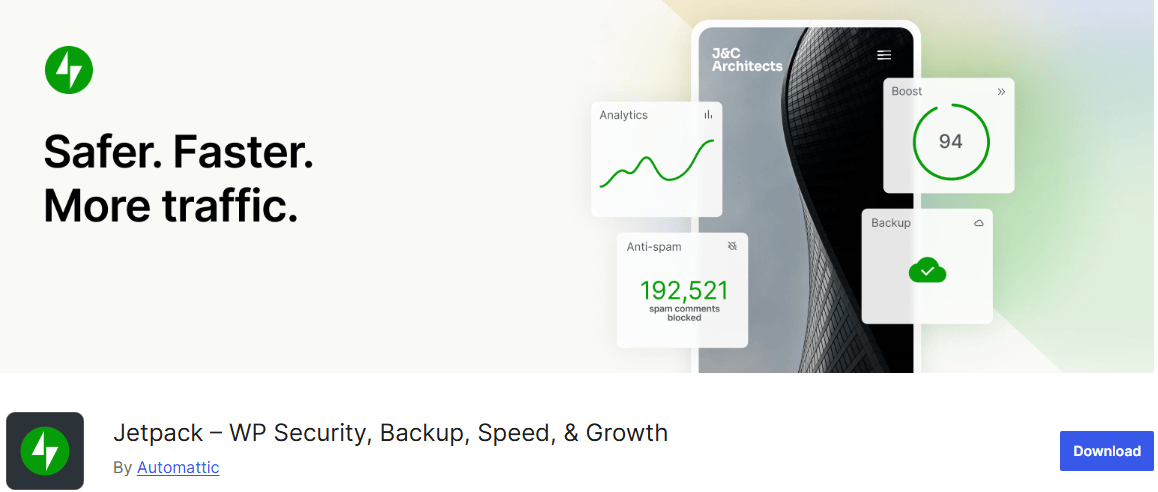
If you’re already using Jetpack, you might not need to install anything new. Jetpack’s activity log feature shows you site changes, user actions, and plugin updates in one timeline view.
It’s not as detailed as some other plugins, but it covers the basics. You can check if someone updated a page or added a new post, and it’s easy to review your site’s recent activity.
It works smoothly with other Jetpack features, like backups and security tools. If you like using Jetpack already, this is a convenient way to add simple activity tracking to your setup.
Benefits of Using User Activity Plugins
The biggest benefit is control. These plugins help you know what’s going on behind the scenes. You can find problems faster, check who made a mistake, or even spot security threats before they get worse.
They also save time. If something breaks or disappears, you don’t need to guess. You can check the log, see what happened, and fix it. This can be a huge help if you’re managing multiple users or working with a team.
Plus, they improve trust. If you run a site with editors, writers, or clients, activity logs can help avoid confusion. Everyone knows what changes were made and when.
How to Choose the Right Plugin for Your Needs
Start by thinking about what you want to track. Do you only need login records? Or do you want a full log of every change made on your site? Some plugins are simple, while others come with advanced features like alerts, reports, and backups.
Also, check if the plugin works well with your theme and other plugins. You can read reviews and test it on a staging site first. This will help you avoid conflicts.
If you run more than one site or have a big team, pick a plugin that supports user roles, reports, and maybe even multisite support. For smaller blogs or solo creators, a basic activity tracker might be enough.
Installation and Setup Tips
Most user activity plugins can be installed right from your WordPress dashboard. Just go to the “Plugins” tab, click “Add New,” and search for the plugin name. Once installed, click “Activate.”
After activation, visit the plugin settings. Choose what you want to track, set up alerts if needed, and make sure your logs are stored securely. Some plugins let you choose how long to keep logs or whether to send you email alerts.
Don’t forget to test the plugin. Log in with a test account or make a small change to your site, then check the log. Make sure it’s working the way you expect.
Final Thoughts
Keeping an eye on user activity helps you run a smoother, safer WordPress site. Whether you’re working solo or with a team, these plugins give you peace of mind and a better handle on what’s happening.
Choose the plugin that fits your needs, install it with care, and start tracking. Once you see how helpful it is, you’ll wonder how you ever managed without it.
Interesting Reads:
WordPress Ads Management Plugins
Best WordPress Cookie Consent Plugins
Best WordPress Affiliate Manager Plugins

Shashank is a seasoned digital marketing and WordPress expert who specializes in SEO, software tools reviews, and cutting-edge strategies for boosting online presence. With a passion for simplifying complex topics, Goutham crafts engaging blog posts that help readers optimize their websites, improve search engine rankings, and stay ahead in the ever-evolving digital landscape.