

WooCommerce hosting matters more than generic shared hosting once your store has real traffic and checkout activity to protect, the difference shows up in page load speed during a sale, uptime during a traffic spike, and how fast support responds when checkout breaks. Here are five providers worth considering, with a caveat: hosting pricing changes constantly and almost every provider below leads with an introductory rate that renews much higher, so treat the numbers here as a starting point, not a locked-in quote. Beyond the five specific hosts, it’s worth understanding what actually separates a “WooCommerce-ready” host from generic shared hosting in the first place, since that’s what makes the price difference worth paying in the cases where it is.

What Actually Separates WooCommerce Hosting From Generic Hosting
WooCommerce is a genuinely heavier application than a static brochure site or even a typical blog. Every product page, cart update, and checkout step triggers real database work, and unlike a cached blog post that can be served identically to every visitor, a cart and checkout page are inherently dynamic and can’t be cached the same way. A host that’s fine for a five-page portfolio site can buckle under WooCommerce traffic that a less experienced site owner wouldn’t expect to be a problem until a sale drives a traffic spike straight into checkout. A handful of specific things matter more for WooCommerce than for general WordPress hosting:
PHP resource limits. WooCommerce and its extensions are memory-hungry, particularly with a large product catalog or several extensions active simultaneously. A host with a restrictive default PHP memory limit (128MB is common on cheap shared plans) can cause checkout failures or admin-side timeouts that look like a WooCommerce bug but are actually a hosting constraint.
Database performance. Product variations, order history, and customer data all live in the database, and a store with thousands of orders or products puts real, sustained load on MySQL/MariaDB in a way a typical blog never does. Hosts built specifically for WooCommerce tend to tune database configuration and offer better I/O performance than generic shared hosting plans optimized for a more typical, lighter WordPress workload.
Server-level caching that understands dynamic pages. Full-page caching that doesn’t account for cart and checkout state will break a store, showing a cached cart to a customer who just added an item, or serving a stale checkout total. WooCommerce-aware hosting either excludes these pages from caching by default or handles the exclusion intelligently, generic hosts sometimes don’t, leading to genuinely confusing bugs that trace back purely to a caching misconfiguration.
SSL and PCI-adjacent security posture. A store handling payment data, even through a hosted gateway like Stripe or PayPal where card details never actually touch your server, still benefits from a host with a solid security baseline: free SSL by default, a web application firewall, and prompt patching of server-level vulnerabilities.
The Hosts
1. Bluehost
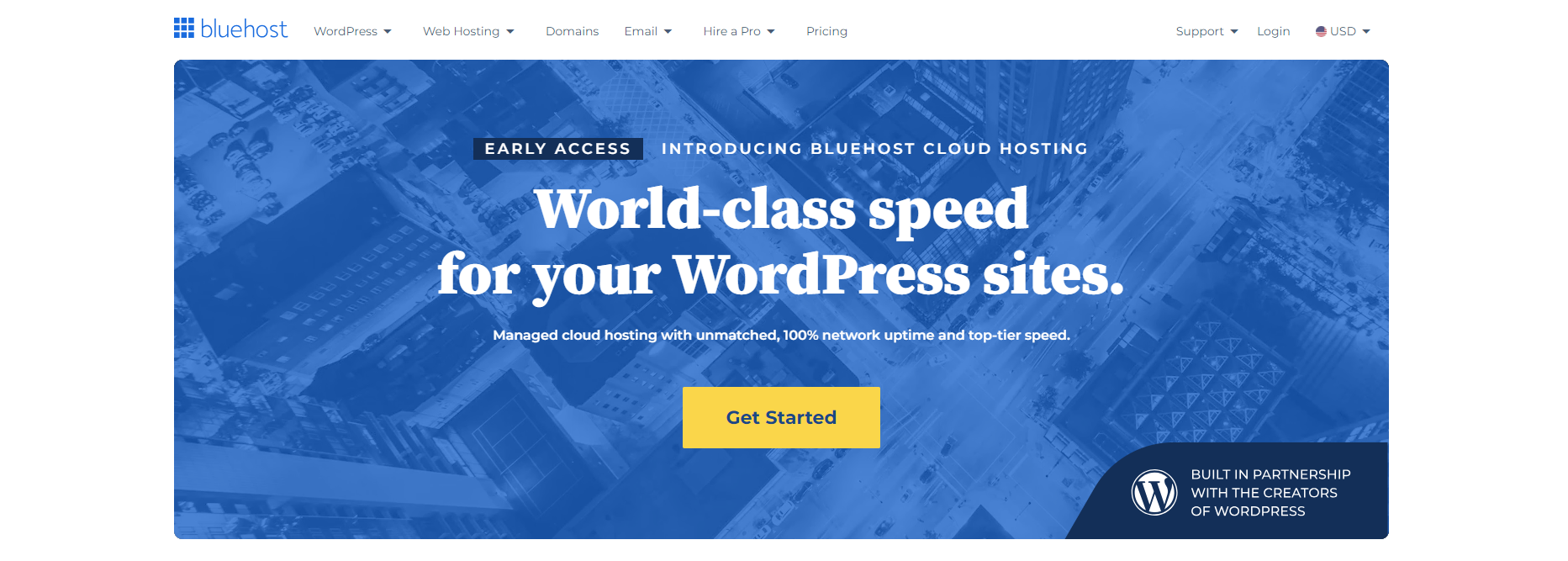
One of the largest WordPress-focused hosts, with one-click WooCommerce install and plans built around e-commerce needs. Reliable default choice if you want a big, well-known provider rather than a boutique one. Starter plans currently begin around $3.99/month (introductory rate, renews around $9.99/month), check current promotions before buying, since these change often.
2. Hostinger
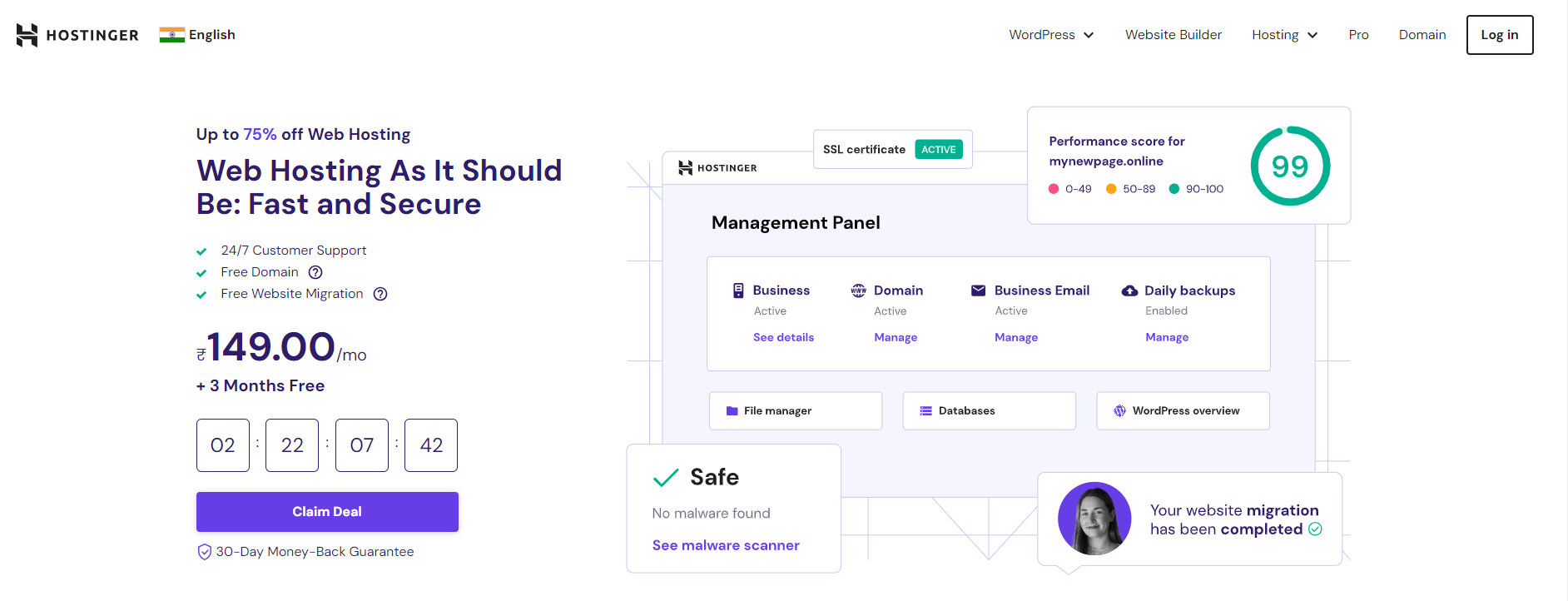
The budget-friendly option, with NVMe storage, a built-in CDN, and daily backups even on lower tiers. Entry pricing is aggressive during promotional periods (roughly $3-8/month depending on tier), with renewal rates 3-4x higher, worth checking that math before committing to a long prepay term.
3. DreamHost
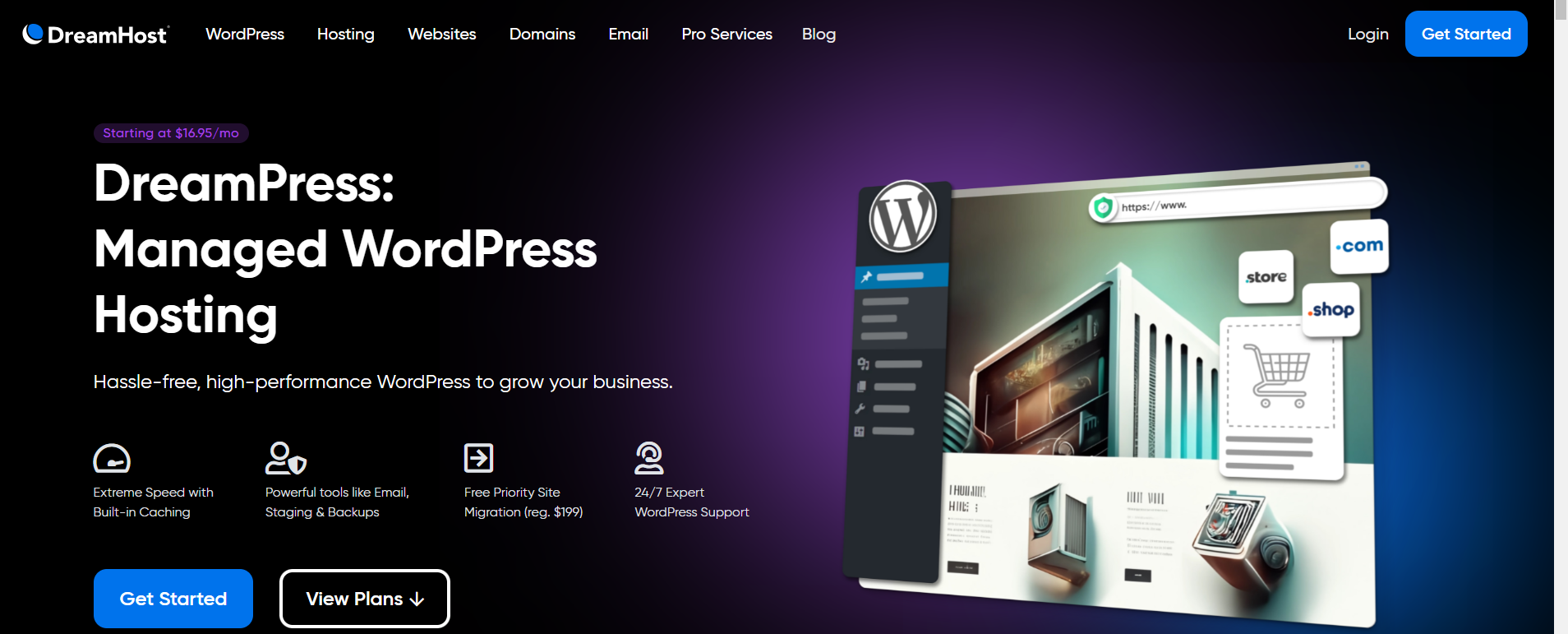
DreamHost’s managed WordPress hosting (DreamPress) is the relevant tier for a WooCommerce store rather than their basic shared hosting, pre-installed WordPress, automatic updates, and unlimited bandwidth on most plans. General web hosting starts around $2.89/month promotional, but DreamPress specifically runs higher; check DreamPress pricing directly rather than the general hosting page, since the two are priced separately.
4. SiteGround

Known for consistently strong support and built-in caching plus CDN integration without needing extra plugins. Daily backups, free SSL, and a web application firewall are standard across plans. StartUp plans begin around $2.99/month promotional (renews around $17.99/month), GrowBig around $4.99/month promotional, GoGeek around $7.99/month promotional.
5. Nexcess
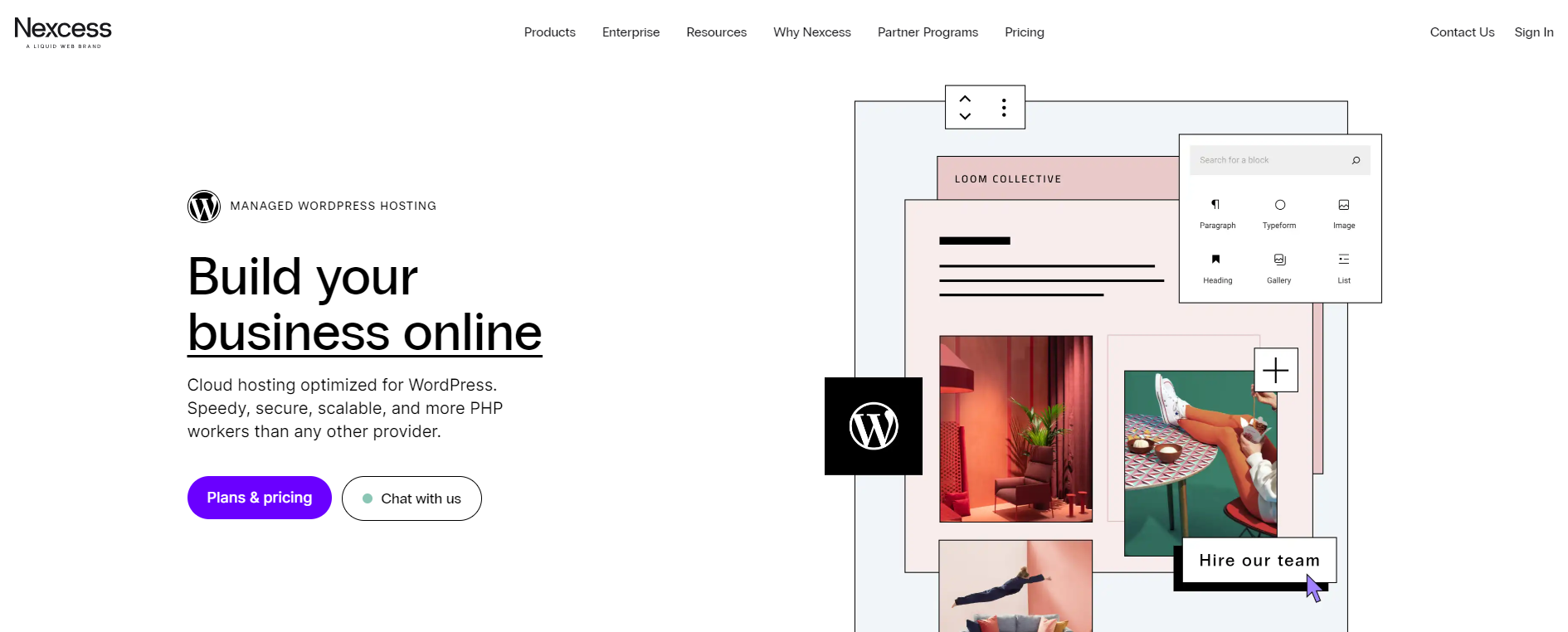
The managed-hosting specialist on this list, higher price floor than the others, but built specifically for WooCommerce at scale, with server-level caching and CDN handled for you rather than left to plugins. Nexcess is part of Liquid Web, the same company that now owns LearnDash and Kadence, so if you’re already using either of those, there’s some ecosystem overlap worth knowing about. Plans start around $17.50/month for basic tiers; enterprise-scale stores will land higher.
Shared, Managed, and Cloud: Which Category These Five Actually Fall Into
It’s worth understanding the broader hosting categories these five providers span, since “hosting” isn’t one uniform product. Shared hosting (Bluehost and Hostinger’s entry tiers, and DreamHost’s general web hosting) puts your site on a server alongside many other customers’ sites, sharing CPU and memory resources, the cheapest option but the one most exposed to a “noisy neighbor” problem, where another site on the same server having a traffic spike or a compromised plugin can degrade your own site’s performance. Managed WordPress hosting (SiteGround’s higher tiers, DreamPress, Nexcess) still typically shares underlying infrastructure but adds a layer of WordPress-specific optimization, automatic updates, staging environments, and often better isolation between customers. Cloud or VPS-based hosting offers dedicated resource allocation regardless of what other customers on the same physical hardware are doing, generally the most resilient option under unpredictable traffic, and generally the most expensive.
For a store just starting out with modest, predictable traffic, shared or entry-level managed hosting is a completely reasonable starting point, the jump to a higher tier makes sense once you can point to a specific symptom (slow checkout during peak hours, timeouts during a sale) rather than upgrading preemptively based on price alone.
Migration: What to Check Before You Commit
Moving an existing WooCommerce store to a new host is a genuinely higher-stakes migration than moving a simple blog, since a broken migration can mean lost orders, broken payment gateway configuration, or a corrupted product catalog. Before committing to any of the hosts above for a migration (rather than a fresh store), confirm: whether the new host offers a free, assisted migration service (most of the five above do, at least for a first migration), whether your specific WooCommerce extensions and payment gateway are confirmed compatible with the new host’s PHP version and server configuration, and whether you’ll have a staging environment to test the migrated store fully, checkout flow, tax calculation, shipping rates, before pointing your domain’s DNS at the new server. Doing a full test order through the migrated staging copy, using a real (or sandbox) payment method, is worth the extra hour before cutting over, a broken checkout discovered after go-live costs real revenue for every hour it’s live.
Black Friday and Peak-Traffic Planning
If your store does meaningful volume around a specific seasonal peak, Black Friday/Cyber Monday being the obvious example, it’s worth having a conversation with your host (or checking their documentation) about how their infrastructure handles sudden traffic spikes specifically, rather than assuming your everyday hosting tier will hold up unchanged. Some hosts offer temporary resource scaling or explicitly recommend upgrading a tier ahead of a known high-traffic event; others handle this automatically as part of a cloud/managed plan’s elastic resource allocation. Testing your actual checkout flow under simulated load (a load-testing tool, or at minimum a clear understanding of your host’s stated traffic and resource limits at your current plan) before your single highest-revenue weekend of the year is far cheaper than discovering a bottleneck live, mid-sale, when every minute of downtime is directly costing revenue.
Backups and Disaster Recovery: The Feature You Hope Never to Need
Every host on this list advertises backups in some form, but the details matter more than the checkbox. Confirm specifically: how frequently backups run (daily is standard among the five above, but some budget tiers on other hosts run weekly, which is a meaningful gap for a store processing orders every day), how long backups are retained before older ones are purged, whether restoring a backup is genuinely self-service through a dashboard or requires opening a support ticket and waiting, and whether the backup captures the full database (including all your order history) or just files. For an active WooCommerce store, a backup that’s a week old and missing several days of order data during a restore is a real business problem, not just an inconvenience, confirm your specific plan’s backup frequency matches how much data you could actually afford to lose in a worst-case scenario.
Support Quality: What to Actually Test Before Committing
Marketing pages universally claim “24/7 expert support,” and the real variance between hosts shows up specifically when something WooCommerce-related breaks, not in a generic “how do I point my domain” question. Before committing to a host for a live store, it’s worth testing their support channel with a genuinely specific WooCommerce question (checkout troubleshooting, a PHP memory limit adjustment, a database performance question) rather than a generic query, since the quality and technical depth of the response tells you far more about how that support team will actually help you during a real incident than a marketing page’s uptime guarantee ever will. SiteGround’s reputation on this list specifically stems from consistently strong marks on exactly this kind of test; it’s worth running the same check against any host you’re evaluating rather than taking reputation alone as sufficient.
Server Location and Latency for Your Actual Customer Base
Where a host’s servers are physically located affects load time for visitors far from that location, an effect a CDN mitigates for static assets (images, CSS, JS) but doesn’t fully eliminate for the dynamic parts of a WooCommerce store, cart updates, checkout processing, account pages, which typically still round-trip to the origin server rather than being served from a CDN edge node. If your customer base is concentrated in a specific region, confirm your chosen host offers a data center option in or near that region, several of the hosts above (particularly the larger ones like Hostinger and SiteGround) offer a choice of data center location during signup, worth actively selecting the closest one to your primary customer base rather than accepting whatever default is pre-selected.
Staging Environments for Safe Testing
A genuinely underrated feature worth checking for specifically: whether a plan includes a one-click staging environment, a full copy of your live store you can test plugin updates, theme changes, or a new extension against without any risk to your actual live checkout. Testing a WooCommerce or WordPress core update on a staging copy first, rather than updating directly on production, catches compatibility issues before they take down a live store’s checkout flow. Most managed tiers among the hosts above include this; confirm it’s part of your specific plan rather than assuming, since it’s sometimes reserved for higher tiers only.
Picking One
Bluehost and Hostinger are the lowest-friction starting points for a new or small store. SiteGround is worth the modest premium if support responsiveness matters to you. Nexcess or DreamPress make more sense once you’re past the point where budget shared hosting struggles under load. In every case, check the renewal price before signing up, the promotional first-term rate is rarely what you’ll actually pay long-term.
Hosting for a Store Layered on Top of a Community
If your WooCommerce store isn’t a standalone shop but sits alongside a BuddyPress-powered community, member-only products, a marketplace where members sell to each other, digital downloads gated behind membership, your hosting needs to account for both workloads simultaneously, not just the storefront in isolation. A community adds its own database load, activity streams, member directories, group data, on top of everything WooCommerce already demands, and the two together can strain a plan sized only with a typical standalone store in mind. If you’re running or planning a combined community-plus-store setup, size your hosting plan (and specifically your PHP memory and database resource allocation) against the combined load of both systems together, and lean toward the managed tiers among the options above (SiteGround’s higher plans, DreamPress, or Nexcess) rather than an entry-level shared plan sized for a WooCommerce store alone.
Frequently Asked Questions
Do I need WooCommerce-specific hosting, or will any WordPress host work?
A generic WordPress host will technically run WooCommerce, but as covered above, the specific demands of a dynamic storefront, PHP memory, database load, cache-aware handling of cart and checkout, are where a host optimized for WooCommerce specifically tends to hold up better under real traffic than one optimized purely for typical blog or brochure-site workloads.
How much traffic before I need to upgrade from shared to managed hosting?
There’s no single universal number, it depends heavily on your product catalog size, extension count, and how traffic-heavy your specific checkout flow is. The more reliable signal is symptom-based rather than traffic-count-based: slow admin performance, checkout timeouts during busy periods, or your host directly flagging resource overages are the practical triggers worth acting on, rather than upgrading preemptively based on a generic visitor-count threshold.
Is a CDN necessary in addition to my hosting plan?
Several of the hosts above (Hostinger, SiteGround, Nexcess) include CDN integration as part of their plans already, worth confirming specifically rather than assuming, since a separate CDN layer on top of hosting that already includes one is redundant. For a host that doesn’t bundle a CDN, adding one (Cloudflare is a common, free-tier-available choice) is worth doing for any store with a geographically distributed customer base, since it reduces latency for visitors far from your server’s physical location.
Will switching hosts hurt my SEO rankings?
Not if the migration is done correctly, same URLs, correct redirects for anything that does change, and no extended downtime during the cutover. The risk isn’t the host switch itself, it’s a poorly executed migration that introduces broken links, duplicate content, or a lengthy outage during the DNS propagation window, all of which are avoidable with the staging-and-test approach covered above.
Should I choose hosting based purely on the lowest advertised price?
Not recommended, given how consistently every provider on this list (and across the WooCommerce hosting market generally) leads with an introductory rate well below its actual renewal price. Calculate the real cost at renewal, not just the first-term promotional rate, and weigh that against the specific WooCommerce-relevant factors covered above, PHP limits, caching behavior, migration support, before deciding purely on the sticker price you see on a pricing page.
Do I need a dedicated server or VPS for a WooCommerce store, or is shared/managed hosting enough?
For the large majority of stores, well-configured managed hosting (SiteGround, DreamPress, or Nexcess among the options above) is genuinely sufficient, dedicated servers and full VPS setups are typically only worth the added cost and management overhead for very high-volume stores with sustained, heavy, predictable traffic, or specific compliance requirements that mandate dedicated infrastructure. Most stores never actually outgrow good managed hosting.
Does the hosting plan affect how my payment gateway (Stripe, PayPal) performs at checkout?
Indirectly, yes. Most modern payment gateways handle the actual card processing off your server entirely (through a hosted iframe or a redirect), so the gateway’s own performance isn’t directly tied to your hosting. What your hosting does affect is everything around that gateway call, how quickly your server generates the checkout page, processes the order after payment confirmation, and sends the confirmation email, all of which run on your hosting’s PHP and database performance rather than the payment gateway’s infrastructure.
Also read:
Hosting Virtual Events to Showcase the Value of Your Online Community
10 Steps to Invite Individuals to Join Your Membership Platform