Top 5 WordPress SEO Plugins and Tools


SEO is the backbone of online visibility, with 68% of online experiences starting with a search engine. If your WordPress site isn’t optimized, you’re missing out on massive traffic opportunities. Studies show that 75% of users never scroll past the first page of search results, making SEO crucial for success. Luckily, WordPress offers powerful plugins and tools to boost rankings, optimize content, and improve site performance. Whether you’re a blogger, business owner, or eCommerce store, the right WordPress SEO plugins can make a difference. In this post, we’ll explore the top 5 WordPress SEO plugins and tools to help you dominate search results.

Understanding SEO Basics
SEO, or Search Engine Optimization, is the practice of optimizing a website to improve its visibility and ranking on search engine results pages (SERPs). It involves various strategies and techniques aimed at increasing organic (non-paid) traffic to your website.
Key elements of SEO include
- Keywords: These are the words and phrases that users type into search engines when looking for information. By strategically incorporating relevant keywords into your website’s content, meta tags, headings, and URLs, you can improve your chances of ranking for those terms.
- Meta Tags: Meta tags provide information about a web page to search engines. The two most important meta tags for SEO are the meta title and meta description. These tags should accurately describe the content of the page and include relevant keywords to attract clicks from search engine users.
- Backlinks: Backlinks are links from other websites that point to your site. They are an important ranking factor in search engine algorithms because they signal to search engines that your website is trustworthy and authoritative. Quality backlinks from reputable websites can significantly boost your site’s SEO performance.
In addition to these technical aspects, user experience (UX) and content quality are crucial for SEO success. Search engines prioritize websites that provide a positive user experience, such as fast loading times, mobile responsiveness, and easy navigation. High-quality, relevant, and engaging content also plays a vital role in attracting and retaining visitors, as well as earning backlinks from other websites.
SEO is a multifaceted discipline that involves optimizing various elements of your website to improve its visibility, relevance, and authority in the eyes of search engines. By understanding and implementing the fundamental concepts of SEO, including keywords, meta tags, backlinks, user experience, and content quality, you can enhance your website’s performance and attract more organic traffic.
Top SEO Plugins
1. Rank Math

Rank Math is a powerful SEO plugin for WordPress websites that offers a wide range of features to help improve your website’s search engine visibility and rankings. Let’s explore some of its key features:
- Advanced Schema Support: Rank Math provides robust support for schema markup, allowing you to add structured data to your website’s pages and posts. This helps search engines better understand your content and can lead to enhanced visibility in search results. With Rank Math, you can easily implement various types of schema markup, including articles, events, recipes, and more.
- Redirection Manager: Rank Math includes a built-in redirection manager that allows you to set up and manage 301 redirects directly from your WordPress dashboard. This feature is invaluable for maintaining proper website structure and preserving SEO value when restructuring your site or updating URLs. With Rank Math’s redirection manager, you can effortlessly redirect old URLs to new ones and ensure a seamless user experience for your visitors.
- SEO Analysis Tool: Rank Math offers a comprehensive SEO analysis tool that evaluates various aspects of your website’s SEO performance. This tool provides actionable insights and recommendations for optimizing your content, meta tags, headings, images, and more. It also helps identify potential issues or areas for improvement, allowing you to address them proactively and improve your website’s overall SEO health.
To make the most of Rank Math and maximize its benefits for your website, follow these step-by-step instructions:
Install and activate the Rank Math plugin from the WordPress plugin repository.
To install and activate the Rank Math plugin from the WordPress plugin repository, follow these steps:
- Log in to your WordPress Dashboard
- Go to Plugins > Add New
- In the search bar, type “Rank Math”
- Click Install Now next to Rank Math SEO
- Once installed, click Activate
After activation, Rank Math will guide you through a setup wizard to configure essential SEO settings. This includes site type, sitemaps, Google Search Console integration, and more. Once configured, your website will be optimized for better search rankings and performance!
2. Yoast SEO
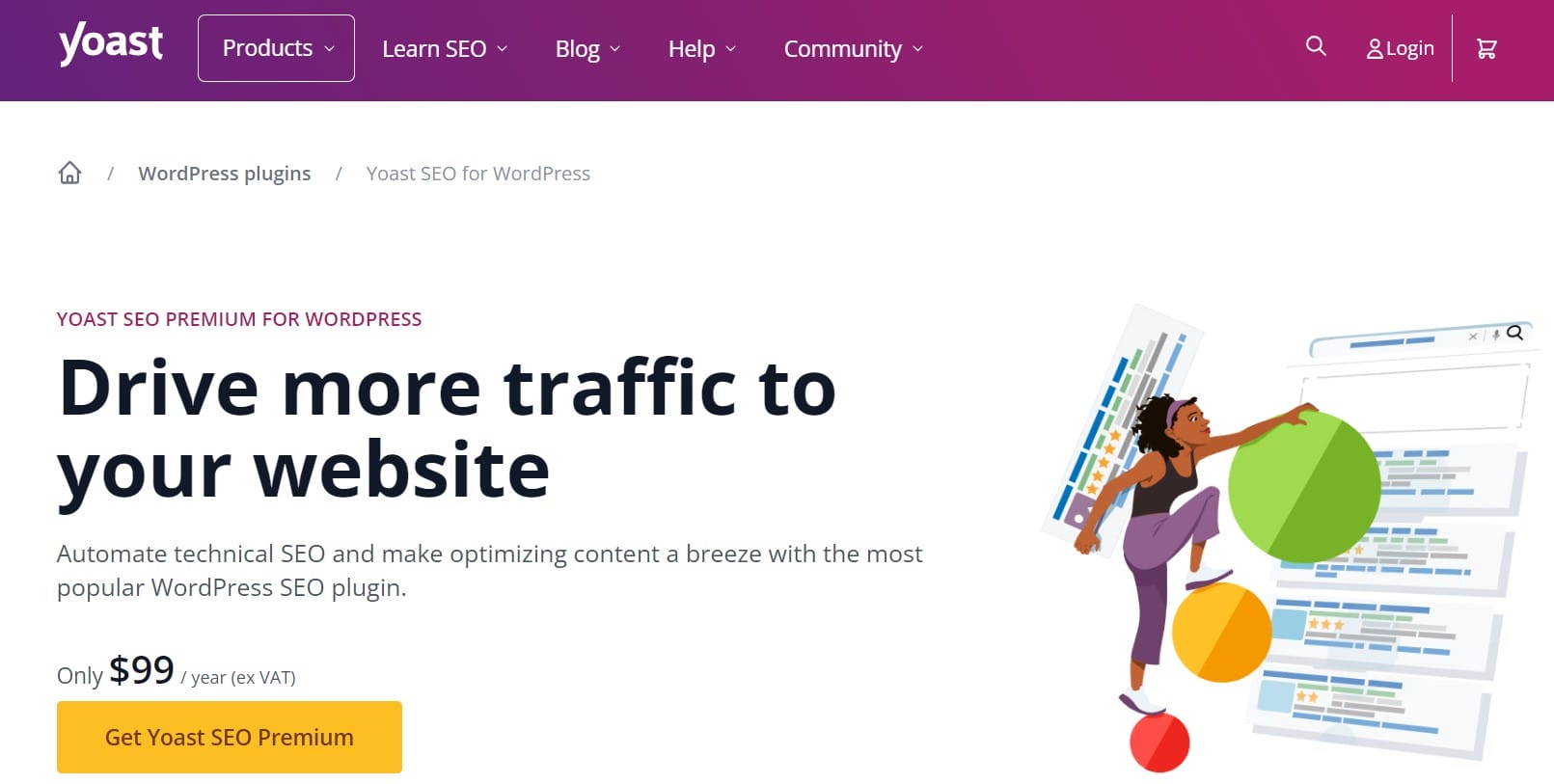
Yoast SEO is one of the most popular and feature-rich SEO plugins available for WordPress websites. It offers a comprehensive suite of tools to help website owners optimize their content and improve their search engine rankings.
Key features of Yoast SEO include
- On-page optimization: Yoast SEO provides real-time feedback and suggestions for optimizing individual pages and posts. It helps you optimize your content’s readability, keyword usage, meta tags (such as titles and descriptions), and internal linking structure to improve its visibility in search engine results.
- XML sitemap generation: Yoast SEO automatically generates XML sitemaps for your website, making it easier for search engines like Google to crawl and index your content. These sitemaps provide a roadmap of your site’s structure and help search engines understand its organization and hierarchy.
- Content analysis: Yoast SEO includes a powerful content analysis tool that evaluates the quality and relevance of your content based on various factors such as keyword density, readability, and length. It provides actionable recommendations to improve your content and increase its chances of ranking higher in search results.
Setting up and configuring Yoast SEO for optimal results is relatively straightforward
Setting up and configuring Yoast SEO for optimal results is straightforward, even for beginners. After installing the plugin, follow these steps:
- Run the Configuration Wizard – Set up basic SEO settings based on your site type.
- Optimize Titles & Meta Descriptions – Customize them for better click-through rates.
- Enable XML Sitemaps – Helps search engines index your pages efficiently.
- Improve Readability & Keyword Usage – Use Yoast’s real-time analysis to refine content.
- Set Up Social Previews – Optimize how your content appears on social media.
With these steps, Yoast SEO ensures your WordPress site is search-friendly and well-optimized!
3. All in One SEO Pack
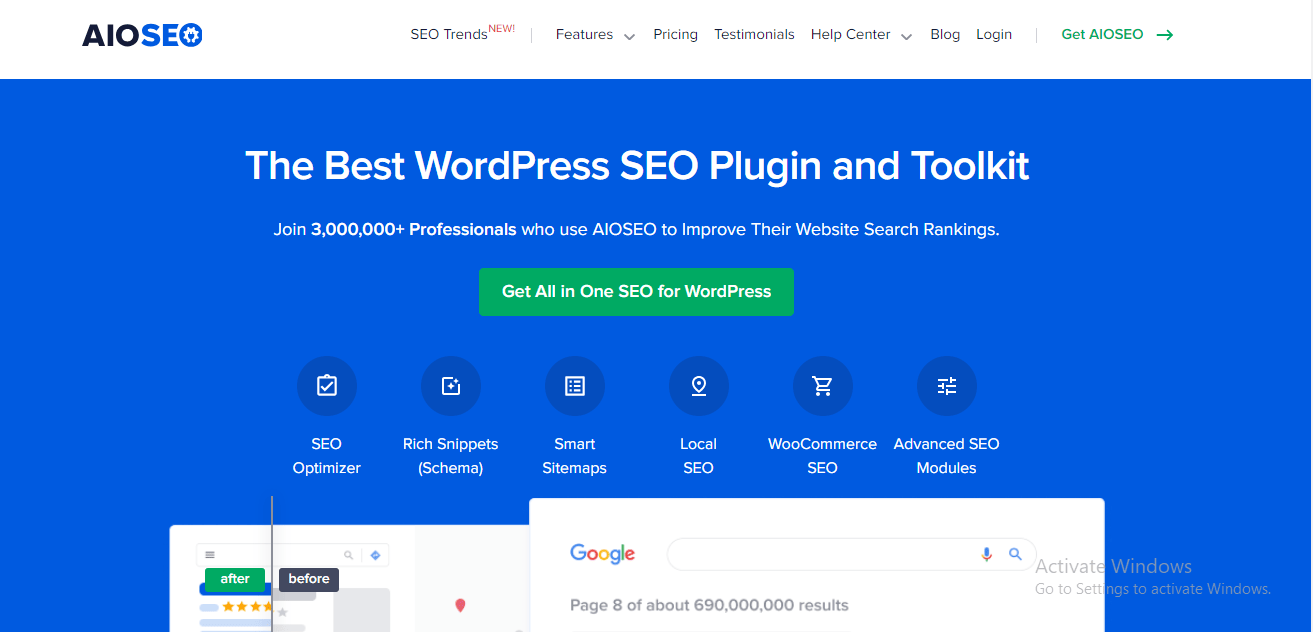
The All in One SEO Pack plugin is another robust option for optimizing WordPress websites for search engines. It offers a comprehensive set of features designed to improve your website’s visibility and rankings on search engine results pages (SERPs).
Key functionalities of the All in One SEO Pack plugin include
- XML sitemap support: Similar to Yoast SEO, All in One SEO Pack automatically generates XML sitemaps for your website, making it easier for search engines to crawl and index your content. These sitemaps provide a structured overview of your site’s pages, posts, and other content, helping search engines understand its organization and hierarchy.
- Social media integration: All in One SEO Pack includes built-in social media integration features that allow you to optimize your website’s presence on popular social platforms. You can configure settings for social media metadata, such as titles, descriptions, and images, to ensure your content looks compelling when shared on social networks like Facebook and Twitter.
- Schema markup: Schema markup is a type of structured data that provides additional context to search engines about your website’s content. All in One SEO Pack includes support for schema markup, allowing you to add structured data to your pages and posts to enhance their visibility and appearance in search results.
Installing and configuring the All in One SEO Pack plugin is straightforward
Installing and configuring the All in One SEO Pack plugin is straightforward. Follow these steps:
- Install & Activate – Go to Plugins > Add New, search for “All in One SEO Pack”, then click Install Now and Activate.
- Run the Setup Wizard – Follow the guided steps to configure basic SEO settings.
- Set Up XML Sitemaps – Enable sitemaps for better search engine indexing.
- Optimize Meta Titles & Descriptions – Customize them for improved rankings and click-through rates.
- Enable Social Media Integration – Set up Open Graph tags for better social sharing.
With these steps, All in One SEO Pack ensures your WordPress site is search engine optimized!
4. SEOPress
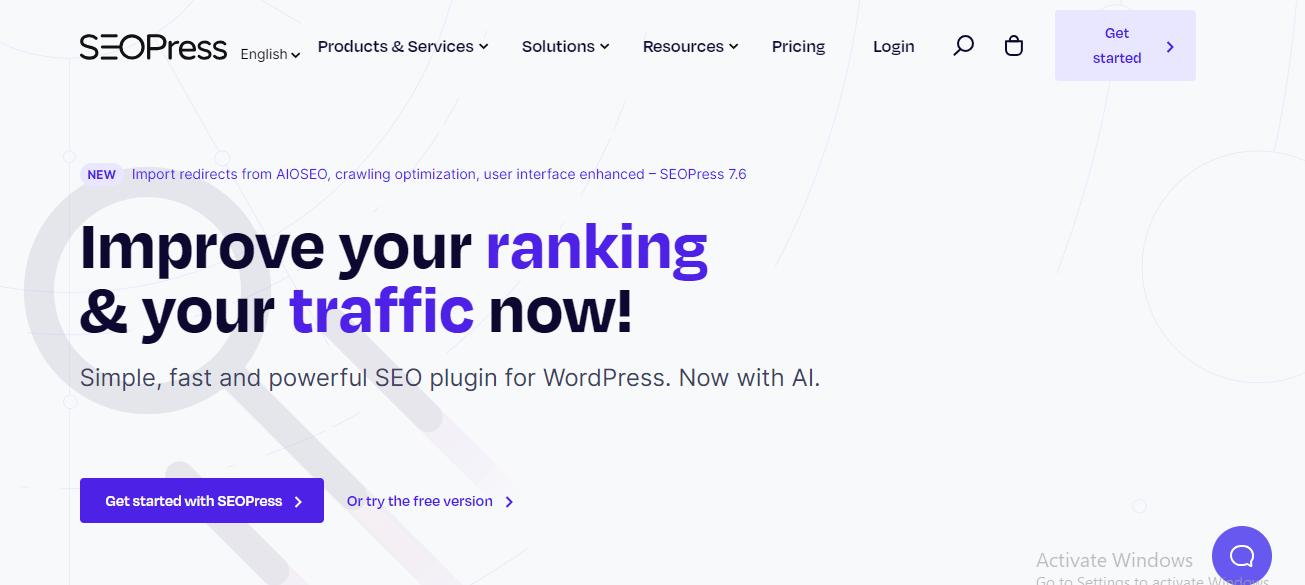
SEOPress is a comprehensive SEO plugin for WordPress websites, offering a wide range of features to enhance your site’s search engine visibility and rankings. Let’s highlight some of its key features:
- On-page Optimization: SEOPress provides powerful tools for on-page optimization, allowing you to optimize individual pages and posts for target keywords. It offers features such as content analysis, keyword optimization, and suggestions for improving readability and user experience. With SEOPress, you can ensure that your content is fully optimized for search engines and resonates with your target audience.
- Meta Tag Management: SEOPress enables easy management of meta tags, including titles, descriptions, and meta keywords, for all pages and posts on your website. You can customize meta tags for better click-through rates and increased visibility in search engine results pages (SERPs). SEOPress also supports dynamic variables, allowing you to automatically generate meta tags based on content attributes.
- Google Knowledge Graph Integration: SEOPress seamlessly integrates with Google’s Knowledge Graph, helping your website appear more prominently in search results and providing users with relevant information about your business or organization. By optimizing your website’s structured data and implementing schema markup, SEOPress enhances its visibility and credibility in the eyes of both users and search engines.
5. SEO Framework

The SEO Framework plugin is a lightweight yet powerful SEO solution for WordPress websites, designed to optimize performance without sacrificing functionality. Let’s take a closer look at what makes this plugin stand out:
SEO Framework is a feature-rich SEO plugin that offers a streamlined approach to optimizing your WordPress website for search engines. Unlike some other plugins that can be resource-intensive and slow down your site, SEO Framework is designed with a focus on performance and efficiency.
Lightweight Design and Focus on Performance
One of the key advantages of SEO Framework is its lightweight design, which minimizes the plugin’s impact on your website’s speed and performance. Unlike bulky SEO plugins that may bog down your site with unnecessary features and code, SEO Framework prioritizes efficiency to ensure optimal performance.
Key Features
- Content Analysis: SEO Framework provides comprehensive content analysis tools to help you optimize your pages and posts for search engines. It evaluates various aspects of your content, including keyword usage, readability, and meta tags, and provides actionable recommendations for improvement.
- Canonical URL Support: Canonical URLs are essential for preventing duplicate content issues and consolidating the SEO value of similar pages on your website. SEO Framework includes robust support for canonical URLs, allowing you to specify the preferred version of a page or post and ensure that search engines prioritize it in their index.
- Breadcrumb Navigation: Breadcrumb navigation is a useful feature for enhancing user experience and site navigation, as well as providing additional context to search engines about your website’s structure. SEO Framework includes built-in support for breadcrumb navigation, making it easy to implement and customize breadcrumb trails on your WordPress website.
SEO Framework offers a lightweight and efficient SEO solution for WordPress websites, with a focus on performance and usability. Its content analysis tools, canonical URL support, and breadcrumb navigation features make it a valuable asset for optimizing your site for search engines and improving overall user experience. Whether you’re a seasoned SEO professional or just getting started with optimization, SEO Framework provides everything you need to boost your website’s visibility and rankings.
Also Read: How To Sell Online Courses From Your Own Website:- 7 steps
Tips for Effective SEO Implementation
Optimizing your WordPress website for search engines requires a strategic approach and the right tools. Here are some practical tips for maximizing the effectiveness of your SEO efforts using SEO plugins:
1. Conduct Comprehensive Keyword Research
- Use keyword research tools like Google Keyword Planner, SEMrush, or Ahrefs to identify relevant keywords and phrases related to your niche.
- Focus on long-tail keywords with lower competition and higher search volume to target specific audience segments.
- Incorporate target keywords naturally into your website’s content, headings, meta tags, and URLs to improve relevance and visibility.
2. Optimize Your Content
- Create high-quality, informative, and engaging content that resonates with your target audience.
- Use SEO plugins like Yoast SEO or Rank Math to analyze and optimize individual pages and posts for target keywords, readability, and meta tags.
- Organize your content into clear, logical structures with descriptive headings and subheadings to improve readability and user experience.
3. Build High-Quality Backlinks
- Focus on acquiring backlinks from authoritative and relevant websites within your industry or niche.
- Reach out to influencers, bloggers, and industry leaders for guest blogging opportunities or collaboration opportunities.
- Use SEO tools like Moz’s Link Explorer or Ahrefs’ Backlink Checker to monitor your backlink profile and identify opportunities for link building.
4. Stay Updated with SEO Best Practices
Keep abreast of the latest SEO trends, algorithm changes, and best practices by following reputable SEO blogs, forums, and industry publications.
Attend webinars, conferences, and workshops to learn from industry experts and stay ahead of the curve.
Continuously monitor your website’s performance using tools like Google Analytics and Google Search Console to identify areas for improvement and adjust your SEO strategy accordingly.
By implementing these tips and leveraging the capabilities of SEO plugins, you can optimize your WordPress website for maximum visibility, relevance, and authority in the eyes of search engines. Remember to focus on providing value to your audience, creating high-quality content, and staying informed about the ever-evolving landscape of SEO to achieve long-term success.
Final Thoughts: WordPress SEO Plugins
Choosing the right WordPress SEO plugin can make a huge difference in your website’s visibility, traffic, and overall success. Whether you need on-page optimization, keyword tracking, backlink analysis, or technical SEO improvements, these tools provide the features to help you rank higher. Investing in SEO isn’t just about traffic—it’s about reaching the right audience, improving user experience, and driving conversions. With the right plugin in place, you can stay ahead of the competition and maximize your site’s potential. Start optimizing today and watch your search rankings climb!
Interesting Reads:
Developing a Strong Brand Identity Within Your Online Community
Integrating Social Media with Your Online Community for Wider Reach
Event Planning for Online Communities: Virtual Meetups and Webinars

Shashank is a seasoned digital marketing and WordPress expert who specializes in SEO, software tools reviews, and cutting-edge strategies for boosting online presence. With a passion for simplifying complex topics, Goutham crafts engaging blog posts that help readers optimize their websites, improve search engine rankings, and stay ahead in the ever-evolving digital landscape.