Top 10 WordPress Website Builder Plugins


Creating a professional website no longer requires coding skills, thanks to WordPress Website Builder Plugins. With WordPress powering over 43% of all websites, site owners need efficient tools to design and customize pages easily. A well-optimized website can improve user experience, engagement, and conversion rates, making the right builder plugin a crucial decision.
In 2025, website builders are more advanced than ever, offering drag-and-drop interfaces, real-time editing, and AI-powered design assistance. Studies show that 94% of first impressions are design-related, meaning a poorly built site can drive visitors away instantly. Whether you’re a small business, blogger, or eCommerce store owner, a reliable website builder ensures a responsive, SEO-friendly, and visually appealing site without hiring developers.
This guide covers the ten best WordPress Website Builder Plugins, highlighting their features, strengths, and limitations. If you want to create a stunning website with minimal effort, these plugins will provide the flexibility and power you need.
WordPress Update Service
Why Use WordPress Website Builder Plugins?
WordPress website builder plugins have become indispensable tools for anyone looking to create a website quickly and easily. Let’s delve into the advantages of using these plugins and how they empower users to build professional-looking websites without the need for coding knowledge.
- Ease of Use: One of the primary advantages of WordPress website builder plugins is their user-friendly interface. These plugins typically feature intuitive drag-and-drop editors that allow users to add, remove, and rearrange elements on their website with ease. Even those with limited technical skills can navigate these interfaces effortlessly, making the website-building process accessible to everyone.
- Flexibility: Website builder plugins offer unparalleled flexibility when it comes to customizing your website. With a wide range of pre-designed templates, layouts, and design elements to choose from, users can create a website that perfectly suits their needs and preferences. Whether you’re building a portfolio, a blog, or an online store, website builder plugins provide the flexibility to customize every aspect of your site to reflect your unique style and brand identity.
- Customization Options: From changing colors and fonts to adding images, videos, and interactive elements, website builder plugins offer extensive customization options to help you bring your vision to life. Users can personalize their websites with just a few clicks, without the need to write a single line of code. This level of customization empowers users to create visually stunning and engaging websites that stand out from the crowd.
- Professional-Looking Results: Perhaps the most significant advantage of WordPress website builder plugins is their ability to deliver professional-looking results without the need for extensive technical knowledge or expertise. These plugins come equipped with pre-designed templates and layouts that are optimized for aesthetics and functionality, ensuring that your website looks polished and professional right from the start. Whether you’re a small business owner, a freelancer, or a blogger, website builder plugins enable you to create a professional online presence that leaves a lasting impression on your visitors.
WordPress website builder plugins offer a host of advantages, including ease of use, flexibility, and extensive customization options. These plugins democratize website creation, allowing users of all skill levels to build beautiful and functional websites without the need for coding knowledge. Whether you’re a novice user or an experienced developer, website builder plugins are an invaluable tool for bringing your online vision to life.
Criteria for Selection
When evaluating and selecting the top WordPress website builder plugins, it’s essential to consider several key criteria to ensure that you choose the right tool for your needs. Here are the factors to keep in mind:
- Ease of Use: Look for website builder plugins with intuitive interfaces and user-friendly features that make it easy for users of all skill levels to create and customize their websites without technical expertise.
- Feature Set: Consider the features offered by each plugin, such as drag-and-drop editors, pre-designed templates, layout options, widget support, and integration with third-party tools and services.
- Customization Options: Evaluate the customization options available within each plugin, including the ability to modify colors, fonts, styles, and layouts to match your brand identity and design preferences.
- Compatibility: Ensure that the website builder plugin is compatible with your WordPress theme and other plugins to avoid conflicts and ensure smooth functionality.
- Performance: Assess the performance of each plugin in terms of loading speed, responsiveness, and overall website performance. Choose plugins that are optimized for speed and performance to provide an excellent user experience for your visitors.
- User Reviews: Take into account user reviews and ratings for each website builder plugin to gauge user satisfaction and identify any potential issues or drawbacks. Look for plugins with positive reviews and a track record of delivering reliable performance and customer satisfaction.
Top 10 WordPress Website Builder Plugins
1. Elementor

Elementor is a highly acclaimed drag-and-drop page builder plugin designed specifically for WordPress websites. It has gained immense popularity due to its user-friendly interface and robust feature set. With Elementor, users can easily create stunning and professional-looking web pages without any coding knowledge. Its intuitive drag-and-drop editor allows users to effortlessly design and customize every aspect of their website, from layout and typography to colors and animations.
One of the key reasons for Elementor’s widespread adoption is its extensive library of pre-designed templates and content blocks. Users can choose from hundreds of ready-made templates for various types of pages, including landing pages, homepages, about pages, and more. These templates provide a solid foundation for users to start building their websites quickly and efficiently.
Key Features
- Intuitive drag-and-drop editor for easy website customization.
- Extensive library of pre-designed templates and blocks.
- Advanced styling options, including custom CSS and global widgets.
- Responsive editing to ensure your website looks great on all devices.
Benefits
- Enables users to create professional-looking websites without coding knowledge.
- Offers complete design freedom and flexibility.
- Integrates seamlessly with popular WordPress themes and plugins.
Disadvantages
- Some advanced features are only available in the pro version.
- Can be resource-intensive on larger websites.
2. Divi Builder
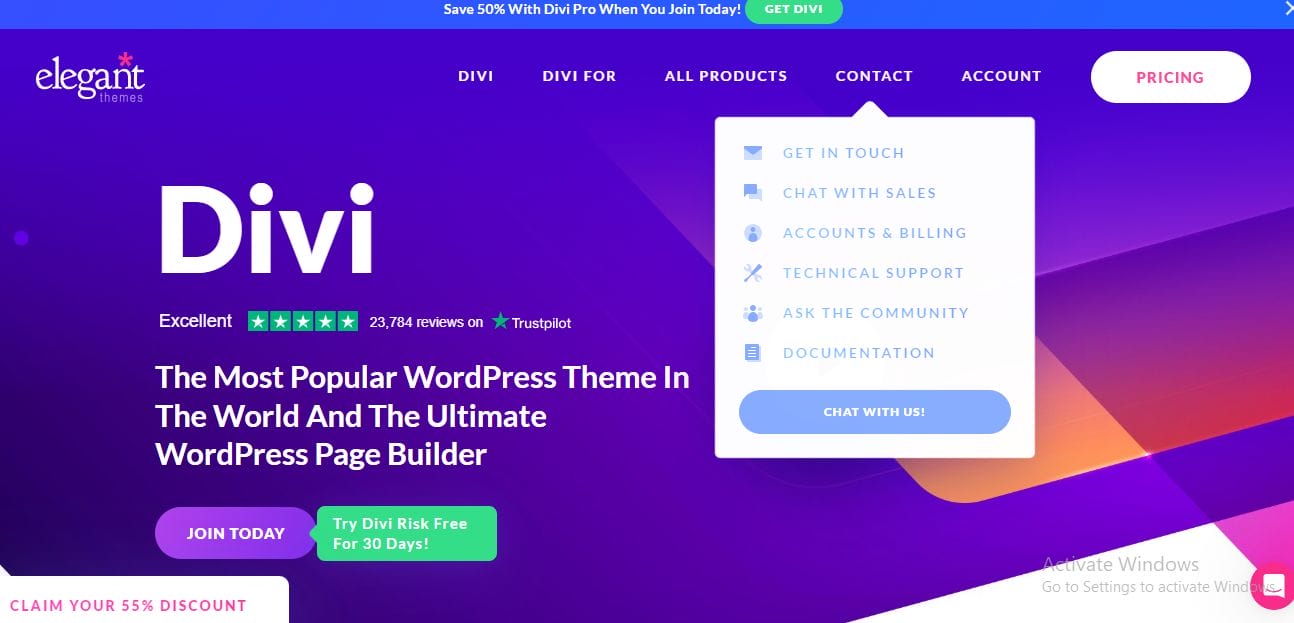
Divi Builder, developed by Elegant Themes, is a versatile and user-friendly WordPress page builder plugin known for its powerful visual editor and extensive design options. With a simple drag-and-drop interface, users can create and customize websites in real-time without coding expertise. Divi offers a vast library of pre-designed layouts and templates, making it easy to kickstart projects. Its advanced customization options allow fine-tuning of fonts, colors, spacing, and animations. Divi Builder ensures responsive design across all devices, providing an optimal user experience. Seamless integration with the Divi Theme and other Elegant Themes products makes Divi Builder a preferred choice for both beginners and experienced developers.
Key Features
- Intuitive front-end visual editor for real-time website customization.
- Comprehensive library of pre-designed layouts and modules.
- Advanced design options, including custom CSS controls and animation effects.
- Built-in split testing functionality for optimizing website performance.
Benefits
- Offers unparalleled design flexibility and customization options.
- Provides a seamless editing experience with instant visual feedback.
- Supports responsive design to ensure a consistent user experience across devices.
Disadvantages
- Can be overwhelming for beginners due to the sheer number of options.
- Pricing may be prohibitive for some users.
3. Beaver Builder
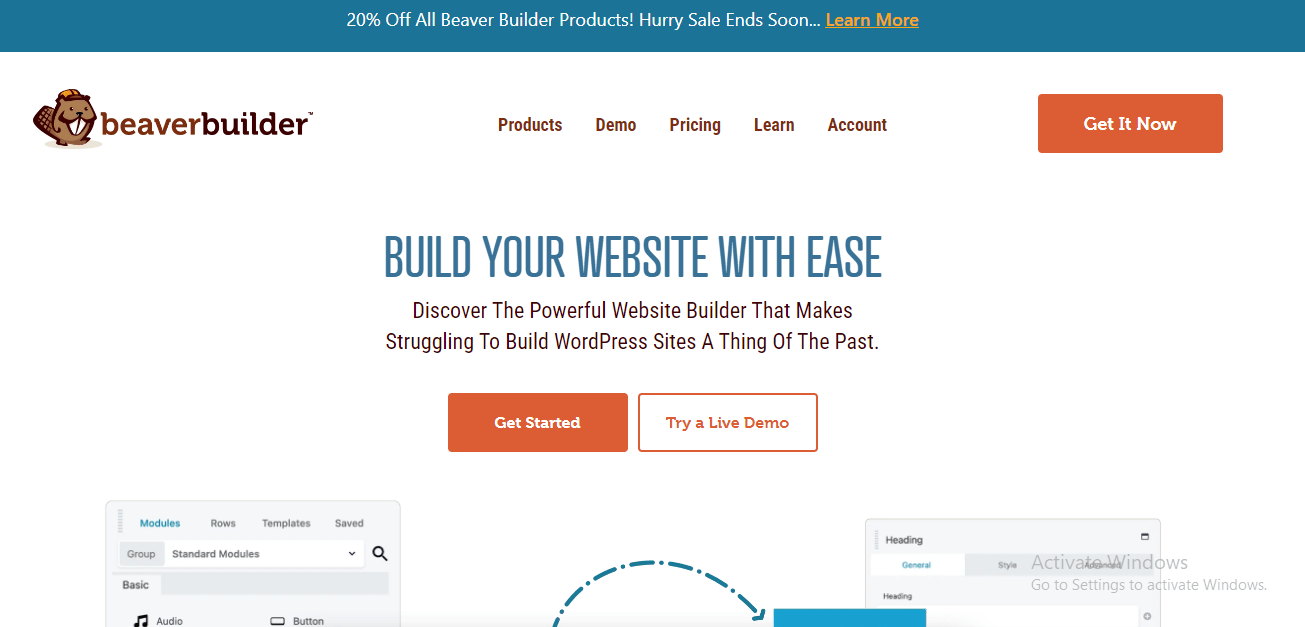
Beaver Builder is a powerful WordPress page builder plugin designed for users of all skill levels, enabling easy creation of custom layouts and visually appealing websites. With its intuitive drag-and-drop editor, users can effortlessly design and personalize pages without coding expertise. The plugin offers a wide range of pre-designed templates, modules, and advanced styling options to customize every aspect of the site, including fonts, colors, and spacing. Beaver Builder ensures responsive design, automatically adjusting layouts for optimal viewing across devices. Seamlessly integrating with other WordPress plugins and themes, it provides a versatile solution for building blogs, e-commerce sites, and corporate websites alike.
Key Features
- Intuitive drag-and-drop editor with live preview functionality.
- Extensive collection of pre-designed templates and modules.
- Responsive design controls for optimizing layouts on different devices.
- Seamless integration with WordPress themes and third-party plugins.
Benefits
- Simplifies the process of building complex page layouts and designs.
- Offers a clean and user-friendly interface for intuitive website customization.
- Provides excellent performance and compatibility with other WordPress tools.
Disadvantages
- Limited styling options compared to some other page builders.
- Advanced features may require additional plugins or customization.
Also Read: Utilizing Paid Advertising to Target Potential Community Members (2024)
4. SeedProd
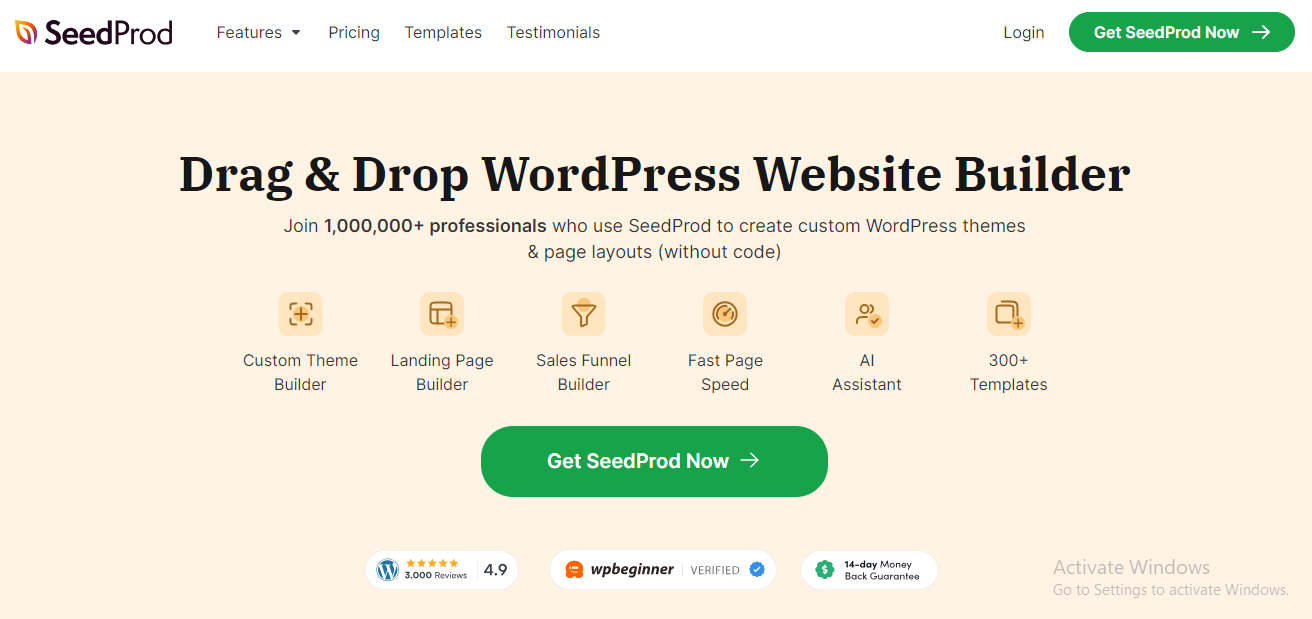
SeedProd is a popular WordPress landing page builder plugin designed for users without technical expertise. Its intuitive drag-and-drop interface allows easy creation of visually appealing landing and “coming soon” pages. SeedProd offers a variety of pre-designed templates, catering to different industries, enabling users to select designs that align with their brand and goals. The plugin also provides robust customization options, including customizable forms, integrations with email platforms, and interactive elements. Key features such as countdown timers, lead capture forms, exit-intent popups, and A/B testing help maximize engagement and conversions. With a focus on performance and cross-device compatibility, SeedProd ensures fast-loading pages that drive results.
Key Features
- Drag-and-drop builder with customizable elements for building unique landing pages.
- Library of professionally designed templates for various industries and purposes.
- Integration with popular email marketing and CRM platforms for lead capture.
- Built-in coming soon and maintenance mode functionality for website launches and updates.
Benefits
- Enables users to create high-converting landing pages without coding or design skills.
- Offers a range of templates and customization options for building custom pages.
- Integrates seamlessly with popular marketing tools for lead generation and conversion.
Disadvantages
- Limited in scope compared to full-fledged page builders.
- May require additional plugins for advanced functionality.
5. WPBakery Page Builder
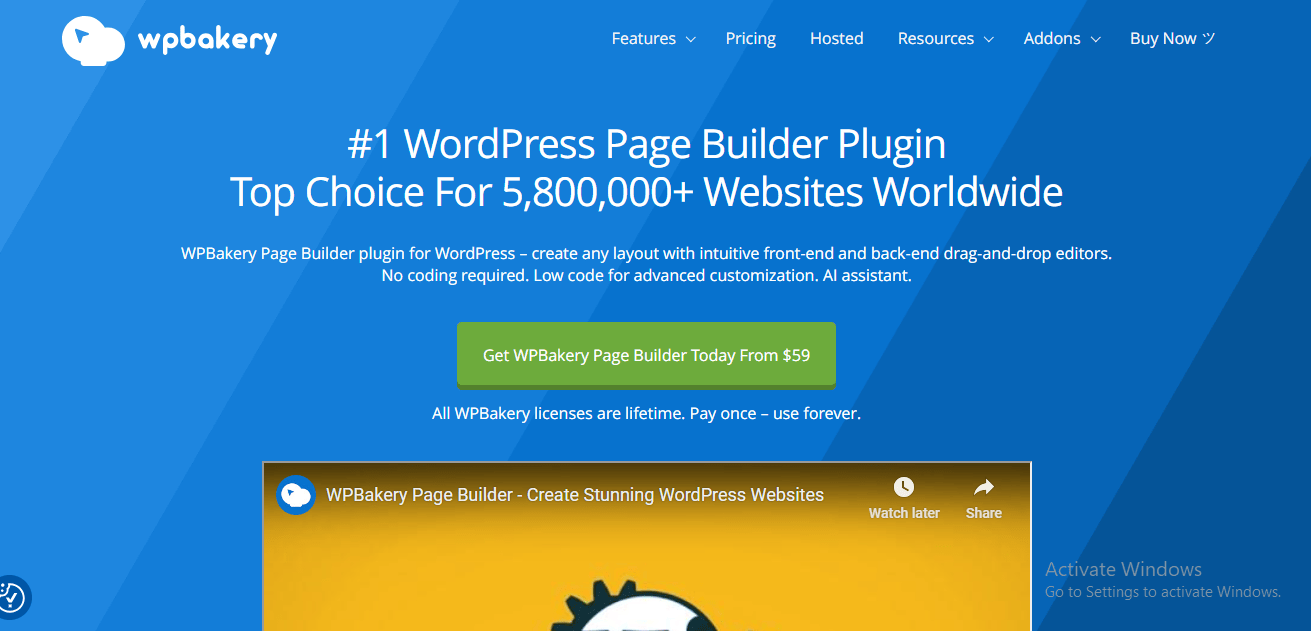
WPBakery Page Builder, formerly known as Visual Composer, is a highly popular WordPress page builder plugin renowned for its user-friendly drag-and-drop interface. It enables users to create customized websites without coding knowledge, offering a wide range of pre-designed templates, content elements, and modules. From text blocks to sliders and buttons, it allows for easy layout customization. WPBakery integrates seamlessly with most WordPress themes and third-party plugins, extending functionality with features like galleries and contact forms. Additionally, it supports responsive design, ensuring websites look great on desktops, tablets, and smartphones. WPBakery is an excellent choice for both beginners and experienced developers looking for a versatile and intuitive website builder.
Key Features
- Front-end and back-end editing modes for flexibility in website customization.
- Comprehensive library of pre-designed elements and templates.
- Advanced design options, including custom CSS and parallax effects.
- Full control over column and row layouts for creating custom page structures.
Benefits
- Offers a user-friendly interface with intuitive drag-and-drop functionality.
- Provides a wide range of design options and customization features.
- Compatible with most WordPress themes and plugins for seamless integration.
Disadvantages
- Can be overwhelming for beginners due to the complexity of options.
- Updates and compatibility issues may occasionally arise.
Also Read: Creating Compelling Landing Pages for Community Sign-Up (2024)
6. Thrive Architect
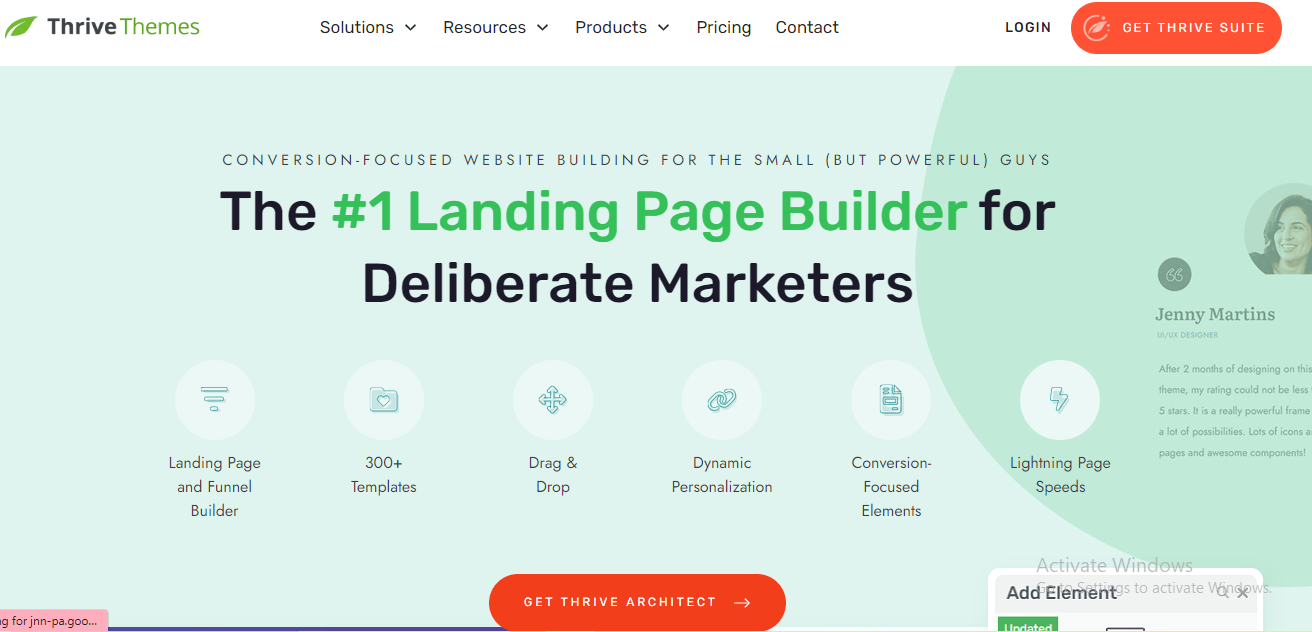
Thrive Architect is a powerful WordPress page builder plugin designed for creating visually appealing and conversion-focused pages, such as landing and sales pages. With its user-friendly drag-and-drop interface, users can easily design pages without needing technical skills. Thrive Architect offers an extensive library of customizable elements, including buttons, CTAs, countdown timers, and testimonials, all aimed at boosting user engagement and conversions. It integrates seamlessly with other WordPress tools, supporting additional features like contact forms and analytics. The plugin ensures responsive, mobile-friendly pages optimized for speed, contributing to better SEO performance. Thrive Architect is ideal for businesses and marketers focused on enhancing their online presence and driving results.
Key Features
- Intuitive drag-and-drop editor with a wide range of customizable elements.
- Extensive library of conversion-focused templates and content blocks.
- Built-in tools for A/B testing and conversion optimization.
- Seamless integration with popular email marketing and CRM platforms.
Benefits
- Empowers users to create high-converting landing pages and sales funnels without coding.
- Offers a comprehensive suite of tools for maximizing conversions and generating leads.
- Provides responsive design options for ensuring optimal performance across devices.
Disadvantages
- Limited design flexibility compared to some other page builders.
- May require additional plugins or integrations for advanced functionality.
7. Oxygen Builder
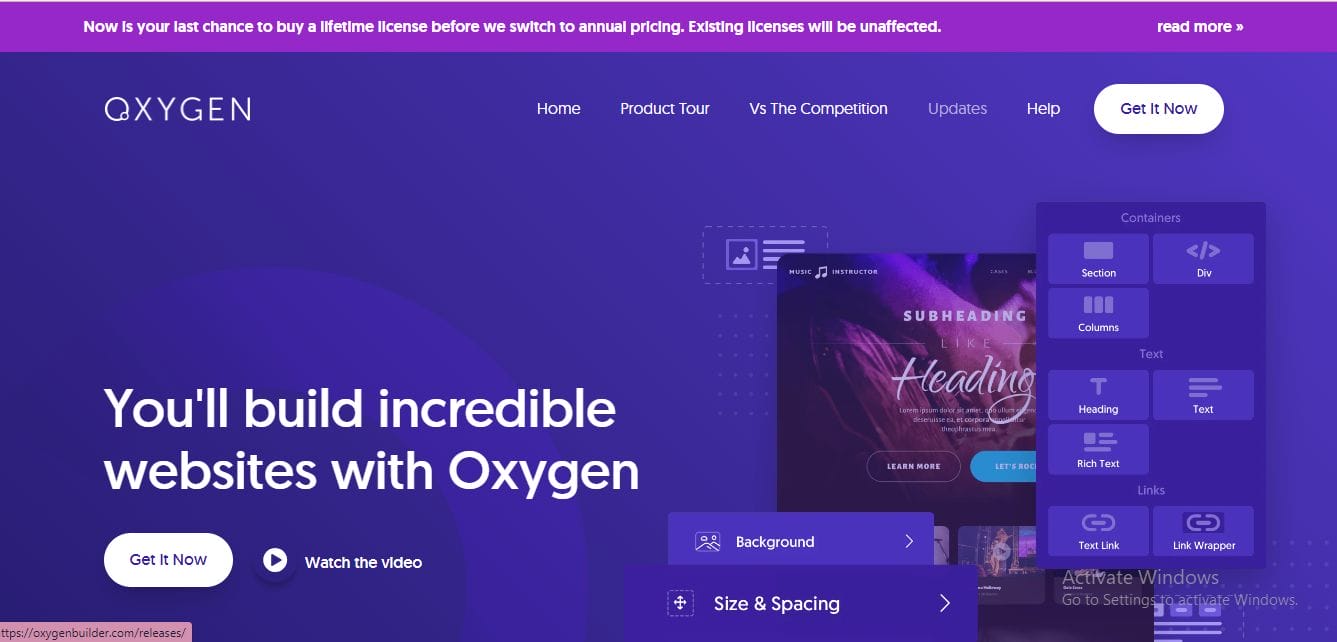
Oxygen Builder is a powerful WordPress page builder plugin designed for advanced users and developers, offering exceptional control and customization. It provides a code-centric approach, allowing users to directly manipulate their websites through the WordPress dashboard. Key features include advanced styling controls, responsive design options, and the ability to create reusable templates, elements, and styles for consistency and efficiency. Oxygen Builder’s modular approach streamlines development and enables rapid prototyping. With a focus on performance optimization, it generates clean, lightweight code for fast page load times. Seamlessly compatible with popular themes and plugins, Oxygen Builder is ideal for building custom websites, from blogs to complex applications.
Key Features
- Visual drag-and-drop interface with complete control over every aspect of the design.
- Ability to build custom layouts, templates, and dynamic content with ease.
- Lightweight and fast-loading design for optimal website performance.
- Support for advanced features such as dynamic data and custom PHP code.
Benefits
- Provides unparalleled design freedom and flexibility for creating custom websites.
- Offers excellent performance and optimization for faster load times and better SEO.
- Ideal for developers and advanced users looking to build custom WordPress websites.
Disadvantages
- Steeper learning curve compared to some other page builders.
- May not be suitable for beginners or those looking for a simple drag-and-drop interface.
Also Read: Partnering with Influencers to Boost Your Community’s Profile (2024)
8. Visual Composer
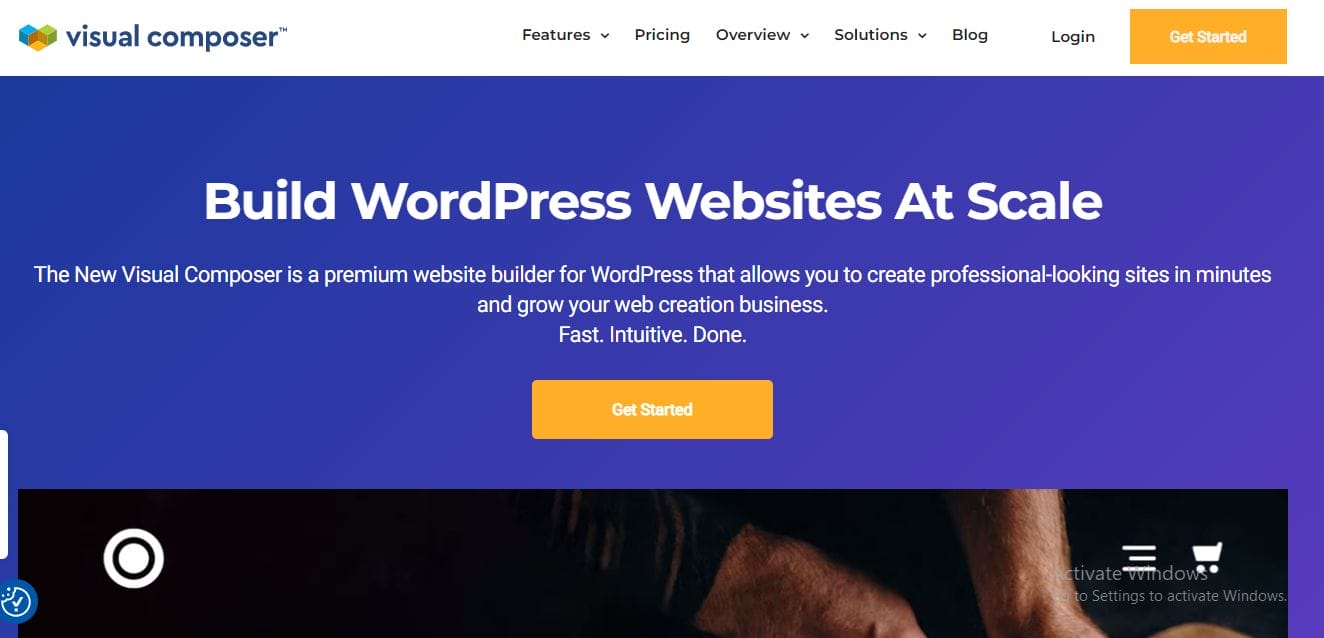
Visual Composer is a highly popular WordPress page builder plugin, known for its extensive design options and customization features. Its drag-and-drop editor makes creating websites easy for users of all skill levels, eliminating the need for coding knowledge. The plugin offers a vast library of pre-designed templates, blocks, and elements, alongside advanced styling options like customizable fonts, colors, and animations. Visual Composer also ensures responsive design, automatically adjusting layouts for optimal viewing on all devices. It integrates seamlessly with various WordPress themes and plugins, making it versatile for personal blogs, corporate websites, or online stores. Visual Composer is a comprehensive tool for building beautiful, functional websites with ease.
Key Features
- Drag-and-drop editor with a library of pre-designed elements and templates.
- Front-end and back-end editing modes for flexibility in website customization.
- Advanced design options, including parallax effects, video backgrounds, and animation.
- Integration with popular third-party plugins and services for extended functionality.
Benefits
- Provides a user-friendly interface with intuitive editing controls.
- Offers a wide range of design options and customization features.
- Compatible with most WordPress themes and plugins for seamless integration.
Disadvantages
- Can be resource-intensive on larger websites.
- Updates and compatibility issues may occasionally occur.
9. Brizy
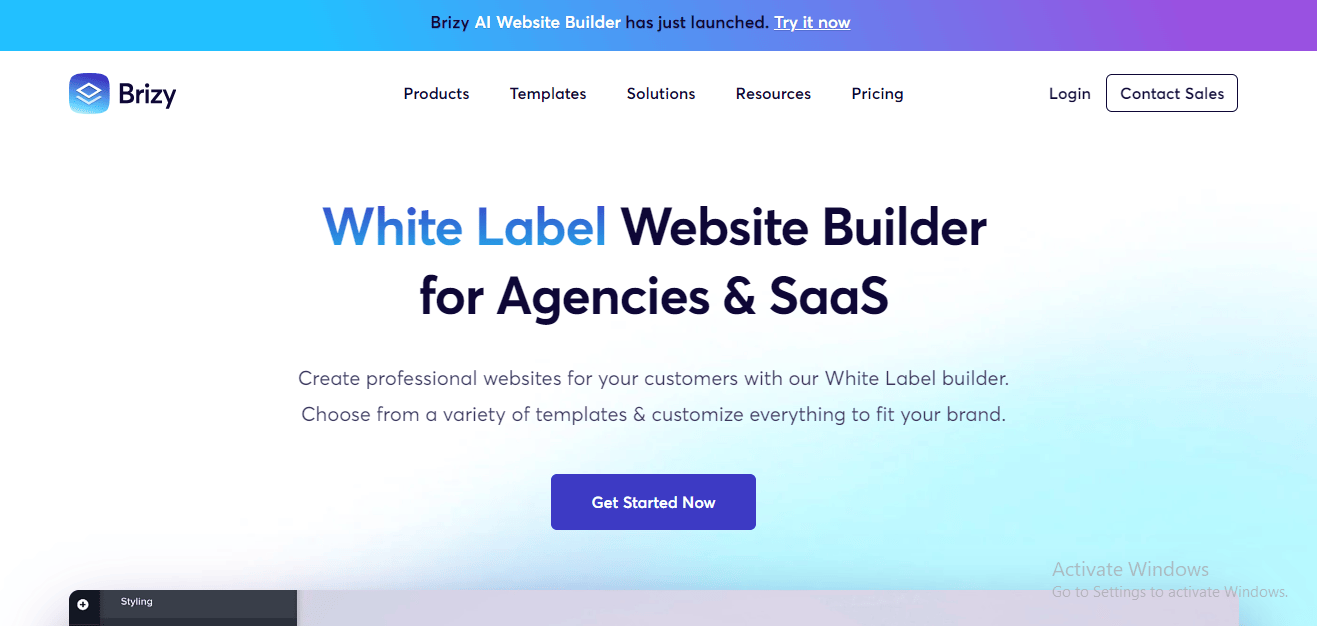
Brizy is a user-friendly WordPress page builder plugin known for its intuitive drag-and-drop editor, allowing users to create stunning websites without any coding knowledge. The plugin offers a seamless editing experience, where elements like text, images, and buttons can be easily dragged and dropped to build custom layouts.
Brizy also features an extensive library of pre-designed blocks and templates, such as headers, testimonials, and pricing tables, which can be fully customized. With its responsive design capabilities, users can ensure their websites look great across all devices. Additionally, Brizy integrates smoothly with other WordPress plugins and themes, making it a versatile tool for creating personalized websites, blogs, or online stores.
Key Features
- Visual drag-and-drop editor with a library of pre-designed blocks and layouts.
- Extensive customization options, including advanced styling controls and animation effects.
- Seamless integration with popular WordPress themes and plugins for enhanced functionality.
- Responsive design capabilities for ensuring optimal performance across devices.
Benefits
- Simplifies the process of building custom websites with its intuitive interface.
- Offers a wide range of design options and customization features.
- Provides excellent performance and compatibility with other WordPress tools.
Disadvantages
- Some advanced features may require additional plugins or customization.
- Limited documentation and support compared to some other page builders.
10. SiteOrigin Page Builder
SiteOrigin Page Builder is a popular WordPress plugin known for its user-friendly, drag-and-drop interface that allows easy customization of page layouts. It eliminates the need for coding knowledge, making it ideal for users of all skill levels. The plugin offers a wide range of pre-designed widgets, including buttons, galleries, and sliders, which enhance both functionality and visual appeal. It also provides various customizable templates and layouts to kickstart projects. With built-in responsive design controls, SiteOrigin ensures your website is optimized for desktop, tablet, and mobile views. Compatible with most WordPress themes and plugins, it offers versatility for creating personalized websites, whether for blogs, businesses, or portfolios.
Key Features
- Easy-to-use drag-and-drop editor with a grid-based layout system.
- Extensive collection of widgets and pre-designed templates for quick customization.
- Compatible with most WordPress themes and plugins for seamless integration.
- Lightweight and fast-loading design for optimal website performance.
Benefits
- Provides a straightforward interface for creating custom page layouts without coding.
- Offers a wide range of widgets and customization options for flexibility in design.
- Compatible with most WordPress themes and plugins for enhanced functionality.
Disadvantages
- Limited design options compared to some other page builders.
- May not be suitable for advanced users looking for more advanced features.
Also Read: Social Media Marketing for Online Communities (2024)
Advanced Tips and Tricks
Once you’ve mastered the basics of using WordPress website builder plugins, there are several advanced tips and techniques you can employ to take your website design to the next level. These strategies involve delving deeper into the capabilities of the plugins and leveraging additional tools and techniques to create truly unique and engaging websites.
1. Custom CSS and JavaScript: Many WordPress website builder plugins offer options to add custom CSS and JavaScript code to your website. By tapping into these features, you can fine-tune the appearance and functionality of your website beyond the standard customization options. Use custom CSS to style individual elements or sections of your website, and incorporate JavaScript to add interactive features or integrate with third-party services.
2. Advanced Layouts and Structures: Experiment with more complex layouts and structures to create visually stunning and dynamic websites. Explore features like nested columns, overlapping elements, and parallax effects to add depth and visual interest to your designs. By thinking outside the box and pushing the boundaries of traditional website layouts, you can create truly unique and memorable user experiences.
3. Integrations with Third-Party Tools: Take advantage of integrations with third-party tools and services to enhance the functionality of your website. Many WordPress website builder plugins offer seamless integration with popular tools like Google Analytics, Mailchimp, and WooCommerce. By integrating these tools into your website, you can track user behavior, capture leads, and even sell products or services directly from your site.
4. Dynamic Content and Personalization: Explore options for incorporating dynamic content and personalization into your website. Use features like dynamic content widgets, conditional logic, and user segmentation to deliver targeted messaging and personalized experiences to your visitors. By tailoring your content to the specific needs and interests of your audience, you can increase engagement and drive conversions.
5. Performance Optimization: Optimize the performance of your website to ensure fast loading times and smooth user experiences. This includes optimizing images, minifying CSS and JavaScript files, and leveraging caching techniques to reduce server load. Additionally, consider implementing lazy loading for images and videos to improve page load times, especially on mobile devices.
6. Accessibility and SEO Best Practices: Ensure that your website is accessible to all users and optimized for search engines. Follow best practices for accessibility, such as providing alternative text for images, using descriptive link text, and ensuring proper heading structure. Additionally, optimize your website for SEO by incorporating relevant keywords, optimizing meta tags, and creating high-quality, engaging content.
Final Thought
Selecting the right website builder plugin is crucial for creating a professional, functional, and engaging website with WordPress. The tools available today offer powerful features that cater to different needs, from intuitive drag-and-drop functionality to advanced customization and design options. With a focus on user experience, performance, and ease of use, these plugins can streamline the process of building a site that not only looks great but also performs effectively across devices. Whether you’re a beginner or an experienced developer, integrating these website builder plugins into your workflow will help bring your vision to life and enhance your online presence.
Interesting Reads:
Email Marketing Campaigns: How to Promote Your Online Community Effectively (2024)
Optimizing SEO to Boost Exposure for Your Online Community (2024)

Shashank is a seasoned digital marketing and WordPress expert who specializes in SEO, software tools reviews, and cutting-edge strategies for boosting online presence. With a passion for simplifying complex topics, Goutham crafts engaging blog posts that help readers optimize their websites, improve search engine rankings, and stay ahead in the ever-evolving digital landscape.