

Creating compelling YouTube thumbnails is essential for attracting viewers and increasing engagement on your videos. An eye-catching thumbnail can make a significant difference in your video’s click-through rate. In this blog post, we’ll explore the 10 best YouTube thumbnail makers available today, highlighting their key features, pros and cons, and providing a comparison table to help you make an informed choice.

Quick Links
What to Look for While Choosing the Best YouTube Thumbnail Maker
Use Gravity Write’s YouTube thumbnail idea generator to create titles and thumbnail ideas. Then, based on the thumbnail ideas, you can use the best thumbnail generator to create a better thumbnail for your YouTube videos.
1. User-Friendly Interface: Look for a thumbnail maker that has an intuitive design and easy-to-navigate interface. A simple drag-and-drop functionality can help you create thumbnails quickly, even if you have no design experience.
2. Template Variety: A good thumbnail maker should offer a wide range of customizable templates specifically designed for YouTube. This will save you time and provide inspiration for your designs.
3. Customization Options: Check if the tool allows you to customize templates with your own images, text, colors, and fonts. The ability to adjust elements to match your brand style is crucial.
4. Image Editing Features: Some thumbnail makers include built-in image editing tools. Features like cropping, filtering, and enhancing photos can help you create high-quality visuals without needing separate software.
5. Stock Image and Graphic Library: Access to a library of stock photos, icons, and graphics can be a huge advantage. This feature allows you to find and use images directly within the thumbnail maker, enhancing your designs without additional sourcing.
6. Export Quality and Formats: Ensure the tool allows you to export your thumbnails in high resolution and various formats (like JPEG and PNG). High-quality thumbnails are essential for maintaining a professional appearance.
Best YouTube Thumbnail Makers
1. Canva

Canva is a versatile graphic design tool that offers a user-friendly interface and a plethora of customizable templates, making it perfect for creating YouTube thumbnails. With its drag-and-drop functionality, you can easily add images, text, and elements to your thumbnails.
Key Features:
- Extensive library of templates and design elements.
- Drag-and-drop interface.
- Customizable text and fonts.
- Collaboration features for team projects.
Pros:
- User-friendly, even for beginners.
- Offers both free and premium plans.
- High-quality graphics.
Cons:
- Some premium features require a subscription.
- Limited design elements in the free version.
2. Adobe Spark
Adobe Spark is part of Adobe’s suite of creative tools, allowing users to create stunning graphics, web pages, and videos. It offers a range of templates specifically for YouTube thumbnails.
Key Features:
- Access to Adobe’s library of stock images.
- Integration with other Adobe products.
- Easy-to-use design interface.
Pros:
- High-quality templates and design options.
- Professional-looking results.
- Cloud storage for easy access.
Cons:
- Requires an Adobe account.
- Limited features in the free version.
Also Read: 8 Best Free AI Face Swap Tools You Can Use in 2024
3. Snappa
Snappa is a graphic design tool tailored for social media, including YouTube thumbnails. It features a simple interface and a range of templates, making it easy to create professional-looking thumbnails quickly.
Key Features:
- Pre-sized templates for YouTube.
- Over 5,000 templates to choose from.
- Stock photo library included.
Pros:
- Fast and efficient design process.
- User-friendly interface.
- No design experience needed.
Cons:
- Limited downloads on the free plan.
- Some features locked behind a paywall.
4. PicMonkey
PicMonkey is a comprehensive online photo editor that also specializes in graphic design. It offers tools specifically for creating YouTube thumbnails, with a range of editing features.
Key Features:
- Advanced photo editing tools.
- Text and overlay options.
- Customizable templates.
Pros:
- Extensive editing features for images.
- Good balance of design and photo editing.
- Intuitive interface.
Cons:
- Subscription required for full access.
- Can be overwhelming for beginners.
5. Visme
Visme is a powerful design tool that focuses on presentations, infographics, and graphics for social media. It provides a variety of templates specifically for YouTube thumbnails.
Key Features:
- Infographic and presentation creation tools.
- Drag-and-drop interface.
- Extensive template library.
Pros:
- Versatile tool for different types of content.
- Collaboration features for team projects.
- Analytics tracking for content performance.
Cons:
- Learning curve for new users.
- Free version is limited in features.
Also Read: 10 Best Tools to Create and Edit Instagram Post Videos
6. Fotor
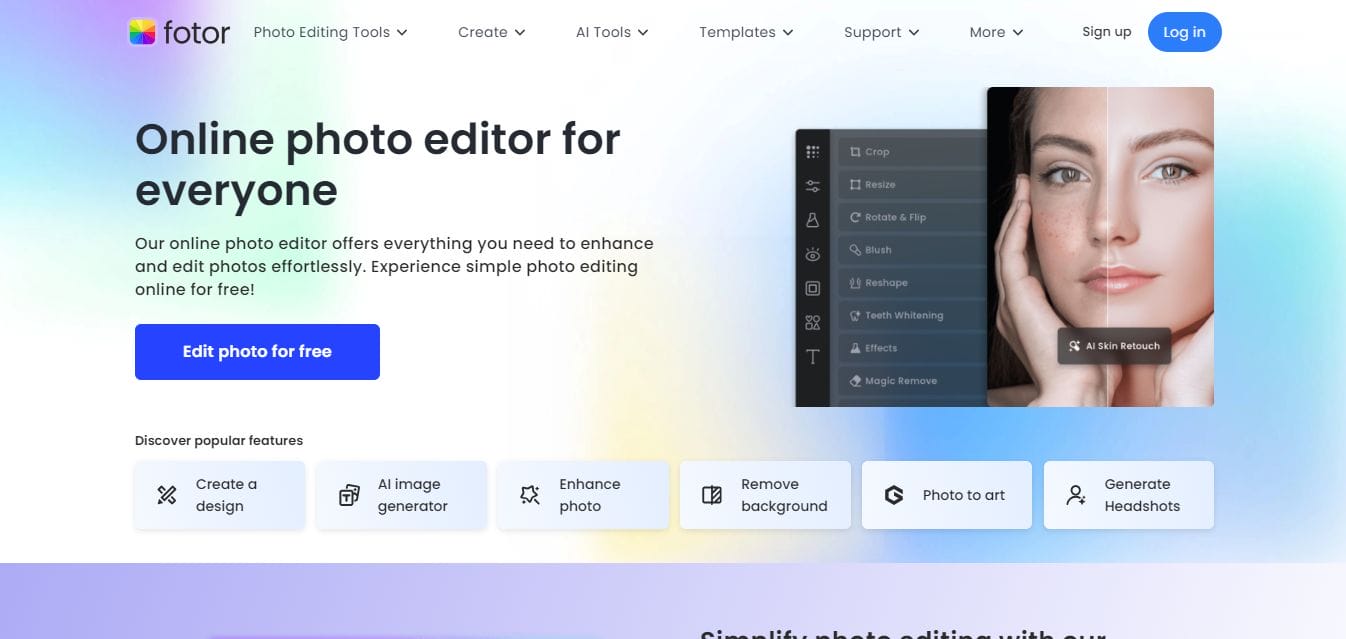
Fotor is an online photo editing and graphic design tool that offers a variety of templates for YouTube thumbnails. It combines photo editing capabilities with design tools to create eye-catching visuals.
Key Features:
- One-click photo enhancement.
- A wide range of templates.
- Text editing and overlay options.
Pros:
- Easy to use with a clean interface.
- Offers a free version with substantial features.
- Good for both photo editing and graphic design.
Cons:
- Limited customization in the free version.
- Ads in the free version can be distracting.
7. FotoJet
FotoJet is an online graphic designer that simplifies the thumbnail creation process. It offers a variety of templates and editing tools to make professional-looking thumbnails without much hassle.
Key Features:
- Templates specifically for YouTube thumbnails.
- Photo editing tools included.
- Easy drag-and-drop functionality.
Pros:
- No need to sign up for basic use.
- Fast and straightforward design process.
- Affordable premium options.
Cons:
- Limited features in the free version.
- Some users may find it less intuitive than others.
8. Crello
Crello (now called VistaCreate) is a graphic design tool similar to Canva, offering a vast selection of templates, including those for YouTube thumbnails. Its user-friendly interface allows for easy customization.
Key Features:
- Thousands of design templates.
- Animated designs available.
- Extensive library of stock photos and videos.
Pros:
- Affordable pricing plans.
- Great for both static and animated thumbnails.
- Simple to navigate.
Cons:
- Some features limited to premium users.
- May require an internet connection for some features.
9. DesignWizard
DesignWizard is a graphic design tool that focuses on creating marketing materials, including YouTube thumbnails. It provides customizable templates and easy editing options.
Key Features:
- Thousands of customizable templates.
- Video creation features.
- Library of stock images.
Pros:
- Focuses on marketing and social media needs.
- Easy-to-use interface.
- Affordable pricing plans.
Cons:
- Limited functionality in the free version.
- Fewer templates than competitors.
10. Placeit
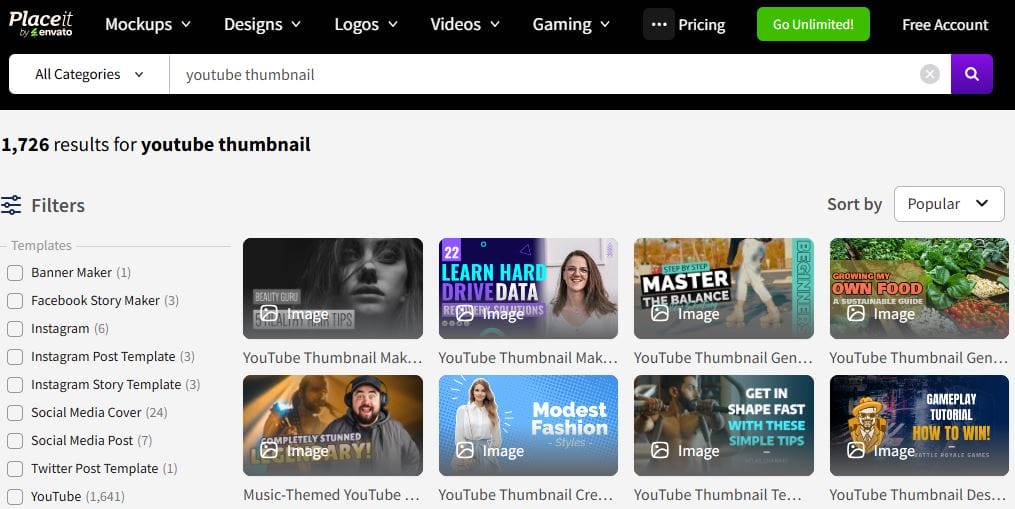
Placeit is a design tool that specializes in creating mockups, logos, and videos, including YouTube thumbnails. It offers an extensive library of templates and customization options.
Key Features:
- High-quality templates for thumbnails.
- Animation features.
- Mockup generator for additional content creation.
Pros:
- Unique templates and mockup options.
- Quick and easy design process.
- Subscription includes unlimited downloads.
Cons:
- Less flexibility in design compared to others.
- Premium subscription can be expensive.
Comparison Table
| Tool | Key Features | Pros | Cons | Pricing |
|---|---|---|---|---|
| Canva | Drag-and-drop, templates | User-friendly, high-quality | Some features premium | Free/Paid plans available |
| Adobe Spark | Stock images, design integration | Professional results | Requires Adobe account | Free/Paid plans available |
| Snappa | Pre-sized templates, stock library | Fast design process | Limited downloads free | Free/Paid plans available |
| PicMonkey | Advanced editing tools | Good photo editing | Subscription for full access | Free trial/Paid plans |
| Visme | Infographic tools, analytics tracking | Versatile content creation | Learning curve for new users | Free/Paid plans available |
| Fotor | One-click enhancement, templates | Clean interface | Limited customization free | Free/Paid plans available |
| FotoJet | No sign-up needed, templates | Fast design process | Limited features free | Free/Paid plans available |
| Crello | Animated designs, stock library | Affordable pricing | Premium features limited | Free/Paid plans available |
| DesignWizard | Marketing-focused templates | Social media oriented | Limited functionality free | Free trial/Paid plans |
| Placeit | Mockup generator, unique templates | Quick design process | Less flexible in design | Subscription-based |

Final Thoughts on Choosing the Best YouTube Thumbnail Makers
Choosing the right YouTube thumbnail maker can greatly impact your video’s performance. Each of the tools mentioned above has unique features that cater to different needs and skill levels. Whether you are a beginner or a seasoned creator, there’s a thumbnail maker here that can help you design eye-catching thumbnails that stand out. Consider your specific requirements and budget to find the best fit for you. Happy designing!
Interesting Reads
10 Best Free Marketing Video Maker Online

