Top 10 WooCommerce Wallet Plugins to Power Your Store in 2026


I’ve spent a lot of time exploring different WooCommerce extensions, and one thing has become very clear — digital wallet systems are changing the way online stores do business. What used to be a “nice extra feature” is now becoming an essential part of a smooth shopping experience.
When I started testing the top WooCommerce wallet plugins, I realized how much they simplify payments for both customers and store owners. Imagine this: your shoppers can add money to their wallet, earn cashback or rewards, and even make instant purchases — all without having to re-enter their payment details every single time. It’s fast, convenient, and feels effortless.
But it’s not just about convenience. These wallet systems also help businesses build loyalty. When customers have stored credits or cashback waiting in their account, they’re more likely to come back and shop again. That’s a win-win for everyone — customers enjoy seamless payments, and businesses see better retention and repeat sales.
Enhance Your WooCommerce Experience with Top Wallet Plugins
Are you looking to improve your online store’s payment experience for customers? In the world of online shopping, having smooth and secure payment options is essential. WooCommerce, a popular platform for online stores, can be enhanced with special tools called “wallet plugins.” These plugins allow customers to store funds and make purchases with added convenience easily. In this article, we’ll explore the top wallet plugins for WooCommerce in 2025, helping you understand their benefits and how they can elevate your online store’s performance.

Numerous online stores are powered by WooCommerce, which remains a prominent force in the ever-evolving e-commerce sector. Wallet plugin integration becomes essential to offer more seamless payment alternatives and expedite transactions. The top WooCommerce wallet plugins for 2025 are listed here, and they all guarantee effectiveness and client happiness.
10 Best WooCommerce Wallet Plugins 2025
We’ve rounded up the ultimate list of the best tools for your WooCommerce store that’ll make buying and selling a breeze. These nifty things are called “wallet plugins,” and they’re like magic wands for smoother transactions. Check out our top picks for the 10 Best WooCommerce Wallet Plugins 2025, or learn more about how to set up wallet-style payments in WooCommerce.
1. Wallet System for WooCommerce Pro
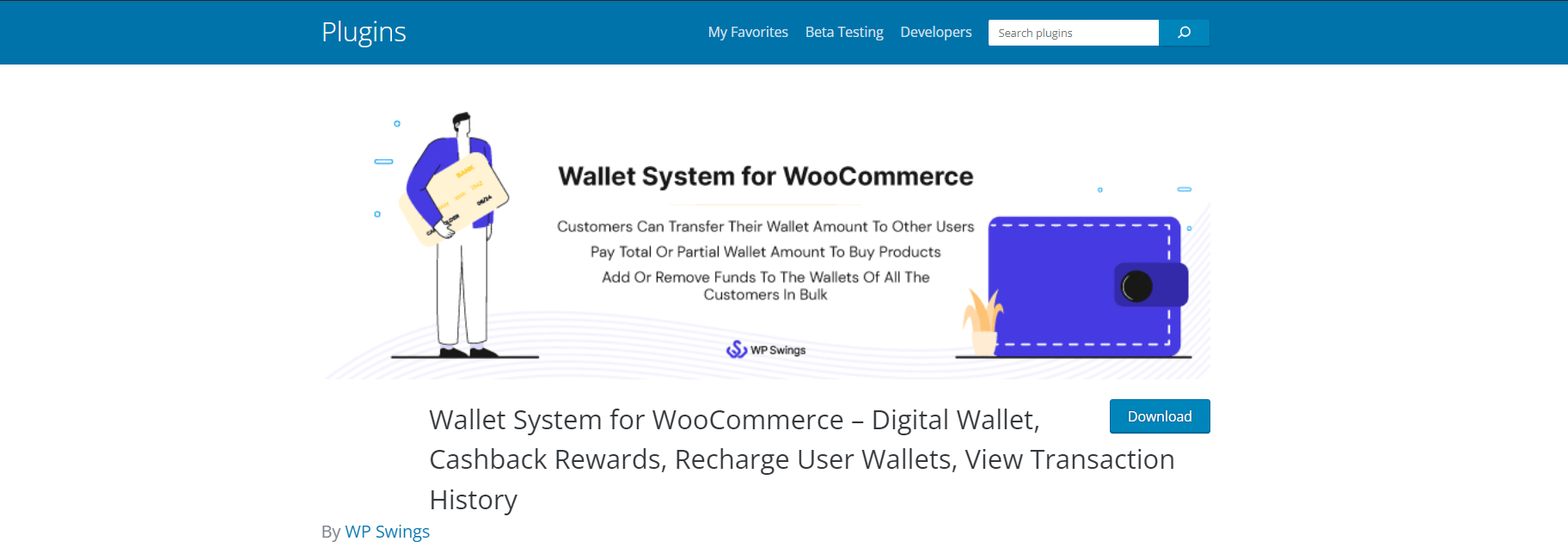
When I first came across Wallet System for WooCommerce Pro, I was looking for a way to make online transactions faster and smoother on a WooCommerce store. After testing it out for a few weeks, I can confidently say — this plugin is a real game-changer if you want to offer your customers a seamless digital wallet experience right inside your store.
What I liked most is how simple yet powerful the system feels. Instead of customers having to enter payment details every single time, they can just top up their digital wallet and use that balance for future purchases. It not only speeds up the checkout process but also encourages repeat orders — since shoppers love the convenience of having funds ready to go.
Key features of the Wallet System for WooCommerce include:
1. Add Balance to Digital Wallet
While testing, I found it super easy for users to add funds using any of the existing payment methods on the store. The process feels just like a normal WooCommerce checkout — only faster. What’s even better is that store owners can make wallet recharges tax-free, which is a great bonus for businesses that want to offer small top-up rewards or incentives.
2. Negative Wallet Balance
This feature surprised me — you can actually credit a negative amount to a customer’s wallet. For example, if a refund or cashback is pending, it can appear as a negative balance, and the system automatically adjusts it once the customer adds funds later. It’s a small detail but really handy for managing customer relationships smoothly.
3. Wallet Recharge by Admin
As a store admin, I loved the control this gives. You can manually credit or debit customer wallets, either one by one or in bulk. I tried adding a “festive gift” top-up to all wallets at once, and it worked perfectly. It’s a brilliant feature for holiday offers or loyalty rewards without manually handling each customer’s wallet.
4. Skip Payment Gateway for Cashback Rewards
If you’re like me and often run cashback campaigns, you’ll appreciate this one. You can restrict cashback to certain payment gateways, or even skip gateways altogether when paying with the wallet. It ensures your cashback system stays consistent — and customers still get their rewards automatically, no matter how they pay.
5. Auto Order Completion
This one really saves time. When customers pay using their wallet, the plugin can automatically mark those orders as “Complete.” I tested it on multiple transactions, and it worked flawlessly. It’s a great automation touch — especially if you run a store with high order volumes.
Pros
- Super easy to integrate and configure with WooCommerce
- Smooth, one-click checkout experience for customers
- Helps boost loyalty with wallet-based rewards and cashbacks
- Excellent control for admins — recharge, debit, or bulk top-up options
- Time-saving automation with auto-complete orders
Cons
- The interface could use a more modern design (feels slightly basic)
- Might require some initial setup time to fine-tune cashback rules
- Advanced reporting options could be more detailed
Also Read: Best WooCommerce Subscription Plugins
2. TeraWallet
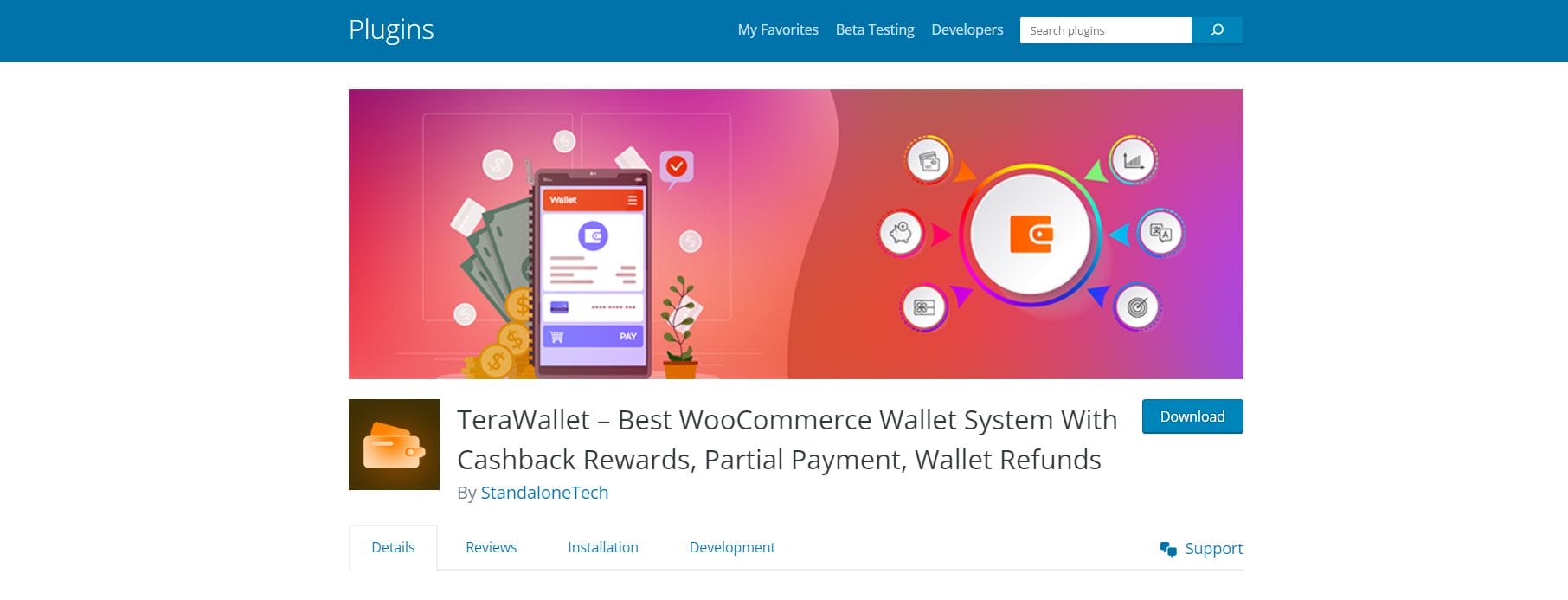
When I first tried TeraWallet, I wanted to see whether it could truly replace traditional payment gateways and make transactions smoother for WooCommerce stores. After testing it thoroughly, I can say it’s one of the most feature-rich and reliable digital wallet plugins available for WooCommerce today.
What immediately stood out to me was how easy it makes the checkout process. Customers can deposit funds into their accounts, transfer money to other users, and make purchases using their wallet balance — all without leaving your store. It feels fast, secure, and built with the customer experience in mind.
But what really impressed me about TeraWallet is that it’s more than just a payment method — it’s a complete reward and loyalty system. The built-in cashback feature lets you reward customers based on their purchases, which is a brilliant way to encourage repeat business.
Key features of TeraWallet include:-
1. Works Like Any Other Payment Method
When I activated TeraWallet on my WooCommerce test store, it appeared alongside regular payment gateways like PayPal or Stripe. Customers can simply select “Wallet” as their payment option at checkout. It feels completely natural — no extra steps, no confusion.
2. Easy Fund Management for Customers
Adding funds to the wallet is smooth and flexible. Customers can top up using any payment methods already available in the store — credit cards, UPI, or PayPal — whatever you support. During my tests, every top-up reflected instantly, which made the system feel trustworthy and seamless.
3. Cashback and Rewards That Actually Work
This was the fun part! I set cashback rates for specific products and categories, and the plugin automatically calculated rewards based on each customer’s purchase. You can set cashback either as a fixed amount or a percentage, which gives you plenty of control. I also liked that I could run limited-time offers with bonus cashback during sales or events — perfect for keeping customers coming back.
4. Partial Payments and Refund Flexibility
Another feature that impressed me was partial payments. Customers can split payments between their wallet and another payment method. This is super convenient if their wallet balance is low. On the admin side, I found refund processing incredibly easy — you can issue refunds directly to the user’s wallet, which saves tons of time.
Pros
- Seamless integration with WooCommerce checkout
- Built-in cashback system to boost loyalty
- Customers can transfer money between wallets
- Refunds and partial payments handled effortlessly
- Highly customizable and admin-friendly
- Real-time wallet balance and transaction tracking
Cons
- The interface could be more visually polished for non-technical users
- Initial setup might feel a bit detailed for beginners
- Cashback configuration can take some fine-tuning for complex stores
3. Viva Wallet
I first tested Viva Wallet Smart Checkout on a WooCommerce site, I wanted to see if it could truly make checkout faster and easier — and honestly, it did not disappoint. This tool is designed to make online transactions smoother, and from what I experienced, it definitely delivers on that promise.
The setup was refreshingly simple. Within a few minutes, I had it integrated with WooCommerce, and everything was running smoothly. I immediately noticed how clean and intuitive the checkout interface looked — customers don’t have to deal with extra steps or confusing forms. It’s straightforward, fast, and visually appealing, which can make a big difference when it comes to reducing cart abandonment.
Key features of Viva Wallet include:-
1. Simplified Checkout Experience
From the moment I installed it, the streamlined checkout flow was one of the biggest highlights. It cuts down unnecessary steps and lets customers complete their purchases quickly. When I tested it on both desktop and mobile, the checkout was lightning-fast — and that’s something every WooCommerce store owner can appreciate.
2. Multiple Payment Options
Viva Wallet supports a wide variety of payment methods — from credit and debit cards to digital wallets and even alternative payment systems. I tested payments through Google Pay and Apple Pay, and both worked flawlessly. This kind of flexibility means customers can always use their preferred method, which definitely improves the overall buying experience.
3. Enhanced Security You Can Rely On
Security is a big deal when handling online transactions, and Viva Wallet has clearly invested in this area. During my testing, every transaction went through advanced encryption and fraud prevention filters, giving both me and my customers peace of mind.
4. Real-Time Analytics and Insights
Another feature I loved was the real-time reporting dashboard. It offers detailed insights into your transactions, sales trends, and customer behavior. It’s not just data — it’s actually actionable information that helps you make better decisions for your store.
5. Designed to Grow with Your Business
What’s great about Viva Wallet is that it’s scalable. Whether you’re managing one small store or expanding globally, the plugin can handle multiple currencies, recurring payments, and even subscriptions. I found this flexibility really useful when testing it on a WooCommerce site that sold digital products.
Pros
- Super easy checkout that customers love
- Wide range of payment methods including cards, wallets, and local options
- Excellent security and fraud prevention features
- Real-time reporting and analytics
- Scalable for international and subscription-based businesses
- Great customer support and onboarding experience
Cons
- Some advanced settings may require basic technical know-how
- Reporting dashboard could include more export options for analytics
- Transaction fees may vary based on payment method and region
4. GlobalPayments WooCommerce
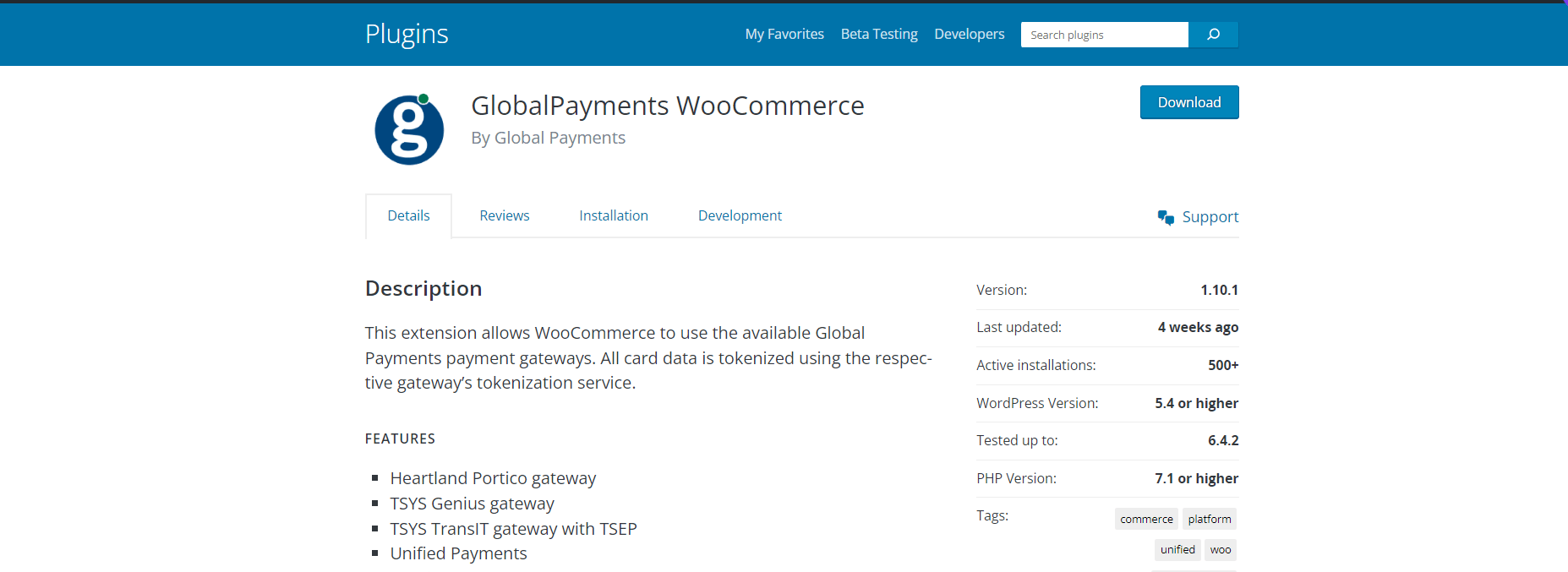
I first tried integrating GlobalPayments with WooCommerce, I wanted to see if it could really deliver on its promise of providing a fast, secure, and flexible checkout experience for online stores. After testing it out on multiple setups, I can confidently say that GlobalPayments is one of the most robust and enterprise-grade payment solutions available for WooCommerce today.
GlobalPayments has been a trusted name in global payment technology for years — and its WooCommerce integration reflects that maturity and reliability. What really impressed me was how effortlessly it connects to WooCommerce, enabling merchants to process a wide variety of payment methods while ensuring top-notch data security.
Key features of GlobalPayments include:-
- Heartland Portico gateway
- TSYS Genius gateway
- TSYS TransIT gateway with TSEP
- Unified Payments
- Credit Cards
- Integrates with WooCommerce
- Sale transactions (automatic capture or separate capture action later)
- Refund transactions from a previous Sale
- Stored payment methods
- 3D Secure 2 & SCA
- Digital Wallets – Google Pay
- Digital Wallets – Apple Pay
- Digital Wallets – Click To Pay
- Payments over the phone
- Buy Now Pay Later – Affirm
- Buy Now Pay Later – Clearpay
- Buy Now Pay Later – Klarna
- Open Banking – Faster Payments
- Open Banking – SEPA
Pros
- Multiple gateways to choose from (Heartland, TSYS, Unified Payments, etc.)
- Super secure with tokenization and 3D Secure 2 compliance
- Wide variety of payment options including BNPL and Open Banking
- Easy refund management directly from WooCommerce
- Supports Apple Pay, Google Pay, and Click to Pay
- Great for global businesses that need regional payment flexibility
Cons
- The setup process can feel a bit technical for beginners
- Gateway selection may vary based on your region or merchant account
- Limited visual customization options for checkout pages
Also Read: Best CRO Tools & Platforms for E-commerce and SaaS
5. Web3 – Crypto wallet Login & NFT token gating
When I first heard about the Web3 Authentication plugin, I was instantly curious. The idea of letting users log in or sign up to a WordPress site using their crypto wallet felt futuristic — but also highly relevant in today’s world of decentralized technology.
After testing it out, I was genuinely impressed. This plugin doesn’t just offer a new login option — it redefines how users interact with your website, offering decentralized identity, NFT token gating, and secure crypto verification right inside WordPress.
The Web3 Authentication plugin allows users to sign up or log in to your WordPress site using their cryptocurrency wallets — like MetaMask or WalletConnect — instead of traditional emails and passwords.
What really stands out is that the plugin also lets you NFT token-gate exclusive content. This means you can lock premium articles, videos, or pages so that only users who own specific NFTs in their wallet can access them.
The Web3 authentication login plugin supports both hot and cold wallet login.
Key features of Web3 include:-
- Decentralized Identity and Authentication: Web3 enables decentralized identity management, giving people autonomy over their online personas independent of centralized authority. By leveraging their blockchain-based wallets for authentication, users can access a wide range of services and platforms with a crypto wallet login, improving security and anonymity.
- Crypto Wallet Integration: With Web3, platforms can integrate crypto wallets seamlessly, enabling users to sign in or access content using their wallets. This integration allows for a more user-friendly and secure authentication process compared to traditional username-password combinations.
- NFT Token Gating: NFT token gating involves using Non-Fungible Tokens to grant access to exclusive content, services, or communities. Web3 technology enables the implementation of smart contracts that enforce these access permissions based on ownership of specific NFTs. Users who hold the required NFT in their wallets gain access to gated content or services automatically. Additionally, token-gated data collection allows websites to securely gather user-specific data tied to NFT ownership, enhancing personalization and engagement.
- Enhanced Security and Ownership: Utilizing blockchain technology, Web3 ensures higher security standards by employing cryptographic principles. Each transaction or access request is validated on the blockchain, minimizing the risks associated with centralized systems. Additionally, NFT token gating ensures ownership and provenance of digital assets by tying them to unique tokens on the blockchain
Pros
- Secure, passwordless login through crypto wallets
- Easy setup and works with existing WordPress plugins
- NFT token gating adds exclusive, blockchain-based access control
- Supports both hot and cold wallets
- Fully decentralized authentication system
Cons
- Requires some basic understanding of blockchain to set up properly
- Users unfamiliar with crypto wallets may find the login process confusing
- Token gating configuration could use a more visual, user-friendly interface
6. HBLPAY Payment Gateway for WooCommerce
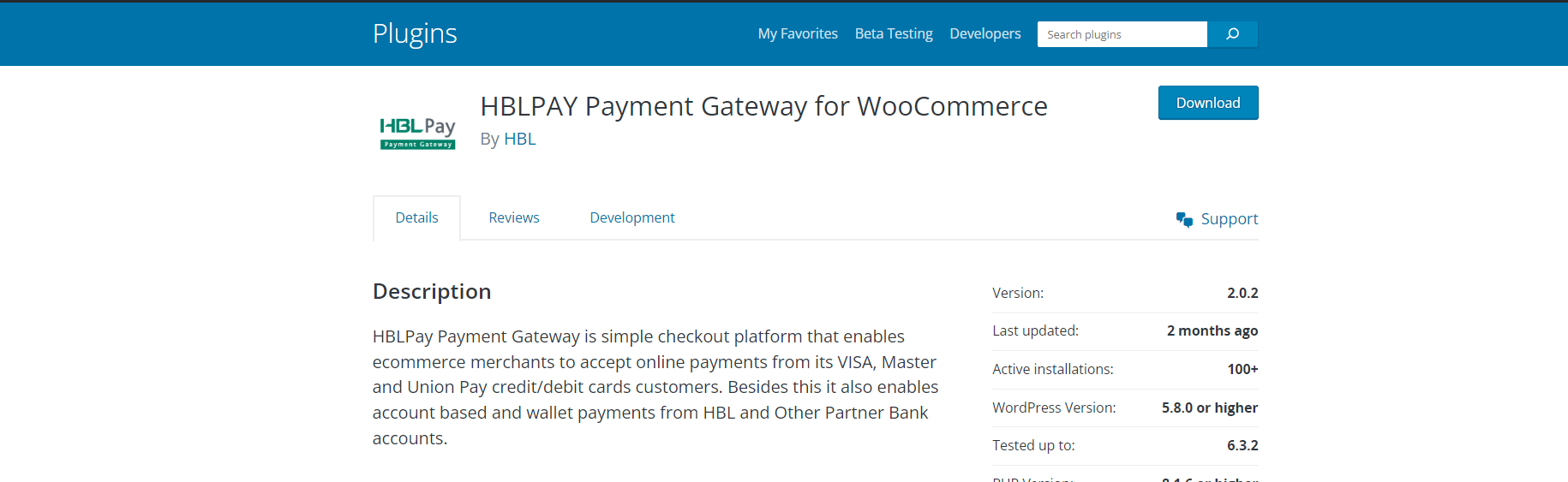
I came across the HBLPay Payment Gateway, I was looking for a payment platform that could handle both local and international transactions smoothly. After testing it with WooCommerce, I found that HBLPay offers a simple yet powerful checkout experience — perfect for eCommerce merchants who want to give customers more flexibility at checkout.
HBLPay is a digital payment solution designed to help WooCommerce store owners accept online payments quickly and securely. It supports Visa, MasterCard, and UnionPay credit/debit cards, as well as account-based and wallet payments from HBL and its partner banks.
What makes it stand out is how simple and efficient the integration process is. Once you set it up, your customers can pay using their preferred method without any unnecessary redirects or complex steps.
FEATURES & BENEFITS
• One window digital payments solution
• Seamless addition of new payment methods
• platforms Provides free of cost plugins for renowned ecommerce.
• Supports card tokenization for repeat customer’s transactions
• Supports transactions in following currencies:
1. PKR
2. USD
3. CAD
4. GBP
5. AED
6. Euro
Pros
- Smooth and fast checkout experience
- Secure payment processing with tokenization
- Easy integration with WooCommerce and other platforms
- Supports both local and international currencies
- Free official plugin for easy setup
Cons
- Limited customization in checkout UI compared to other premium gateways
- Primarily focused on merchants within HBL’s supported regions
7. MONEI WooCommerce
When I tested MONEI, I immediately noticed how smooth and modern the entire payment experience felt. Designed for eCommerce merchants — especially those in Spain and Andorra — MONEI makes digital payments simpler, smarter, and faster.
MONEI is a powerful eCommerce payment gateway built to simplify online payments. It integrates easily with WooCommerce (and other major eCommerce platforms), enabling you to accept, process, and manage all major and alternative payment methods from a single dashboard.
Unlike many gateways that come with complex setups or high transaction fees, MONEI offers a serverless architecture for scalability and a dynamic pricing model — meaning your transaction fees decrease as your sales volume increases.
Key features of MONEI include:-
- Merchant support for all available MONEI payment methods
- Accept and manage all major and alternative payment methods in a single platform
- Quickly and easily integrate with your WooCommerce website using MONEI’s API
- Connect your custom domain to MONEI and customize the appearance of your checkout page
- Scale and process a high volume of transactions
- Dynamic pricing model — as you sell more your transaction fees decrease
- Verified merchants enjoy 1-day payment settlements
- PCI-DSS compliant
- Self-hosted flexible input fields
- Supports 3D Secure and 3D Secure exemptions
Pros
- Incredibly easy to integrate with WooCommerce
- Dynamic pricing reduces costs as sales grow
- 1-day payment settlements (super fast!)
- Supports all major and alternative payment methods
- PCI-DSS compliant with 3D Secure support
- Customizable checkout page for branding consistency
Cons
- Currently focused mainly on Spain and Andorra, so global availability is limited
- Merchant approval process may take some time depending on documentation
8. AffiliateWP – Store Credit
I tested AffiliateWP, one of the first things that stood out was how easy it made managing affiliate programs for WooCommerce and WordPress stores. It’s a plugin built specifically for business owners who want to create, track, and manage affiliate marketing programs directly from their WordPress dashboard — without needing extra tools or complicated setups.
But what really caught my attention was the Store Credit add-on. Instead of paying affiliates cash commissions every time they refer a sale, you can now reward them with store credits they can use in your shop. It’s a clever twist that not only saves on payout hassles but also encourages affiliates to keep shopping with you — driving even more business.
Key features of AffiliateWP include:-
- Alternative Rewards: Provides affiliates with store credits instead of direct cash commissions for their referrals or sales.
- Credit Utilization: Affiliates can use earned credits to make purchases within the associated online store.
- Flexibility and Customization: Offers customizable settings for credit allocation, expiry dates, and redemption criteria to suit specific business requirements.
- Motivational Incentive: Acts as an extra incentive for affiliates, encouraging them to actively promote products or services to earn store credits.
- Tracking and Reporting: Includes tools to track and analyze credit usage, aiding in evaluating the effectiveness of the affiliate program and affiliate-driven sales.
Pros
- Super easy to integrate with WooCommerce
- Store credit system encourages affiliates to stay loyal
- Flexible customization for credit limits and expiry
- Smooth automation — no manual payouts needed
- Great built-in reporting and analytics tools
Cons
- The Store Credit add-on is not included in the base plugin — you’ll need to purchase it separately
- Not ideal for affiliates who prefer cash payouts
- Works best for WooCommerce stores — limited use outside that ecosystem
9. Knit Pay
When I first tried Knit Pay, I was impressed by how it brings cryptocurrency transactions into the WordPress and WooCommerce ecosystem with such ease. For store owners who want to start accepting crypto payments without getting tangled in technical setups, Knit Pay is a real game changer.
It’s designed to make digital currency payments as simple and intuitive as regular online transactions. Whether your customers use Bitcoin, Ethereum, or other altcoins, Knit Pay lets them pay securely — and lets you manage everything right from your WordPress dashboard.
Knit Pay is a WooCommerce wallet and crypto payment plugin that connects your online store with multiple cryptocurrency gateways. It allows you to accept, send, and manage crypto payments directly within your WordPress site — no coding required.
Key features of Knit Pay include:-
- Supports a wide variety of payment providers.
- Seamless integration with popular e-commerce and form builder plugins.
- Automatically updates the payment status of orders in WordPress.
- Works with Payment Gateways webhook to provide real-time payment status update.
- Easily manage (multiple) payment provider configurations.
- Continually updated to support the latest e-commerce plugins.
- Works with all popular WordPress e-commerce plugins.
- Create a fully branded payment link directly from WordPress Dashboard even if Payment Gateway does not support this feature.
- Create multiple payment buttons in Gutenberg blocks and Elementor.
Pros
- Super easy to set up and configure
- Real-time payment updates make order tracking stress-free
- Works with multiple crypto gateways and plugins
- Lets you create fully branded payment links and buttons
- Regular updates ensure compatibility with latest WooCommerce versions
Cons
- Doesn’t support every crypto exchange yet (limited to specific gateways)
- May require basic crypto knowledge for first-time users
- Transaction fees depend on the connected gateway, not Knit Pay itself
Also Read: Best WYSIWYG HTML Editors
10. WP EasyPay – Square for WordPress
If you’ve ever wanted a quick and hassle-free way to accept online payments without dealing with complex setups, WP EasyPay is a plugin you’ll absolutely love. Designed to integrate seamlessly with Square, WP EasyPay makes it incredibly simple for WordPress and WooCommerce site owners to start collecting payments in minutes — no shopping cart or lengthy configuration needed.
WP EasyPay is a powerful WordPress plugin that lets you accept Square payments directly on your website. It’s perfect for small businesses, freelancers, or nonprofits looking to simplify how they process payments online.
Instead of setting up a full eCommerce system, you can use WP EasyPay to create simple payment buttons or forms anywhere on your site. With a single shortcode, you can start accepting credit card payments, donations, and custom payment amounts — all securely processed via Square.
Key features of WP EasyPay include:-
- Charge simple payments through the click of a button.
- Collect donation payments easily where the customer can enter their desired amount.
- Easily set and collect fixed amount payments for services or single products.
- Collect custom payment amounts from your customers by allowing them to enter a custom amount(s) at the time of payment.
- Define the min & max amount range for a custom amount.
- Sandbox support with the latest version of the SQUARE V2 API is available for developer testing.
- Add a payment form on your website page or post using a shortcode.
- Notification Email will be sent to the admin after every successful transaction.
- Display selected fields in Square Transaction Note using tags (60 characters only).
- Add default Mail Tags into the message body like Transaction ID, Payment Amount, etc.
Pros
- No need for a full shopping cart setup
- Simple, clean user interface
- Ideal for donations, small services, and one-time payments
- Supports sandbox testing for developers
- Works perfectly with Square’s secure infrastructure
Cons
- Limited to Square as the payment processor
- Doesn’t include recurring or subscription payments by default
- Slightly fewer customization options for the payment form design
Final thoughts on 10 Best WooCommerce Wallet Plugins
After exploring the top 10 WooCommerce wallet plugins of 2025, it’s evident that these tools are revolutionizing how online stores handle payments, rewards, and customer engagement. Each plugin brings something unique to the table — from secure payment gateways and store credit systems to cashback rewards and multi-currency support — offering tailored solutions for businesses of all sizes.
What makes these plugins truly stand out is their ability to simplify complex payment processes while enhancing user experience. Customers can easily deposit funds, earn cashback, redeem loyalty points, or make purchases using their digital wallet balances — all within a few clicks. This level of convenience not only boosts sales but also helps businesses build long-term trust and loyalty.
For store owners, WooCommerce wallet plugins provide unmatched flexibility and control. They can customize cashback offers, manage refunds, set up multi-wallet systems, and even enable crypto payments or NFT-based access. These smart tools effectively bridge the gap between convenience and innovation, ensuring your store stays ahead in an increasingly competitive eCommerce landscape.
Interesting Reads:
Agriculture Web Design with WordPress

Shashank is a seasoned digital marketing and WordPress expert who specializes in SEO, software tools reviews, and cutting-edge strategies for boosting online presence. With a passion for simplifying complex topics, Goutham crafts engaging blog posts that help readers optimize their websites, improve search engine rankings, and stay ahead in the ever-evolving digital landscape.