


Quick Links
Why Resize Photos for Facebook?
Before we delve into the tools, it’s essential to understand why resizing photos for Facebook is crucial. Facebook has specific dimensions for different types of images, including profile pictures, cover photos, and posts. Using correctly sized images ensures that your photos load properly and look sharp on any device. Here are some common reasons to resize photos for Facebook:
- Improved Loading Times: Large images can slow down your page loading times, leading to a poor user experience. Resized images load faster, keeping your audience engaged.
- Professional Appearance: Properly sized images give your profile or business page a polished, professional look, which can attract more followers and customers.
- Better Engagement: Posts with visually appealing images often receive more likes, comments, and shares. Resizing images appropriately can enhance their overall quality.
Now that we’ve established the importance of resizing images, let’s look at the ten best tools to resize photos for Facebook online for free.
1. Canva
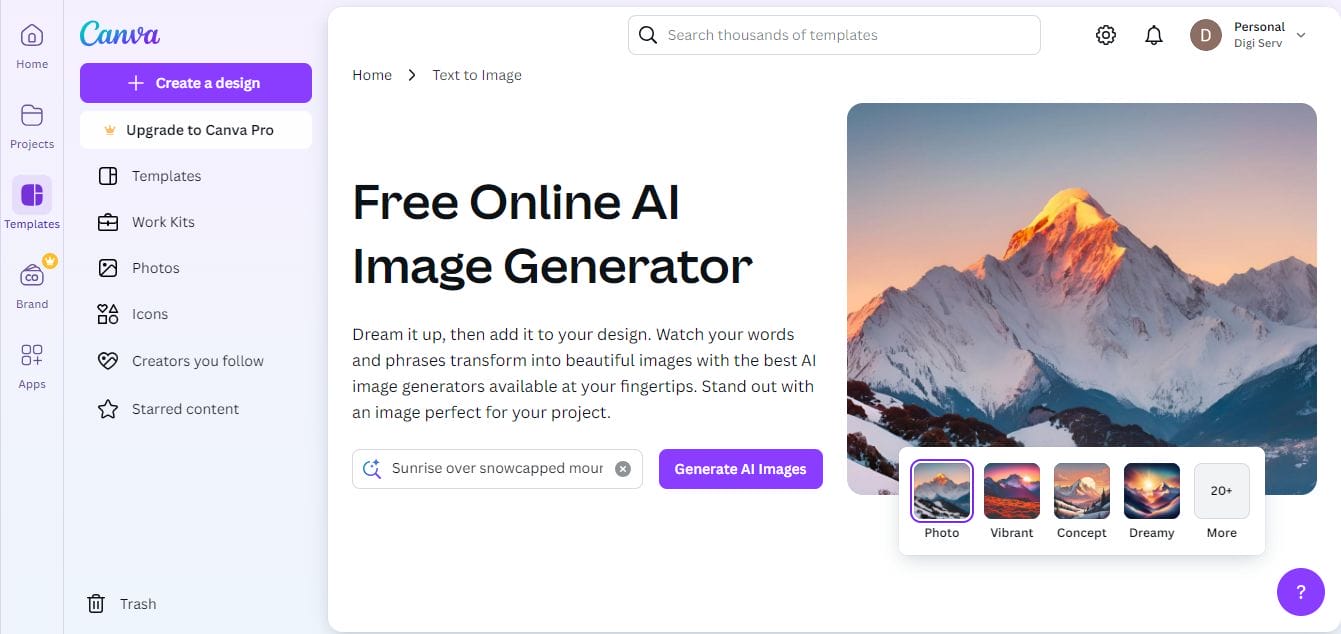
Canva is a powerful online graphic design tool that has become a go-to choice for anyone looking to create professional-looking images without advanced design skills. With its intuitive drag-and-drop interface and an extensive range of predefined templates, Canva is particularly popular among social media managers, small business owners, and content creators. Whether you need to create Facebook posts, cover photos, or even design graphics for ads, Canva simplifies the process.
Key Features
- User-Friendly Interface: Canva is known for its intuitive drag-and-drop functionality, making it easy for anyone to create and resize images.
- Predefined Templates: It offers a variety of templates specifically designed for Facebook, including posts and cover photos.
- Extensive Editing Tools: Users can access a wide range of editing features, including text overlays, filters, and graphics.
Pros
- Ease of Use: Canva is beginner-friendly, allowing even those with no design experience to create stunning images.
- High-Quality Output: The platform ensures that resized images maintain excellent quality.
- Collaborative Features: You can easily share designs with others for feedback or collaboration.
Cons
- Premium Features: While Canva is free, some advanced features require a paid subscription.
What Makes It Different
Canva stands out for its extensive library of templates tailored for social media, making it one of the best tools to resize photos for Facebook. The ability to create visually appealing designs from scratch is a significant plus.
2. Fotor
Fotor is a user-friendly photo editing platform that goes beyond basic resizing. Known for its simplicity and efficiency, Fotor appeals to users who want a straightforward tool for enhancing and resizing images for social media. From casual users who want to enhance personal photos to small business owners needing batch resizing, Fotor makes it easy to get professional-quality results quickly. With features like batch processing, filters, and a range of effects, Fotor enables users to take their images to the next level, all while maintaining ease of use
Key Features
- Photo Editing Tools: Fotor offers a range of tools to resize, edit, and enhance photos effortlessly.
- Batch Processing: This tool allows users to resize multiple images at once, saving time for those with many photos.
- Variety of Filters: Users can apply artistic effects and filters to enhance the look of their images.
Pros
- Simple and Straightforward: Fotor’s user-friendly design makes it accessible for everyone.
- Variety of Enhancements: In addition to resizing, Fotor allows users to improve their photos with various editing options.
Cons
- Limited Features in Free Version: Some advanced editing tools are only available in the premium version.
What Makes It Different
Fotor excels in providing a quick and easy way to resize photos for Facebook while also offering robust photo enhancement features, making it ideal for those who want to polish their images further.
Also Read: 10 Best Christmas Video Maker for Social Media
3. PicResize
PicResize is an online tool tailored for those who need a quick, no-fuss solution for resizing images in bulk. If you have a large number of images that you need to upload to Facebook but are concerned about maintaining consistency and quality, PicResize is designed for this exact purpose. Its straightforward interface allows users to resize, crop, and apply simple effects with just a few clicks, all without needing to sign up.
Key Features
- Bulk Resizing: PicResize allows users to resize multiple images simultaneously, perfect for batch uploads to Facebook.
- Simple Steps: The website offers clear, step-by-step instructions for resizing images.
- Basic Editing Tools: Users can crop, rotate, and apply effects easily.
Pros
- Speed: PicResize processes images quickly, making it great for those in a hurry.
- No Registration Required: You can start resizing images immediately without creating an account.
Cons
- Limited Editing Features: While resizing is straightforward, advanced editing options are lacking compared to other tools.
What Makes It Different
The bulk processing feature of PicResize is its standout quality, making it a go-to choice for anyone needing to resize photos for Facebook quickly and efficiently.
4. ResizeImage.net
ResizeImage.net is a minimalistic, no-frills tool focused solely on resizing images quickly and efficiently. Ideal for users who want to avoid distractions, ResizeImage.net doesn’t require any software installation or account creation. It caters to those who want to resize images for Facebook without additional features getting in the way.
Key Features
- No-Fuss Resizing: ResizeImage.net focuses on simplicity, allowing users to upload and resize images without distractions.
- Multiple File Formats Supported: This tool accommodates various image formats, including JPEG, PNG, and GIF.
- Quality Control Options: Users can adjust the image quality while resizing.
Pros
- Fast and Efficient: Quick upload and processing times make it ideal for busy users.
- User-Friendly: The interface is straightforward and easy to navigate.
Cons
- Lacks Advanced Features: The tool is primarily focused on resizing, with fewer editing options available.
What Makes It Different
ResizeImage.net is perfect for users looking for a no-fuss solution to resize photos for Facebook without additional complexities or distractions.
5. BeFunky
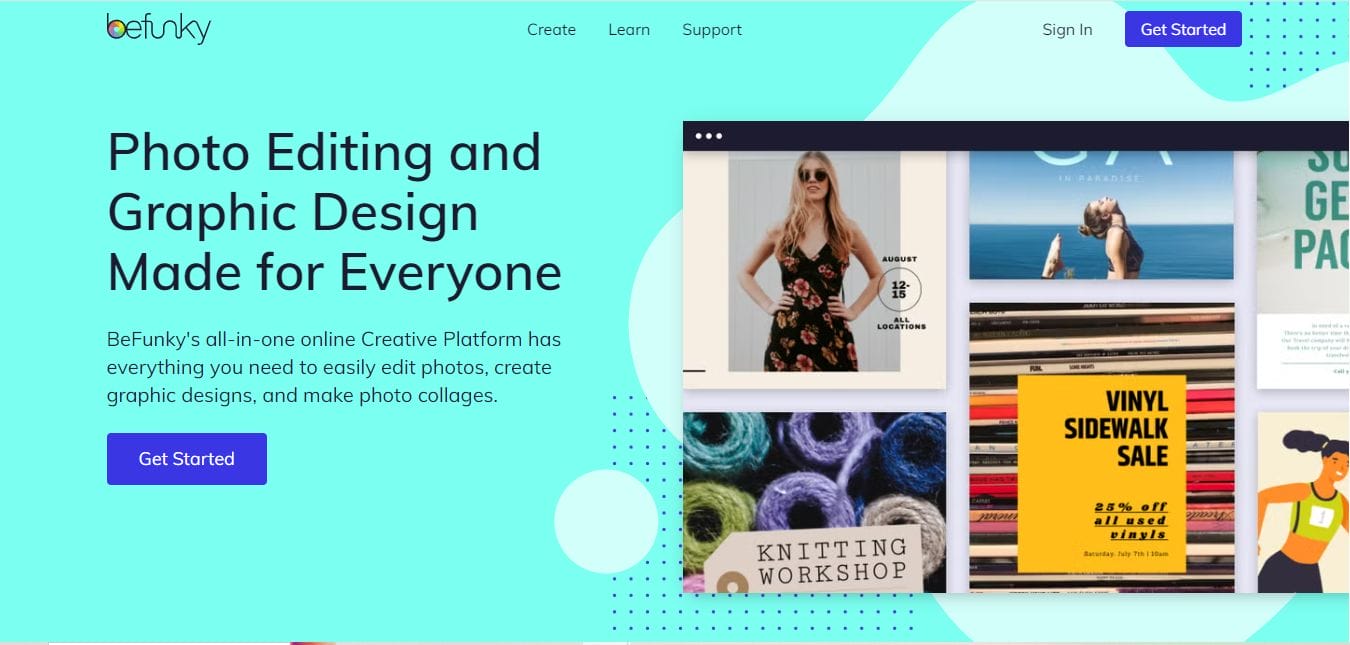
BeFunky is a creative photo editing tool with a comprehensive suite of features for users who want more than basic resizing. Often favored by artists, marketers, and social media enthusiasts, BeFunky combines resizing tools with various artistic effects, filters, and templates tailored for social media formats, including Facebook. The platform’s user-friendly interface makes it accessible for beginners, yet it has enough advanced tools to keep seasoned editors engaged.
Key Features
- Comprehensive Editing Suite: BeFunky combines powerful resizing tools with a variety of artistic effects and filters.
- Social Media Templates: The platform offers templates optimized for various social media formats, including Facebook.
- User-Friendly Editor: The drag-and-drop interface is intuitive and easy to use.
Pros
- Versatile Editing Options: Users can create unique images with various enhancements.
- Accessible for Beginners: The platform is easy to use, even for those new to photo editing.
Cons
- Some Features Require Payment: Advanced tools are only available through a paid subscription.
What Makes It Different
BeFunky provides a rich set of features that make it an excellent choice for users who want to both resize photos for Facebook and enhance their images creatively.
6. Snappa
Snappa is a streamlined graphic design tool optimized for social media marketers and small business owners. Known for its easy-to-use, drag-and-drop interface, Snappa allows users to quickly create images that meet Facebook’s size requirements. With a variety of ready-made templates specifically designed for social media posts and ads, Snappa saves time and effort for users who may not have design experience but need high-quality images for business purposes.
Key Features
- Pre-Sized Templates: Snappa offers ready-to-use templates designed for Facebook posts and ads.
- Easy Drag-and-Drop Editor: The interface allows users to create and resize images effortlessly.
- Access to a Library of Graphics: Users can choose from a wide selection of graphics and images.
Pros
- Ideal for Marketers: Snappa is designed with social media marketing in mind, making it a favorite among businesses.
- Quick Image Creation: Users can create images quickly with predefined sizes.
Cons
- Limited Free Downloads: Free users have a cap on the number of downloads per month.
What Makes It Different
Snappa’s focus on social media optimization makes it particularly useful for users looking to create tailored images that fit Facebook’s requirements perfectly.
Also Read: 10 Best Christmas Sales Video Maker
7. Adobe Express
Adobe Express, previously known as Adobe Spark, offers a simplified version of Adobe’s high-quality editing tools in a web-based format. This tool is particularly appealing for users seeking a professional-grade editing experience without investing in complex software. Adobe Express includes resizing options for Facebook and a range of templates, giving users the flexibility to create designs with Adobe’s iconic quality.
Key Features
- Professional-Grade Editing Tools: Adobe Express offers high-quality editing features, similar to its premium software.
- Resize Options for Social Media: Users can choose from various dimensions optimized for Facebook.
- Templates and Design Assets: The platform provides a range of templates and stock images.
Pros
- Quality Results: Adobe Express is known for its professional quality output.
- Intuitive Interface: The design is accessible to both beginners and experienced users.
Cons
- Complexity for New Users: Some features may be overwhelming for those unfamiliar with Adobe products.
What Makes It Different
Adobe Express combines powerful editing tools with the ability to easily resize photos for Facebook, making it a top choice for users seeking high-quality results.
8. Photopea
Photopea is a web-based tool that closely resembles Photoshop in both appearance and functionality, making it an ideal choice for users looking for advanced editing features. For those who are comfortable with Photoshop’s interface or need more control over their images, Photopea offers layer support, various filters, and comprehensive resizing tools. This platform is a favorite among designers and photographers who need professional-grade tools without the hassle of software installation.
Key Features
- Photoshop-Like Experience: Photopea mimics Photoshop’s interface, offering advanced resizing and editing tools.
- Layer Support: Users can work with layers for detailed edits.
- File Format Versatility: Supports a wide range of image formats for importing and exporting.
Pros
- Great for Advanced Users: Those familiar with Photoshop will find this tool very similar and easy to use.
- No Installation Required: Being an online tool, there’s no need to download software.
Cons
- Steeper Learning Curve: Beginners may find the interface complicated.
What Makes It Different
Photopea is perfect for users who want a professional-grade tool to resize photos for Facebook while maintaining advanced editing capabilities.
9. Online Image Resizer
Online Image Resizer is a simple, no-registration-required tool ideal for users who need a quick solution to resize images for Facebook without extra editing tools. Perfect for those who want a straightforward resizing experience, this tool supports various file formats and processes images in seconds.
Key Features
- Quick and Easy Resizing: The interface allows users to resize images without unnecessary steps.
- Multiple File Format Support: Compatible with various image file types.
- No Registration Required: Users can start resizing images immediately.
Pros
- Fast Processing: Ideal for quick resizing needs.
- User-Friendly Design: Simple layout makes it accessible for all.
Cons
- Limited Editing Capabilities: Primarily focuses on resizing with fewer options for enhancements.
What Makes It Different
Online Image Resizer is an excellent option for users needing a straightforward and fast solution to resize photos for Facebook without any hassle.
10. ILoveIMG
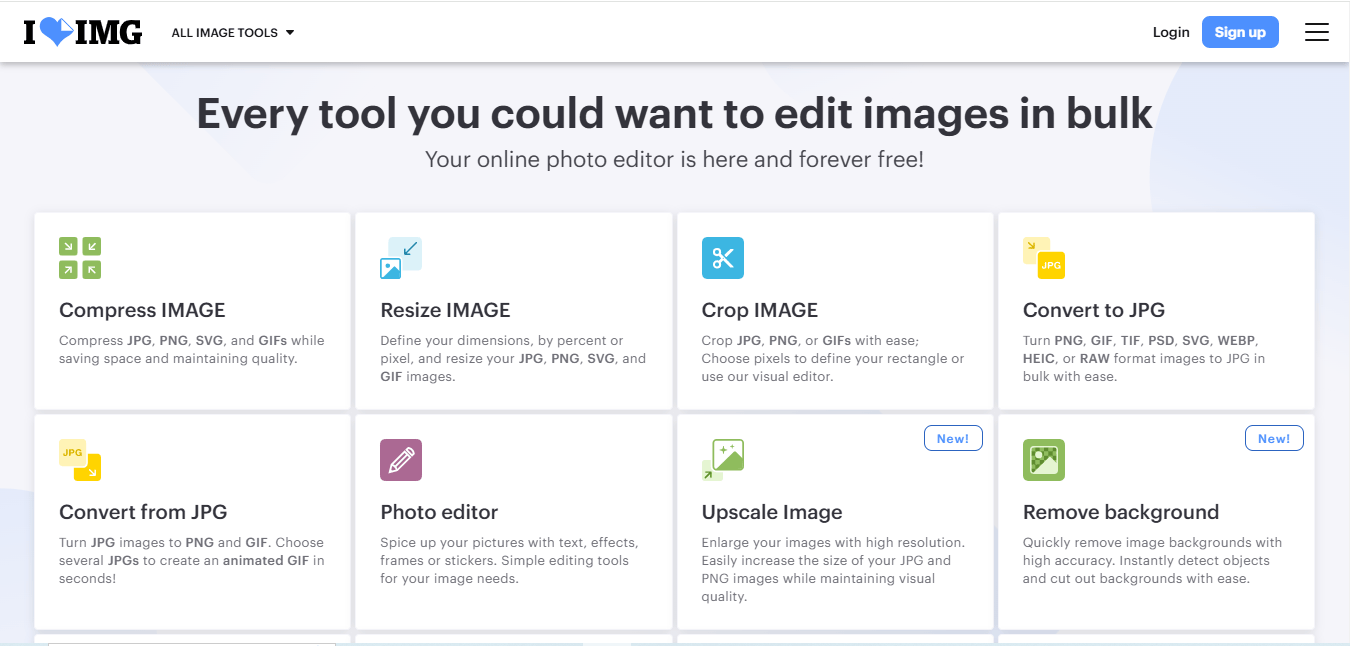
ILoveIMG is an all-in-one online image editing suite that provides a variety of tools, including resizing, compressing, and converting images. With batch processing capabilities, ILoveIMG is particularly suitable for users who need to perform multiple edits on several images at once. This platform’s simplicity and versatility make it popular among users looking for a comprehensive tool that covers a range of image editing needs. Ideal for both personal and professional use, ILoveIMG provides a full set of features in a user-friendly environment.
Key Features
- Image Tools Suite: ILoveIMG provides various image editing tools, including resizing, compressing, and converting.
- Batch Processing: Users can upload and resize multiple images simultaneously.
- User-Friendly Interface: The design is intuitive and easy to navigate.
Pros
- Comprehensive Solution: Users can perform multiple tasks, such as resizing and compressing, in one place.
- Quick and Efficient: Fast upload and processing times make it a convenient choice.
Cons
- Some Features Are Limited: Free users may encounter restrictions on certain tools.
What Makes It Different
ILoveIMG’s variety of image editing tools makes it a comprehensive solution for users looking to resize photos for Facebook while also performing other edits seamlessly.
Also Read: 10 Best AI Halloween Face Changer Tools 2024
Comparison Table
| Name of Tool | Best for | Standout Feature | Pricing |
|---|---|---|---|
| Canva | Beginners and social media design | Extensive library of templates for social media | Free with premium features available |
| Fotor | Quick photo enhancement | Batch processing for multiple images | Free with some premium features |
| PicResize | Bulk resizing of images | Clear step-by-step instructions | Free |
| ResizeImage.net | No-fuss resizing | Quality control options while resizing | Free |
| BeFunky | Creative image enhancements | Comprehensive editing suite | Free with premium options |
| Snappa | Marketers and social media posts | Pre-sized templates for Facebook | Free with limited downloads, premium options available |
| Adobe Express | Professional-quality image editing | High-quality editing tools similar to Photoshop | Free with premium features |
| Photopea | Advanced editing users | Photoshop-like interface | Free |
| Online Image Resizer | Quick and easy resizing | Fast processing without registration | Free |
| ILoveIMG | Comprehensive image editing | Batch processing and multiple tools | Free with some restrictions on features |
Final Thoughts-Make Your Facebook Photos Shine
In conclusion, having the right tools to resize photos for Facebook can significantly enhance your online presence and engagement. Each of the ten tools discussed offers unique features tailored to different needs, whether you’re looking for simplicity, advanced editing capabilities, or batch processing.
By using these tools, you can ensure your images are not only the right size but also visually appealing, which is essential for capturing your audience’s attention on social media. Whether you choose Canva for its templates, Fotor for its editing capabilities, or Photopea for its advanced features, you’re sure to find the perfect tool for your needs.

Interesting Reads
10 Best Tools to Resize Photo for Instagram Online

