10 Best WordPress AI Chatbots & Assistants Plugins


If you run a WordPress website, you’ve probably wondered how to offer better support or engage visitors faster. That’s where AI chatbots and assistants plugins come in. These tools can answer questions, guide users, and even help with sales — all without needing a human to be available 24/7.
Here, we’ll explore the top 10 WordPress AI chatbot plugins, their benefits, how to choose the right one, and how to set them up on your site.
Benefits of Using AI Chatbots on WordPress
AI chatbots help you save time and money. Instead of hiring extra staff to answer the same questions over and over, a chatbot can handle simple tasks on its own. Whether it’s answering “What are your hours?” or “Where is my order?”, these tools make customer service easier.
They also improve your visitors’ experience. People like fast replies, and a chatbot can respond instantly. This makes your website feel more helpful and friendly. Happy visitors are more likely to stay longer, buy something, or come back.
AI assistants can also gather contact info or guide people through steps like filling out forms or finding the right product. You can even connect some chatbots to email tools or CRMs, so you keep track of leads and customers easily.
10 Best WordPress AI Chatbots & Assistant Plugins
Here’s a list of the best chatbot plugins you can try on your WordPress site. Each one has its strengths, so you can find one that fits your goals.
1. Tidio Live Chat & AI Chatbots
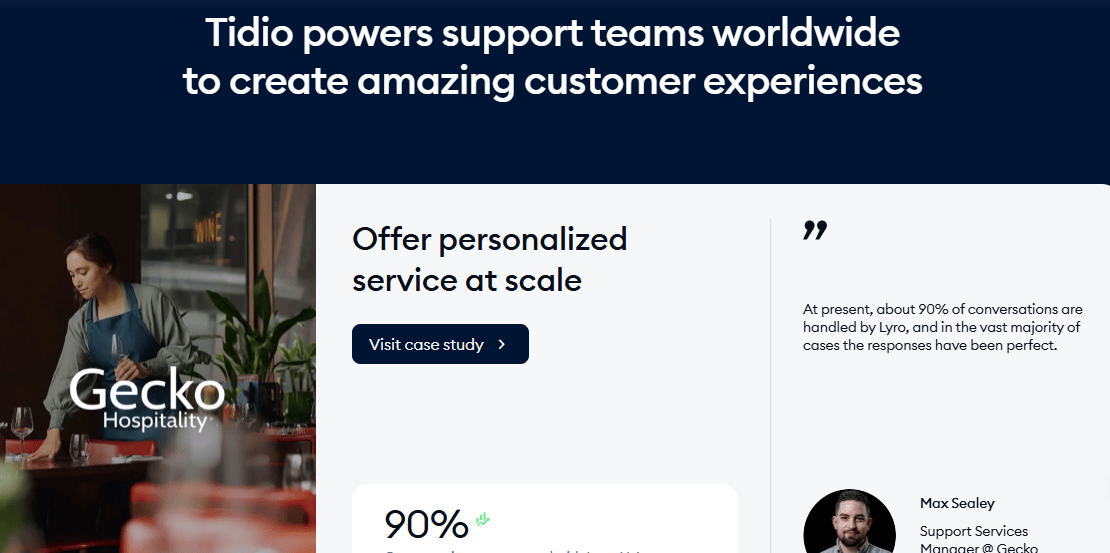
Tidio is a great tool for small business websites that want to chat with visitors in real-time or let a chatbot help out when no one is around. It’s very beginner-friendly and easy to install. You don’t need any special skills to get it running.
The AI part of Tidio helps answer common questions automatically. For example, if someone asks about shipping or store hours, the bot can reply without you doing anything. If the question is too complex, the chat can switch to a human agent.
One nice thing about Tidio is that it also comes with a mobile app. So, if you want to reply to visitors from your phone, you can do that too. The free version has enough features to start, but you can unlock more with a paid plan.
2. ChatBot by LiveChat
This plugin is made by the same team behind the popular LiveChat service. It lets you build smart chatbots that can talk to your visitors, help them find products, or answer their questions. It works well for both small and large websites.
The best part is the drag-and-drop chatbot builder. You don’t have to write code — just pick what you want the bot to say and do. You can create different paths based on what users choose in the chat.
If you already use LiveChat, this plugin connects easily and gives your visitors a smooth experience. It’s especially useful for online stores and support websites that get lots of messages every day.
3. WP-Chatbot for Messenger
This plugin connects your WordPress website to Facebook Messenger. That means when people visit your site, they can message your Facebook page and get replies instantly through Messenger. It’s great if your business is already active on Facebook.
The chatbot works 24/7, so you can help people even when you’re not online. It can answer basic questions, show them your products, or even take orders if set up properly.
Since many people already use Facebook, chatting with your business on Messenger feels natural to them. It’s an easy way to stay connected with your audience using a tool they’re familiar with.
4. AI Engine by Jordy Meow
AI Engine lets you build your own smart chatbot using tools like OpenAI (the company behind ChatGPT). You can decide how the bot talks, what tone it uses, and even what kind of personality it has.
This plugin is fun to experiment with and lets you get creative. You can use it to answer questions, write replies, or even suggest blog ideas if you’re using it on the backend.
It’s easy to place the chatbot anywhere on your website using shortcodes. You can also control how much power the chatbot uses so it doesn’t slow down your site.
5. IBM Watson Assistant
IBM Watson is a more advanced chatbot tool that connects with your WordPress site. It uses IBM’s powerful AI to understand what people are asking and give helpful answers. It’s very good at holding natural conversations.
It may take a little longer to set up compared to other plugins. You need to create an IBM account and connect your chatbot to your site. But once it’s ready, it can be very smart and helpful.
This plugin works best for websites that expect more complicated questions — like customer service for tech products or financial tools. It’s not the easiest one to start with, but it’s very powerful once running.
6. Collect.chat
Collect.chat helps you make chatbots that ask visitors questions and collect their answers. For example, it can ask for a name, email, or appointment time. This makes it perfect for booking systems or contact forms.
Instead of filling out a boring form, people just chat with the bot. That feels more fun and interactive. Plus, the answers go straight to your email or dashboard, so you don’t miss anything.
It’s very easy to set up and doesn’t need any coding. Just pick a template, change the questions, and add it to your site. It also works well on phones, which is great for mobile users.
7. ManyChat
ManyChat is mostly known for Facebook and Instagram bots, but you can also use it with WordPress. It helps you send automatic replies, grow your contact list, and send messages to users later.
This plugin is great for marketing. For example, it can send coupons, show off new products, or remind customers about items they left in their cart. If you sell things online, ManyChat can really help boost sales.
Setting it up takes a few steps, especially if you’re connecting it to Facebook. But once done, it works smoothly and gives you lots of options for talking to customers in a fun, simple way.
8. Formilla Live Chat with AI
Formilla is both a live chat and AI bot in one plugin. That means you can chat with your visitors yourself or let the bot take over when you’re busy. It works well for online stores and customer support.
The chatbot can be trained to answer common questions and guide users to the right pages. You can write custom answers and even set rules about when the chatbot should respond.
It’s easy to install, and you can use it on mobile devices too. If you want a mix of live support and AI help, this plugin offers a good balance without needing too much setup.
9. Cliengo
Cliengo is focused on turning your website visitors into leads. When someone lands on your page, the bot greets them and starts asking simple questions like name, email, or what service they’re looking for.
Once it collects that info, you can connect it to your email or CRM tools. This helps your sales team follow up quickly and close more deals. It’s helpful for businesses that depend on leads and follow-ups.
Cliengo is very user-friendly, and it gives reports so you can see how many leads you’re getting. It’s a great option for service-based companies, real estate agents, or consultants.
10. WPBot – ChatBot for WordPress
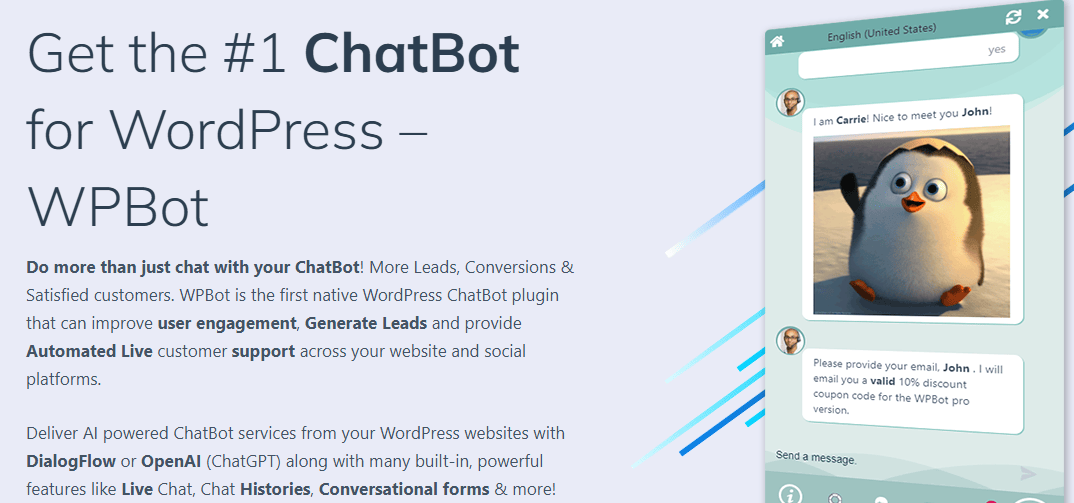
WPBot is an all-in-one chatbot that you can use without needing any other services. It comes with built-in features to answer FAQs, search your website, collect info, and more.
You can customize the bot’s messages, buttons, and design to match your brand. It even works in multiple languages, which is helpful if you have visitors from different countries.
If you want more advanced AI features, you can connect it with Dialogflow. But even on its own, WPBot can handle a lot of tasks and help improve your website experience.
How to Choose the Right Plugin for Your Needs
Before picking a chatbot, think about what you want it to do. Do you need it for customer support? Lead collection? Helping users shop? Some plugins are better for sales, while others are better for simple Q&A.
Check how easy it is to use. Some plugins have drag-and-drop builders, while others need a bit of coding or setup. If you’re not very tech-savvy, look for one with easy instructions or customer support.
Also, look at pricing. Some tools are free with basic features and charge for advanced ones. Make sure you know what you’re getting in the free version, and if it’s worth paying for extra features later.
Installation and Setup Tips
Installing a chatbot plugin on WordPress is usually quick. Go to your WordPress dashboard, click on Plugins > Add New, then search for the chatbot plugin name. Click Install, then Activate.
After installing, go through the plugin’s setup guide. Many of them offer step-by-step instructions or welcome wizards to help you start. You may need to create an account on the chatbot service’s website too.
Make sure you test it before going live. Try asking it a few questions and see how it replies. If needed, go back and improve the answers or flows. It’s better to fix things early so your visitors don’t ge
Final Thoughts
AI chatbots can make your WordPress website smarter, faster, and more helpful. Whether you want to boost sales, improve customer service, or just save time, there’s a plugin out there for you.
Pick one that fits your goals, try it out, and don’t be afraid to make small changes as you go. With the right chatbot, your website can work harder for you — even when you’re asleep.
Interesting Reads:

Shashank is a seasoned digital marketing and WordPress expert who specializes in SEO, software tools reviews, and cutting-edge strategies for boosting online presence. With a passion for simplifying complex topics, Goutham crafts engaging blog posts that help readers optimize their websites, improve search engine rankings, and stay ahead in the ever-evolving digital landscape.