8 Free AI Background Removal Tools in 2025


In the age of digital transformation, the demand for visually appealing content is higher than ever. One of the essential tasks in creating striking visuals is background removal, which can be time-consuming and challenging without the right tools. Fortunately, advancements in artificial intelligence (AI) have given rise to powerful background removal tools that make this process quick and easy. In this blog, we’ll explore eight free AI background removal tools for 2025, detailing their features and benefits.
What are AI Background Removal Tools?
AI background removal tools are sophisticated software applications that utilize artificial intelligence and machine learning algorithms to automatically detect and remove the background from images. Unlike traditional methods that require manual tracing and masking, these tools analyze the content of an image to distinguish the subject from its background. By identifying key elements such as edges, colors, and patterns, AI background removal tools can separate the foreground object from the background with remarkable precision.
These tools typically employ convolutional neural networks (CNNs), a type of deep learning model particularly effective in image recognition tasks. The AI is trained on vast datasets containing a variety of images with annotated backgrounds and foregrounds. Through this training process, the AI learns to recognize different objects and the nuances of their boundaries, enabling it to handle a wide range of images, from simple portraits to complex scenes.
The primary advantage of AI background removal tools lies in their efficiency and accuracy. They can process images in seconds, significantly reducing the time and effort required for manual editing. This automation is particularly beneficial for industries such as e-commerce, where high-quality product images with clean backgrounds are essential. Additionally, these tools are user-friendly, often requiring just a few clicks to achieve professional results, making them accessible to individuals without advanced graphic design skills.
Many AI background removal tools are available as web-based services, allowing users to edit images directly in their browser without the need for installing software. This accessibility further enhances their convenience, as users can access these tools from any device with an internet connection.
Also Read: 10 Best AI Tools For YouTube
Benefits of AI Background Removal Tools
- Efficiency: Automates the process, saving time and effort.
- Accuracy: Provides precise cuts and clean edges around the subject.
- Accessibility: Often available as web-based tools, making them accessible from anywhere.
- User-Friendly: Designed to be intuitive, requiring minimal technical skills.
Top 8 AI Background Removal Tools
1. Remove.bg

Remove.bg is a popular online tool designed to remove backgrounds from images effortlessly. It’s known for its simplicity and efficiency, making it a go-to choice for users seeking quick results. Remove.bg uses advanced AI to analyze images and remove backgrounds within seconds. It’s particularly useful for users who need to process multiple images quickly. The tool supports various image formats and maintains high-quality output, making it ideal for both personal and professional use.
Key Features
- Automatic Background Removal: Instantly removes backgrounds with a single click.
- High-Resolution Output: Supports high-resolution images for professional results.
- Integration: Easily integrates with other platforms and software through an API.
2. Clipping Magic

Clipping Magic offers a straightforward solution for background removal, with additional features for fine-tuning the output. It’s suitable for users who need more control over the editing process. Clipping Magic combines AI with manual editing tools, giving users the flexibility to make precise adjustments. The edge refinement feature ensures smooth and natural transitions, making it perfect for professional-grade edits. The real-time preview helps users see the effects of their adjustments instantly, enhancing the overall user experience.
Key Features
- Manual Adjustments: Allows for detailed manual adjustments to ensure accuracy.
- Edge Refinement: Provides tools to refine edges for a more natural look.
- Real-Time Preview: Shows changes in real-time for better control.
3. PhotoScissors
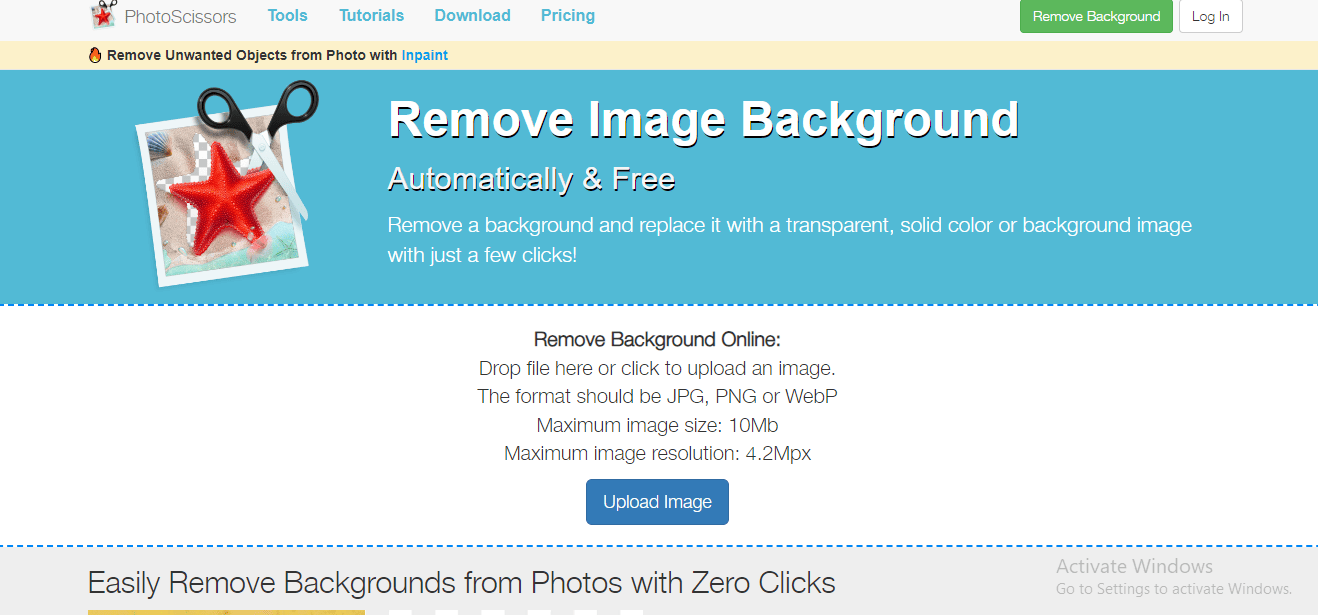
PhotoScissors is an easy-to-use tool that quickly removes backgrounds from images. It’s perfect for users who need a fast and reliable solution without complex features. PhotoScissors leverages AI to simplify the background removal process. Its intuitive interface allows users to achieve professional results without needing advanced skills. The tool is versatile, handling different types of backgrounds, making it suitable for various applications from e-commerce to personal projects.
Key Features
- Instant Background Removal: Quickly removes backgrounds with minimal input.
- Versatility: Handles complex backgrounds and various image types.
- User-Friendly Interface: Designed for ease of use, even for beginners.
Also Read: How to Create and Manage Member Types in BuddyPress
4. Canva

Canva is a versatile design tool that includes an AI-powered background removal feature. It’s widely used for creating a range of visual content, from social media graphics to presentations. Canva’s background removal feature is part of its comprehensive suite of design tools. Users can easily remove backgrounds and integrate their images into various design projects. Canva’s user-friendly interface and extensive library of templates make it a favorite among designers, marketers, and social media managers.
Key Features
- Integrated Background Remover: Built-in tool for removing backgrounds from images.
- Extensive Design Tools: Offers a wide range of design features and templates.
- Collaboration Features: Supports team collaboration on design projects.
5. GIMP (GNU Image Manipulation Program)
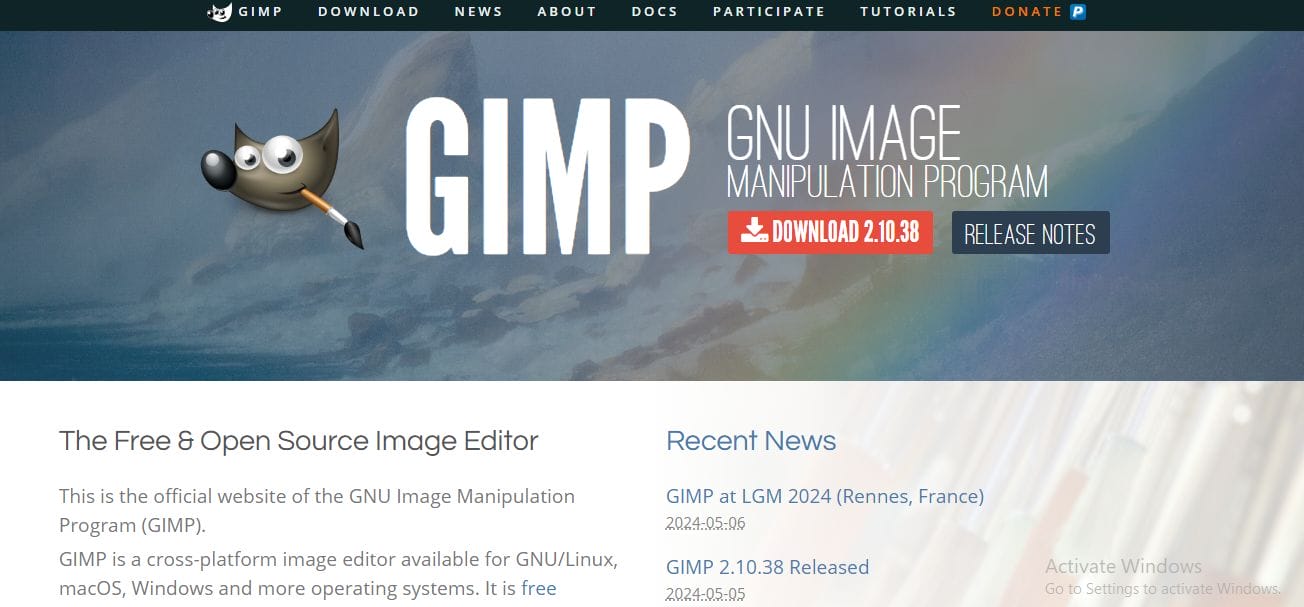
GIMP is a powerful, open-source image editor that includes a background removal feature. It’s ideal for users who need advanced editing capabilities. GIMP offers robust tools for removing backgrounds and much more. As an open-source program, it’s highly customizable and supports various plugins and extensions. It’s a great choice for users who need advanced features and are comfortable with a steeper learning curve.
Key Features
- Free and Open-Source: Completely free to use and customizable.
- Advanced Editing Tools: Provides a wide range of professional editing tools.
- Community Support: Extensive online resources and community support.
Also Read: 7 Best Copywriting Frameworks 2024
6. Pixlr
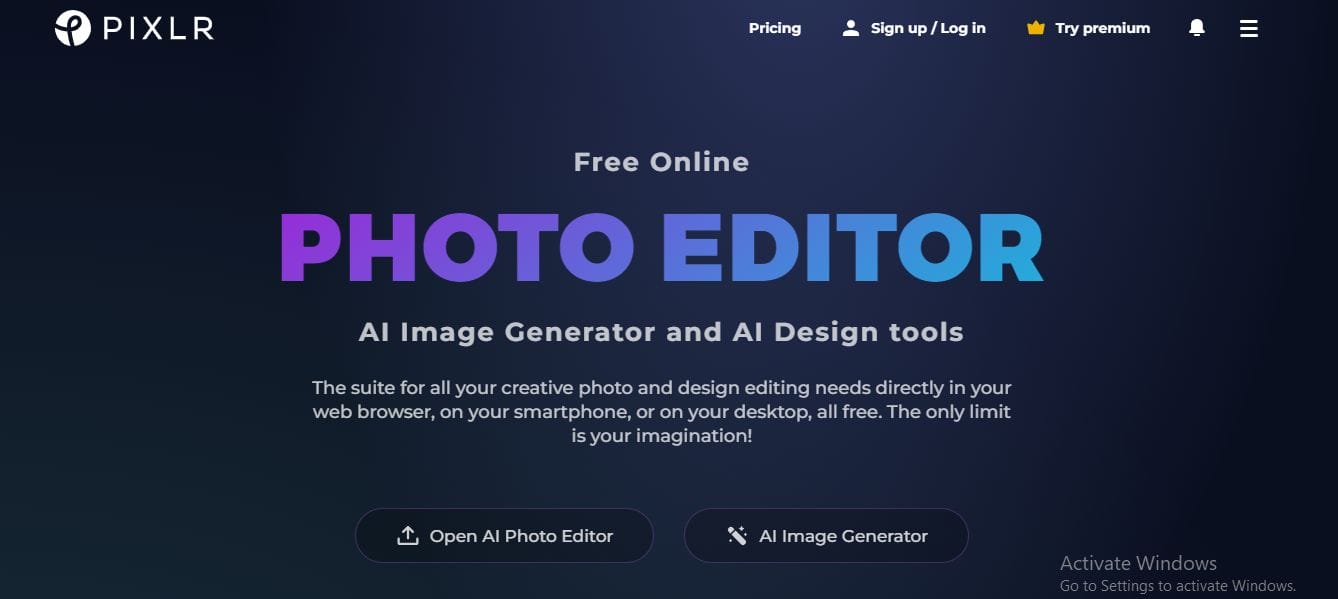
Pixlr is a web-based photo editor that includes a powerful AI background removal tool. It’s designed for users who need a quick and accessible solution. Pixlr combines convenience with powerful editing capabilities. Its AI background removal tool is quick and effective, making it suitable for on-the-go editing. Pixlr’s suite of tools allows users to further refine their images, making it a versatile option for various editing needs.
Key Features
- Web-Based: Accessible from any device with an internet connection.
- AI-Powered Removal: Efficiently removes backgrounds with AI.
- Editing Suite: Includes a range of editing tools for further customization.
7. Microsoft PowerPoint
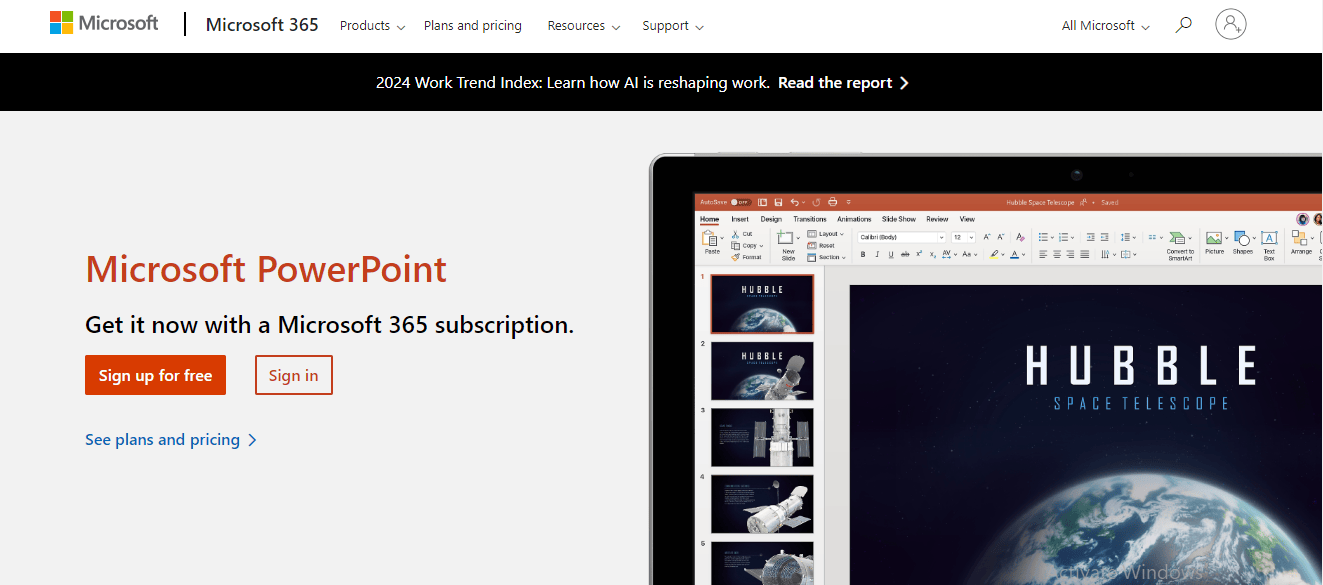
Microsoft PowerPoint, while primarily a presentation tool, includes a useful background removal feature. It’s perfect for users who need to quickly edit images for presentations. PowerPoint’s background removal tool is surprisingly effective for a presentation software. It allows users to cleanly remove backgrounds and integrate images directly into their slides. This feature is particularly useful for business professionals and educators who need to enhance their presentations quickly.
Key Features
- Integrated Tool: Easily accessible within PowerPoint.
- Simple Interface: Intuitive and easy to use.
- Additional Editing Options: Includes basic editing tools for further customization.
Also Read: How to Create and Manage User Blogs in BuddyPress
8. LunaPic

LunaPic is an online photo editor that offers a straightforward background removal tool. It’s suitable for users looking for a free, no-frills solution. LunaPic provides a simple yet effective background removal tool as part of its online editing suite. Users can quickly remove backgrounds and apply various effects to enhance their images. Its straightforward interface makes it a good choice for users seeking an uncomplicated, free solution.
Key Features
- Free and Online: No downloads required, accessible from any browser.
- Easy Background Removal: Simple tool for quick background removal.
- Additional Filters and Effects: Offers a range of filters and effects for further editing.
Conclusion
In conclusion, AI background removal tools have fundamentally transformed image editing, making it faster and more accessible for users of all skill levels. From sophisticated software like GIMP to user-friendly platforms like Canva and versatile web-based solutions like Pixlr, these tools cater to a wide range of needs, ensuring that anyone can create professional-quality visuals with ease. By incorporating these free AI-powered tools into your workflow, you can save time, enhance your creativity, and produce stunning digital content effortlessly. As we step into 2025, these innovative tools will continue to play a crucial role in elevating digital artistry and simplifying the creative process.
Interesting reads
Best AI Tools For Supply Chain Management 2024

Shashank is a seasoned digital marketing and WordPress expert who specializes in SEO, software tools reviews, and cutting-edge strategies for boosting online presence. With a passion for simplifying complex topics, Goutham crafts engaging blog posts that help readers optimize their websites, improve search engine rankings, and stay ahead in the ever-evolving digital landscape.


