
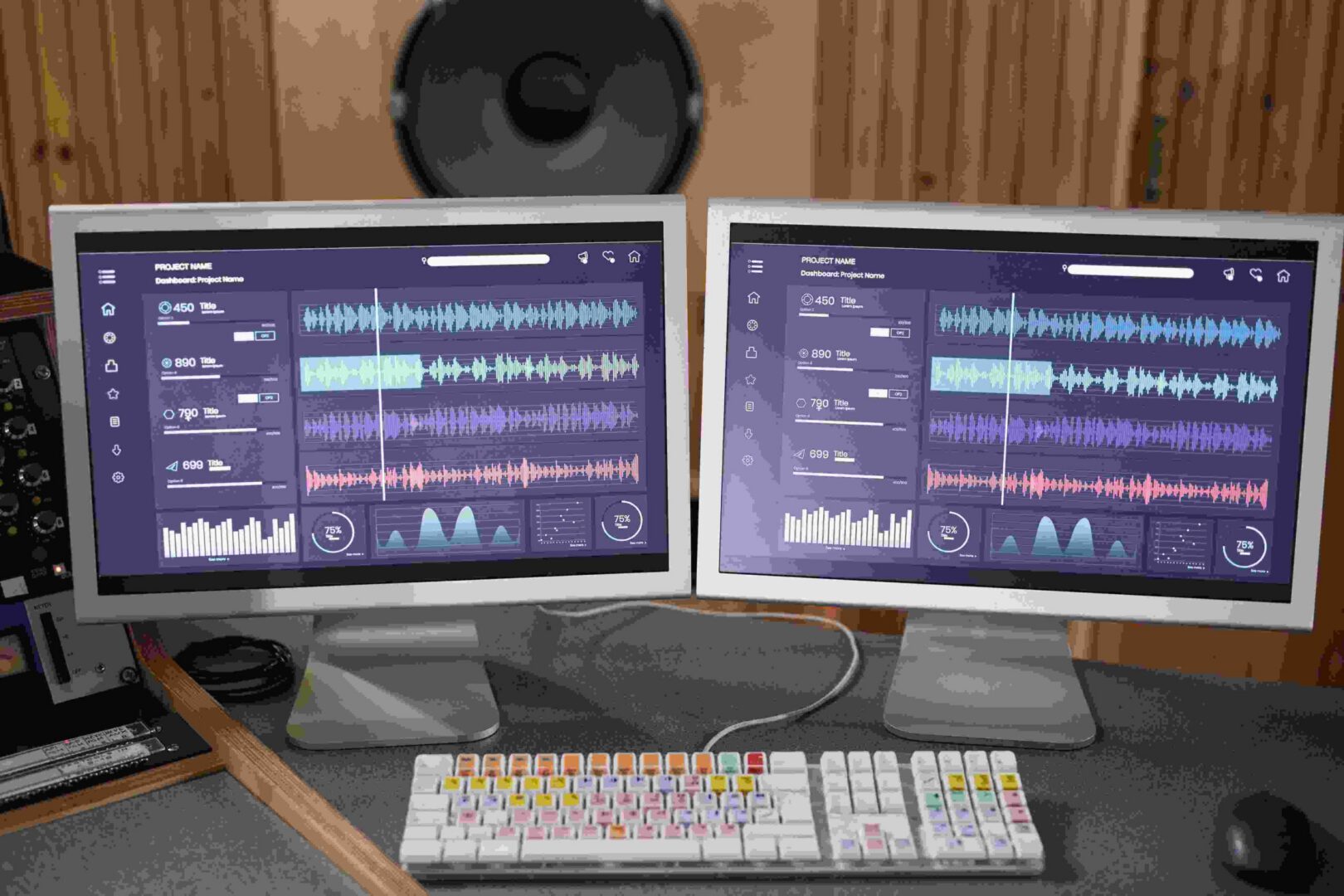
Audio redaction software protects sensitive information by removing or obscuring specific sections of a recording before it gets shared, stored, or released publicly. Law enforcement agencies use it to release 911 calls without exposing a caller’s address. Healthcare providers use it to share recorded consultations without violating HIPAA. Legal firms and customer service teams use it to hand over call recordings during discovery or quality review without leaking credit card numbers or social security details buried in the conversation. This guide covers the strongest audio redaction tools available in 2026, what to look for when comparing them, and how to pick the right one for your actual workload.
The stakes for getting this wrong keep climbing. Regulators have become more aggressive about enforcement in recent years, and a single improperly redacted recording released to the wrong audience can trigger a compliance investigation, a lawsuit, or, in the case of law enforcement, a genuinely dangerous outcome for someone whose address or identity leaked through an audio file that was supposed to protect it. That’s part of why this category has matured so much: what used to be a niche editing task handled with general-purpose audio software has become its own product category with dedicated compliance features built specifically around the regulations that govern each industry.
What Audio Redaction Actually Does
Audio redaction involves identifying and removing or obscuring specific segments of a recording that contain personally identifiable information, PII for short: names, addresses, phone numbers, credit card details, social security numbers, or any other detail that shouldn’t leave the building unprotected. Depending on the regulation you’re working under, HIPAA for healthcare data, GDPR for anything touching European residents, or PCI DSS for payment card information, the exact list of what needs redacting changes, but the underlying requirement is the same. Someone listening to the redacted file afterward should not be able to reconstruct the sensitive detail from what remains.
Manual redaction, scrubbing through a waveform by ear and muting sections by hand, still happens, but it’s slow and error-prone at any real volume. A single hour-long recorded interview can take several hours to redact manually if it’s dense with PII. That’s the gap automated redaction software closes: AI-assisted tools can flag likely PII automatically, cutting review time down to a fraction of the manual process while giving a human reviewer a much smaller set of flagged segments to confirm rather than an entire recording to scrub from scratch.
Key Features to Look For
Not every redaction tool is built for the same job, but a few capabilities separate a serious tool from a basic audio editor pressed into service as a workaround.
- Automated detection. AI-driven identification of likely sensitive segments, based on keyword matching, entity recognition, or a paired transcript, cuts review time dramatically compared to listening through an entire file manually.
- Multiple redaction modes. Muting, bleeping, or resampling a segment each serve different needs. A public records release might call for a clean mute, while an internal training recording might use a bleep tone so listeners know something was removed rather than assuming a recording gap.
- Transcription integration. Pairing the audio with a synced transcript makes it far easier for a human reviewer to scan text for PII and jump straight to the matching audio timestamp instead of scrubbing by ear.
- Batch processing. Any organization handling more than a handful of files a month needs the ability to queue up a batch and let the software work through it, rather than opening and redacting files one at a time.
- Compliance documentation. Tools built for regulated industries typically log what was redacted, when, and by whom, which matters a great deal if a redaction decision is ever challenged later.
The Best Audio Redaction Software for 2026
1. CaseGuard
CaseGuard has become one of the most widely used redaction platforms across law enforcement, government, and legal teams, and its audio tools sit alongside video, image, and document redaction in the same suite. It supports pattern-based automatic detection alongside manual review, and its AI-driven audio redaction is built to catch names, phone numbers, emails, addresses, and dozens of other PII categories directly from auto-generated transcripts, with translation and redaction support across more than 100 languages. CaseGuard Studio runs on-premise, which matters for agencies with strict data-residency requirements, and the platform has expanded its integrations with evidence-management systems like Axon Evidence and Box, which streamlines the handoff between capturing a recording and getting it redacted for release.
Key features: mute, bleep, or resample audio; automated transcript-driven PII detection; multi-language support; on-premise deployment option; direct integration with evidence-management platforms.
Ideal for: law enforcement, government agencies, and legal teams that need on-premise control and audit-ready redaction records.
Learn more at CaseGuard’s audio redaction page.
2. Veritone Redact
Veritone Redact built its reputation on video redaction for police body-cam and dash-cam footage, and its audio capabilities carry the same AI-driven automation into voice recordings, 911 calls, and recorded interviews. The platform recently expanded into document redaction as well, giving teams a single application for redacting audio, video, images, and documents instead of juggling separate tools for each format. It’s used by hundreds of government agencies at the federal, state, and local level, largely because it can process a lengthy recording and flag redaction candidates in a fraction of the time manual review would take.
Key features: AI-based keyword and entity detection; transcript-integrated editing; one-click redaction across audio, video, and now documents; built for HIPAA and GDPR-driven compliance workflows.
Ideal for: agencies handling 911 calls, law enforcement interviews, and legal evidence that needs to move through a redaction pipeline quickly and at scale.
Learn more at Veritone’s audio redaction overview.
3. Audacity with Redaction Plugins
Audacity is a free, open-source audio editor, not a purpose-built redaction platform, but its waveform-level editing tools make manual redaction genuinely workable for smaller volumes. There’s no AI-driven automatic PII detection here; every mute or cut is a manual decision. What Audacity offers instead is zero licensing cost and a large plugin ecosystem, which makes it a realistic option for a small business or an individual who only needs to redact the occasional recording rather than run a redaction pipeline at scale.
Key features: manual waveform editing; open-source and free; broad plugin support; cross-platform availability on Windows, macOS, and Linux.
Ideal for: small businesses, freelancers, or anyone with a low volume of recordings and no budget for a dedicated redaction platform.
4. Adobe Audition
Adobe Audition is a professional-grade audio editing tool built primarily for podcast production, sound design, and media post-production, but its precision editing tools make it a capable manual redaction option for media professionals who already have it in their Creative Cloud toolkit. Its spectral frequency display lets an editor visually isolate a specific voice or sound within a busy recording and mute just that segment, which is more precise than working from a waveform alone.
Key features: waveform and spectral view for targeted editing; customizable filters to isolate specific frequencies or voices; deep integration with the rest of the Adobe Creative Cloud suite.
Ideal for: media professionals, podcast producers, and legal consultants who need frame-accurate manual control and already work inside the Adobe ecosystem.
5. NCH WavePad
NCH WavePad is a long-running audio editor from NCH Software that balances a beginner-friendly interface with enough depth for more advanced editing tasks, redaction included. It’s not an AI-driven compliance platform, but its batch processing tools and straightforward mute and cut functions make it a practical middle ground between Audacity’s bare-bones free tier and the cost of an enterprise redaction suite.
Key features: noise reduction and audio enhancement alongside editing; batch processing for handling multiple files at once; available across Windows, macOS, Android, and iOS.
Ideal for: educational institutions and corporate teams that need moderate redaction volume without enterprise pricing.
How to Choose the Right Tool for Your Situation
Start With Your Actual Use Case
Redacting a single interview before sharing it with a colleague is a very different problem from redacting hundreds of 911 calls a month for public records requests. Match the tool’s automation level to your actual volume rather than defaulting to whatever’s most feature-rich on paper.
Be Honest About Budget
Open-source tools like Audacity cost nothing but require manual review of every file, which has its own real cost in staff time. Enterprise platforms like CaseGuard and Veritone charge more but automate the detection work, which usually pays for itself once volume crosses a certain threshold. Run the actual math on staff hours saved before assuming the free option is cheaper.
Weigh Ease of Use Against Depth
A tool that’s powerful but has a steep learning curve will sit unused if the people who need to run redactions day to day can’t get comfortable with it quickly. Look for software that matches the technical comfort level of whoever will actually be operating it.
Confirm Compliance Fit Before You Commit
Not every tool is built with the same regulatory framework in mind. Confirm the software explicitly supports the specific regulation you’re working under, HIPAA, GDPR, PCI DSS, or a state-specific public records law, rather than assuming general “privacy-focused” marketing language covers your exact requirement.
Test With Your Own Recordings Before Signing a Contract
Marketing claims about accuracy rates are worth little until you’ve run the tool against your own recordings, which have their own accents, background noise, and terminology that a vendor’s demo reel won’t reflect. Most enterprise platforms offer a trial period or a limited demo run. Use it with a real, representative sample of your actual audio rather than a clean sample file, and have the same reviewer who would use the tool day to day evaluate how much manual cleanup the automated pass actually leaves behind.
Building an Actual Redaction Workflow, Not Just Buying a Tool
Picking software is only part of the job. Organizations that handle redaction well treat it as a defined process with clear steps, not a one-off task someone does when a records request lands on their desk. A workable process usually looks something like this: intake and log every recording that needs review, run it through automated detection to flag likely PII, have a trained reviewer confirm or correct each flagged segment, apply the redaction, and log exactly what was redacted and by whom before the file goes out the door.
That last step, keeping a clear record of what was redacted and when, matters more than it might seem at first glance. If a redaction decision is ever questioned, whether by a defense attorney in a legal case or an auditor reviewing a healthcare provider’s compliance program, being able to show exactly what was removed and the reasoning behind it is often what separates a defensible process from one that looks arbitrary after the fact. This is also where the gap between a general-purpose audio editor and a purpose-built compliance platform shows up most clearly. Tools built for regulated industries tend to log this information automatically as part of the redaction process, while general editors like Audacity or WavePad require a team to track it manually alongside the actual editing work.
Training matters just as much as the software itself. A reviewer who doesn’t understand what counts as PII under HIPAA versus what counts under a state public records law will make inconsistent redaction decisions no matter how good the underlying tool is. Investing in a short training program for whoever handles redaction, covering both the software and the actual legal definitions they’re working against, pays off more than upgrading to a pricier tool with a reviewer who doesn’t fully understand the requirements they’re applying.
Where AI Is Making the Biggest Difference
The shift from manual to AI-assisted redaction is the single biggest change in this space over the past few years. Keyword detection, voice recognition, and transcript-driven flagging let software surface likely PII automatically instead of requiring a person to listen through an entire recording start to finish. That doesn’t eliminate human review, a reviewer still needs to confirm flagged segments and catch anything the model missed, but it changes the job from “listen to everything” to “verify what’s already been flagged,” which is a meaningfully faster and less error-prone process at any real scale.
Security of the Redaction Process Itself
The recording being redacted is, by definition, sensitive before it’s redacted, which means the redaction tool itself becomes part of your security perimeter, not just an editing convenience. Cloud-based redaction platforms transmit and store audio files on remote servers during processing, so it matters where those servers are located, how long the files are retained, and whether the vendor has the security certifications your industry requires. This is exactly why on-premise options like CaseGuard Studio appeal to law enforcement and government agencies that either can’t or won’t send raw, unredacted recordings to a third-party cloud service, regardless of how strong that vendor’s own security posture is.
Access control matters just as much once the software is in place. Not everyone on a team needs the ability to view unredacted source recordings, and a tool that lets an administrator scope access by role, so a junior reviewer can flag PII without ever having full playback access to a sensitive file, reduces the number of people who could accidentally or deliberately leak information during the review process itself. Ask about this during evaluation rather than assuming every platform handles access control the same way.
What Redaction Software Typically Costs
Pricing in this space varies enormously depending on volume and deployment model. Free tools like Audacity cost nothing in licensing but carry a real hidden cost in staff hours, since every redaction decision is manual. Mid-tier tools like NCH WavePad and Adobe Audition sit in the range of a typical software subscription, reasonable for teams with occasional or moderate redaction needs. Enterprise platforms like CaseGuard and Veritone Redact price based on usage volume and typically require a sales conversation rather than publishing a flat rate, since pricing often reflects the number of users, the volume of files processed monthly, and whether on-premise deployment is required. When comparing quotes, ask vendors directly how their pricing scales as your volume grows, since a tool that looks affordable at ten files a month can get expensive quickly at a thousand.
Where These Tools Still Fall Short
Automated redaction isn’t a solved problem yet. Accuracy is the biggest gap: even strong AI models miss sensitive information occasionally, particularly when PII is spoken unusually, mumbled, or embedded in background conversation rather than clearly stated. That’s why compliance-focused platforms build in a human review step rather than relying on fully automated output. Cost is a real constraint too, since premium platforms with the strongest detection accuracy carry licensing costs that can be tough for smaller organizations to justify against occasional use. And there’s a genuine learning curve on the more capable platforms, which means budgeting time for training rather than assuming a new hire can pick up an enterprise redaction tool on day one.

Which Tool Is Right for You
Selecting the right audio redaction software comes down to matching the tool to your actual needs, budget, and volume rather than picking whatever ranks first in a search result. CaseGuard and Veritone Redact both suit organizations that need high accuracy, audit trails, and compliance-grade automation at real scale, particularly law enforcement and legal teams handling recurring redaction work. Audacity and NCH WavePad fit smaller operations with occasional redaction needs and tighter budgets, where manual review isn’t a bottleneck. Adobe Audition sits in between for media professionals who already have the software and need precise manual control over specific segments. As privacy regulations keep tightening across healthcare, finance, and government, having a redaction workflow that actually fits your volume, rather than one you outgrow within a year, is worth the extra time spent comparing options up front.
Interesting Reads:
Best Online Community Management Software