
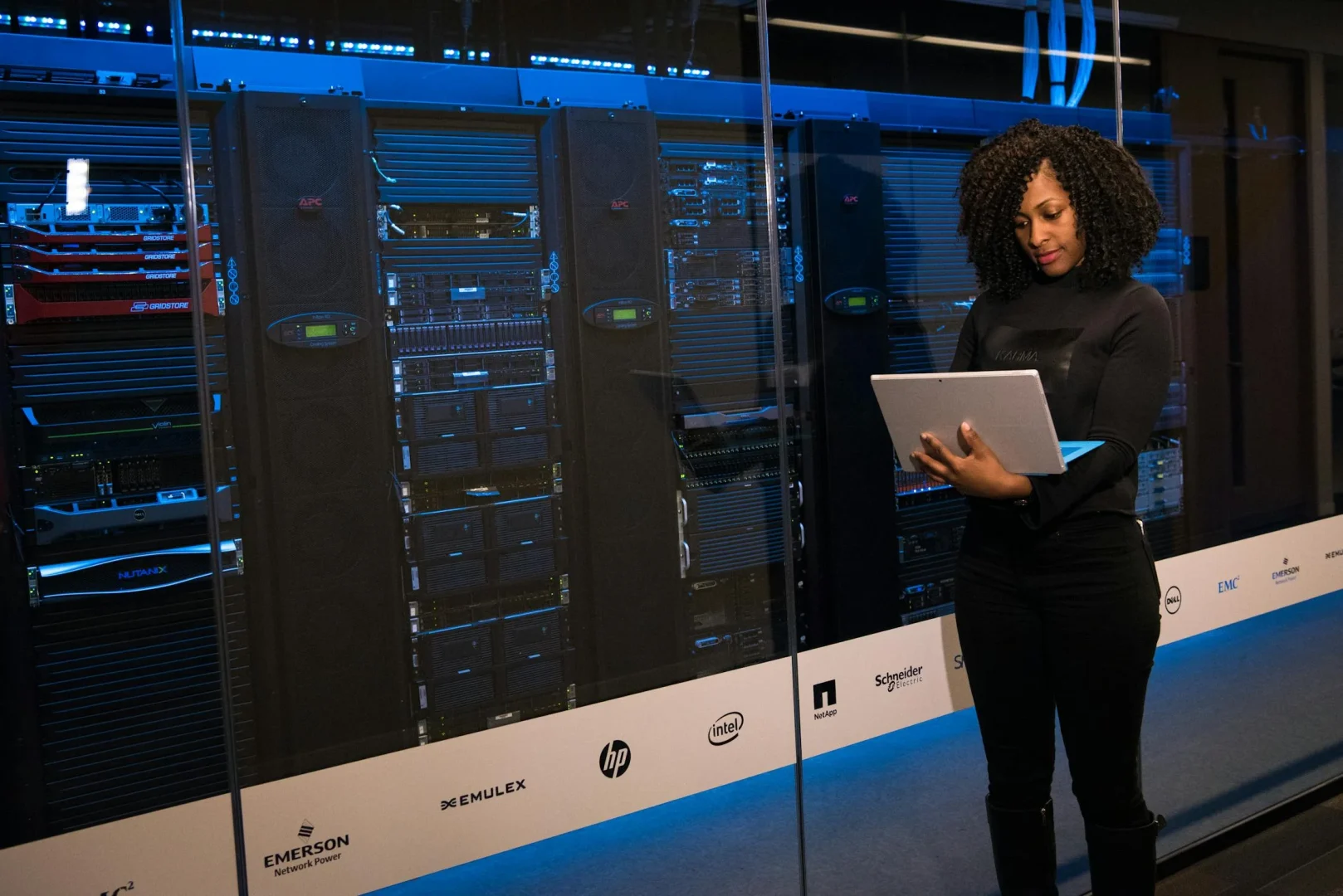
Data loss happens more often than people expect. Hard drive failures, accidental deletions, ransomware attacks, and device theft can wipe out years of photos, documents, and irreplaceable files in seconds. Cloud backup services provide automatic, off-site protection that keeps your data safe regardless of what happens to your devices.
The best personal cloud backup services work silently in the background, protecting everything without requiring constant attention. They offer enough storage for all your devices, fast restores when needed, and security that keeps your data private. We’ve evaluated the top cloud backup solutions to help you protect what matters most.
📑 Table of Contents
Top Cloud Backup Services
1. IDrive - Best All-Device Backup Solution
IDrive provides cloud backup for PCs, Macs, iPhones, Android devices, and more - all in one account. Unlike services that charge per device or limit you to one platform, IDrive backs up unlimited devices to a single storage pool.
What makes IDrive exceptional is the combination of generous storage, multi-device support, and comprehensive features. You get true backup (not just sync), file versioning, and the option for physical drive shipping if you need to restore large amounts of data quickly. For families or individuals with multiple devices across different platforms, IDrive provides the most complete protection at a competitive price.
Key Features:
- Backup unlimited devices to one account
- PC, Mac, iPhone, Android support
- 5TB and 10TB storage plans
- File versioning (30 versions)
- Physical drive restore option
- End-to-end encryption
- Continuous and scheduled backup
- NAS and external drive backup
Pricing: 5TB for $79.50/year (first year). 10TB available.
Best For: Families and individuals with multiple devices across different platforms who want everything backed up to one account.
🛡️ Protect All Your Devices in One Account
PCs, Macs, iPhones, Android - unlimited devices, one backup solution.
Start with IDrive →2. Backblaze - Best Unlimited Single-Computer Backup
Backblaze offers unlimited backup for one computer at a flat rate. Their simple approach backs up everything automatically without storage limits, though each license covers only one machine.
Key Features:
- Unlimited storage
- Simple set-and-forget
- 30-day file history
- Physical restore option
- Mobile app access
Pricing: $99/year per computer.
Best For: Users with one computer who want unlimited, simple backup.
3. Carbonite - Best Automatic Protection
Carbonite provides automatic cloud backup that runs continuously without user intervention. Their service focuses on simplicity, backing up files as they change.
Key Features:
- Automatic continuous backup
- Unlimited storage (Basic+)
- Remote file access
- Video backup options
- Computer restore
Pricing: From $84/year. Plus plans add video.
Best For: Users wanting fully automatic backup without configuration.
4. Acronis True Image - Best Full System Backup
Acronis True Image creates complete system images, not just file backup. You can restore your entire computer - OS, applications, settings, and files - to any point in time.
Key Features:
- Full disk imaging
- Active ransomware protection
- Local and cloud backup
- Universal restore
- Blockchain verification
Pricing: From $49.99/year for 250GB cloud.
Best For: Users wanting complete system recovery capability.
5. CrashPlan - Best for Professionals
CrashPlan offers unlimited backup for small businesses and professionals. Their service retains file versions indefinitely and includes compliance features for regulated industries.
Key Features:
- Unlimited storage
- Unlimited version history
- Compliance features
- External drive backup
- Customizable retention
Pricing: $10/month per device.
Best For: Small businesses and professionals with compliance needs.
6. SpiderOak ONE - Best Zero-Knowledge Privacy
SpiderOak ONE provides zero-knowledge encryption where only you can access your data. Even SpiderOak cannot decrypt your files, providing maximum privacy protection.
Key Features:
- Zero-knowledge encryption
- Cross-platform sync
- Point-in-time recovery
- Share rooms
- No file size limits
Pricing: From $6/month for 150GB.
Best For: Privacy-conscious users requiring zero-knowledge encryption.
7. Dropbox Backup - Best Sync + Backup Combo
Dropbox Backup adds automatic computer backup to Dropbox’s sync service. If you already use Dropbox, adding backup creates a complete protection solution.
Key Features:
- Integrated with Dropbox sync
- Automatic folder backup
- Version history
- Easy restore
- Cross-platform
Pricing: Included with Dropbox Plus ($11.99/month for 2TB).
Best For: Existing Dropbox users wanting integrated backup.
8. Google One - Best Google Ecosystem Integration
Google One provides cloud storage that backs up Android phones automatically and offers computer backup tools. It integrates with Google Photos, Drive, and Gmail storage.
Key Features:
- Android auto-backup
- Google Photos storage
- Drive integration
- VPN included (2TB+)
- Family sharing
Pricing: From $1.99/month for 100GB. 2TB at $9.99/month.
Best For: Android users in the Google ecosystem.
9. iCloud+ - Best Apple Device Backup
iCloud+ provides seamless backup for iPhones, iPads, and Macs. It’s deeply integrated into Apple devices and works automatically without additional apps.
Key Features:
- Automatic iOS backup
- Mac desktop/documents sync
- Photos integration
- Private Relay VPN
- Family sharing
Pricing: From $0.99/month for 50GB. 2TB at $9.99/month.
Best For: Apple-only households wanting seamless integration.
10. pCloud - Best Lifetime Option
pCloud offers lifetime storage plans alongside subscriptions. Pay once for permanent storage rather than ongoing monthly fees.
Key Features:
- Lifetime purchase option
- Automatic sync
- Built-in media player
- Client-side encryption (add-on)
- File sharing
Pricing: $49.99/year for 500GB. Lifetime 2TB from $399.
Best For: Users preferring one-time payment over subscriptions.
Cloud Backup Services Comparison
| Service | Best For | Key Strength | Starting Price |
|---|---|---|---|
| IDrive | Multi-device backup | Unlimited devices, one account | $79.50/yr (5TB) |
| Backblaze | Single computer | Unlimited storage | $99/yr |
| Carbonite | Automatic backup | Set and forget | $84/yr |
| Acronis | System imaging | Full disk backup | $49.99/yr |
| CrashPlan | Professionals | Unlimited versioning | $10/mo |
| SpiderOak | Privacy | Zero-knowledge encryption | $6/mo |
| Dropbox | Sync + backup | Integrated solution | $11.99/mo |
| Google One | Android users | Google integration | $1.99/mo |
| iCloud+ | Apple users | Seamless Apple integration | $0.99/mo |
| pCloud | Lifetime storage | One-time payment | $49.99/yr |
Frequently Asked Questions
What is cloud backup?
Cloud backup automatically copies your files to secure remote servers over the internet. If your device is lost, stolen, or damaged, you can restore your data from the cloud. Unlike local backup, cloud backup protects against physical disasters affecting your location.
Why choose IDrive for multi-device backup?
IDrive backs up unlimited devices - PCs, Macs, iPhones, Android phones - to one account. Most competitors charge per device or limit platforms. IDrive gives families and multi-device users complete protection without multiple subscriptions.
What’s the difference between backup and sync?
Sync (like Dropbox, Google Drive) mirrors files across devices - delete a file anywhere, it’s deleted everywhere. Backup preserves copies independently - accidental deletions on your computer don’t affect the backup. True backup services like IDrive protect against user error.
How much storage do I need?
Most personal users need 1-5TB. Consider: photos/videos (often the largest), documents, music, and multiple devices. IDrive’s 5TB plan handles most families. Heavy video shooters or photographers may need 10TB+.
Is cloud backup secure?
Reputable services use encryption both in transit (uploading) and at rest (stored). IDrive offers end-to-end encryption with a private key option. Look for AES 256-bit encryption at minimum. Zero-knowledge providers like SpiderOak offer maximum privacy.
How long does initial backup take?
Initial backup depends on data amount and internet speed. Expect days to weeks for large backups (1TB+). IDrive offers physical drive shipping for large initial backups - they send you a drive, you copy locally, ship back.
Can I backup external drives?
Some services do, some don’t. IDrive backs up external drives and NAS devices. Backblaze can backup connected external drives. Check specific service capabilities if external storage backup is important.
What happens if I cancel my subscription?
Most services delete your data after a grace period (30-90 days typically). Download anything important before canceling. Lifetime options like pCloud avoid this concern entirely.
Does backup slow down my computer?
Modern backup services use minimal resources. Initial backup may be noticeable. After that, only changed files upload. IDrive allows bandwidth throttling during work hours if needed.
How do I restore files?
Most services offer web download, app restore, or selective file recovery. For large restores, IDrive ships physical drives with your data - much faster than downloading terabytes.
Should I use both local and cloud backup?
Yes, ideally. The 3-2-1 rule recommends: 3 copies, 2 different media types, 1 offsite (cloud). Local backup provides fast recovery; cloud protects against disasters. IDrive supports both local and cloud backup.
Can I backup my phone with cloud backup services?
IDrive backs up both iPhone and Android phones to the same account as your computers. Google One handles Android. iCloud handles iOS. IDrive’s advantage is consolidating all devices regardless of platform.
Final Thoughts
Data loss is a matter of when, not if. Hard drives fail, devices get stolen, and accidents happen. Cloud backup provides the safety net that prevents minor incidents from becoming major catastrophes. The cost of backup is nothing compared to losing irreplaceable photos and documents.
IDrive leads for users with multiple devices across platforms. Backing up PCs, Macs, iPhones, and Android devices to one account simplifies protection and reduces cost compared to per-device alternatives. For families and individuals with diverse device ecosystems, IDrive provides the most comprehensive backup solution available.
Related: Explore our guides on password managers and VPN services for privacy to complete your digital security setup.