

A WordPress discussion forum plugin turns your site from a one-way publishing channel into a place where visitors actually talk to each other. The right plugin handles moderation, keeps things organized as the community grows, and fits your existing theme without extra work.
If you want the short answer: Jetonomy is the standout free option. It ships with four community formats (forums, Q&A, ideas, social feed), self-moderating trust levels, and zero feature locks. It pairs natively with BuddyX 5.1.3 on the BuddyNext engine. Download Jetonomy free or read the full comparison below.
Top Pick: Jetonomy
Jetonomy is a free, open-source WordPress forum plugin from the team behind BuddyX. Where most discussion plugins give you a single format (threaded threads), Jetonomy gives you four: discussion forums, Q&A with accepted answers, idea boards with voting, and a social feed. New members start with limited permissions and earn more access through six trust levels as they contribute, so the community largely moderates itself. No feature locks, no paid upgrade required for core functionality.
Try the live demo | Download free | BuddyX free vs. Pro | See demos
More WordPress Discussion Forum Plugins
1. bbPress

bbPress is a free and open-source plugin built specifically for WordPress to create forums and discussion boards. It is developed by Automattic, the same team behind WordPress itself. bbPress is easy to use, highly customizable, and has a user-friendly interface that allows users to create and manage forums easily. Some of the key features of bbPress include spam protection, integration with WordPress themes and plugins, support for multiple languages, and support for various types of forum layouts. bbPress is a great option for those who are looking for a simple forum plugin for their WordPress website.
2. BuddyPress

BuddyPress is a WordPress plugin that helps create a social network or community site on top of WordPress. It is an open-source plugin that is free to use and offers a range of features to create forums, groups, messaging, and other community features. BuddyPress has an active development community that continuously works on improving the plugin and offers a range of themes and add-ons to extend its functionality. It integrates well with WordPress, allowing users to create a social network without leaving the WordPress environment. The plugin is ideal for small to medium-sized communities, clubs, schools, or businesses looking to create an online community platform.
3. wpForo Forum
wpForo Forum is a powerful and user-friendly WordPress plugin for creating discussion forums on your website. It offers features such as responsive design, customizable forum layouts, and options for managing user profiles and permissions. With wpForo Forum, you can create multiple forums and topics, moderate discussions, and integrate with third-party plugins such as Akismet for spam protection. The plugin also offers social media integration, user reputation systems, and support for custom fields and tags. It has both free and paid versions available.
4. Asgaros Forum
Asgaros Forum is a free and lightweight WordPress forum plugin that allows users to easily create discussion forums on their website. It comes with a user-friendly interface and features such as threaded discussions, private messaging, and customizable templates. The plugin also allows users to moderate the forum, control user roles and permissions, and integrate with various third-party plugins. Asgaros Forum is a good option for those who want a simple and easy-to-use forum plugin for their WordPress website.
5. CM Answers

CM Answers is a popular WordPress plugin that enables the creation of a powerful discussion board on a website. It allows users to ask questions and get answers from other users or moderators. The plugin provides features such as voting, moderation, and email notifications. It also supports media attachments, such as images and videos, to be added to the forum posts. Additionally, the plugin is highly customizable, with options to change colors, fonts, and other visual elements to match the website’s design. The plugin also integrates with WordPress user roles and permissions, allowing administrators to control who can access and participate in the forum.
6. Discussion Board

Discussion Board is a free WordPress plugin that allows you to add a discussion forum to your website. It offers a user-friendly interface and a range of customization options to make your forum look and feel the way you want it to. With the Discussion Board, you can easily create categories and subcategories, moderate posts, and manage user roles and permissions. It also supports features such as user registration, email notifications, and post-search. Additionally, the plugin is optimized for mobile devices, making it easy for users to access and participate in discussions from their smartphones or tablets.
7. wpDiscuz
wpDiscuz is a popular WordPress discussion forum plugin that helps website owners enhance their comment sections. With wpDiscuz, website owners can convert their comment section into an interactive discussion forum with a lot of features, such as custom layouts, voting, and comment threading.
The plugin also includes anti-spam and anti-bot features, which protect the website from malicious activities. It is compatible with various themes and plugins, and it comes with several customization options to ensure that the forum matches the website’s design and branding. Additionally, wpDiscuz is mobile-friendly, ensuring that users can easily participate in discussions from any device. wpDiscuz offers both free and premium versions, with the premium version offering more advanced features such as social login, private messaging, and a user reputation system.
8. Muut

Muut is a cloud-based discussion platform that allows website owners to easily integrate a modern, real-time discussion forum into their websites. It offers a range of customization options to match the look and feel of your website, including the ability to add your logo and choose from a range of color schemes. Users can register and log in using a variety of social media accounts, and the platform includes built-in moderation tools to help keep discussions on topic and civil. Muut also provides analytics to help you track engagement and user behavior on your forum.
9. Sabai Discuss

Sabai Discuss is a premium WordPress plugin that allows you to create a discussion forum on your website. It is a feature-rich plugin that includes options for user registration, moderation, file attachments, voting, and more. It also provides a responsive design that works well on all devices, making it easy for your visitors to participate in the forum from anywhere. Sabai Discuss also offers several customization options, allowing you to change the look and feel of the forum to match your website’s design. Additionally, it integrates with popular plugins such as BuddyPress, WooCommerce, and Gravity Forms, making it a versatile solution for your discussion forum needs.
One of the standout features of Sabai Discuss is its advanced search capabilities, which allow users to search through forum posts, topics, and tags with ease. It also provides a range of moderation tools, including the ability to block certain users, restrict access to specific forums, and delete posts or comments.
10. DW Question & Answer
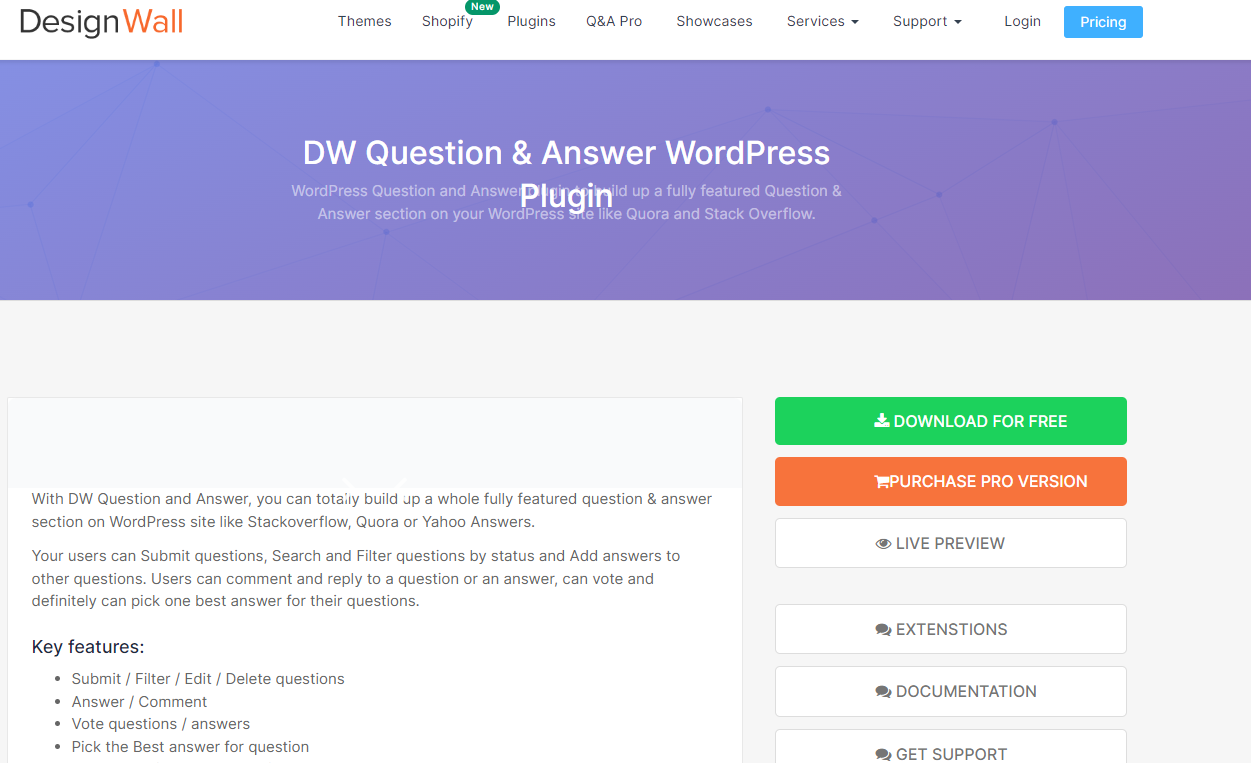
DW Question & Answer is a WordPress plugin that allows users to create a question-and-answer system on their website. The plugin provides a simple and user-friendly interface that enables visitors to ask questions, receive answers, and vote on the quality of answers.
The plugin supports features such as email notifications, social media log-in, question categories, and answer filtering, among others. It also has a responsive design that makes it easy to use on different devices. DW Question & Answer is available in both free and premium versions, with the premium version providing additional features such as user points and badges, private messaging, and more customization options.
How to Choose
The choice mostly comes down to what you want the community to do:
- Starting fresh or migrating from bbPress/wpForo? Jetonomy handles both use cases with built-in importers and a setup wizard.
- Need deep BuddyPress integration? bbPress is the tightest fit.
- Prioritizing SEO? wpForo has the strongest built-in SEO tooling.
- Just want something simple? Asgaros Forum gets you live in minutes.
- Need Q&A functionality only? CM Answers or DW Question & Answer cover that narrower use case.
Frequently Asked Questions
What is the best WordPress discussion forum plugin?
Jetonomy is the strongest free option: four space types, self-moderating trust levels, Q&A with accepted answers, and importers from bbPress and wpForo. bbPress is still the go-to if you need tight BuddyPress integration.
Do WordPress discussion forum plugins work with any theme?
Jetonomy uses CSS custom properties to inherit your theme’s colors and fonts automatically. Most other plugins (bbPress, wpForo, Asgaros) also support standard WordPress theme styling, though compatibility varies.
Can I migrate from bbPress to a new plugin?
Yes. Jetonomy includes a built-in bbPress importer with a dry-run preview so you can check the result before committing. wpForo also has an import option.
Are these discussion plugins free?
bbPress, BuddyPress, Asgaros, and Jetonomy are all free with no feature locks. wpForo, CM Answers, Discussion Board, and wpDiscuz have free versions with paid extensions. Sabai Discuss is premium only.