

Choosing the right community plugin is one of the most important decisions when building a successful, interactive, member-driven website on WordPress. Your choice of platform not only affects the user experience but also determines how easily your community can grow, engage, and scale over time.
Whether you’re setting out to create a private social network, an online learning community, a client collaboration hub, or a professional networking platform, WordPress offers powerful tools to support your vision. Among the many options available, BuddyPress, BuddyBoss, and PeepSo have emerged as the leading solutions—each offering a unique approach to community-building.
BuddyPress is the original open-source framework trusted by developers and site owners for its flexibility and modular structure.
BuddyBoss, built on top of BuddyPress, is a commercial-grade platform offering enhanced functionality and seamless integrations—particularly for eLearning and membership sites.
PeepSo offers a sleek, modern interface and a modular system designed for quick setup and user-friendly management.
All three plugins support core social features such as member profiles, activity feeds, messaging, and groups. However, they differ significantly in terms of ease of use, built-in capabilities, theme compatibility, and cost of ownership.
In this detailed comparison, we break down the features, customization options, integrations, and extensibility of each platform. You’ll also learn how solutions like the BuddyX Theme and premium community add-ons from Wbcom Designs can enhance and expand what each plugin can do—giving you full control over the look, feel, and functionality of your WordPress-powered community.
Whether you’re building a platform for learners, customers, team members, or fans, this guide will help you make a well-informed decision tailored to your project’s needs and growth potential.
Quick Links
What Is a WordPress Community Plugin?
A WordPress community plugin transforms your standard WordPress website into a powerful social platform. It enables users to connect, interact, and engage—through features like member profiles, activity feeds, messaging, user groups, notifications, and more.
But what sets WordPress apart from other platforms isn’t just the features—it’s the freedom.
Why Choose WordPress for Building Online Communities?
Unlike closed platforms or SaaS tools where you’re limited by predefined features and pricing tiers, WordPress is open-source. That means:
You own your platform—your data, content, and users remain in your control
You’re not locked into a vendor—you can switch themes, plugins, or hosting anytime
You can add any functionality you need, through thousands of available plugins
You can custom-code anything specific to your use case or brand
By default, community plugins like BuddyPress provide essential features. But when paired with premium add-ons or custom development, you can create a tailored experience rivaling—or even surpassing—commercial platforms like Mighty Networks, Circle, or Facebook Groups.
This level of extensibility and control is rarely possible on proprietary platforms, where feature sets are fixed and customisation is limited or expensive.
They’re commonly used for:
- Private Member Communities
Exclusive communities built for clients, fans, or supporters often require restricted access, private groups, and content protection. Features should include private messaging, group discussions, custom member roles, and member directories with profile visibility controls. - Online Education Platforms
These communities support learning through course access, student interaction, and group collaboration. Essential features include LMS integration (like LearnDash or Tutor LMS), discussion forums, activity feeds, member achievements, and group-based learning environments. - Hobby and Interest Groups
Focused on shared passions—like gaming, fitness, or photography—these communities need media sharing, reactions, hashtags, and user-generated content. Key features include public and private groups, photo/video uploads, and community events or challenges. - Paid Membership Networks
Built for monetization, these platforms require subscription management, content gating, and member access control. Features should include WooCommerce or membership plugin integration, drip content, premium user groups, and exclusive activity areas. - Employee or Intranet Portals
Used within organizations, these internal networks require secure access, departmental groups, company announcements, and team collaboration tools. Key features include role-based access, real-time notifications, internal messaging, and custom dashboards for different departments.
BuddyPress: Free, Open Source, and Extensible
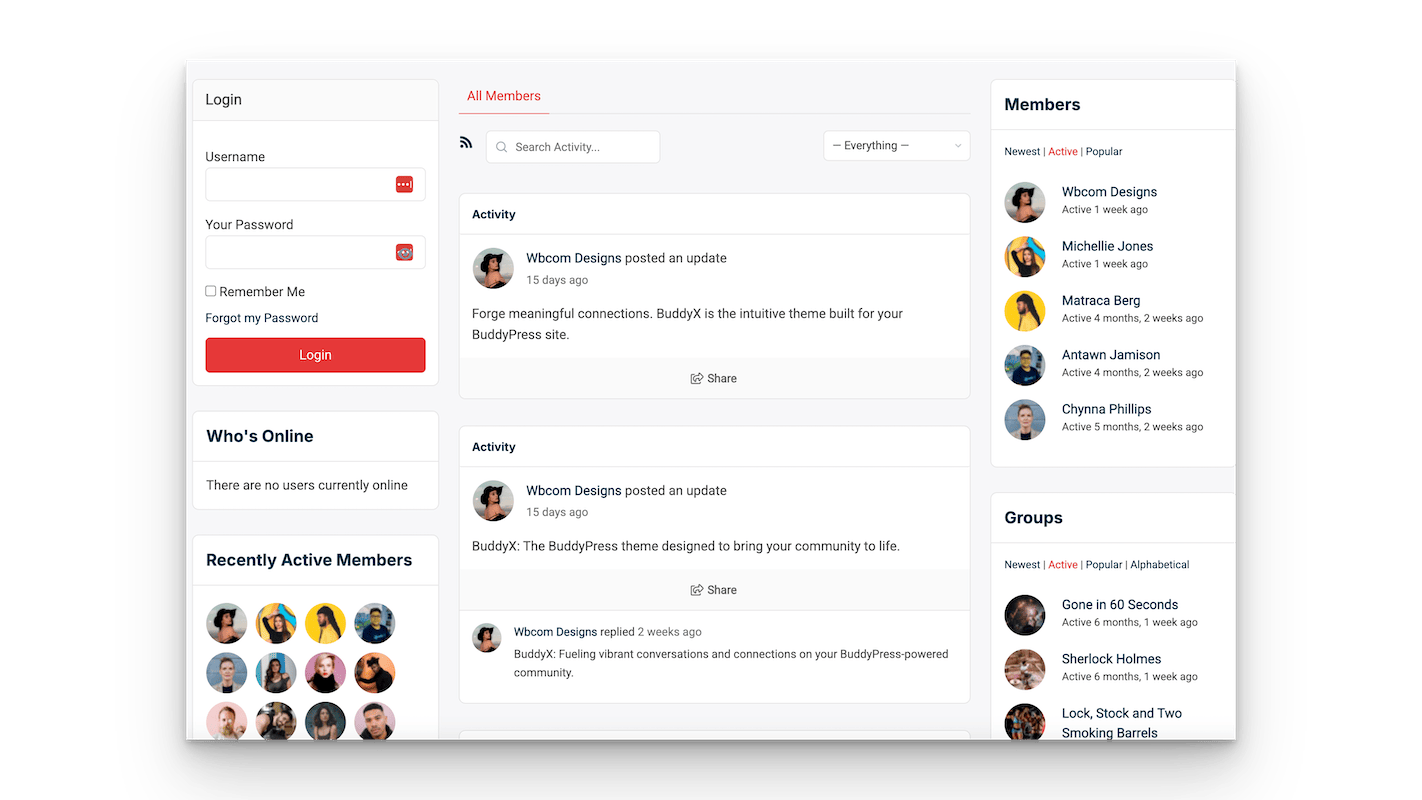
BuddyPress is a long-standing, open-source plugin with flexible features for building custom communities. Developed by WordPress contributors, it’s ideal for those who want control over their site’s design and functionality.
Core Features:
- Custom member profiles
- Activity streams
- Private messaging
- User groups
- Member directories
- Notifications
- Multisite support
Extend BuddyPress with Wbcom Designs Add-ons:
- BuddyPress Activity Reactions
- BuddyPress Giphy
- BuddyPress Hashtags
- BuddyPress Private Community Pro
- BuddyPress Moderation Pro
- BuddyPress Real-time Notifications
- BuddyPress Member Reviews
- BuddyPress Sticky Post
- WP Stories Plugin
BuddyBoss: A Fork of BuddyPress With Integrated Features
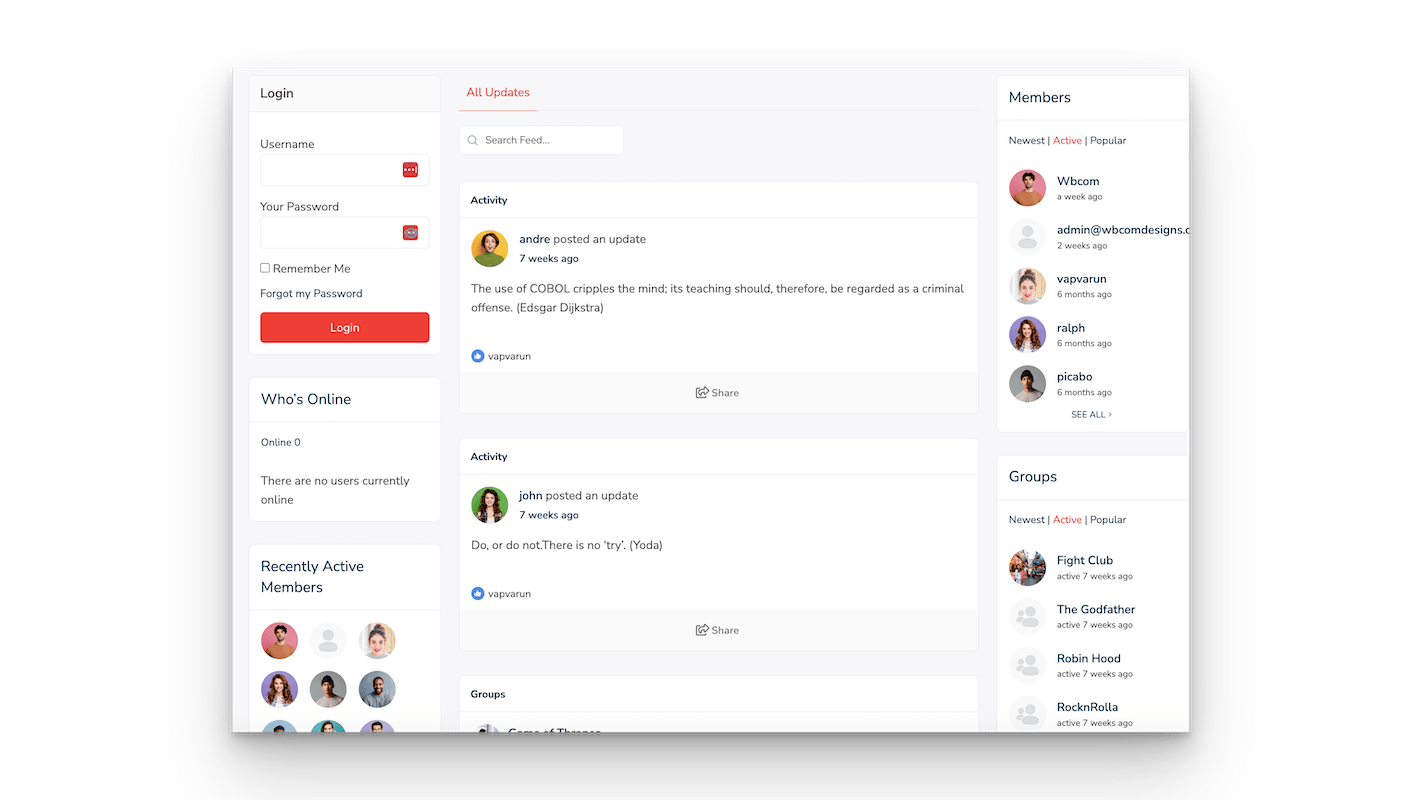
BuddyBoss is a premium platform based on BuddyPress, offering a sleek interface, enhanced functionality, and seamless integration with LMS tools like LearnDash. It’s designed for course creators, membership sites, and business communities.
Built-in Features:
- Enhanced profiles and feeds
- Media uploads and reactions
- Private & group messaging
- Group privacy options
- bbPress forums
- Deep LMS integration
- Moderation tools
- Mobile app support
Compatible Add-ons from Wbcom Designs:
- Activity Reactions
- Hashtags
- Real-time Notifications
- Member Reviews
- Giphy Integration
- Sticky Posts
- WP Stories Plugin
Pricing: BuddyBoss Platform – Free; Theme + Support – from $228/year
PeepSo: Sleek, Modular, and Ready Out of the Box
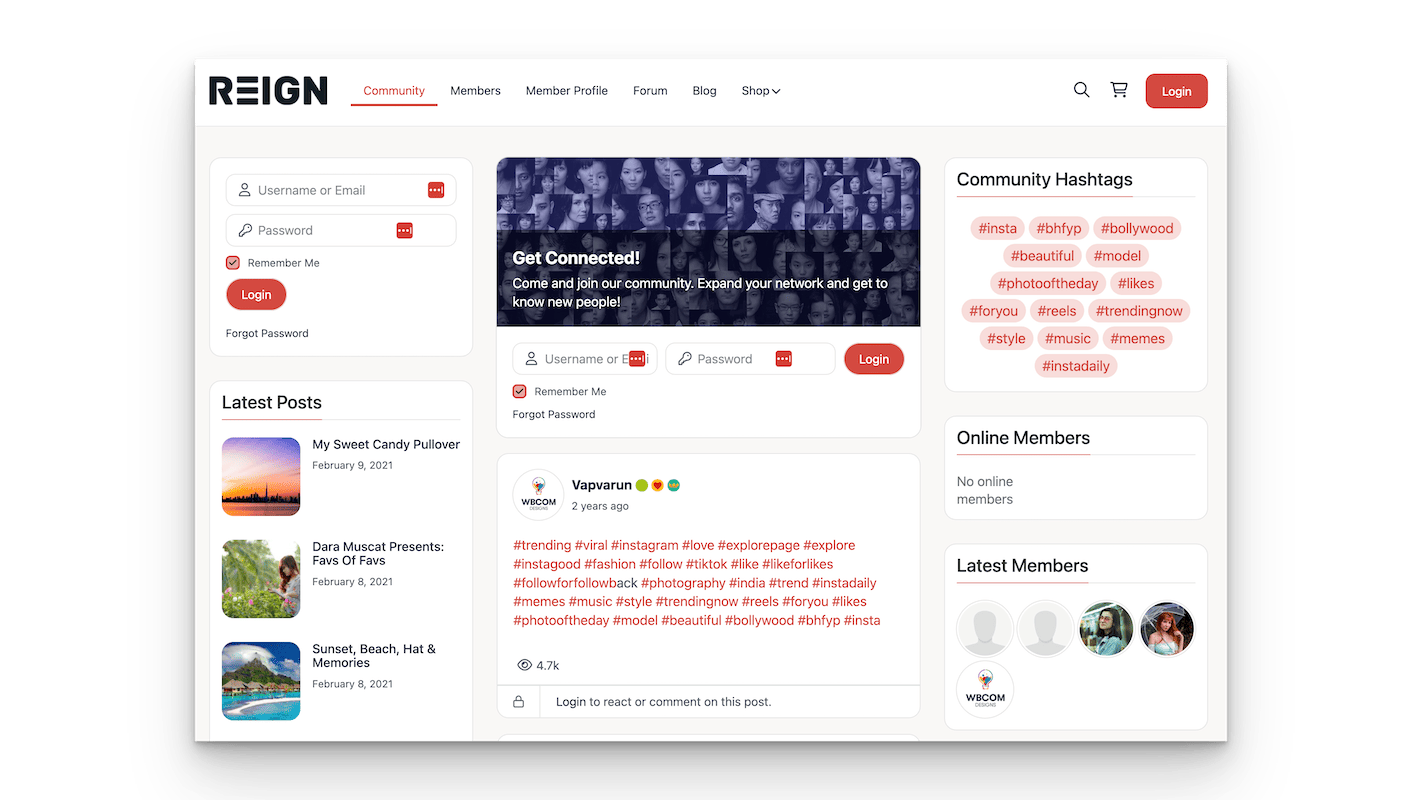
PeepSo is a user-friendly, modern community plugin with built-in features and a suite of premium extensions. It’s great for users who want fast setup without technical complexity.
Free Features:
- Custom member profiles
- Activity stream with media
- Friend connections (limited)
- Privacy controls
- Notifications
- Hashtags and mentions
Premium Add-ons:
- User groups
- Chat and messaging
- wpForo integration
- WooCommerce & Membership tools
- LMS support (LearnDash, Tutor LMS)
- GamiPress integration
- PeepSo Stories
Pricing: Core Plugin – Free; Premium Bundle – from $199/year
Feature Comparison
| Feature | BuddyPress | BuddyBoss | PeepSo |
|---|---|---|---|
| Free core plugin | Yes | Yes | Yes |
| Member profiles | Yes | Yes | Yes |
| Activity feeds | Yes | Yes | Yes |
| Private messaging | Yes | Yes | Premium |
| User groups | Yes | Yes | Premium |
| Media uploads | Add-on | Yes | Yes |
| Notifications | Yes | Yes (Advanced) | Yes |
| Reactions | Add-on | Yes | Yes |
| Forums | bbPress | bbPress | Add-on |
| LMS integration | Add-on | Built-in | Premium |
| Stories support | WP Stories | WP Stories | PeepSo Stories |
| Moderation tools | Add-on | Yes | Yes |
| Mobile optimization | Theme dependent | Mobile-ready | Responsive |
Integration & Compatibility
- BuddyPress: Integrates with bbPress, LearnDash, WooCommerce, and many community plugins.
- BuddyBoss: Works with LearnDash, GamiPress, WooCommerce, MemberPress, LifterLMS, and more.
- PeepSo: Offers official add-ons for WooCommerce, LearnDash, Mailchimp, and others. More limited third-party compatibility.
👥 Community & Support
| Platform | Community | Support |
|---|---|---|
| BuddyPress | Open-source, community-driven | Free forum support |
| BuddyBoss | Growing user base | Paid support, ticket system |
| PeepSo | Moderately active | Premium support via plans |
How to Choose the Right Community Plugin
- Choose BuddyPress if: You want a free, open-source option and are comfortable customising with add-ons.
- Choose BuddyBoss if: You need an all-in-one solution with polished UI, mobile support, and LMS tools.
- Choose PeepSo if: You want fast setup and a clean interface with optional paid upgrades.
Summary
| Use Case | Best Option |
|---|---|
| Free, developer-friendly platform | BuddyPress |
| All-in-one social and LMS solution | BuddyBoss |
| Fast setup with clean interface | PeepSo |
| Visual storytelling and media-first community | Any (with WP Stories or PeepSo Stories) |
| Membership or coaching site | BuddyBoss or PeepSo Premium |
Create Community Website Using WordPress
All three platforms—BuddyPress, BuddyBoss, and PeepSo—are capable of powering interactive online communities. Your choice depends on your project’s goals, technical skills, budget, and design preferences.
BuddyPress is ideal for developers and those seeking flexibility.
BuddyBoss is perfect for structured, scalable platforms.
PeepSo offers ease of use and sleek UI with modular upgrades.
Pairing your plugin with a community-friendly theme like BuddyX ensures a responsive, modern experience. And with Wbcom Designs’ powerful plugin suite—including WP Stories—you can build a next-gen WordPress community with rich social features.
Interesting Reads
Power of Membership Sites with MemberDash

