

Creating a professional community website like LinkedIn requires thoughtful planning, the right tools, and a clear vision. Your platform needs to combine seamless functionality with a polished design to foster networking, content sharing, and professional collaboration. BuddyX Theme and BuddyBoss are the perfect partners for achieving this, offering the flexibility and features needed to replicate LinkedIn’s core functionalities.

Quick Links
Section 1: Why BuddyX Theme and BuddyBoss are Ideal Partners
BuddyX Theme and BuddyBoss provide everything you need to build a professional, scalable community platform:
- Modern Design: BuddyX Theme offers sleek, customizable layouts to create a polished, LinkedIn-inspired design.
- Social Features: The BuddyBoss Platform enables profiles, activity streams, messaging, and more to replicate LinkedIn’s networking capabilities.
- Extensibility: Easily add plugins for advanced features like blogs, company pages, and social login.
- Responsiveness: Your platform will work seamlessly on desktops, tablets, and smartphones, providing a consistent experience for users.
Section 2: Step-by-Step Guide to Build Your Community Platform
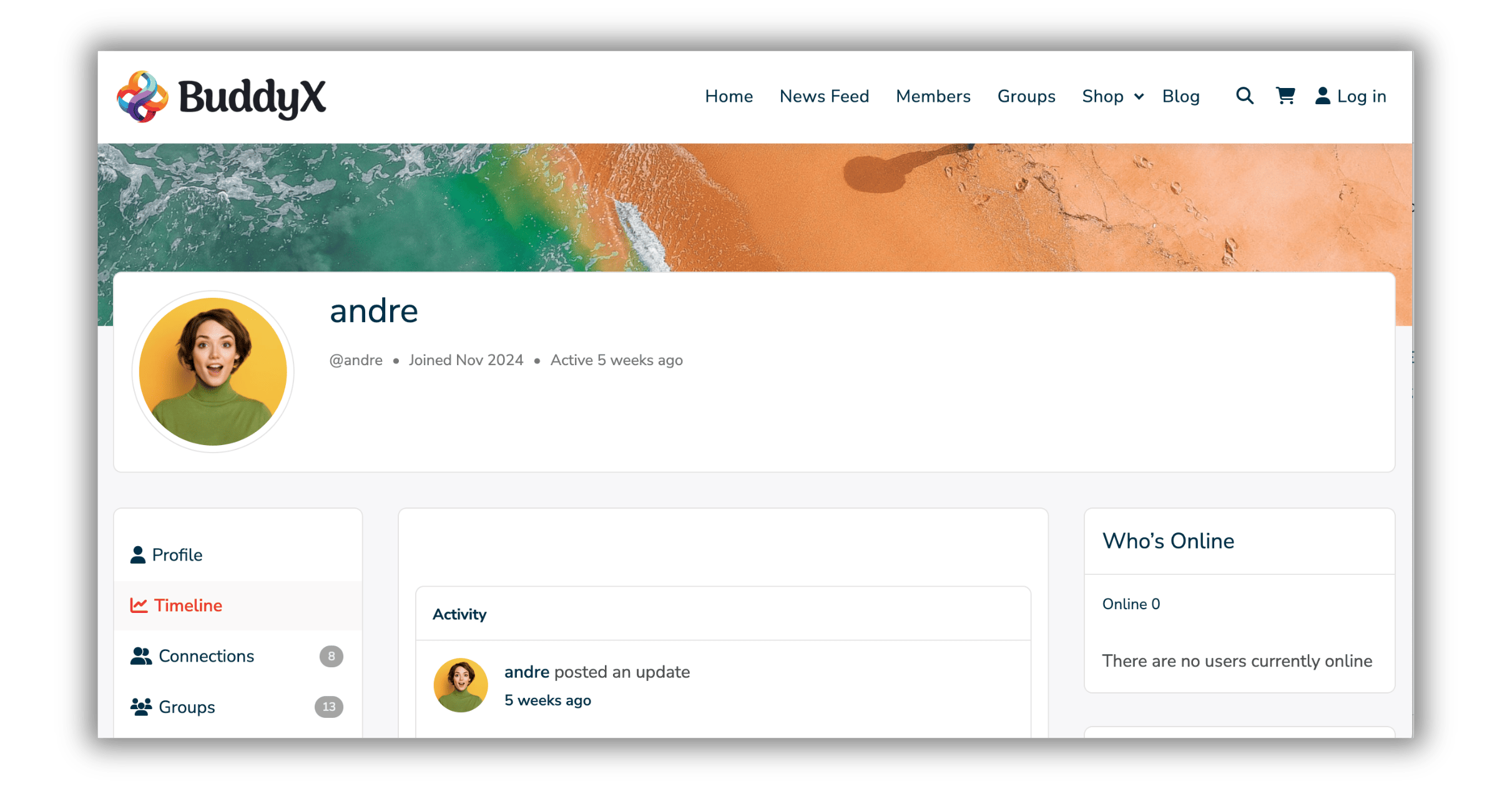
Step 1: Set Up WordPress and Install Plugins
- Install WordPress: Choose a reliable hosting provider and set up WordPress on your domain.
- Install BuddyBoss Platform: Download and activate the BuddyBoss Platform. Download BuddyBoss Platform.
- Install BuddyX Theme: Install and activate BuddyX Theme to give your platform a professional look. Download BuddyX Theme.
- Add Essential Plugins:
- BuddyPress Business Pages: Create company pages where members can list their businesses.
- Member Blog Plugin: Allow members to create and share blog posts.
- Social Login: Enable users to register and log in with their social accounts (e.g., Facebook, Google, LinkedIn).
- BuddyPress Giphy: Make interactions engaging with GIF sharing.
Step 2: Configure the Platform
- Set Up Member Profiles:
- Customize profile fields for users to add their professional details (e.g., skills, job title, location).
- Enable profile search and filters for easy networking.
- Enable Company Pages:
- Install and configure the BuddyPress Business Pages plugin.
- Allow members to create and manage company profiles.
- Add Activity Streams:
- Enable activity feeds where members can share updates, links, and media.
- Include reactions, likes, and comments to encourage interaction.
- Create Groups:
- Set up public, private, and hidden groups for professional collaboration.
- Organize groups by industries, interests, or company affiliations.
- Enable Blogging:
- Use the Member Blog Plugin to let users publish articles directly on your platform.
- Include categories and tags for better content organization.
- Integrate Social Login:
- Configure a plugin like Nextend Social Login to allow registration and login via LinkedIn, Facebook, or Google.
Step 3: Customize the Design
- Use BuddyX Theme’s customization options to:
- Adjust colors, typography, and layouts to match your branding.
- Add a professional header and footer with navigation links.
- Ensure mobile responsiveness for all pages.
Step 4: Test the Platform
- Test all features, including user registration, activity streams, group creation, and company pages.
- Ensure seamless navigation and fix any bugs.
Section 3: Features to Include for a Professional Look
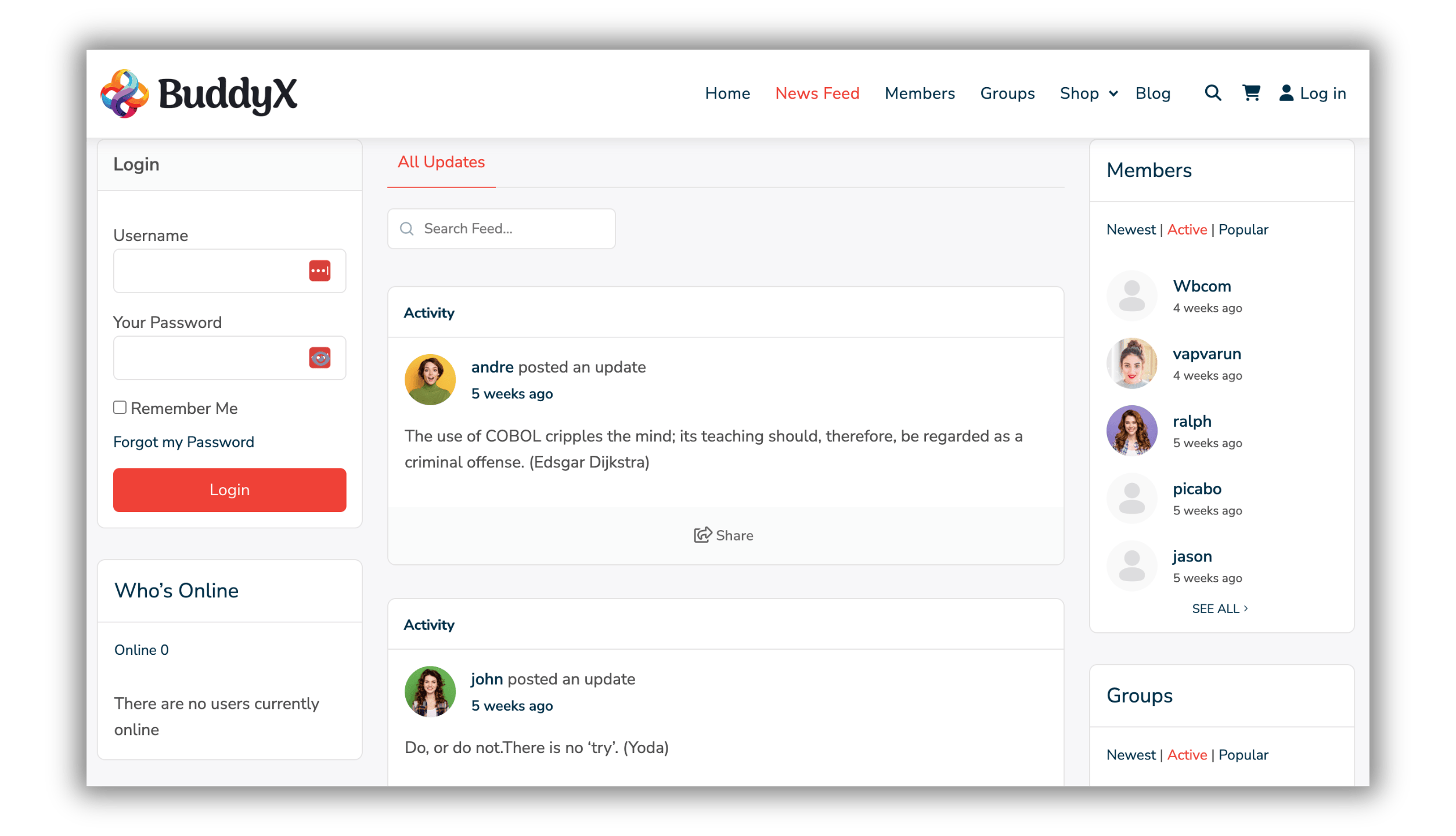
To create a LinkedIn-style platform, include the following features:
- Professional Profiles: Allow members to showcase their skills, job titles, and achievements.
- Company Pages: Enable businesses to list their profiles and opportunities using the BuddyPress Business Pages plugin.
- Activity Streams: Facilitate networking with activity feeds that support likes, comments, and link previews.
- Groups: Provide spaces for collaboration and industry-specific discussions.
- Blogging Support: Let users share insights, tips, and stories with the Member Blog Plugin.
- Social Login: Simplify onboarding with LinkedIn, Google, or Facebook login options.
- Search and Filters: Add advanced search capabilities to help users find connections, groups, or content easily.

Building a Professional Community Website
Building a professional community website like LinkedIn is easier than ever with BuddyX Theme and BuddyBoss. By following this guide, you can create a platform that combines networking, collaboration, and professional growth. From social login and company pages to activity streams and blogging, every feature contributes to a polished and functional community.
Start building your professional community today with BuddyX Theme and BuddyBoss Platform.
Interesting Reads:
Free Alternatives to BuddyBoss Theme Features
Why BuddyX Theme is the Ultimate Add-On for BuddyBoss Communities

