
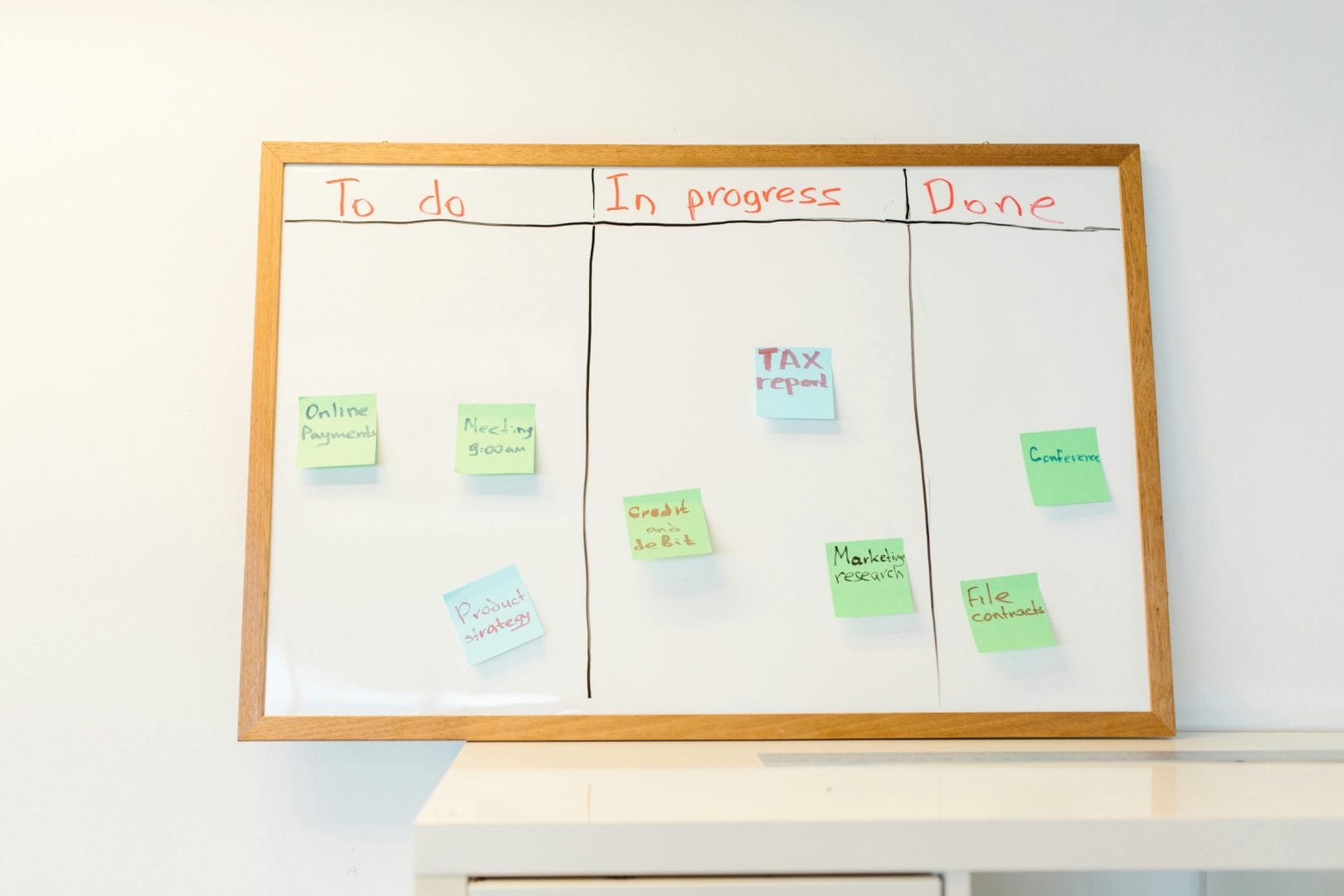
ClickUp and Monday.com are two of the most aggressive marketers in the project management category, both promising to be “the one platform to run your work.” Both deliver against that promise differently. Monday.com (founded as dapulse in 2012) built its reputation on visual customization, colorful, spreadsheet-meets-Trello boards that feel almost spatial. ClickUp built its reputation on feature breadth, cramming docs, whiteboards, chat, and AI into one platform.
The comparison is meaningful because both target the same buyer: SMB and mid-market teams looking for one tool to consolidate work management. The right answer depends on whether you prefer visual customization (Monday) or feature-density (ClickUp), and how much your team will use the breadth.
For broader context, see our best project management software roundup.
⚡ Quick Verdict
- →Pick ClickUp if you want everything-in-one (PM + docs + whiteboards + chat + AI); competitive pricing; deeper task/dependency features.
- →Pick Monday.com if you want visual, colorful workspaces; spreadsheet-like flexibility; the cleanest UX in PM software.
📑 Table of Contents
ClickUp Overview
ClickUp is the all-in-one productivity platform that positions itself as the replacement for tasks + docs + goals + chat + whiteboards + AI. Founded in 2017, the product reached 10M+ users with aggressive feature shipping.
Core: hierarchical structure (Spaces > Folders > Lists > Tasks > Subtasks), 15+ view types (List, Board, Calendar, Gantt, Timeline, Mind Map, Workload, Box, Activity, Table, Map, Chat, Whiteboard, Form, Embed), custom fields (40+ types), automations, dependencies, sprints, time tracking, goals, dashboards, ClickUp Docs, Whiteboards, Chat, AI.
Pricing: Free Forever (unlimited members, 100MB storage), Unlimited $7/user/month, Business $12/user/month, Business Plus $19/user/month, Enterprise custom. ClickUp AI $5/user/month add-on.
Monday.com Overview
Monday.com is the Work OS that built visual, colorful project management. Founded in 2012 as dapulse, Monday now serves 180,000+ customers across 200+ countries. The product’s philosophy: visual customization, spreadsheet-meets-board flexibility, and a platform extensible enough to handle any team’s workflow.
Core: project boards with customizable columns (Status, Date, Person, Number, Formula, Files, Timeline, Tags, Country, Phone, Link, Mirror, Dependency, Time Tracking, Vote), multiple views (Table, Kanban, Timeline/Gantt, Calendar, Chart, Workload, Map, Files, Form), automations with 250+ recipes, integrations across 200+ tools, dashboards, and Monday Workflows (their broader work OS).
Pricing: Free (up to 2 seats, limited boards), Basic at $9/seat/month, Standard at $12/seat/month, Pro at $19/seat/month, Enterprise (custom). Minimum 3 seats on paid plans.
Monday.com’s defining advantage: visual customization. The colorful, spreadsheet-meets-kanban aesthetic is genuinely differentiated. Teams that use Monday often describe it as feeling like the work itself rather than a project tracking tool.
Pricing Breakdown
The pricing comparison is closer than the marketing suggests.
Entry paid: ClickUp Unlimited $7/seat vs Monday Basic $9/seat. ClickUp is 22% cheaper.
Standard: ClickUp Business $12/seat vs Monday Standard $12/seat. Roughly equivalent.
Pro: ClickUp Business Plus $19/seat vs Monday Pro $19/seat. Equivalent.
Critical difference: Monday requires 3-seat minimum on paid plans. ClickUp doesn’t enforce minimums. For solo founders and 2-person teams, ClickUp is dramatically cheaper at entry tier.
At 10-person team scale on Standard tier: ClickUp = $1,440/year, Monday = $1,440/year. Equivalent.
At 25-person team scale on Pro tier: ClickUp = $5,700/year, Monday = $5,700/year. Equivalent.
Both are reasonably priced for the value delivered. ClickUp wins at entry and free tier.
Feature Comparison
ClickUp’s feature breadth is wider. Native ClickUp Docs (Notion-style), ClickUp Whiteboards (Miro-style), ClickUp Chat, ClickUp Goals, ClickUp Forms. Monday doesn’t include native docs, whiteboards, or chat at this depth.
Monday’s column flexibility is wider. Monday columns are more sophisticated than ClickUp’s custom fields, formula columns, mirror columns (link from another board), country columns with auto-flags, lookup columns. Monday boards feel more like a relational database with PM visualization.
For teams that need docs + whiteboards + chat consolidated, ClickUp wins. For teams that need spreadsheet-like data flexibility on PM boards, Monday wins.
User Experience
Monday’s UX is widely praised as the cleanest in PM software. The visual aesthetic (colorful columns, smooth animations, intuitive interactions) makes Monday feel modern and friendly. New users onboard fast.
ClickUp’s UX is feature-dense. Power users appreciate the depth; casual users sometimes find it overwhelming. The hierarchical structure (Spaces > Folders > Lists > Tasks) requires learning vs Monday’s flatter board structure.
For organizations prioritizing user adoption and “team will actually use it” outcomes, Monday wins on UX. For organizations with PM admins who can leverage depth, ClickUp’s breadth is the trade-off.
Workflows and Automation
Monday Automations: 250+ pre-built recipes covering status changes, date triggers, dependencies, notifications. Custom automations support if/then logic.
ClickUp Automations: similar breadth with hundreds of pre-built recipes. Custom automations with conditional branching. ClickUp’s automation builder is more powerful for complex multi-step flows.
For typical PM automation needs (status changes, notifications, dependencies), both deliver. For complex multi-step workflows with multiple branches, ClickUp’s automation builder is more capable.
Docs, Whiteboards, AI
ClickUp Docs: full Notion-style docs with collaborative editing, embeds, tables, dashboards. Integrated with tasks (link docs to tasks, reference docs in tasks).
Monday Workdocs: lighter doc functionality. Available in some plans. Less feature-rich than ClickUp Docs or Notion.
ClickUp Whiteboards: full Miro-style whiteboards with collaborative editing, shapes, sticky notes, connectors. Integrated with tasks (convert sticky notes to tasks).
Monday WorkCanvas: similar whiteboard functionality. Newer offering, smaller feature set than ClickUp Whiteboards.
ClickUp AI: $5/user/month add-on. GPT-powered task generation, doc drafting, summarization.
Monday AI: bundled in paid plans. Similar capabilities (task generation, status summarization, intelligent answers).
For teams that will use docs + whiteboards + AI together, ClickUp’s integrated stack is more developed. Monday is catching up but ClickUp has a head start.
Integrations
Both integrate with 1,000+ apps. Native integrations with Slack, Gmail, Outlook, Zoom, Google Drive, Microsoft Teams, Salesforce, HubSpot, Jira, GitHub, Zapier.
Monday’s integration depth is slightly broader for marketing and creative tools (deep Figma, Adobe, Canva integrations). ClickUp’s integration depth is slightly broader for developer tools (deep GitHub, GitLab, Bitbucket integrations).
Feature parity is largely achieved. Both cover standard SMB tech stacks cleanly.
| Feature | ClickUp | Monday.com |
|---|---|---|
| Free Tier | Unlimited members | 2 seats max |
| Standard Plan | $7/user/mo Unlimited | $9/user/mo Basic |
| Mid Tier | $12/user/mo Business | $12/user/mo Standard |
| Minimum Seats | None | 3-seat minimum |
| View Types | 15+ types | 9 types |
| Column Types | 40+ custom field types | 30+ column types (more flexible) |
| Native Docs | ClickUp Docs (mature) | Workdocs (lighter) |
| Whiteboards | Built-in (mature) | WorkCanvas (newer) |
| Native Chat | ClickUp Chat | Not native |
| UX Polish | Feature-dense | Class-leading visual |
| Best For | Everything-in-one breadth | Visual flexibility, easy adoption |
Which Should You Choose?
Pick ClickUp if: you want consolidated PM + docs + whiteboards + chat + AI; you’re solo or small team where Monday’s 3-seat minimum is wasteful; you’ll use the feature breadth; PM depth matters more than visual aesthetic.
Pick Monday.com if: visual customization and color-coded workspaces matter; spreadsheet-like data flexibility on PM boards is needed; you value the cleanest UX in PM software; team adoption ease is the priority.
For solo and small teams, ClickUp wins on flexibility and pricing. For larger teams where visual polish drives adoption, Monday wins. Both are excellent choices at their respective sweet spots.
✅ Try ClickUp
Start ClickUp Free →FAQs
Is ClickUp better than Monday.com?
ClickUp wins on feature breadth (docs, whiteboards, chat included). Monday wins on UX polish and visual customization.
Which is cheaper?
ClickUp at entry tier and for solo users (no seat minimum). Equivalent at standard and pro tiers.
Does Monday.com have a free tier?
Yes, limited to 2 seats and basic features. ClickUp’s free tier supports unlimited members.
Which has better column types?
Monday, 30+ column types including formula, mirror, country flags, and lookup columns offer more spreadsheet-like flexibility.
Which is better for marketing teams?
Monday, by reputation, visual aesthetic and creative integrations (Figma, Adobe, Canva) fit marketing workflows.
Which is better for developer teams?
ClickUp, sprint tracking, GitHub/GitLab integrations, and more developer-focused tooling.
Can I migrate between them?
Yes, both offer importers. CSV exports also work.
Which has better AI features?
Both have shipped AI. ClickUp’s AI is $5/user/mo add-on; Monday’s AI is bundled in paid plans.
Which has better mobile apps?
Both have polished mobile apps. Monday’s app is slightly more visually polished; ClickUp’s is more feature-rich.
Does Monday.com have docs?
Yes, Workdocs is available but less mature than ClickUp Docs.
Which is easier to learn?
Monday, visual aesthetic and flatter structure make initial learning faster than ClickUp’s hierarchical depth.
Which is better for client work?
Both work for client work. Monday’s visual aesthetic often resonates with clients; ClickUp’s feature depth supports more complex client engagements.
Final Word
ClickUp for everything-in-one productivity at competitive pricing. Monday.com for class-leading visual customization and team adoption. Both deliver real value at their respective sweet spots.
For more on this category, browse our best project management software, our best all-in-one productivity platforms, or our best PM for small construction guide.