How To Add hreflang Tags In WordPress With Plugin


Hreflang tags are essential for multilingual and multi-regional websites, as they help search engines understand which language and regional versions of your content should be served to users. Implementing hreflang tags ensures that your content is appropriately displayed to users based on their language and location, which can enhance user experience and improve SEO.
In WordPress, adding hreflang tags can be done efficiently using plugins. This method is user-friendly and doesn’t require manual code adjustments. This guide will walk you through the steps to add hreflang tags to your WordPress site using a plugin.
Using a Plugin to Add Hreflang Tags in WordPress
Step 1: Choose and Install a Suitable Plugin
There are several plugins available that can help you add hreflang tags to your WordPress site. Two popular options are:
1. Yoast SEO: This well-known SEO plugin includes hreflang functionality as part of its premium version.
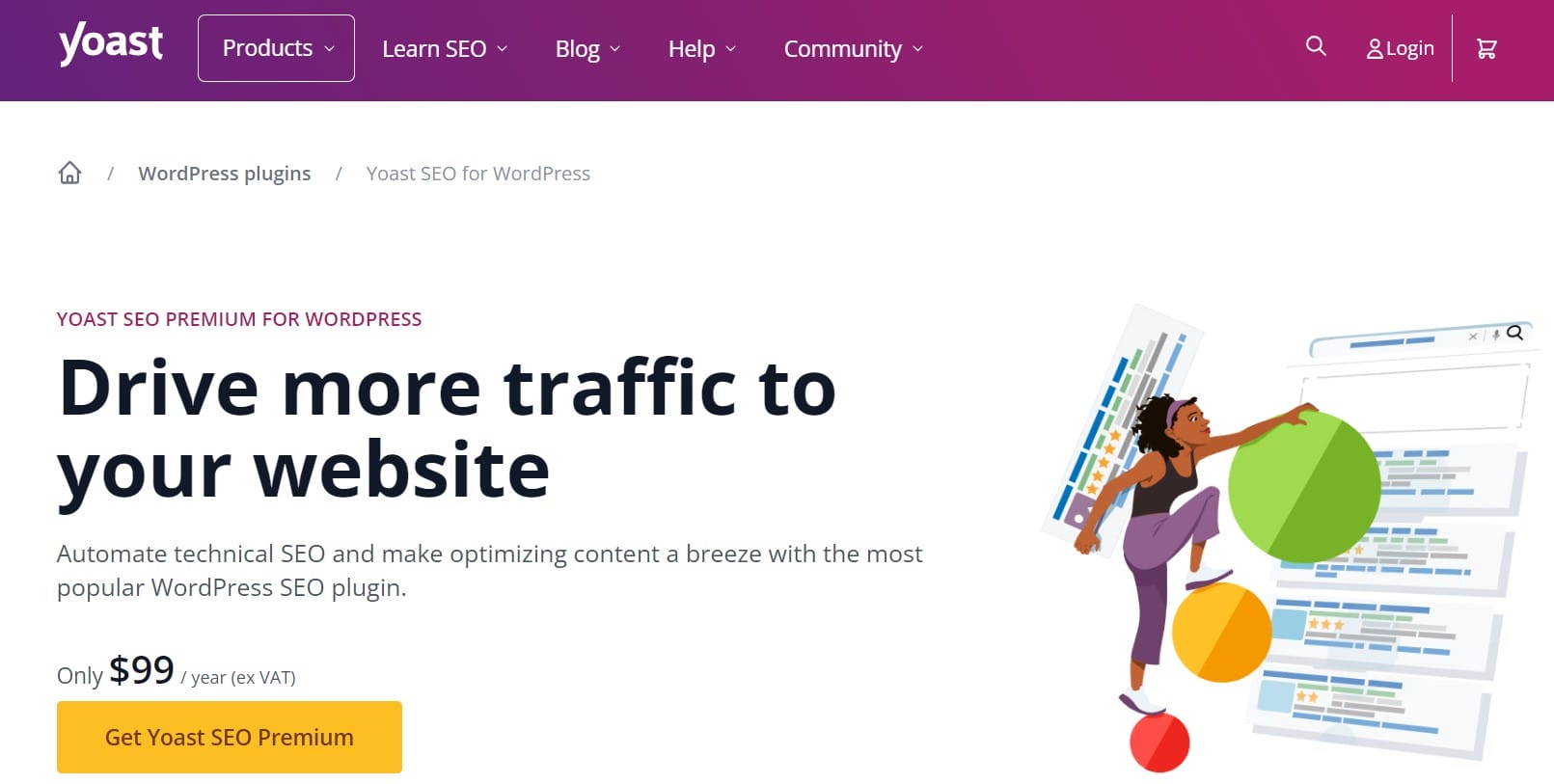
Configure Hreflang Tags:
- Once Yoast SEO Premium is activated, go to SEO > Search Appearance.
- Navigate to the Content Types tab or Taxonomies tab, depending on where you need to add hreflang tags.
- Under the General tab, look for the hreflang settings.
- Yoast SEO will automatically generate hreflang tags based on the content you have in different languages or regions.
2. WPML (WordPress Multilingual Plugin): WPML is designed for multilingual sites and includes hreflang support.
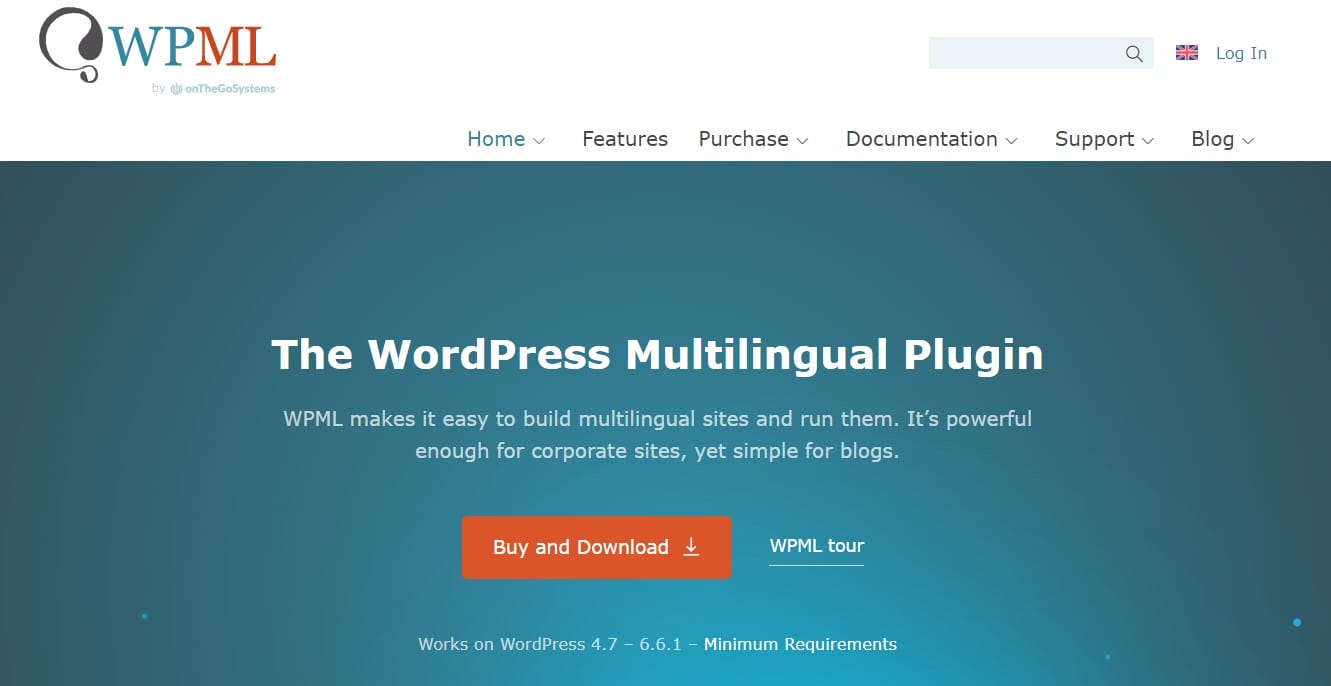
Configure WPML for Hreflang Tags:
- After activation, go to WPML > Languages.
- Ensure that your site’s languages are configured correctly.
- WPML will automatically handle the hreflang tags based on your language configurations and content translations.
Step 2: Verify Hreflang Tags
After setting up the plugin, it’s important to verify that the hreflang tags are correctly implemented on your site. You can do this using the following methods:
- Check Page Source:
- Visit one of your pages in a browser.
- Right-click on the page and select View Page Source.
- Look for hreflang tags in the <head> section of the HTML code.
- Use SEO Tools:
- Utilize SEO tools like Screaming Frog SEO Spider or Google Search Console to check if hreflang tags are correctly indexed and recognized.
Step 3: Monitor and Update
Regularly monitor your site to ensure that the hreflang tags are functioning correctly and that there are no issues. Update your hreflang settings as you add new languages or regional versions to your site.
Adding hreflang tags to your WordPress site with a plugin simplifies the process and ensures that your multilingual or multi-regional content is accurately represented to search engines and users. By using plugins like Yoast SEO Premium or WPML, you can efficiently manage hreflang tags without delving into manual coding.
Interesting Reads:
Should I Remove Polyfill From WordPress