

BuddyPress is a powerful plugin for WordPress that transforms your site into a fully functional social network. It offers features such as user profiles, activity streams, user groups, and more, making it an excellent choice for building online communities. For those managing a BuddyPress-powered site, monetizing through ads can be an effective way to generate revenue. Displaying ads in BuddyPress can be done by using Buddypress ads plugin, ensuring that you can start earning without additional costs. Let’s learn the process of displaying ads in BuddyPress for free.

Quick Links
BuddyPress Ads
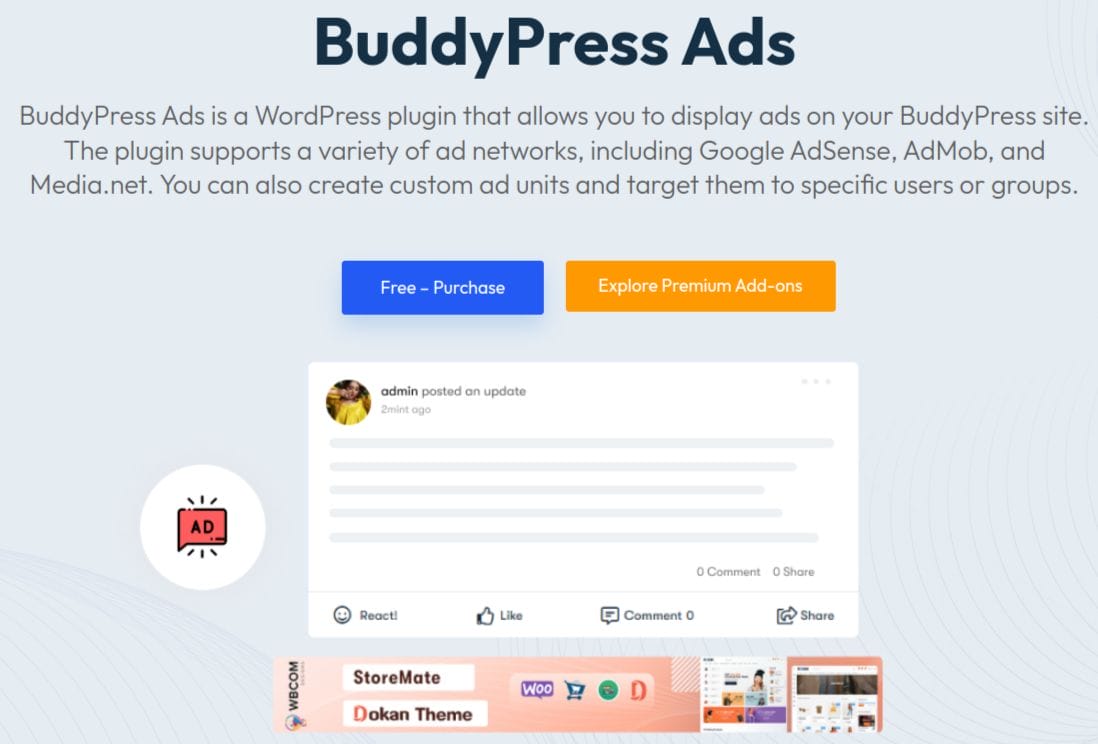
BuddyPress Ads are a great way to monetize your BuddyPress website and generate additional revenue. It is a free plugin by wbcomdesigns. These are advertisements that appear on the pages of your BuddyPress site, usually in the form of banners, text links and images. Display ads at different BuddyPress locations, such as the Activity Page, Group Page, and Member Page. You can also choose the position of the displayed ads according to your requirements. This allows you to maximize your ads’ potential and ensure they reach the right people.
Using ads can make your community sustainable as you wiil be able to earn back the amount spent on creating and managing the community.
Features of BuddyPress Ads
1. Compatibility: It works seamlessly with both BuddyPress and BuddyBoss platforms. This ensures that no matter which platform you are using to power your social network, the plugin will integrate smoothly.
2. Versatility: The plugin is ideal for a wide range of site types, including social marketplaces, community sites, membership sites, digital product sites, auction sites, and any other type of blogging website to create ads in BuddyPress. This versatility makes it a powerful tool for any site owner looking to monetize their online community.
3. Ad types: You can choose between different ad formats, such as plain text, rich content, and image ads. This flexibility allows you to tailor your advertising strategy to best fit your audience and content.
4. PHP code embedding: It includes a feature that allows you to embed PHP code inside the ads in BuddyPress. This can be particularly useful for advanced users who want to integrate dynamic content or more complex ad scripts.
5. Activity type selection: The plugin offers the ability to choose the activity type for displaying ads in BuddyPress. You can select to display advertisements within group activities, member activities, or site-wide activities, ensuring your ads are seen in the most relevant contexts.
6.Ad positions: There are multiple positions available for displaying ads. This allows for strategic placement within your site’s layout, increasing the likelihood that users will interact with the ads.
7. User conditions: BuddyPress Ads allows you to set user conditions for displaying advertisements. You can configure ads to show for both logged-in and logged-out users, offering targeted ad delivery based on user status.
8. Device conditions: The plugin provides display conditions for different devices, such as mobile, tablets, and desktops. This ensures that ads in BuddyPress are optimized for the device your visitors are using, improving the overall user experience.
9. Device friendly: It is designed to be device-friendly, meaning your ads in BuddyPress will display correctly on any device, including desktops, mobile phones, and tablets. This adaptability is crucial for maintaining a consistent and professional appearance across all platforms.
10. Shortcodes: You can use the shortcode created at time of ad creation to display ads in BuddyPress specifically on pages.
Installation
1. Log in to your WordPress Dashboard.
2. In the Dashboard, scroll down the left sidebar and click on “Plugins.”
3. On the Installed Plugins page, click “Add New” at the top of the page, or select “Add New” from the drop-down menu under “Plugins” in the sidebar.

4. On the Add Plugins page, type “BuddyPress Ads plugin” in the search box located at the top right.

5. From the search results, find the plugin you want and click “Install Now.” To learn more about the plugin, click the “More Details” link.
6. Once the plugin is installed and unpacked, click “Activate Plugin.”

7. After activation, you’ll be redirected to the Installed Plugins page, where you can read all the information about your plugins.
Creating ads in BuddyPress
1. Navigate to WB Ads: Access WB Ads in your WordPress dashboard by going to WB Ads >> Add New WB Ads.
2. Create Your Ad: On this page, you’ll find various settings to create and manage your advertising.
3. Choose Ad Type: Begin by selecting the type of ad you want to create: Plain Text, Rich Content, or Image Ad.

4. Plain Text and Code: You can use this option for any ad network, Amazon ads, custom AdSense codes, shortcodes, as well as JavaScript, HTML, or PHP scripts.

5. Rich Content: Utilize the full WordPress content editor, including features like image uploads, styling options, and support for shortcodes, alongside a simple text/HTML mode for embedding scripts and code.

6. Image Ad: Upload and display ads in various image formats.

7. Set Layout/Output: Customize parameters such as layout and output settings, positioning, margins, container ID, and container classes.

8. Set Display Conditions: Define conditions for when and where the ad should appear, including activity type, position within activities, target audience (logged-in visitors), and device type.

9. Set to whom: Here you can select user and device conditions to display ads in BuddyPress.

10. Publish Your Ad: Once configured, publish your ad. It will then be displayed on your BuddyPress site according to the specified locations and conditions.
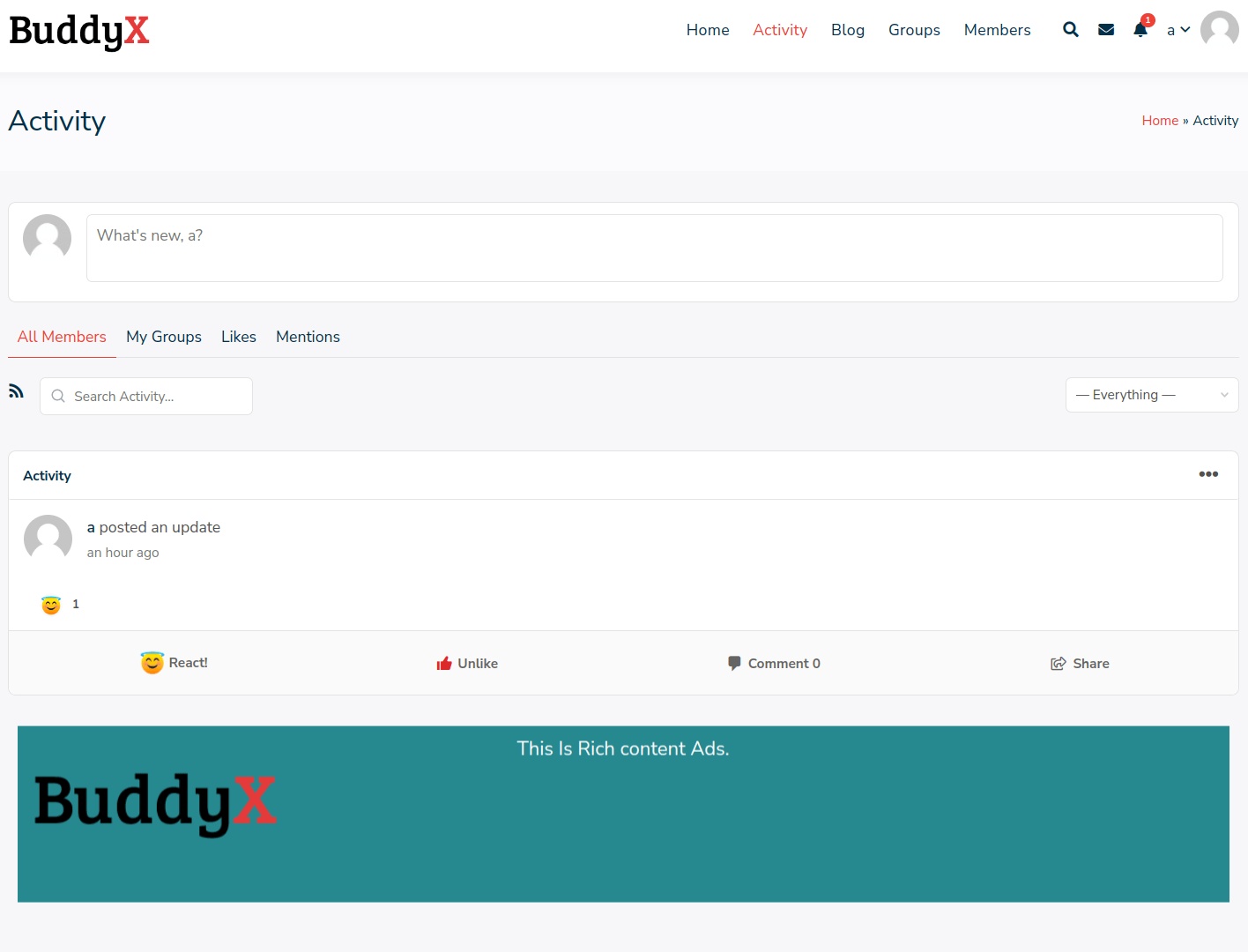
Maximize Revenue with BuddyPress Ads
Monetizing your BuddyPress site through ads can significantly enhance its sustainability by generating revenue. BuddyPress Ads plugin is a powerful tool to manage and display ads in BuddyPress, ensuring maximum visibility and relevance. You can choose among plain text, rich content, or image ads, the plugin offers versatility and customization options to fit your advertising strategy. By leveraging features like PHP code embedding, activity type selection, and device-specific display conditions, you can optimize ad placement and targeting for enhanced user engagement and profitability.
Interesting reads:
Create and Manage Member Types in BuddyPress
ERP Software Tools for Resource Planning
Best CRO Tools & Platforms for E-commerce and SaaS

