10 Best Multi-Size Google Ads Banner Creation Tool

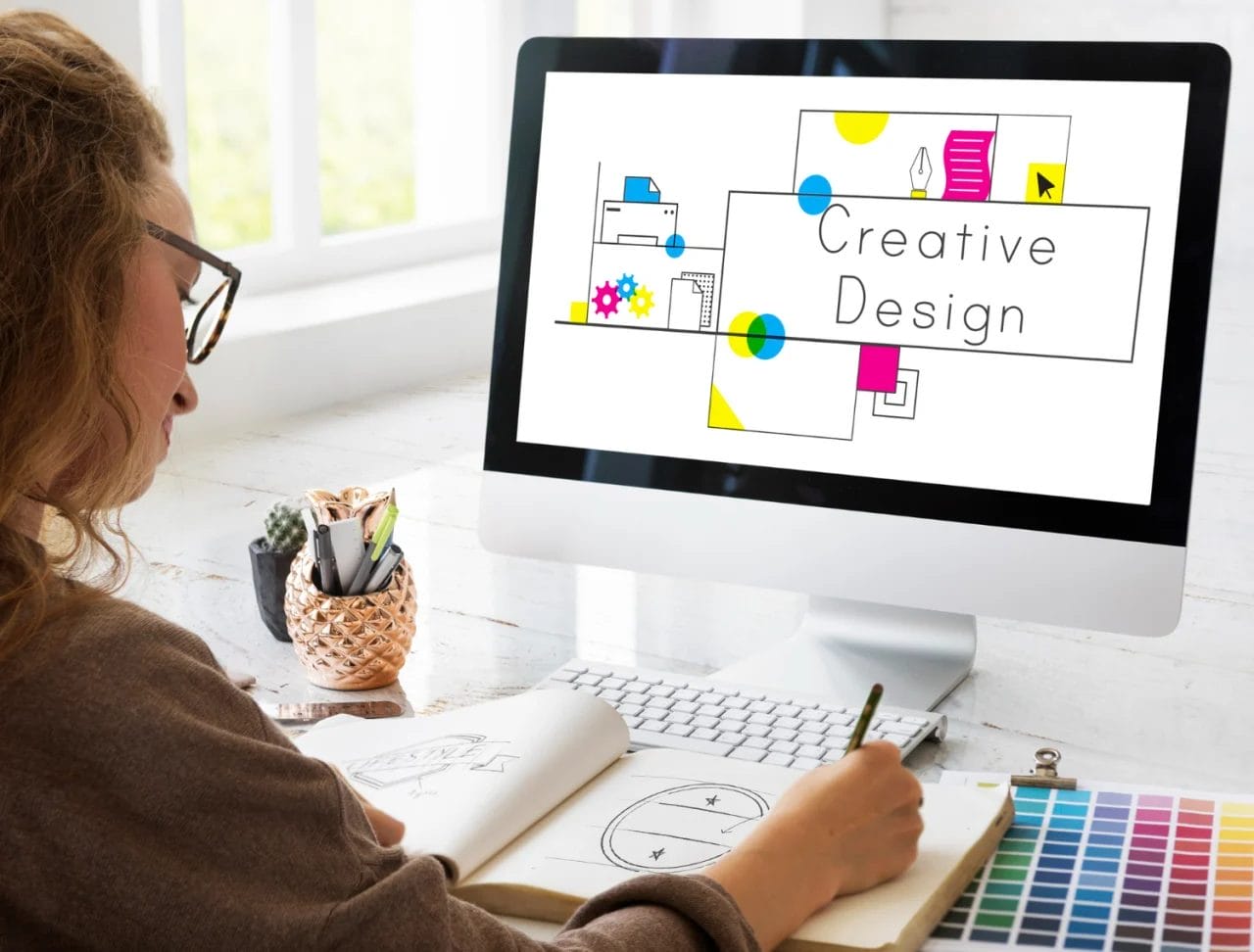
Running a successful Google Ads campaign requires more than just compelling ad copy—it demands visually striking banners that fit different screen sizes and placements. With the right Multi-Size Google Ads Banner Creation tool, you can streamline your workflow, maintain consistency, and design banners that attract clicks. Let’s explore the best tools that simplify this process while ensuring high-quality visuals for your ad campaigns.
1. VistaCreate – Professional Designs, No Experience Needed
VistaCreate (formerly Crello) is a powerhouse for designing Google Ads banners across multiple sizes. It offers thousands of pre-made templates, making it a perfect choice for marketers who want high-quality banners without prior design experience.
What sets VistaCreate apart is its ability to easily resize a design for different banner formats with a single click. This feature ensures all your ads maintain brand consistency while adapting seamlessly to various ad placements.
2. Adobe Photoshop – Advanced Customization for Designers
For those who prefer full control over their designs, Adobe Photoshop is an industry-standard tool. Although it has a learning curve, it offers unmatched flexibility and precision when designing Google Ads banners.
Photoshop allows you to create banner templates that can be resized while maintaining clarity and professionalism. You can also use smart objects and layers to quickly adjust different ad sizes without compromising the overall layout.
3. Bannerwise – Automate Your Banner Creation
Bannerwise is a Multi-Size Google Ads Banner Creation tool designed specifically for digital advertisers. It allows you to create an entire set of banner ads in different sizes within minutes, eliminating the need to manually tweak each design.
This tool is ideal for large-scale campaigns where consistency across multiple banners is crucial. Its drag-and-drop functionality and template-based approach make the process both quick and efficient.
Also Read: How to Edit WooCommerce Emails with MailPoet
4. Pixlr – Lightweight Yet Powerful Design Tool
Pixlr is an excellent alternative for those who want the power of Photoshop without the complexity. It offers an intuitive interface with all the essential features needed to create visually appealing Google Ads banners.
With Pixlr, you can quickly edit, resize, and adjust banners while maintaining high-quality visuals. The tool also provides various pre-set dimensions for Google Ads, making it easy to format banners correctly without extra effort.
5. Design Wizard – Quick, Hassle-Free Ad Creation
If you’re looking for a tool that simplifies the banner creation process, Design Wizard is a great option. It offers ready-to-use templates that can be customized and resized for multiple ad placements.
This tool’s strength lies in its speed and simplicity. You don’t need advanced design skills—just select a template, tweak the elements, and resize it to fit all Google Ads formats effortlessly.
6. Smartly.io – AI-Powered Ad Creation
Smartly.io is an innovative Multi-Size Google Ads Banner Creation tool that uses artificial intelligence to automate ad production. It’s widely used by performance marketers who need to create, test, and optimize multiple ad variations.
With Smartly.io, you can generate dynamic ads that adjust automatically for different placements. This tool is ideal for businesses running high-volume advertising campaigns that require ongoing optimization.
7. Easil – A Drag-and-Drop Banner Design Solution
Easil is a user-friendly tool that makes banner creation a breeze. Its simple drag-and-drop editor allows you to design engaging ads without any prior graphic design knowledge.
A standout feature of Easil is its brand kit, which lets you store brand colors, fonts, and logos. This ensures that all your Google Ads banners maintain a consistent look and feel across different sizes and formats.
8. GIMP – A Free Photoshop Alternative
GIMP is an open-source alternative to Photoshop that provides powerful design capabilities without the cost. It supports layered editing, image enhancements, and batch resizing, making it a great choice for creating professional Google Ads banners.
Though GIMP requires some design knowledge, it’s a fantastic tool for those who need advanced editing features but don’t want to invest in premium software.
Also Read: How to Allow Customers to Add Tips in WooCommerce
9. Figma – Collaborative Design for Teams
If you’re working with a team, Figma is an excellent Multi-Size Google Ads Banner Creation tool that enables real-time collaboration. Multiple team members can work on a single design simultaneously, making it perfect for marketing agencies or large brands.
Figma’s auto-layout feature helps designers create responsive banners that adapt effortlessly to various ad sizes. This ensures that your Google Ads banners are not only visually appealing but also optimized for different placements.
10. Placeit – Instant Mockups and Banners
Placeit is a fantastic tool for those who need quick, professional-looking banners without any design skills. It offers a vast library of templates and mockups, allowing users to create stunning Google Ads banners in minutes.
This tool is particularly useful for eCommerce brands and businesses that frequently run ad campaigns. With its instant customization features, you can generate multiple versions of an ad without starting from scratch each time.
Pick the Right Multi-Size Google Ads Banner Creation Tool
Choosing the right Multi-Size Google Ads Banner Creation tool depends on your specific needs. If you’re a beginner looking for an easy solution, tools like VistaCreate, Easil, and Design Wizard offer simple interfaces with professional results. For advanced users, Adobe Photoshop, GIMP, and Figma provide more customization and control.
If efficiency and automation are your priorities, Smartly.io, Bannerwise, and Placeit streamline the banner creation process, saving valuable time. No matter which tool you choose, ensuring your Google Ads banners are visually appealing and correctly sized will enhance your campaign performance and boost conversions.
Interesting Reads:
Top 10 Free Alternatives to Kahoot

Shashank is a seasoned digital marketing and WordPress expert who specializes in SEO, software tools reviews, and cutting-edge strategies for boosting online presence. With a passion for simplifying complex topics, Goutham crafts engaging blog posts that help readers optimize their websites, improve search engine rankings, and stay ahead in the ever-evolving digital landscape.