

Creating stunning photo collages can be a fun and creative way to showcase your memories, events, or even a particular theme. Fortunately, numerous online photo collage makers allow you to design beautiful collages for free. In this blog post, we’ll explore the ten best free photo collage makers available online, discussing their key features, pros and cons, and how they compare to each other.

Quick Links
How to Choose Best Photo Collage Makers Online
Choosing the best photo collage maker online involves considering several factors to ensure that the tool meets your specific needs and preferences. Here’s a guide to help you navigate through the options and select the right collage maker for you:
1. Ease of Use
- User-Friendly Interface: Look for a collage maker with a simple and intuitive interface. This is especially important if you’re a beginner.
- Drag-and-Drop Functionality: Tools that allow you to easily drag and drop images, text, and elements will make the collage creation process smoother.
2. Templates and Customization Options
- Variety of Templates: A wide range of pre-made templates can save you time and inspire creativity. Choose a maker that offers templates suited for your purpose, such as social media posts, posters, or photo books.
- Customization Features: Ensure that you can customize layouts, colors, fonts, and backgrounds. The more options you have, the more unique your collage can be.
3. Editing Tools
- Photo Editing Capabilities: Some collage makers also offer photo editing tools. Features like cropping, filtering, and adjusting brightness/contrast can enhance the overall look of your collage.
- Integration with Other Editing Tools: Consider whether the collage maker allows you to integrate with other graphic design or photo editing tools for a more comprehensive experience.
4. Image and Design Quality
- High-Resolution Outputs: Look for a collage maker that produces high-quality images suitable for printing or sharing online.
- Aspect Ratio and Size Options: Ensure the tool allows you to set different aspect ratios and sizes based on your needs (e.g., Instagram, Facebook, or print formats).
5. Cost and Accessibility
- Free vs. Paid Features: Many collage makers offer both free and premium versions. Assess what features are available in the free version and what requires a subscription.
- Watermarks: Check if the free version adds watermarks to your collages. If you plan to use the collages commercially, you may want a tool that allows watermark-free downloads.
6. Additional Features
- Collaboration Options: If you’re working with a team or friends, look for tools that allow collaboration, such as shared editing capabilities.
- Social Media Integration: Some photo collage makers enable you to share your collages directly to social media platforms, making it easier to showcase your work.
Also Read: How to Set Up Salesforce Integration in WooCommerce
Best Photo Collage Makers Online
1. Canva

Key Features:
- User-friendly drag-and-drop interface
- Extensive library of templates and design elements
- Ability to upload images from various sources (Dropbox, Google Drive, etc.)
- Collaboration features for team projects
Pros:
- Intuitive design tools
- Wide range of customization options
- Free and premium versions available
Cons:
- Some templates and features are locked behind a paywall
- Requires an internet connection
2. Fotor
Key Features:
- Various collage styles and templates
- Photo editing tools included
- One-click collage creation
- Option to add text, stickers, and filters
Pros:
- Simple interface
- Versatile editing capabilities
- Good performance even with high-resolution images
Cons:
- Ads can be distracting
- Limited advanced features in the free version
Also Read: Best Learning Management System Software
3. Adobe Express (formerly Adobe Spark)
Key Features:
- Access to a library of professionally designed templates
- Seamless integration with other Adobe products
- Customizable text and graphics options
Pros:
- High-quality design options
- Easy to use for beginners
- Extensive editing features
Cons:
- Requires an Adobe account to use
- Some premium features are limited to paid plans
4. BeFunky
Key Features:
- User-friendly interface with drag-and-drop functionality
- Variety of templates, backgrounds, and graphics
- Photo editing tools like filters and effects
Pros:
- Fast collage creation
- Extensive customization options
- Fun and creative design elements
Cons:
- Limited features in the free version
- Ads present in the free version
5. CollageIt
Key Features:
- Automatic photo collage generator
- Ability to adjust the spacing, size, and layout of images
- Supports various image formats
Pros:
- Quick and easy to use
- Good for creating multiple collages at once
- No internet connection required (desktop version)
Cons:
- Limited customization options
- Less intuitive than some online tools
Also Read: Best Tools to Create and Edit Instagram Post Videos
6. PicMonkey
Key Features:
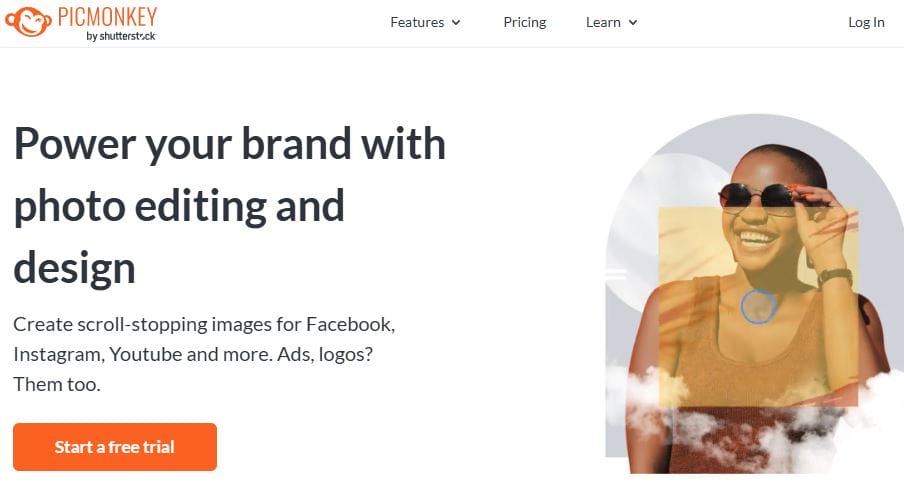
- Comprehensive photo editing tools alongside collage making
- Drag-and-drop interface with customizable layouts
- Options to add text, filters, and effects
Pros:
- Great for photo enhancement and collage creation
- Good selection of templates
- User-friendly interface
Cons:
- Requires account creation for full access
- Some features are restricted to the paid version
7. FotoJet
Key Features:
- Hundreds of collage templates available
- User-friendly interface with drag-and-drop capabilities
- Extensive design resources (clipart, text options, etc.)
Pros:
- Fast and easy to create collages
- No software download required
- Good for both beginners and advanced users
Cons:
- Limited export options in the free version
- Some templates are locked behind a paywall
Also Read: How to Show Price History for WooCommerce to Boost Sales
8. Kizoa
Key Features:
- Photo collage maker and slideshow maker
- Variety of templates and styles to choose from
- Animated collages available
Pros:
- Unique animated collage options
- Easy to use and navigate
- Good for creating both static and dynamic collages
Cons:
- Limited features in the free version
- Ads can interrupt the user experience
9. PhotoCollage
Key Features:
- Simple and straightforward collage creation
- Variety of templates and shapes
- Ability to customize backgrounds and borders
Pros:
- Very easy to use for all skill levels
- Quick collage creation process
- Offers fun design options
Cons:
- Limited editing tools compared to competitors
- Basic interface may not appeal to advanced users
10. iLoveIMG
Key Features:
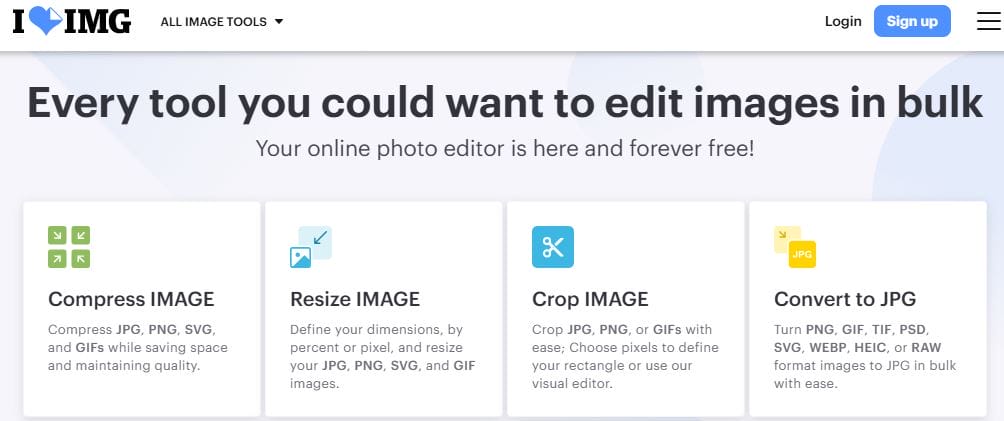
- Photo collage maker with a variety of templates
- Ability to upload images from various sources
- Simple editing features like cropping and rotating
Pros:
- Fast and efficient collage creation
- No account required for use
- User-friendly design
Cons:
- Limited design and customization options
- Basic editing features may not meet all users’ needs
Best Photo Collage Maker at a Glance
| Tool | Key Features | Pros | Cons |
|---|---|---|---|
| Canva | Drag-and-drop, extensive templates | Intuitive, customizable | Some features behind paywall |
| Fotor | Collage styles, photo editing | Simple, versatile | Ads can be distracting |
| Adobe Express | Professional templates, text and graphic options | High-quality designs | Requires Adobe account |
| BeFunky | Drag-and-drop, editing tools | Fast creation, fun elements | Limited free features |
| CollageIt | Automatic collage generation | Quick, no internet required | Limited customization options |
| PicMonkey | Comprehensive editing, customizable layouts | Good for enhancements | Account creation required |
| FotoJet | Hundreds of templates, drag-and-drop | Fast, suitable for all skill levels | Limited export options |
| Kizoa | Collage and slideshow maker, animated options | Unique animations | Limited features in free version |
| PhotoCollage | Simple collage creation | Easy for all skill levels | Basic interface, limited editing tools |
| iLoveIMG | Photo collage maker, basic editing | Fast, no account needed | Basic features may not meet all needs |

Make Your Creative Photo Collage Today
Whether you’re looking to create a simple collage or a more elaborate design, the tools listed above offer something for everyone. Each tool has its own strengths and weaknesses, so consider your needs and preferences when choosing the best photo collage maker for your projects. With the right tool, you can bring your creative vision to life and share your favorite memories in a beautiful way.
Interesting Reads

