

Creating eye-catching posters for events, announcements, or marketing campaigns no longer requires expensive software or expert skills. Free online poster makers provide user-friendly tools and templates, empowering anyone to design posters with ease. This blog post will guide you through the ten best free online poster makers, comparing their features, pros and cons, and providing a side-by-side comparison to help you find the best tool for your needs.

Quick Links
What to Look for When Choosing Online Poster Makers
When choosing an online poster maker, it’s essential to find a tool that aligns with your design needs, budget, and skill level. Here are key factors to consider when selecting the right online poster maker:
1. Ease of Use
- Look for tools that have an intuitive, easy-to-navigate interface. Drag-and-drop features, a simple toolbar, and a quick onboarding process are beneficial, especially if you’re a beginner.
- Some tools, like Canva and Adobe Express, offer tutorials to help users get started and make the most of their design features.
2. Templates and Design Options
- A good poster maker should have a variety of high-quality templates. Look for tools that offer templates specific to your purpose (e.g., event posters, social media, infographics).
- If you need flexibility, tools like VistaCreate or Visme provide plenty of design options and templates that can be fully customized.
3. Customization Capabilities
- Advanced customization options allow you to modify colors, fonts, and layouts, helping you create a more personalized design. Some free versions offer basic customization, while others might limit certain features to paid plans.
- For more extensive customization, consider tools like Visme or PixTeller, which allow detailed adjustments, including animation in some cases.
4. Asset Library
- The availability of assets (images, icons, and fonts) is essential for enhancing your poster. Some tools, like Adobe Express, integrate with stock libraries for more diverse resources.
- Check if the tool offers free-to-use images and icons or if premium assets are restricted to paid versions.
5. Export Options
- High-resolution exports are critical for printing posters or using them for professional presentations. Many free tools allow for basic download options, but high-resolution or un-watermarked files may require a subscription.
- Tools like PosterMyWall provide high-resolution options even in the free version, though some may apply watermarks to free exports.
Best Free Online Poster Maker
1. Canva

Canva is one of the most popular online design tools and has a vast collection of poster templates. The platform offers drag-and-drop features, an extensive library of elements, and high-quality stock images. Canva is suitable for beginners and offers both free and premium content.
- Pros: Intuitive, large template library, collaboration features
- Cons: Some assets are locked behind a paywall
2. Adobe Spark
Adobe Spark, now known as Adobe Express, allows users to create professional-looking posters with ease. Its intuitive design and integration with Adobe’s suite make it a great choice for those familiar with Adobe products. Users can also access Adobe’s stock photos and fonts.
- Pros: Access to Adobe fonts and stock images, quality templates
- Cons: Limited customization in the free version
3. Crello (VistaCreate)
Crello, recently rebranded as VistaCreate, is a versatile tool for creating posters, social media graphics, and more. Its free version includes access to thousands of templates and design elements, allowing for high-quality designs without needing a subscription.
- Pros: Large template selection, user-friendly interface
- Cons: Limited export options in the free version
4. PosterMyWall
PosterMyWall provides a focused platform for creating posters with easy-to-use features and high-resolution exports. It’s ideal for event flyers and marketing posters, with a specific focus on promotional content.
- Pros: Many free templates, high-quality exports, easy to use
- Cons: Watermarked downloads on the free plan
5. Snappa
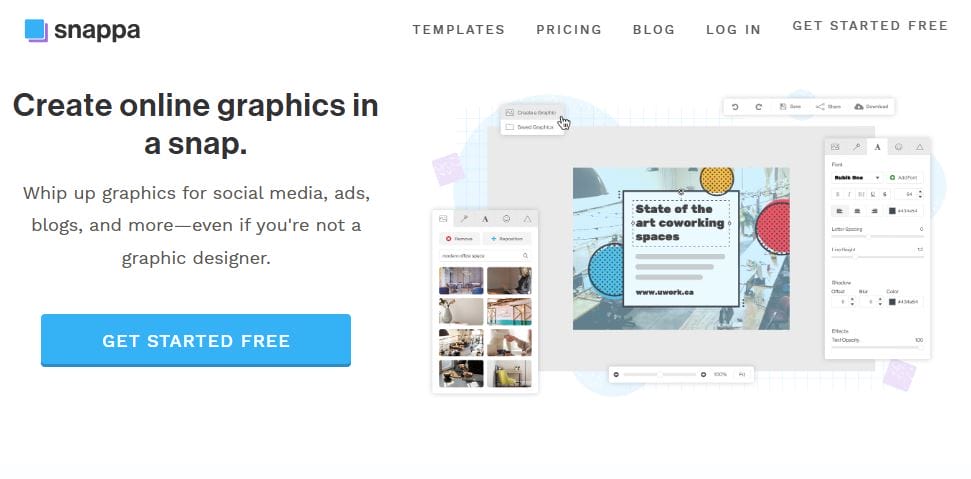
Snappa is a simple design tool that’s ideal for creating social media graphics and posters. It offers a wide selection of free templates, stock images, and fonts, making it a great tool for beginners.
- Pros: Fast and easy to use, decent template selection
- Cons: Limited to five downloads per month in the free version
Also Read: 10 Best Online Promotion Video Makers for Free in 2024
6. Visme
Visme offers an extensive toolkit for posters, infographics, presentations, and more. With a range of templates, the platform provides more customization options than many competitors, though some features are restricted to the paid plan.
- Pros: High-quality visuals, customizable templates, data visualization options
- Cons: Limited free assets, some templates only available in the paid version
7. DesignCap
DesignCap focuses on simplicity, providing pre-designed templates and customization options. Its easy-to-use tools are ideal for creating posters, social media posts, and infographics without needing design experience.
- Pros: User-friendly, decent range of templates
- Cons: Limited options on the free plan, fewer advanced features
8. Fotor
Fotor offers a straightforward design interface with a wide selection of templates and customizable elements. While primarily known for photo editing, Fotor’s design tools are robust and intuitive.
- Pros: Simple interface, photo editing capabilities
- Cons: Some templates and elements are restricted in the free version
9. PixTeller
PixTeller provides a range of tools for creating posters, animations, and graphics. Its focus on flexibility lets users create unique and eye-catching designs, although some advanced features are locked behind a paywall.
- Pros: Animation capabilities, flexible customization
- Cons: Some limitations on the free plan
10. BeFunky
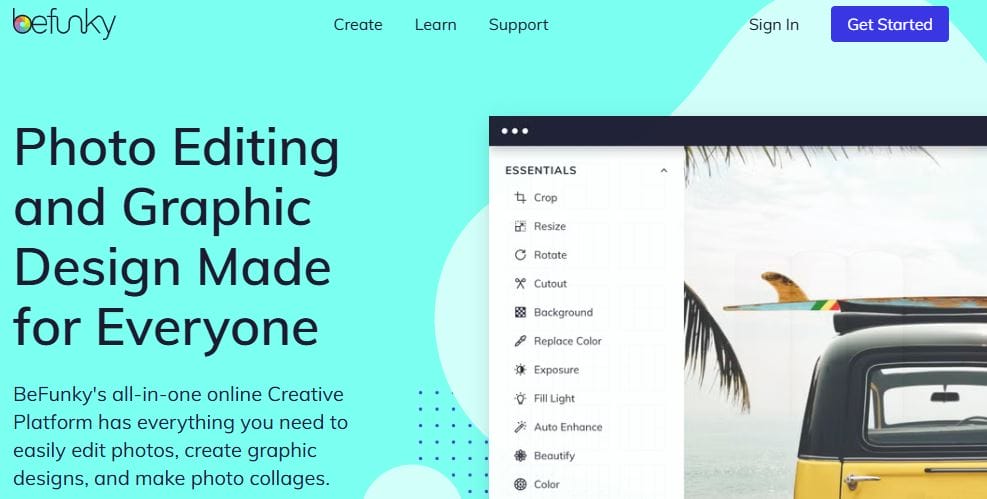
BeFunky is an all-in-one photo editor and design tool, making it an excellent option for those looking to edit photos and create posters in one place. Its free plan includes a good variety of templates and tools.
- Pros: Dual functionality as a photo editor and design tool
- Cons: Many assets only available in the premium version
Free Online Poster Maker at a Glance
| Tool | Key Features | Free Plan Limitations | Ideal For |
|---|---|---|---|
| Canva | Drag-and-drop, templates, collaboration | Some assets are paid | Beginners, social media posters |
| Adobe Spark | Quality templates, Adobe fonts, stock images | Limited customization | Adobe users, professional posters |
| VistaCreate | User-friendly, large template library | Limited export options | Event flyers, promotional posters |
| PosterMyWall | High-quality exports, free templates | Watermarked downloads | Marketing posters, events |
| Snappa | Easy to use, good template selection | 5 downloads per month | Social media graphics |
| Visme | Customizable templates, data visuals | Limited free assets | Data-driven posters, presentations |
| DesignCap | Pre-designed templates, simplicity | Fewer advanced features | Basic posters, beginners |
| Fotor | Photo editing tools, straightforward design | Limited templates and elements | Photo-centric posters |
| PixTeller | Animation options, flexible designs | Limited advanced features | Unique, animated posters |
| BeFunky | Photo editing + design tools | Limited assets in free version | Editing and designing |

Create Your Free Poster Today
Free online poster makers offer accessible, versatile tools for creating visually appealing designs without requiring advanced skills or a hefty budget. Each platform comes with unique strengths—Canva’s extensive template library, Adobe Spark’s professional integration, VistaCreate’s user-friendly interface, and Visme’s data visualization options, among others. When selecting a tool, consider your specific needs, whether it’s high-quality exports, animation capabilities, collaboration options, or customization features. By evaluating the limitations and strengths of each tool, you can choose the best poster maker to suit your creative projects, making the design process simple, enjoyable, and cost-effective.
Interesting Reads
10 Best AI Pinterest Pins Makers

