

Creating promotional videos is one of the most effective ways to engage with your audience. Whether you’re marketing a product, promoting a service, or building your personal brand, video content can capture attention like no other medium. Fortunately, there are several free online video makers that allow you to create stunning promotion videos without spending a dime. This guide highlights the 10 best free online promotion video makers in 2025, offering an in-depth look at their features, pros and cons, and a comparison table to help you decide which tool best suits your needs.

Quick Links
How to Choose the Best Online Promotion Video Maker?
When selecting the best online promotion video maker, consider the following factors:
Ease of Use: If you’re a beginner, choose a tool with a simple, drag-and-drop interface like Canva or Adobe Express. More advanced users might prefer customizable tools like Kapwing or InVideo.
Templates & Stock Library: Look for platforms offering a rich selection of pre-made templates and stock media (videos, music, images). InVideo and Wave.video excel in this area.
Watermarks & Export Quality: Check whether the free plan includes watermarks and if high-quality export options (HD/1080p) are available without premium upgrades.
Customization: Ensure the tool offers enough customization for your needs, such as adding text, animations, and music. Kapwing and Veed.io provide great flexibility.
Collaboration: If you work with a team, look for collaboration features. Canva, Kapwing, and Wave.video support team editing.
Best Online Promotion Video Maker
1. Canva

Canva is widely known for its easy-to-use design tools, but it also offers a powerful video creation feature. With its drag-and-drop interface, you can create polished promotional videos even without video editing experience.
- Key Features:
- Pre-designed templates for various social media platforms
- Extensive media library with stock videos, images, and music
- Simple animation effects and transitions
- Export in various resolutions, including HD
- Supports collaboration with team members
- Pros:
- User-friendly interface
- Excellent for beginners
- Rich media library
- No watermark on free plan
- Cons:
- Limited advanced editing features
- Some premium elements are locked behind the paid plan
2. Adobe Express
Adobe Express (formerly Adobe Spark) is a versatile tool for creating quick and professional-looking promotional videos. It’s known for its simplicity and offers free access to several useful features.
- Key Features:
- Intuitive timeline editing
- Pre-built themes for video customization
- Integration with Adobe’s other creative tools
- Free library of images and soundtracks
- Pros:
- Clean and simple interface
- High-quality templates and assets
- Fast and easy video creation
- Cons:
- Limited to basic editing options
- Some features require a paid plan
3. Animoto
Animoto allows users to create professional promotional videos by combining photos, video clips, and music. It’s especially suitable for social media ads, tutorials, and product demos.
- Key Features:
- Drag-and-drop interface
- Music library with licensed tracks
- Pre-built templates for specific purposes
- Integration with major social media platforms
- Pros:
- Extremely easy to use
- Wide variety of customizable templates
- Good for business promotion videos
- Cons:
- Limited customization options for advanced users
- Free plan includes a watermark
4. Kapwing
Kapwing is a collaborative video editor with powerful features that work right from your browser. It’s great for creating promotional videos for both social media and websites.
- Key Features:
- Supports video editing, trimming, and captioning
- Built-in meme and GIF generators
- Library of stock footage and audio
- Cloud-based editing, making it accessible anywhere
- Pros:
- Simple and quick editing tools
- Collaboration-friendly platform
- No downloads required
- Cons:
- Free plan includes watermark on videos longer than 7 minutes
- Limited advanced features
5. InVideo
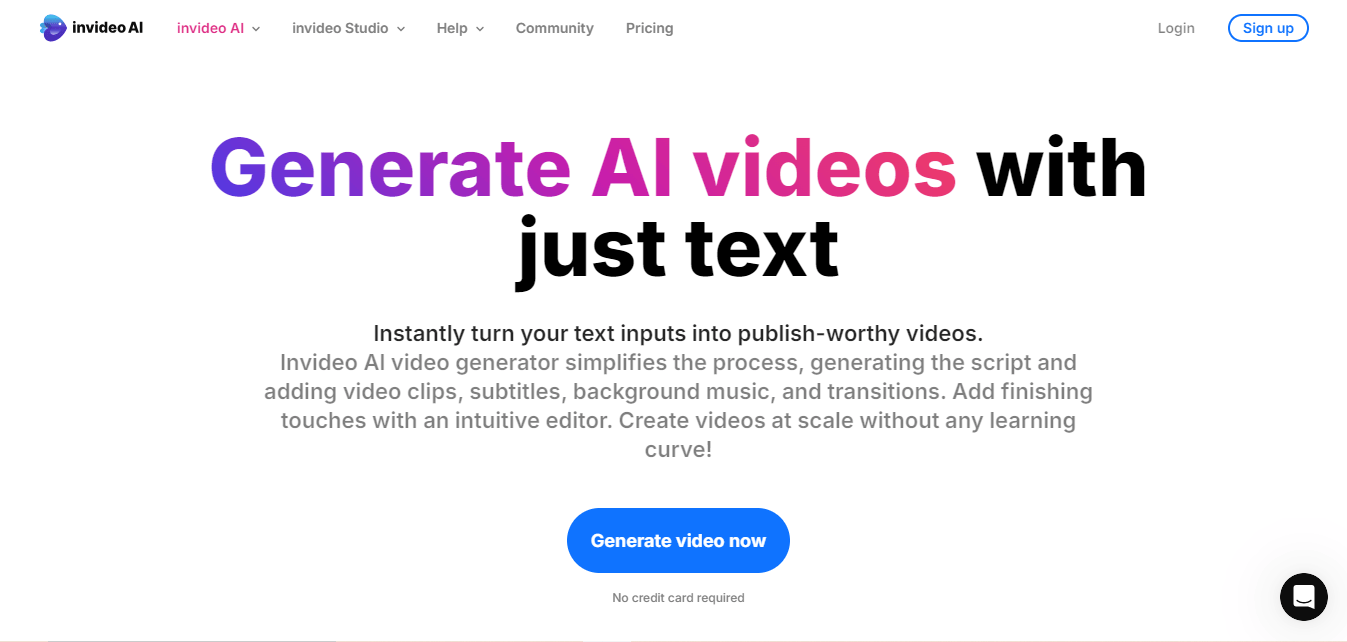
InVideo is designed for marketing professionals and content creators who want to create engaging promotional videos fast. Its free plan is surprisingly generous and offers plenty of customization options.
- Key Features:
- Over 5,000 pre-made video templates
- Media library with stock images, videos, and music
- Text-to-video functionality
- Supports HD exports
- Pros:
- Ideal for social media and business videos
- Rich selection of templates
- Easy to use with lots of automation
- Cons:
- Free plan includes a small watermark
- May feel limited for users seeking advanced controls
6. Clipchamp
Clipchamp provides an easy way to create professional videos for promotional purposes. It’s especially handy for users looking to create and share videos directly on social platforms.
- Key Features:
- Pre-made templates for various social media formats
- Online screen recorder and webcam recording
- Built-in video compressor
- Multiple export options, including 1080p
- Pros:
- Easy-to-use interface
- Wide range of editing tools
- Integration with Google Drive and Dropbox
- Cons:
- Watermark on videos if exporting in HD on the free plan
- Some features are locked behind a paid subscription
7. Wave.video
Wave.video is another powerful tool designed to make video creation simple and accessible. It includes a large library of templates and stock footage that can be used to create promotional videos quickly.
- Key Features:
- Over 200 million stock video clips and images
- Easy-to-use drag-and-drop editor
- Built-in social media scheduler
- Flexible aspect ratio for various platforms
- Pros:
- Perfect for social media promotions
- Large media library
- Allows for video customization
- Cons:
- Free plan includes a watermark
- Limited advanced editing features
8. Veed.io
Veed.io is an online video editing tool perfect for making short promotional clips. Its standout feature is automatic subtitles, which can make your content more accessible.
- Key Features:
- Automatic subtitle generation
- Templates for quick video creation
- Cloud-based editing
- Collaboration tools for teams
- Pros:
- Intuitive interface
- Supports multiple languages for subtitles
- No downloads necessary
- Cons:
- Free plan has a watermark
- Export resolution limited to 720p on free plan
9. FlexClip
FlexClip is a free online video maker that provides templates specifically designed for promotional videos. It’s perfect for beginners who want to create professional-looking videos without complex software.
- Key Features:
- Templates for product promotions, social media ads, and more
- Rich media library with videos and music
- Easy-to-use video editor
- Supports HD video exports
- Pros:
- Ideal for beginners
- No watermark on free plan
- Intuitive drag-and-drop editor
- Cons:
- Limited advanced features
- Free plan has limited stock resources
10. Renderforest
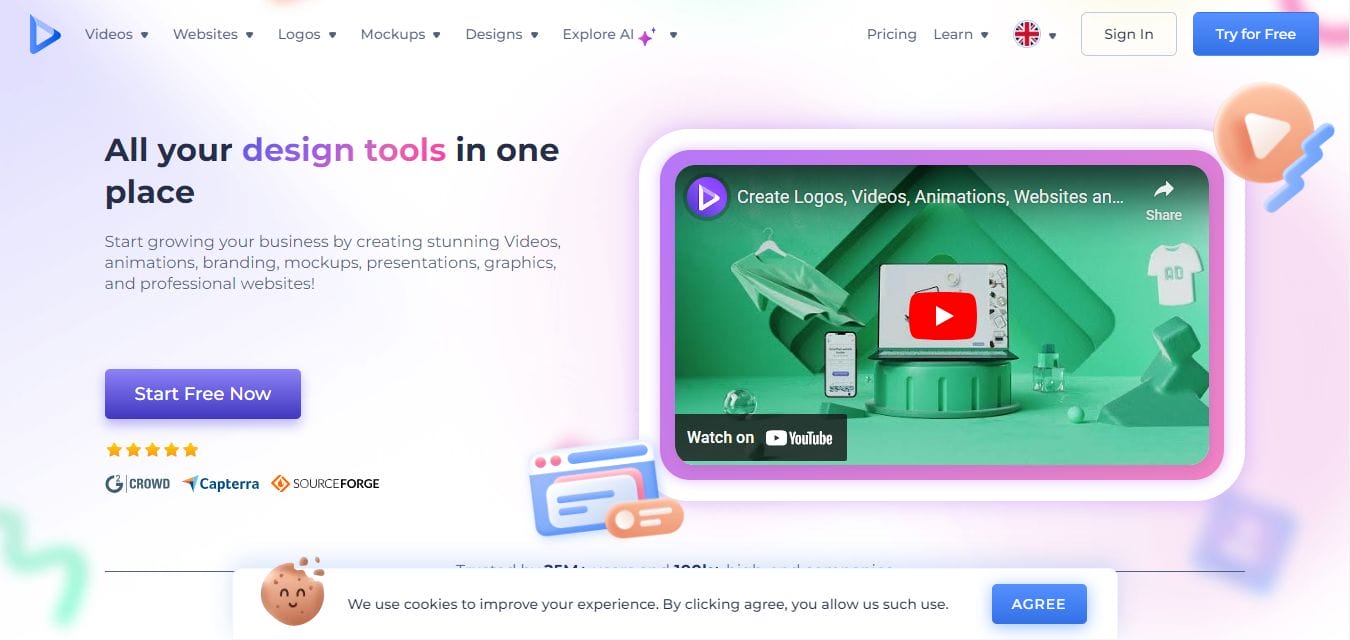
Renderforest offers a wide variety of templates for creating promotional videos, animations, and slideshows. It’s great for business owners looking to create professional marketing videos.
- Key Features:
- Templates for different types of videos
- Supports 4K video exports
- Library of licensed music and stock footage
- Customizable branding options
- Pros:
- Professional-looking videos in minutes
- Large template library
- Good for creating explainer videos and animations
- Cons:
- Free plan includes a watermark
- Some templates are limited to premium users
Comparison Table
| Tool | Free Plan Watermark | Collaboration Tools | Pre-made Templates | Customization Options | Stock Library | Export Quality (Free Plan) |
|---|---|---|---|---|---|---|
| Canva | No | Yes | Yes | Medium | Yes | HD |
| Adobe Express | No | Yes | Yes | Basic | Yes | HD |
| Animoto | Yes | No | Yes | Basic | Yes | SD |
| Kapwing | Yes (7+ mins) | Yes | No | Advanced | Yes | 1080p |
| InVideo | Yes | No | Yes | Advanced | Yes | HD |
| Clipchamp | Yes (HD exports) | No | Yes | Medium | Yes | SD |
| Wave.video | Yes | Yes | Yes | Medium | Yes | SD |
| Veed.io | Yes | Yes | No | Medium | Yes | 720p |
| FlexClip | No | No | Yes | Basic | Yes | HD |
| Renderforest | Yes | No | Yes | Basic | Yes | 720p |

Wrap Up Your Promotions with the Perfect Promotion Video Makers
Each of these free online promotion video makers has its own unique strengths, depending on your specific needs. For simple, polished videos, Canva and Adobe Express are excellent options. If you need templates and advanced features, InVideo or Kapwing might suit you better. Consider the tools based on the features you value most, such as watermarks, customization, and export quality.
Make sure to test a few and find the one that matches your workflow and promotional video goals.
Interesting Reads
10 Best Photography Slideshow Makers

