

Creating compelling storytelling videos requires the right set of tools that offer flexibility, functionality, and ease of use. Whether you’re a beginner or an experienced videographer, there are several tools out there designed to help bring your stories to life with powerful video editing capabilities, visual effects, and intuitive interfaces. Here’s a detailed overview of the 10 best tools to create and edit storytelling videos, along with their key features, pros, cons, and a comparison table.

Quick Links
Why Do You Need Storytelling Video Maker?
Creating and editing storytelling videos requires tools because they help turn raw footage into a compelling narrative. These tools allow you to trim, arrange, and enhance video clips, add audio, transitions, effects, and titles, and ensure a smooth flow in your story. Advanced editing tools also provide color grading, visual effects, and sound mixing, elevating the production quality. Overall, these tools make the process efficient, allowing creators to focus on telling impactful stories while maintaining high technical standards.
Best Storytelling Video Makers
1. Adobe Premiere Pro
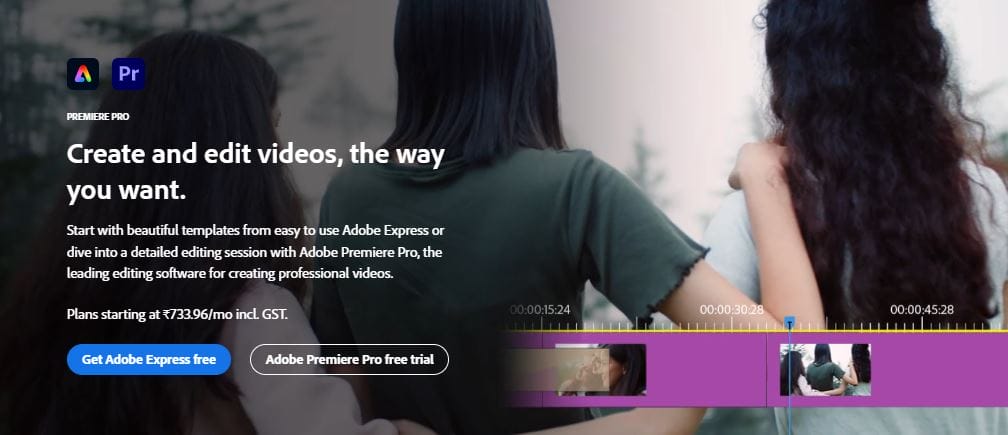
A gold standard in the video editing industry, Adobe Premiere Pro is renowned for its professional-level capabilities. It supports high-resolution video editing, dynamic trimming, and multiple file formats.
Key Features:
- Supports 4K, 8K, and VR video formats.
- Advanced color correction tools.
- Seamless integration with other Adobe products (e.g., After Effects, Photoshop).
- Multi-cam editing and audio tools.
Pros:
- Industry-standard tool.
- Robust set of features for professionals.
- Constant updates and improvements.
Cons:
- Steep learning curve for beginners.
- Requires a subscription-based model (Adobe Creative Cloud).
2. Final Cut Pro X
Final Cut Pro X is a professional-grade video editing software specifically designed for macOS users. It offers advanced editing features and a magnetic timeline that makes organizing clips a breeze.
Key Features:
- Magnetic timeline for faster editing.
- 360-degree video editing support.
- Multi-channel audio editing.
- Optimized for Mac hardware (better performance).
Pros:
- Powerful and feature-rich.
- Highly efficient performance on Mac.
- No subscription, one-time purchase.
Cons:
- Available only on macOS.
- Limited third-party plugin support compared to Adobe Premiere.
3. DaVinci Resolve
DaVinci Resolve combines professional 8K editing, color correction, visual effects, and audio post-production all in one tool. It is widely recognized for its advanced color grading tools.
Key Features:
- Industry-leading color grading tools.
- Fairlight audio integration for superior sound mixing.
- Collaboration features for multi-user projects.
- Free version available with extensive features.
Pros:
- Powerful free version.
- Excellent for color grading and post-production.
- Multi-user collaboration capabilities.
Cons:
- The full version is expensive.
- Steep learning curve, especially for beginners.
4. iMovie
A simpler video editing software by Apple, iMovie is ideal for beginners who want to make storytelling videos without much hassle.
Key Features:
- Simplified drag-and-drop interface.
- Supports 4K video.
- Pre-built themes and effects.
- Direct export to social media platforms.
Pros:
- Free on all Mac devices.
- Very easy to use for beginners.
- Optimized for iOS and macOS.
Cons:
- Limited features for professional users.
- Only available for Apple devices.
5. HitFilm Express
HitFilm Express is a free video editing software with a strong emphasis on visual effects. It’s ideal for users looking to add some Hollywood flair to their storytelling videos.
Key Features:
- Over 400+ presets and effects.
- 2D and 3D compositing tools.
- Free version includes many professional features.
- Advanced tracking and simulation effects.
Pros:
- Free version is feature-rich.
- Powerful VFX capabilities.
- Suitable for both beginners and experienced editors.
Cons:
- Performance can lag on lower-spec devices.
- Paid add-ons required for some features.
6. Wondershare Filmora
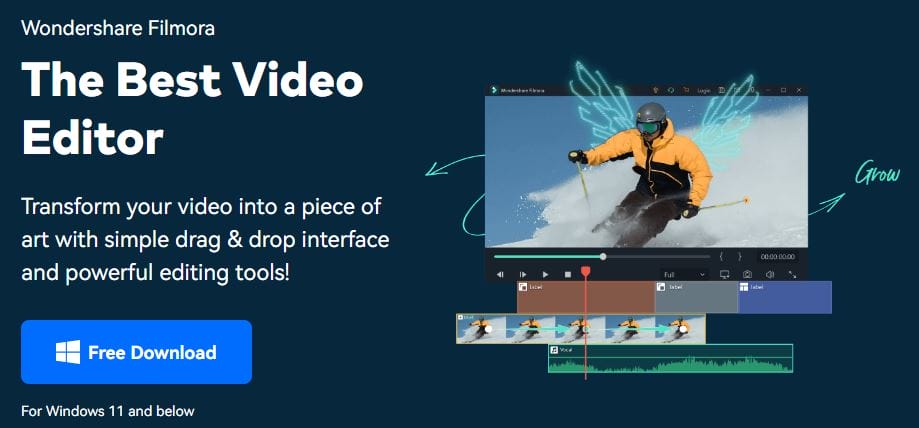
Wondershare Filmora is a user-friendly video editing tool designed for beginners and intermediate editors, offering an intuitive drag-and-drop interface and a range of built-in templates.
Key Features:
- Built-in transitions, effects, and filters.
- Motion tracking and keyframing.
- Audio equalizer and noise removal tools.
- Direct social media sharing.
Pros:
- Easy to use for beginners.
- Affordable pricing.
- Good selection of built-in effects.
Cons:
- Lacks advanced features for professionals.
- Watermark on the free version.
7. Camtasia
Camtasia is a screen recording and video editing tool that’s particularly useful for creating tutorial or educational storytelling videos. Its straightforward interface makes it a favorite for YouTube creators.
Key Features:
- Screen recording and editing combined.
- Drag-and-drop editing timeline.
- Pre-made animation and effects.
- Easy-to-use audio controls.
Pros:
- Perfect for screen recording and instructional videos.
- Simple interface.
- Good support for beginner users.
Cons:
- Limited advanced editing features.
- Pricey for the features offered.
8. Lightworks
Lightworks is a powerful video editing tool with a long history in the film industry. It offers professional-level tools and is used by many Hollywood editors.
Key Features:
- Supports high-resolution 4K video editing.
- Real-time effects and advanced trimming tools.
- Export to Vimeo, YouTube, and other platforms.
- Free version available.
Pros:
- Powerful free version.
- Professional-grade features.
- Fast and efficient workflow.
Cons:
- Learning curve can be steep.
- Export options are limited in the free version.
9. Shotcut
Shotcut is an open-source video editor that offers a lot of flexibility without any subscription fees. It supports a wide range of formats and is known for its multi-platform compatibility.
Key Features:
- Supports multiple formats (4K, ProRes, etc.).
- Advanced audio and video filters.
- Open-source and free to use.
- Cross-platform (Windows, macOS, Linux).
Pros:
- Completely free and open-source.
- Supports a wide range of formats.
- Regularly updated by the community.
Cons:
- Interface can feel a bit dated.
- No integrated cloud-based collaboration.
10. Clipchamp
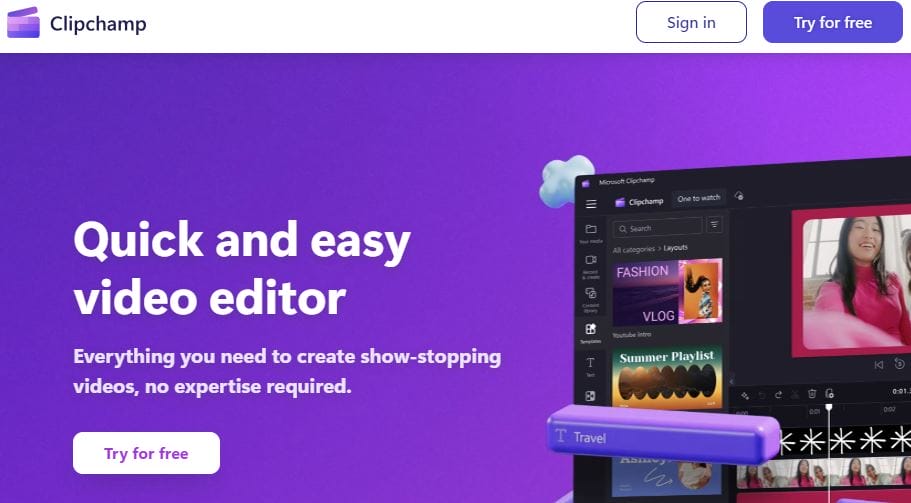
Clipchamp is a cloud-based video editing tool that offers both free and paid tiers, making it ideal for beginners looking for a simple, accessible video editor without needing to download software.
Key Features:
- Browser-based editing.
- Stock library of videos, images, and music.
- Text-to-speech and AI voiceovers.
- Collaboration tools for team projects.
Pros:
- No need for downloads or installations.
- User-friendly interface.
- Good for quick edits.
Cons:
- Limited advanced features.
- Free version has watermarks.
Comparison Table
| Tool | Platform | Price (Starting) | Best For | Key Features | Pros | Cons |
|---|---|---|---|---|---|---|
| Adobe Premiere Pro | Windows, macOS | $20.99/month | Professional editing | 4K, 8K support, advanced tools | Industry standard, integration | Steep learning curve, subscription |
| Final Cut Pro X | macOS | $299 (one-time) | macOS professionals | Magnetic timeline, 360° video | Optimized for Mac, one-time purchase | Mac-only |
| DaVinci Resolve | Windows, macOS | Free/$295 (Studio) | Color grading experts | Best-in-class color grading, multi-user support | Powerful free version, collaboration | Steep learning curve |
| iMovie | macOS, iOS | Free | Beginners (Apple) | Simplified interface, pre-built effects | Free, easy-to-use | Limited features, Mac-only |
| HitFilm Express | Windows, macOS | Free/$349 (Pro) | VFX enthusiasts | 400+ effects, 2D/3D compositing | Free with many features, great for VFX | Add-ons required for some features |
| Wondershare Filmora | Windows, macOS | $49.99/year | Beginners | Templates, motion tracking, audio tools | Affordable, intuitive | Lacks pro features, watermark on free |
| Camtasia | Windows, macOS | $299 (one-time) | Tutorial creators | Screen recording, simple video editing | Great for tutorials, easy-to-use | Limited for advanced users |
| Lightworks | Windows, macOS | Free/$24.99/month | Professionals | High-res editing, advanced trimming | Free version with pro features | Limited free export options |
| Shotcut | Windows, macOS | Free | Budget-conscious users | Multi-format support, open-source | Free, cross-platform | Dated interface, lacks cloud features |
| Clipchamp | Web-based | Free/$11.99/month | Quick edits | Cloud-based, stock assets, text-to-speech | No installation required, easy to use | Watermarks in free version |

Final Words
Choosing the right tool for creating and editing storytelling videos depends on your specific needs, experience level, and budget. Professional-grade software like Adobe Premiere Pro, Final Cut Pro X, and DaVinci Resolve are ideal for those requiring advanced features and precise control. On the other hand, beginners can benefit from user-friendly tools like iMovie and Wondershare Filmora, which offer straightforward editing without overwhelming features. For those seeking powerful free options, HitFilm Express, Lightworks, and Shotcut provide robust functionality without the financial commitment.
Ultimately, whether you’re creating videos for social media, education, or cinematic projects, selecting a tool that aligns with your storytelling goals and technical skills is essential. Explore these options to find the perfect fit for your creative process!
Interesting Reads
10 Best Online Shop Video Makers for Free

