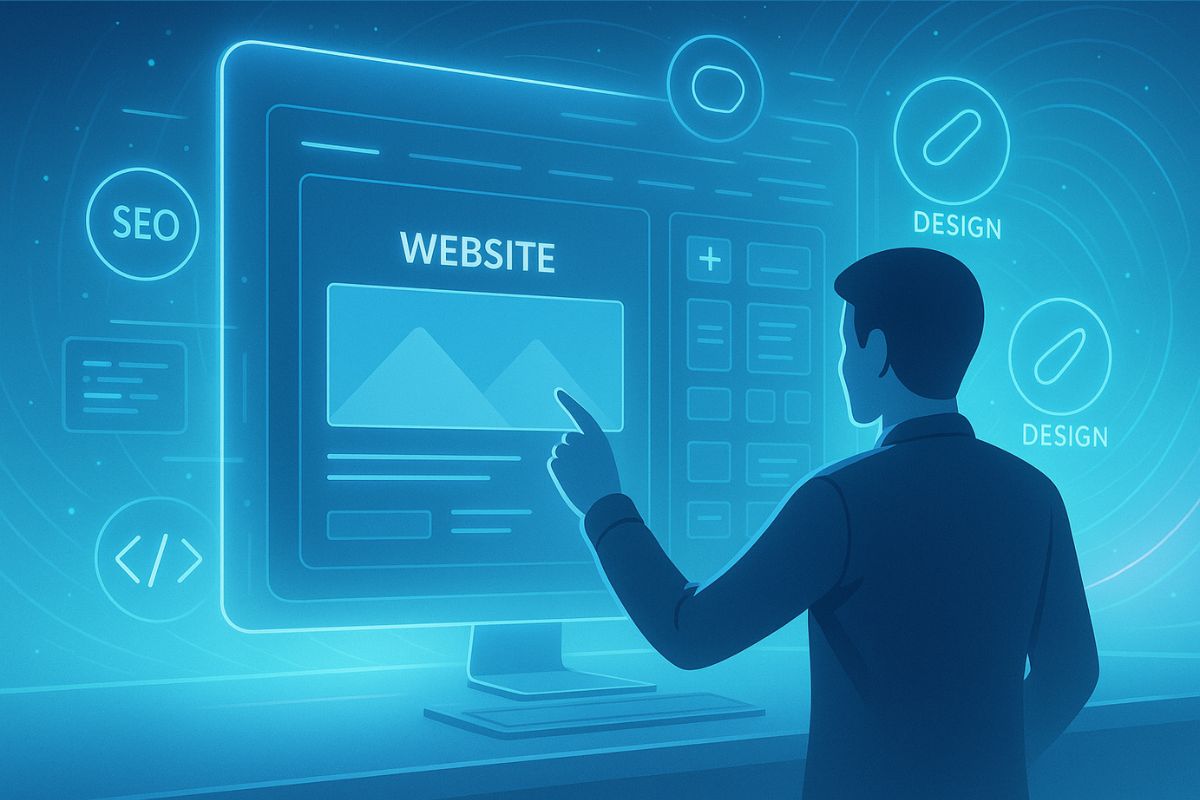
In 2025, building a website is no longer just for developers or designers. Thanks to a wave of powerful, free AI website builders, launching a personal site, product page, or full eCommerce store is as easy as answering a few questions. Whether you’re an entrepreneur, creative, consultant, or nonprofit leader, these platforms empower people from all walks of life to get online in minutes, without code, budget constraints, or steep learning curves.
Last updated: 6 November 2026
Quick answer: The best free AI website builder depends on where you want to end up. Wix’s AI builder is free to start for a hosted all-in-one site, 10Web builds on WordPress for control later, and Durable suits a fast one-page service site. On most free plans, custom domains and online payments need a paid upgrade.
Table of Contents
- By the numbers
- How AI Is Transforming Website Creation
- AI Website Builders vs Traditional Web Design
- Top Free AI Website Builders in 2025
- Real-World Use Cases: Who Benefits Most?
- Walkthrough: Building with Wix ADI and 10Web.io
- SEO & Content: Where AI Really Shines
- Case Studies: What Real Users Are Achieving
- Platform Limitations to Keep in Mind
- Planning Ahead: How to Scale When You Outgrow AI Builders
- Looking Ahead: AI + Voice + E-Commerce
- Final Thoughts: Why AI Website Builders Are Worth Exploring
- Ready to Get Started?
- FAQs
- Sources
By the numbers
AI is now routine in marketing work, and most free builders sell the same promise: a site in minutes.
- Over 80% of marketers use AI for content creation (HubSpot State of Generative AI Report, 2026).
- Wix says its AI website builder is free to start with no credit card, but connecting a custom domain or collecting payments needs a Premium plan (Wix, checked 6 November 2026).
- WordPress is used by 39.5% of all websites, which is 58.2% of sites with a known content management system (W3Techs, 5 November 2026).
How AI Is Transforming Website Creation
AI-driven platforms remove many of the barriers that once made web design intimidating or expensive. Here’s what makes them revolutionary:
- Smart Design: AI analyzes your industry, brand, and content to auto-generate layouts, color schemes, and fonts.
- Time Efficiency: What once took days now takes minutes.
- Content Automation: Built-in copy generators create headlines, service descriptions, and SEO-friendly content.
- Beginner-Friendly: No design or development experience is required.
“AI website builders are like having a designer, developer, and copywriter in one smart interface.”
AI Website Builders vs Traditional Web Design
| Feature | AI Website Builder | Manual Web Design |
| Build Time | Minutes | Days to Weeks |
| Required Skills | None | Design & Coding |
| Cost | Often Free | Moderate to High |
| Customization | Moderate | Full Control |
| Migration | Limited | Full Flexibility |
AI builders excel in speed and simplicity. Manual design wins on creative freedom and scalability.
Top Free AI Website Builders in 2025
1. Wix ADI (Artificial Design Intelligence)
Update, 6 November 2026: Wix ADI was retired on 10 November 2024 and is no longer available for new sites. Wix now offers an AI website builder as part of Wix Harmony, which is free to start; custom domains and online payments need a Premium plan.
- Uses guided Q&A to create a site automatically
- Free hosting, mobile optimization, and design suggestions
- Seamless integration with Wix’s powerful ecosystem
2. 10Web.io
- AI-powered website creation built on WordPress
- Perfect for those seeking SEO, speed, and customization
- Includes page speed optimization and site cloning tools
3. Durable
- Build a full site in under 30 seconds
- Ideal for freelancers, consultants, and local businesses
- The free plan includes CRM, analytics, and customizable templates
Real-World Use Cases: Who Benefits Most?
AI website builders aren’t just for techies, they’re used across industries and niches:
Personal Portfolios
Perfect for creatives: artists, writers, designers, and freelancers.
- Showcase galleries, testimonials, and contact forms
- SEO-ready to attract clients
Small Businesses & Local Services
Think cafes, plumbers, tutors, and consultants.
- Integrate appointment booking and service menus
- Google Maps and local SEO included
Coaches & Consultants
Establish authority fast with:
- Landing pages, scheduling tools, and lead-generation forms
- Embedded Zoom links or Calendly integrations
Online Courses & Digital Products
Creators selling ebooks, lessons, or subscriptions.
- Add payment buttons, protected content, and drip email features
- Use AI to create product copy and course structure
Event Promotions & Landing Pages
For workshops, meetup launches.
- Countdown timers, RSVP forms, and Google Calendar sync
Donation Campaigns & Nonprofits
Raise awareness and funds quickly.
- Donation buttons, volunteer sign-up forms, and impact sections
eCommerce (Lightweight)
Great for small-scale stores or single-product businesses.
- AI helps with product descriptions, CTAs, and layout
- Best for MVPs or early-stage brands
“In 2025, if you have an idea, you can have a website in minutes.”
Walkthrough: Building with Wix ADI and 10Web.io
Wix ADI
- Sign up at Wix.com
- Select “Let Wix ADI build a site for you”
- Answer a few brand + goal questions
- Get your site auto-generated
- Customize, preview, publish
10Web.io
- Create a free account
- Choose AI creation or site conversion
- Answer prompts about your content style
- Edit in the drag-and-drop builder
- Launch with 1-click WordPress hosting
SEO & Content: Where AI Really Shines
Modern AI builders do more than design. They also help you:
- Create keyword-rich titles and meta descriptions
- Optimize headings, alt tags, and internal linking
- Generate blog posts or service descriptions based on your niche
- Suggest topics that help rank higher locally and globally
Case Studies: What Real Users Are Achieving
Photographer Portfolio
- Built with Wix ADI in 20 minutes
- Auto-selected visual theme and gallery sections
- Ranked on local search within 30 days
Contractor Website
- Durable built it in 45 seconds
- AI-generated calls-to-action and pricing block
- 70% increase in quote requests
Marketing Consultant
- 10Web modernized an outdated WordPress site
- Bounce rate dropped by 40%, leads doubled
Platform Limitations to Keep in Mind
- Creative Flexibility: Limited design control beyond presets
- Export Restrictions: Migration to another platform can be complex
- Scalability: AI platforms may struggle with multilingual, large eCommerce, or custom logic features
Still, for most early-stage projects or solo creators, these trade-offs are minor compared to the value delivered.
Planning Ahead: How to Scale When You Outgrow AI Builders
Eventually, you may need more:
- Custom workflows or APIs
- Advanced SEO or analytics
- Multilingual support or app integration
Steps for smooth scaling:
- Export content early and back up assets
- Use migration tools or hire a developer to rebuild in WordPress/Webflow
- Retain your domain name and email infrastructure
Looking Ahead: AI + Voice + E-Commerce
By 2026 and beyond, expect AI builders to:
- Accept voice prompts for real-time site building
- Write brand-aligned content automatically
- Suggest UX and accessibility improvements
- Manage eCommerce catalogs and customer flows with AI
We’re approaching a future where your online store, booking system, or personal site can be created, managed, and optimized with almost no manual work.
Final Thoughts: Why AI Website Builders Are Worth Exploring
AI-powered website builders are reshaping how people bring ideas online. What used to take time, skill, and money is now free, fast, and incredibly beginner-friendly. If you’re starting something, anything, an AI builder can help you:
- Launch in under an hour
- Avoid common design mistakes
- Focus on your content and customers
Ready to Get Started?
Try an AI builder and launch your first site today. Need help deciding which platform suits your use case? Book a free strategy call with our team. We’ll walk you through:
- Which builder fits your niche (course, coaching, store, blog)
- What to focus on for speed, SEO, and trust
- When to stay free vs when to upgrade
Book Your Free Website Strategy Session
FAQs
Are AI website builders really free?
Most offer a free plan with essential tools, and premium features unlock more customisation. Free usually does not include a custom domain or online payments. Wix, for example, says you can start its AI builder for free but need a Premium plan to connect a domain or collect payments.
Can I use them for business websites?
Yes. Many small businesses use AI tools as their main web presence, especially for simple service or brochure sites. Check that the plan you pick supports your own domain, forms, bookings and payments, and that you can export or migrate if you outgrow it.
Can I move my site later?
You can, but it may involve manual effort, especially from closed platforms where the design cannot be exported. Plan ahead if you want full ownership, and consider a WordPress-based builder if portability matters to you.
Do I need technical skills?
No. These builders are made for non-coders and work through guided questions or prompts. You will still need to review the text, replace generic images and check the mobile layout, because the first draft is rarely ready to publish.
What if I want something custom later?
Start with AI, then graduate to platforms like WordPress, Webflow or custom-coded solutions. Keep your text, images and brand assets in your own folder so a later rebuild does not mean starting from zero.
Sources
- HubSpot: Marketing statistics (State of Generative AI, 2026)
- Wix: AI website builder
- W3Techs: WordPress usage statistics
Interesting Reads
10 Best AI Workflow Generators to Automate & Visualise Your Processes
How to Make a Website for Free: A Step-by-Step Starter Guide