

WooCommerce’s built-in search is basic. It matches product titles well enough, but stumbles on SKUs, misspellings, attributes, and anything with real synonyms. For a store with more than a couple dozen products, that gap costs sales.
This isn’t a hypothetical concern specific to niche stores with unusual products. Even large, well-organized catalogs run into the same wall once a customer’s search term doesn’t exactly match a product title word for word, and the fix is almost always a plugin rather than a manual rewrite of every product name to anticipate every possible search phrasing.
The plugins below fix it in different ways, some rebuild search entirely with AJAX and fuzzy matching, others add filtering on top. Here’s what each one actually does, what it costs now, and where it falls short.
The cost of skipping this fix is easy to underestimate because it’s invisible in the analytics most store owners actually check. A customer who searches for a product and gets zero relevant results doesn’t file a complaint. They close the tab. That lost sale never shows up as a support ticket or a bounce-rate spike anyone investigates, it just quietly doesn’t happen, and the store owner never learns why.
Checking your own site’s search analytics, if the current search setup even logs queries, is worth doing before picking a plugin from a list like this one. A pattern of searches returning zero results is a direct signal of exactly where the default search is failing, and it’s more useful than any generic comparison for deciding which plugin’s specific strengths, whether that’s SKU matching or synonym handling, actually solve your store’s real problem.
What a Product Search Plugin Actually Adds

Most of these plugins share a common toolkit: instant AJAX results as you type, autocomplete, fuzzy/synonym matching so a typo or a slightly different word still finds the right product, and filters by category, price, or attribute. The differences show up in speed, install base, and whether the free tier is actually usable or just a teaser for the paid one.
It’s worth being specific about why fuzzy matching matters so much here, since it’s easy to underestimate. A shopper searching “wireless earbuds” won’t find a product titled only “Bluetooth Earphones” under WooCommerce’s default search, even though it’s exactly what they wanted. Multiply that mismatch across every product with a slightly different naming convention than the search term a customer happens to type, and the scale of lost sales on a default search setup becomes clearer.
5 Best WooCommerce Product Search Plugins
1. Advanced Woo Search
Free on WordPress.org with 70,000+ active installs, and one of the more established options here. It searches product titles, descriptions, SKUs, categories, and attributes, with instant AJAX results and autocomplete as customers type.
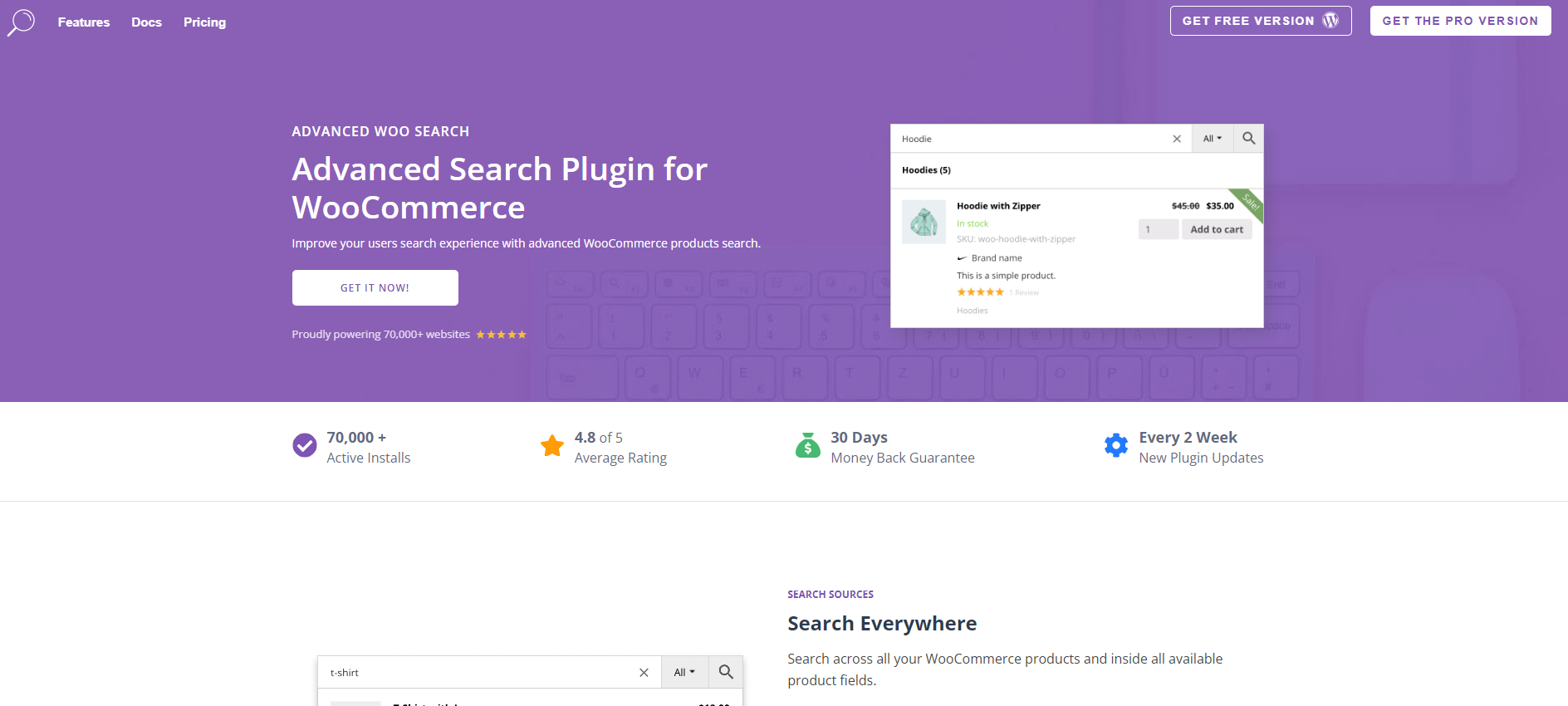
The Pro upgrade adds faceted filtering and a few integrations (ACF, popular page builders). Worth noting: it doesn’t support faceted search out of the box on the free tier, so customers still lean on category filters to narrow things down.
Pricing: Free core plugin. Pro starts at $79/year for one site (up from the $69 this post originally listed), $129/year for 5 sites, $199/year for 25; lifetime licenses run $249-$599.
SKU search is the standout reason to pick this one specifically. Stores with a lot of near-identical variants, different colorways of the same product, for instance, benefit from customers being able to search an exact SKU rather than hunting through a category page hoping to spot the right variant visually.
2. Smart WooCommerce Search (Sokol)
Smaller install base than the others on this list, around 6,000 active sites, but it’s free, actively updated (v3.0.8, last release a couple months ago), and covers the basics: real-time suggestions, synonym support, and filterable results by category, attribute, and price range.
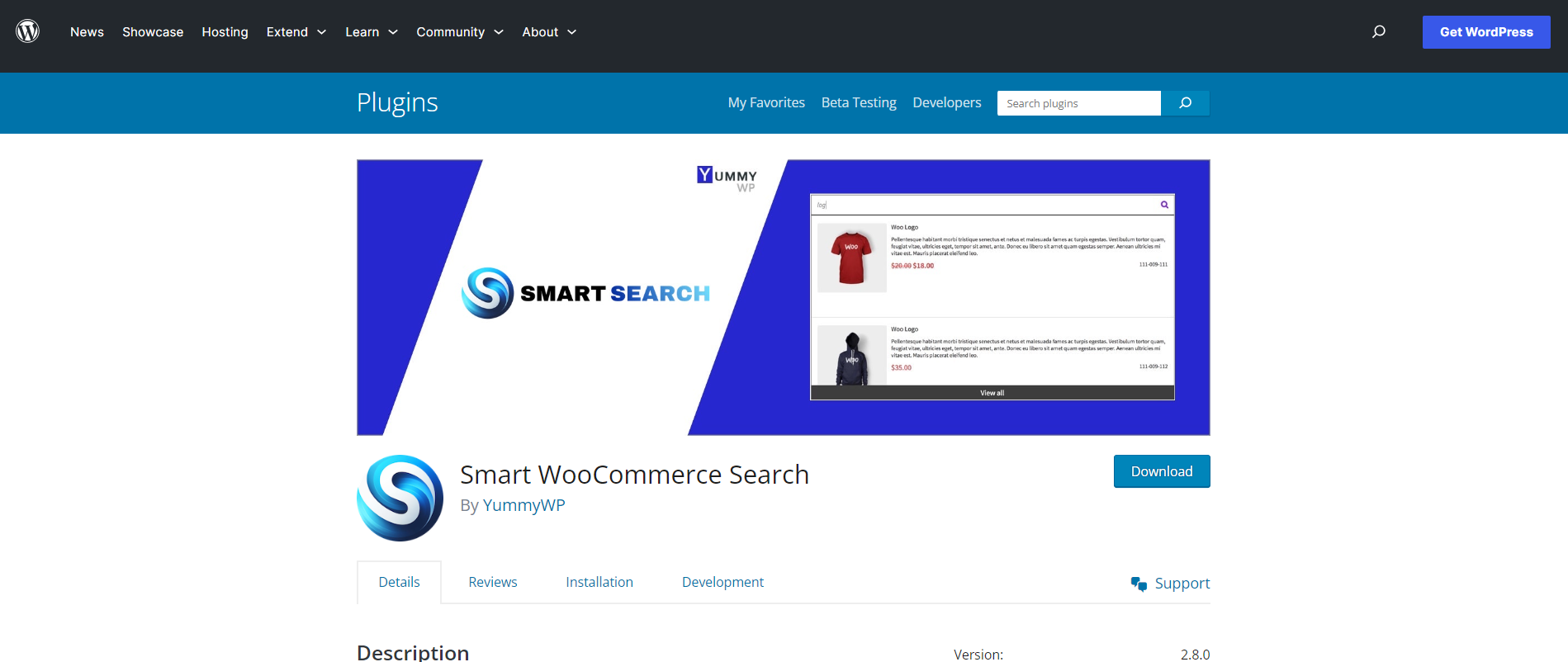
Good pick if your store is small enough that you don’t need the bigger plugins’ scale, and you’d rather not pay for search at all.
The smaller install base is worth weighing honestly rather than treating as a red flag on its own. A plugin with 6,000 active sites and a recent update history is still a maintained, working option, it just hasn’t reached the visibility of the bigger names, often simply because it launched later or the developer hasn’t invested in the same level of marketing.
Pricing: Free.
3. FiboSearch (Ajax Search for WooCommerce)
The biggest name on this list by install count, 100,000+ active sites. Instant results, autocomplete, filterable by attribute/category/tag, and it’s genuinely mobile-friendly rather than just responsive-in-name.
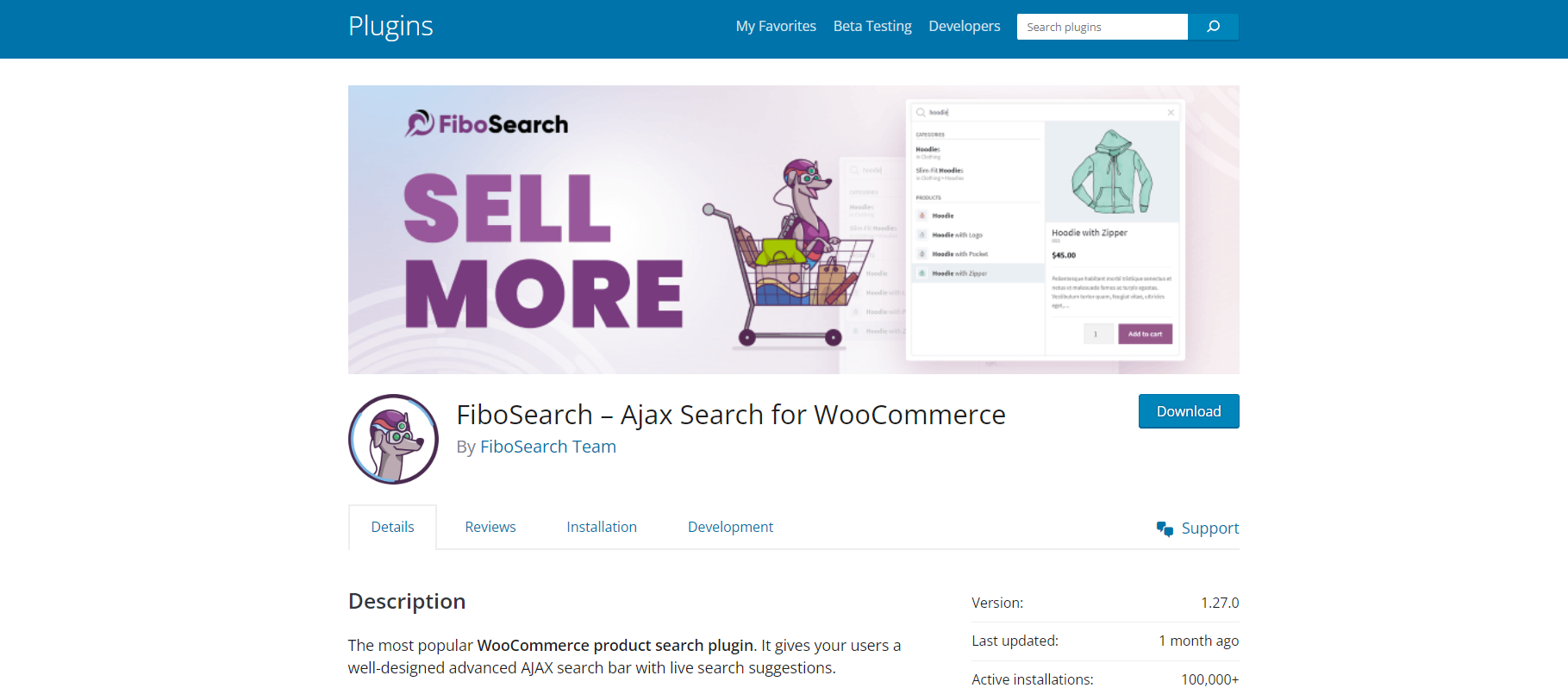
Free version covers most small-to-mid stores well. Larger catalogs tend to hit the ceiling and need the paid tier for things like search analytics and excluded-terms lists, check the vendor’s current plans directly since pricing pages move around.
The install count here matters beyond just popularity as a vanity metric. A plugin running on well over a hundred thousand active WooCommerce stores has been tested against an enormous range of themes, other plugins, and hosting configurations, which tends to mean fewer surprise conflicts than a newer or smaller plugin that simply hasn’t encountered as many edge cases yet.
Pricing: Free core plugin; Pro pricing is on the vendor’s own site.
4. YITH WooCommerce Ajax Product Filter
The original version of this post listed a generic “WooCommerce Product Filters” entry here that didn’t correspond to any specific, real plugin under that name, it’s been replaced with an actual product that matches the description: filtering by price, category, size, color, and other attributes, with AJAX updates so filter selections apply without a page reload.
YITH’s version has 70,000+ active installs and is free on WordPress.org.
- AJAX-powered filtering, no page reloads.
- Multiple filter widget layouts for sidebar or any widget area.
- Responsive across devices.
Filtering solves a different problem than search does, and it’s worth being clear about the distinction. Search assumes a customer knows roughly what they want and is typing it in. Filtering assumes they’re browsing and want to narrow a large category down by price range, size, or color without knowing the exact product name yet. Most stores benefit from having both, not just the one that feels more familiar to set up first.
Pricing: Free.
5. YITH WooCommerce Ajax Search
A companion to #4 from the same developer, focused on search rather than filtering, instant results as you type, autocomplete, and the ability to search by title, category, or tag.
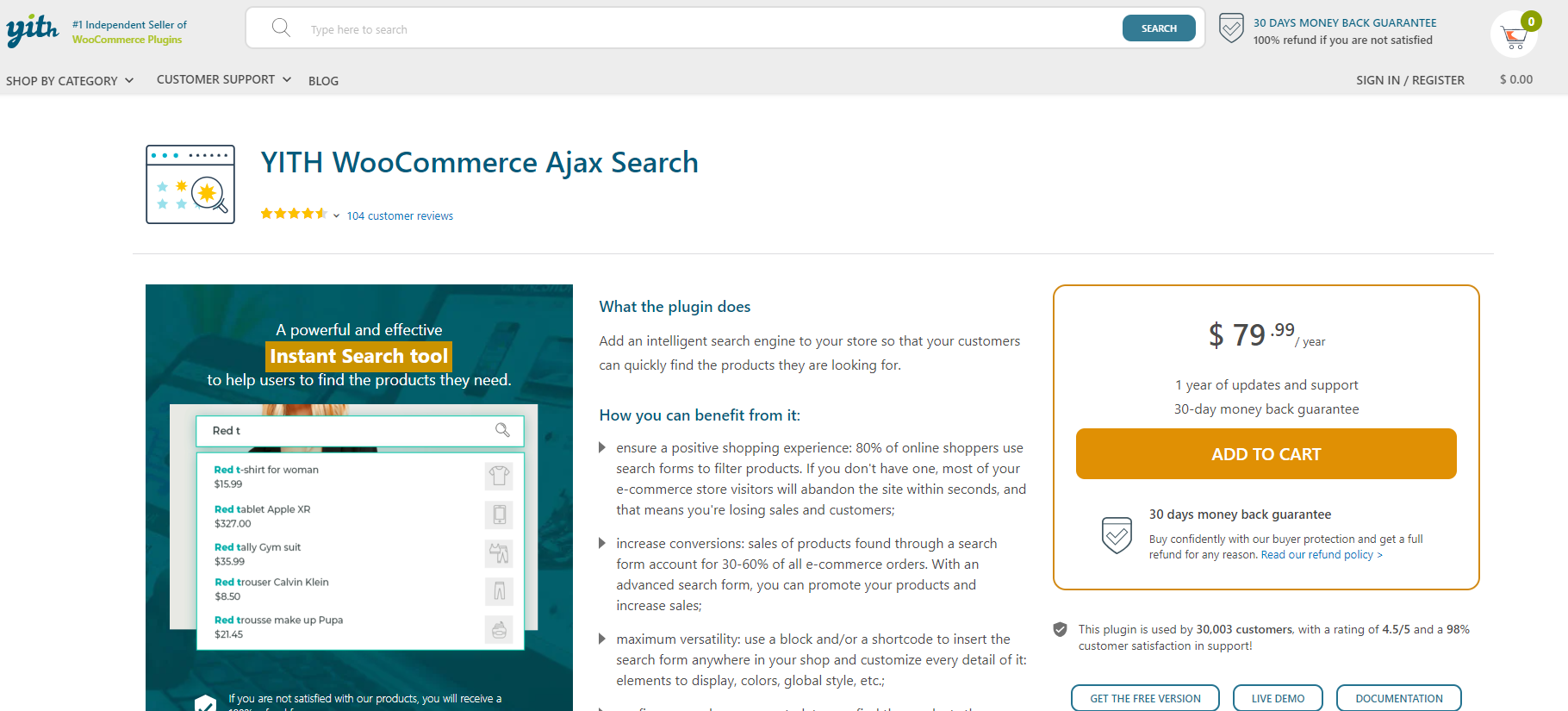
Free, 30,000+ active installs, and recently updated (v2.26.0, within the last few weeks as of this writing, with WooCommerce 11.0 compatibility already added).
Pairing this with the filter plugin above makes sense specifically because they’re built by the same developer to share design language and, in most cases, the same underlying settings framework. That reduces the risk of two separate search-related plugins fighting over the same page real estate or rendering inconsistently next to each other, a problem that can crop up when mixing tools from unrelated developers.
Pricing: Free.
Why Store Size Changes the Right Answer
A store with fewer than fifty products rarely needs the heaviest option on this list. Customers browsing a small catalog can usually find what they want through category navigation alone, and a lightweight, free plugin like Smart WooCommerce Search or either YITH tool covers the gap without adding meaningful overhead to page load times.
Once a catalog crosses into the hundreds or thousands of products, search stops being a nice-to-have and starts being the primary way most customers navigate the store at all. That’s the point where FiboSearch’s scale and Advanced Woo Search’s SKU-level precision start to justify themselves rather than feeling like overkill for a smaller catalog, and where a small performance cost from a more feature-rich plugin is worth it for the sales it recovers.
There’s a middle zone worth naming too, stores somewhere between a few hundred and a couple thousand products, where the choice genuinely comes down to which specific weakness in the default search hurts most. A store selling apparel with heavy variant complexity, sizes and colors stacked across dozens of styles, benefits more from strong filtering. A store selling parts or components where customers already know a specific SKU or model number benefits more from precise, forgiving text search.
What to Check Before Installing Any of These
Confirm the plugin’s last update date and its stated WooCommerce compatibility before installing anything, not just its total install count. A plugin with a huge install base but no update in over a year is a bigger risk than a smaller, actively maintained one, since WooCommerce itself ships frequent updates that can break an abandoned search integration without warning.
Read a sample of recent support forum threads on WordPress.org for whichever plugin you’re considering, not just the star rating. Ratings alone can mask whether recent issues are getting fixed quickly or piling up unanswered, and a plugin’s support forum activity is a more honest signal of how actively it’s maintained than the aggregate score sitting at the top of its listing.
Look specifically at how the developer responds to reported bugs versus feature requests. A developer who consistently acknowledges and fixes real bugs within a reasonable window is a safer long-term bet than one with a higher star rating but a pattern of unanswered threads about broken functionality piling up in the support forum.
Check how the plugin indexes your catalog too. Some rebuild a search index on a schedule, others update in real time as products change. A store that adds or updates products frequently benefits more from real-time indexing, since a stale search index means new products stay invisible in search results until the next scheduled rebuild runs.
Which One Should You Use?
Want the most battle-tested option with the widest install base? FiboSearch.
Running a smaller catalog and don’t want to pay anything? Smart WooCommerce Search or either YITH plugin covers it.
Need both search and filtering from one vendor? Pair YITH’s two plugins together, they’re built to work as a set.
Test on staging first regardless of which you pick. Search plugins touch product indexing directly, and a bad interaction with your theme or another plugin is easier to catch before it’s live.
Give whichever plugin you choose a real trial run with actual customer search behavior in mind, not just your own searches as the store owner who already knows every product name by heart. Pull a handful of real search queries from your site’s analytics if you have historical data, or ask a few people unfamiliar with the catalog to try finding specific products. That test surfaces gaps a store owner’s own searches never will, since nobody typing familiar product names ever experiences the confusion a new customer runs into.
Include a few deliberately imperfect queries in that test: a common misspelling, a partial product name, a search using a competitor’s term for the same category of product. Those edge cases are exactly what separates a plugin that merely works from one that actually recovers sales the default WooCommerce search was quietly losing.
None of the five plugins above are wrong choices in the abstract. Each one is genuinely good at what it’s built for. The mistake to avoid is picking based on name recognition alone rather than matching the plugin’s specific strength to the specific gap costing your store the most sales right now. Spend the extra hour running the search-log review before installing anything, and the choice tends to make itself.
The Performance Tradeoff Nobody Mentions
Instant AJAX search feels great to a customer and costs something under the hood: every keystroke can trigger a new query against the product database, and on a large catalog without proper indexing, that adds up to real server load during busy periods. Most of the plugins on this list handle this reasonably well through debouncing, waiting a beat after the last keystroke before firing the query, but it’s worth checking that setting exists and is enabled rather than assuming it by default.
Caching plugins and search plugins don’t always play well together either, since a cached page can serve stale search results if the two aren’t configured to cooperate. If your store already runs a caching layer, worth confirming your chosen search plugin’s documentation addresses that interaction directly rather than finding out through a support ticket after launch.
Test this on staging with the caching layer active, not disabled for the test. A search feature that works perfectly with caching turned off can behave completely differently once the production caching configuration kicks back in, and that gap is exactly the kind of thing a staging test with mismatched settings will fail to catch.
A Mistake Worth Naming
The most common mistake in this decision is picking the plugin with the most features rather than the one that solves the specific gap your store actually has. A store bleeding sales because customers can’t find products by SKU doesn’t need faceted filtering nearly as much as it needs Advanced Woo Search’s SKU indexing specifically. Buying the plugin with the longest features list on the sales page and hoping it covers everything is how a store ends up paying for capability it never actually uses. Installing the feature-heaviest option regardless of fit adds complexity and potential conflicts without necessarily fixing the actual problem.
A second mistake is installing a search plugin and never revisiting the configuration as the catalog grows. Default settings tuned for a hundred-product store don’t necessarily hold up at ten thousand products, and a plugin that felt instant at launch can start to lag once the catalog and the search index both grow well past what the initial setup anticipated.
Measuring Whether It Actually Worked
Installing a better search plugin isn’t the finish line, it’s the start of a measurement period. Compare search-driven conversion rate before and after the switch if your analytics setup can track that distinction. A meaningful jump in customers who search and then complete a purchase is the clearest signal the new plugin is doing its job, more useful than any feature checklist.
If your analytics setup doesn’t currently distinguish search-driven sessions from browsing-driven ones, that’s worth fixing before or alongside the plugin switch. Without that segmentation, it’s nearly impossible to isolate whether a broader sales uptick actually traces back to better search, or whether it’s coming from an unrelated change, a seasonal traffic bump, or a marketing push running at the same time.
Watch zero-result searches specifically in the weeks after switching. A well-configured plugin with good synonym handling should show a real drop in searches that return nothing, and if that number doesn’t move, something in the configuration, synonym lists, indexed fields, is likely still missing pieces of your actual catalog.
Give the measurement window enough time to mean something before drawing conclusions. A week of data on a low-traffic store rarely shows a reliable pattern. A month, spanning a typical range of shopping behavior rather than one unusually busy or quiet stretch, gives a fairer read on whether the new search setup is genuinely converting better or whether the early numbers were just noise.
Also read:
10 Types of Digital Products Perfect for Online Selling
WooCommerce Marketing Plugins: Which One Solves Your Problem