

“Where is my order?” is one of the most common support tickets any store gets, and it’s a genuinely avoidable one, not a fact of life every store just has to absorb. A shipment tracking plugin answers that question before the customer has to ask, pulling carrier data into WooCommerce and surfacing it on the order confirmation email and account page automatically. Beyond just reducing tickets, tracking visibility measurably affects whether a customer buys again, someone who watched their last order move smoothly from warehouse to doorstep trusts your store with a second purchase in a way someone who got radio silence after checkout doesn’t. Five plugins below take genuinely different approaches to solving the same underlying problem, worth matching the choice to your order volume, carrier mix, and whether tracking should just work quietly in the background or double as an actual marketing surface.

The plugins
1. YITH WooCommerce Order & Shipment Tracking
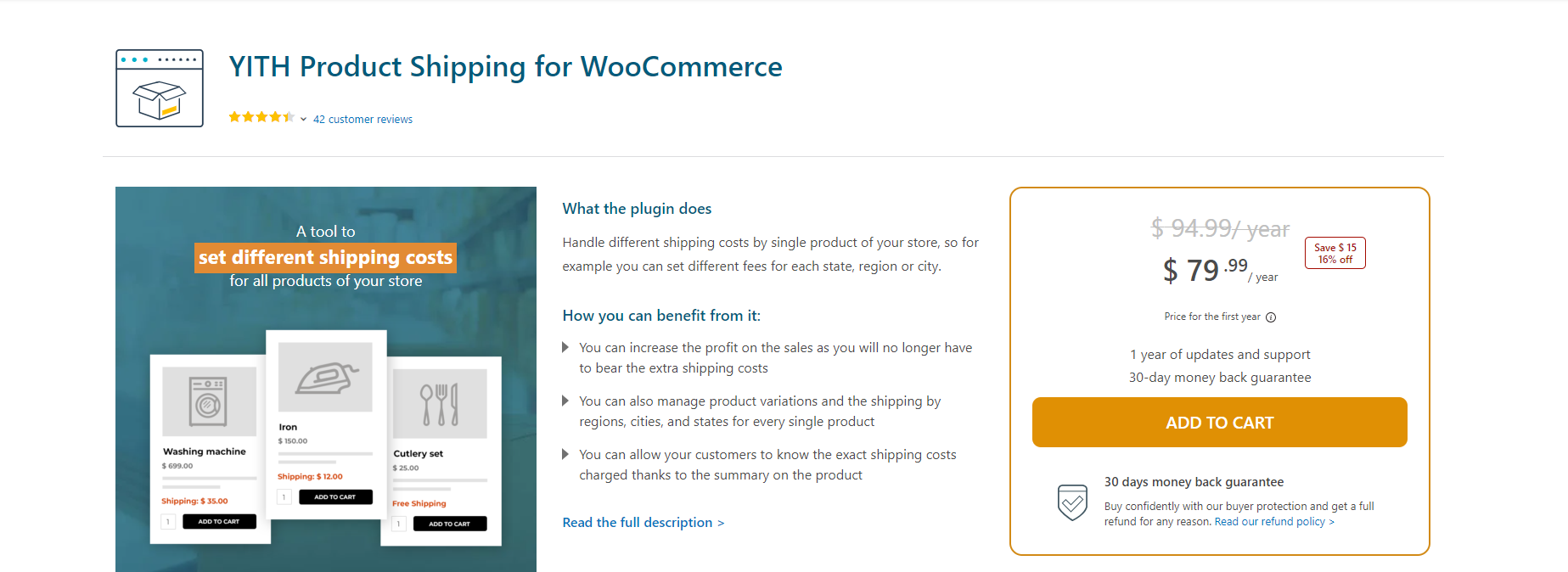
Add, edit, or bulk-import tracking numbers, carrier names, and tracking URLs per order. Tracking info shows up automatically in order emails and on the customer’s My Account page, which cuts down on “where’s my order” support tickets without any extra work per order once it’s set up. $69.99/year, includes a year of updates and support, 30-day money-back guarantee.
YITH’s broader ecosystem is worth factoring into the decision if you’re already running other YITH plugins, they’re built on a shared framework and tend to share settings conventions, which flattens the learning curve if your store already leans on YITH for wishlists, badges, or other storefront features. The bulk-import option specifically matters for stores shipping high order volume, entering tracking numbers one at a time doesn’t scale past a handful of daily orders, and a CSV-based bulk import turns what would be an hour of manual entry into a few minutes.
Get YITH Order & Shipment Tracking
2. AfterShip Tracking
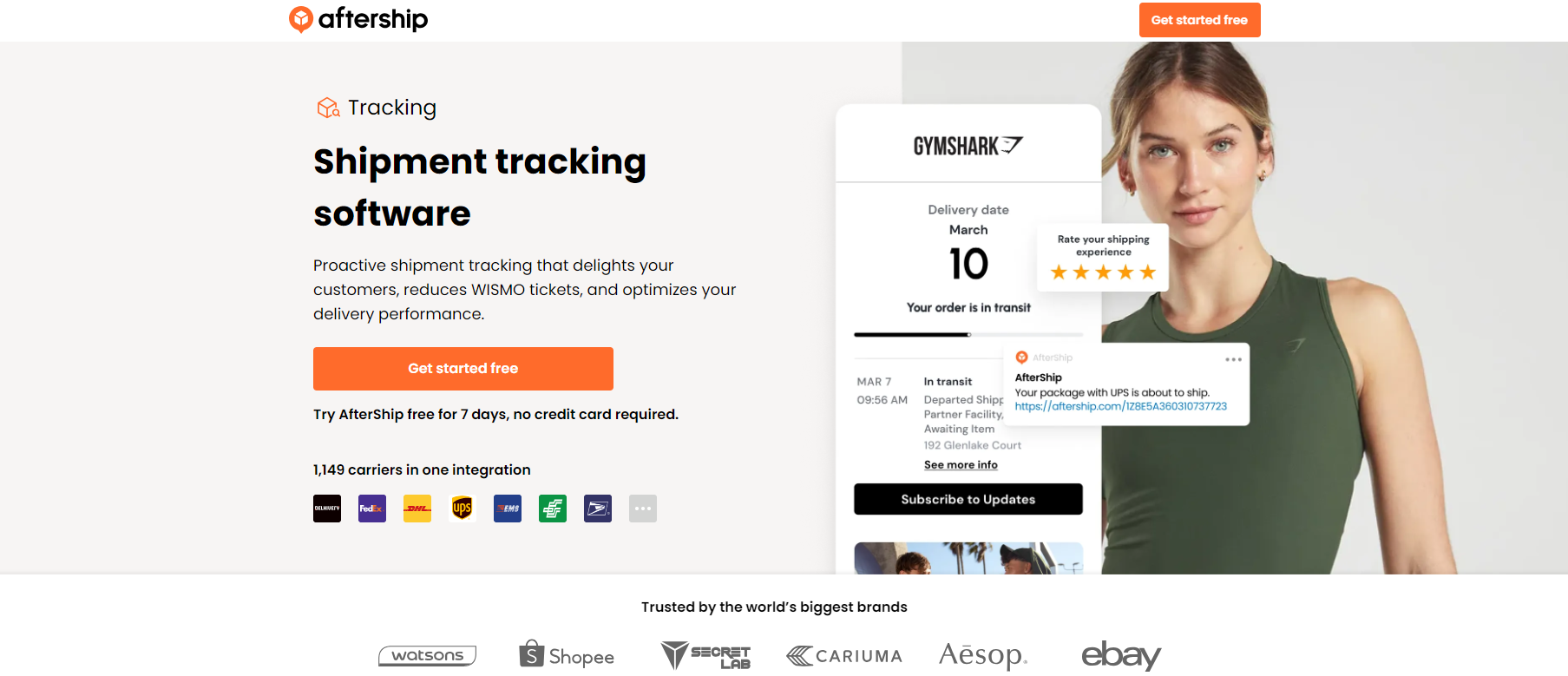
AfterShip is a dedicated tracking platform rather than a WooCommerce-only plugin, which shows in the feature set: a branded tracking page, rule-based shipping alerts, multi-language tracking pages, and post-purchase product recommendations shown right on the tracking page. Worth it if you want tracking to double as a marketing surface, not just a status lookup. Starts at $9/month.
Because AfterShip runs as a hosted platform behind the plugin, carrier detection is largely automatic, paste a tracking number and it usually identifies the carrier itself from the number’s format, rather than requiring you to manually select from a dropdown for every single order, which saves real time on stores shipping through several different carriers depending on package size or destination. The product recommendation feature on the tracking page is a genuinely underused conversion opportunity, a customer checking their tracking status is a customer actively thinking about your store, and a relevant “you might also like” prompt at that moment converts at a meaningfully higher rate than the same prompt shown cold on a random browsing session.
3. CWILL (formerly ParcelPanel)
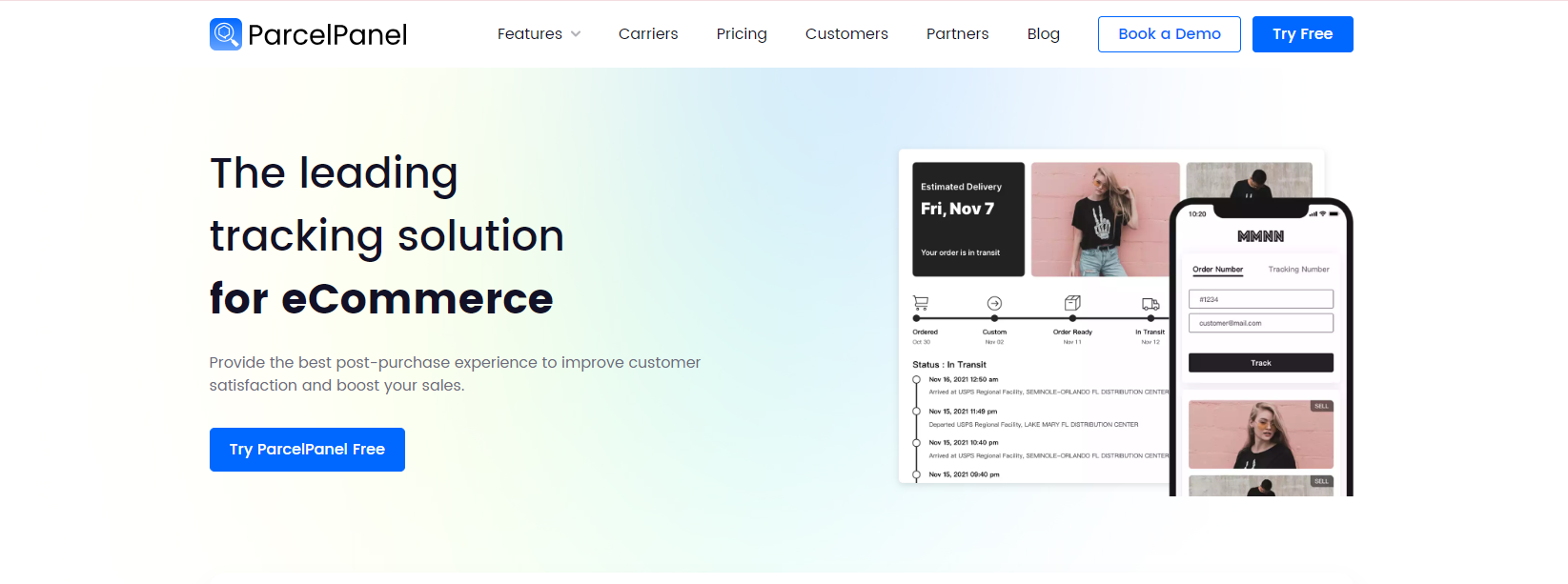
ParcelPanel has rebranded as CWILL, if you’ve seen the old name elsewhere, this is the same plugin. It includes an order-lookup widget, a shipping progress bar, product recommendation upsells on the tracking page, and custom shipment statuses. 7,000+ active installs on WordPress.org.
The order-lookup widget is worth calling out specifically, it lets a customer check tracking status without needing an account login or the original confirmation email in hand, just an order number and email address, which reduces a real source of friction for guest checkouts. The custom shipment status feature is also more useful than it sounds, being able to mark a shipment as “customs clearance” or “out for delivery” with your own wording, rather than being stuck with whatever generic status the carrier’s raw API returns, keeps the tracking experience feeling like your brand rather than a bare carrier lookup tool pasted onto your site.
Get CWILL (formerly ParcelPanel)
4. Shipment Tracking (by Woo)
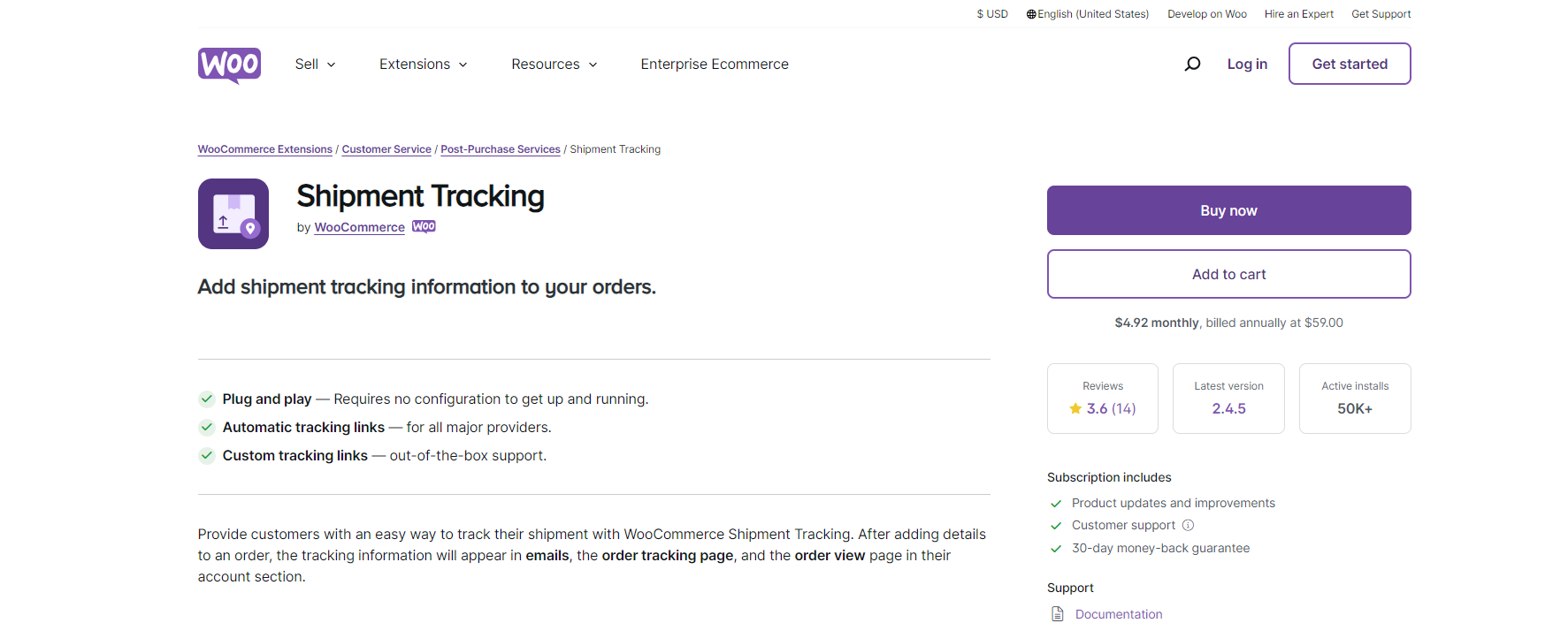
The official extension from Woo itself, straightforward tracking info in order emails and the account page, nothing beyond that. If you want the safest, most “just works with core WooCommerce” option and don’t need the marketing extras of AfterShip or CWILL, this is it. 50,000+ active installs, still updated (currently tested against WooCommerce 10.9). Pricing is shown regionally on their site now rather than a flat USD number, so check current pricing before buying.
The main advantage of going with Woo’s own extension over a third party isn’t features, it’s compatibility guarantee. Being built and maintained by the same team behind WooCommerce core means it gets tested against every WooCommerce release before that release ships, which reduces the risk of a “the tracking panel disappeared after updating WooCommerce” surprise that can happen with a third-party plugin that hasn’t caught up to a recent core change yet. For a store that values stability over marketing bells and whistles, that guarantee is worth more than any individual feature the fancier alternatives offer.
5. WooCommerce Shipment Tracking Pro (PluginHive)
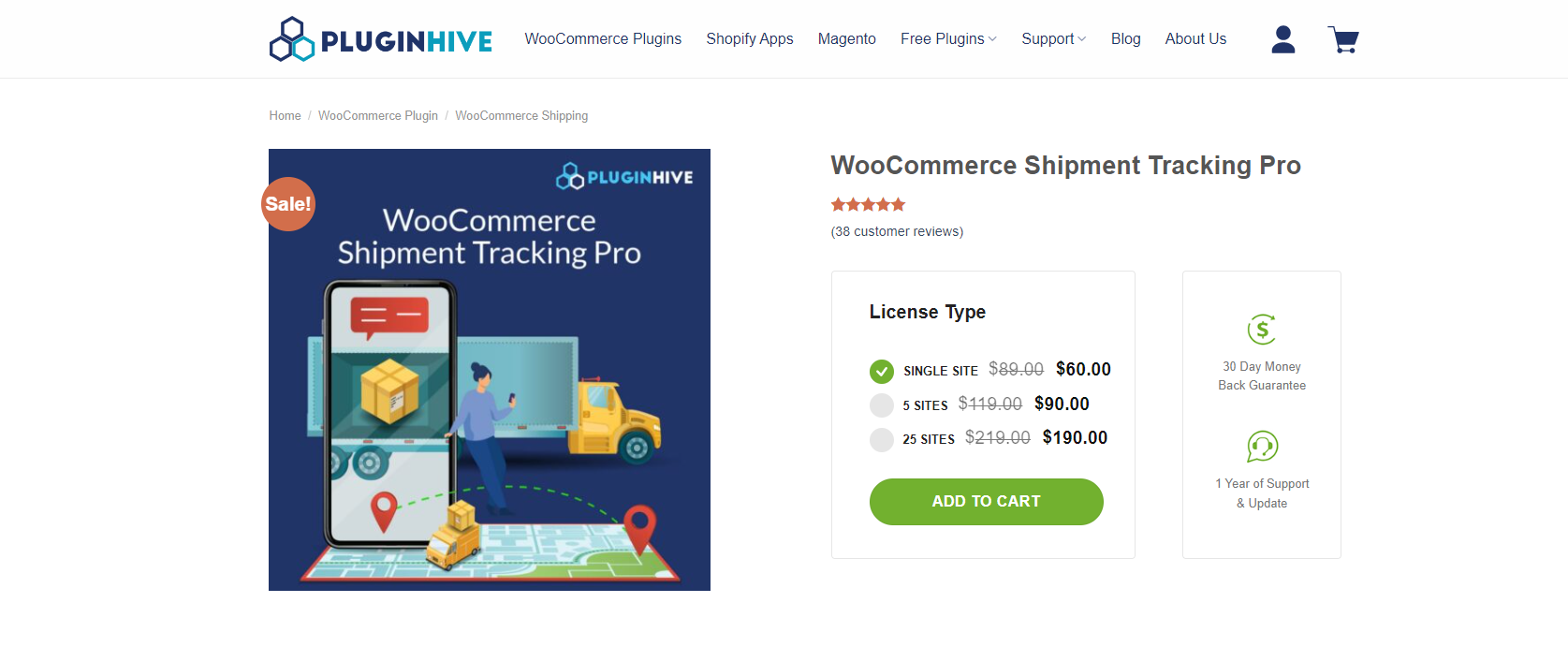
The most carrier-heavy option here, 80+ carriers including UPS, USPS, FedEx, and DHL Express, plus SMS tracking alerts (not just email), bulk import via CSV/FTP/SFTP, and a dedicated tracking API for real-time delivery status. Makes sense if you’re shipping through more than a couple of carriers and need one system to reconcile all of them. $89/year, single site.
SMS alerts specifically fill a real gap the email-only options above don’t cover, email open rates for transactional messages have declined as inboxes get more crowded, and an SMS notification for “your package is out for delivery” gets read in a way an email sitting unopened in a promotions tab doesn’t. The FTP/SFTP bulk import option is aimed squarely at higher-volume operations that already generate tracking data through a warehouse management system or third-party logistics provider, letting that data flow into WooCommerce automatically on a schedule rather than requiring a manual CSV upload every time.
Get WooCommerce Shipment Tracking Pro
International shipping adds a layer most guides skip
If any share of your orders ship internationally, tracking gets meaningfully more complicated than the domestic case most comparison posts implicitly assume. A package crossing a border often changes carrier handoff mid-transit, a domestic postal service hands off to an international carrier, which hands off again to the destination country’s local postal service, and each handoff can create a gap in tracking visibility while the package is between systems that don’t share data directly. Customers unfamiliar with this pattern read the visibility gap as the package being lost, when it’s usually just sitting in customs processing or between carrier systems that update on different schedules.
AfterShip’s multi-carrier detection genuinely helps here since it’s built specifically to handle the carrier handoff pattern international shipments create, recognizing when a package moves from one carrier’s tracking number format to another and stitching the history together into one continuous view rather than showing two disconnected tracking records. If a meaningful share of your orders cross borders, that capability is worth weighing more heavily than it might for a purely domestic store, since it directly addresses the specific confusion international tracking gaps create.
A note on tracking and returns
Tracking isn’t just an outbound feature, worth thinking about how it connects to your returns process too. A customer sending an item back benefits from the same visibility, seeing that their return is in transit back to your warehouse reduces the anxious “did you get my return yet” follow-up emails the same way outbound tracking reduces “where is my order” tickets. Some of the plugins above (AfterShip and CWILL in particular) support return tracking as a distinct flow from outbound shipment tracking, worth checking whether that’s something your store needs given your return volume, rather than assuming shipment tracking automatically covers the reverse direction too, most of the simpler options here don’t.
Setting up shipment tracking without creating more support work
A tracking plugin badly configured can create more support tickets than it prevents, worth avoiding a few specific mistakes. First, don’t enable tracking notifications before your fulfillment process actually generates tracking numbers reliably, a customer who gets a “your order has shipped” email with no working tracking link attached is more frustrated than one who got no notification at all, since the email implied information that wasn’t actually there. Second, test the tracking link itself, not just that the plugin saved a tracking number, some carrier tracking URL formats change periodically, and a tracking number that’s valid but pointed at an outdated URL structure returns an error page instead of shipment status, which looks like your store’s problem even though it’s a carrier-side URL change.
Also worth checking, and easy to forget: what happens when a tracking number gets entered with a typo or a digit transposed. A malformed tracking number that still passes basic format validation can point to someone else’s shipment entirely, at best confusing, at worst mildly alarming if the customer sees an unfamiliar name or address on what the carrier’s page shows. A quick manual spot-check on your first handful of live orders after setup, confirming the tracking link actually shows your own shipment rather than trusting the entry blindly, catches this class of mistake before it reaches a customer and it’s the sort of small verification step that costs almost nothing during setup but genuinely prevents an awkward customer conversation later.
Third, decide upfront how partial shipments and multi-package orders get communicated. An order that ships in two boxes from two different warehouses needs two tracking numbers surfaced clearly, not merged into one confusing entry or, worse, only the first one shown while the second silently gets dropped. Every plugin above supports multiple tracking entries per order, but it’s a setting worth confirming is actually configured correctly rather than assumed, especially if your fulfillment process regularly splits larger orders.
Automation worth building in beyond the plugin itself
The plugins above handle displaying tracking info once it exists, but getting the tracking number entered in the first place is where manual work creeps back in on a growing store. If you’re printing shipping labels through a service like ShipStation, Shippo, or your carrier’s own label tool, check whether it can push the generated tracking number back into WooCommerce automatically via webhook or a native integration, rather than requiring someone to copy-paste it into the order manually. That single automation step is often the difference between shipment tracking that’s reliably up to date within minutes of a label printing and one that lags by hours because someone has to remember to go back and enter it.
For stores using a third-party fulfillment center or dropshipping suppliers, the same principle applies at a different point in the chain, whether your fulfillment partner’s system can push tracking data to you programmatically (via API or a feed file) rather than emailing you a spreadsheet you then have to manually reconcile against orders. The manual-reconciliation version of this workflow is where tracking accuracy tends to break down on stores that otherwise have a solid tracking plugin installed, the plugin was never the weak link, the data feeding into it was.
A carrier-side problem that isn’t your plugin’s fault
Worth knowing before you troubleshoot a “broken” tracking link that turns out to be working fine: carrier tracking data has its own delays and gaps that no plugin can fix. A package can sit with “label created” as its only status for a day or two before the carrier actually scans it in, which reads as no movement to an anxious customer even though the package is genuinely in transit. Similarly, “delivered” sometimes posts before a package physically arrives, or after, depending on how a specific carrier’s scan-and-update pipeline works. None of the plugins above control this, they’re all reflecting whatever status the carrier’s own system reports, so a customer complaint about stale-looking tracking is worth checking against the carrier’s own tracking page directly before assuming your WooCommerce setup is at fault.
That said, it’s worth setting expectations in your shipping policy and confirmation emails, a line noting that tracking can take 24 to 48 hours to show initial movement after a label is created heads off a chunk of “is my package lost” tickets before they happen, since customers who know that delay is normal don’t panic and reach out the moment tracking shows no update on day one. A short, plainly worded note in the shipping confirmation email itself, rather than buried in a separate shipping policy page nobody reads until they’re already worried, does more work here than a comprehensive FAQ page ever will.
The mobile tracking experience, worth checking specifically
Order confirmation and shipping emails get opened on a phone more often than on desktop these days, which means the tracking page a customer lands on after tapping that link needs to render cleanly on mobile, not just technically work. AfterShip and CWILL both build their tracking pages mobile-first by default, which shows in how the progress bar and carrier map (if included) scale down cleanly. The plain email-link tracking of Woo’s own extension or YITH sends the customer directly to the carrier’s own tracking page rather than a branded intermediate page, which sidesteps the mobile-rendering question entirely since you’re relying on the carrier’s own site rather than a page your plugin built, but it also means you lose any opportunity to keep the customer on your branded experience or show them a product recommendation while they’re checking status.
Tracking data as a retention signal, not just a support tool
Beyond reducing “where is my order” tickets, shipment tracking data is worth mining for patterns that affect your broader operation. A specific carrier or shipping zone showing a consistently higher rate of delayed or lost packages is a real signal worth acting on, either negotiating with that carrier, switching zones to a different one, or at minimum flagging it in your own expectations to customers in that region before they order. Several of the plugins here, AfterShip and PluginHive’s Pro option especially, surface delivery performance reporting that makes this kind of pattern visible rather than something you’d only notice anecdotally after enough individual complaints pile up.
Picking one
Woo’s own Shipment Tracking extension is the lowest-risk default if all you need is tracking numbers on the order page and in emails. YITH is a comparable alternative at a similar price point. Reach for AfterShip or CWILL if you want the tracking page itself to double as a marketing/upsell surface, and PluginHive’s Pro plugin if you’re juggling a lot of different carriers and need broader coverage than the others offer, or want SMS alerts as a notification channel alongside email.
Whichever you choose, the plugin is only half the system, the fulfillment workflow feeding tracking numbers into it matters just as much for whether customers actually get accurate, timely information. Get both right and “where is my order” drops from a routine support ticket to a rare edge case.
One last thing worth doing regardless of which plugin you land on: place a real test order through your own store, end to end, at least once after setup. Watch the confirmation email arrive, watch the tracking link populate once a label prints, and click through to the actual tracking page on both desktop and a phone. It’s a twenty-minute check that catches configuration mistakes, a broken email template, a tracking URL pointed at the wrong format, before a real customer hits them and turns a setup oversight into a support ticket and a bit of lost trust.
Also read: