
The best free WordPress photography themes in 2026 are PhotoFocus (image-forward with dynamic slider), Astra (compatible with all major page builders), Neve (flexible with dozens of ready-made templates), Fotografie (modern and elegant for portfolios), Hestia (fullscreen header with video support), Pixgraphy (full-screen header with social media integration), Hitchcock (minimalist, grid-based), Noa (designed for photo bloggers), Mags (magazine-style with ad spaces), Maker (clean grid layout), Pinnacle (multipurpose with eCommerce support), Yuma Masonry (Pinterest-style masonry gallery), and Fotogenic (wedding and travel photography). All 13 are available for free and work well for photographers building a professional online presence.
What Actually Matters When Picking a Photography Theme
Most photography theme roundups focus entirely on how the demo screenshots look, which is only half the picture. Image loading performance matters just as much, since a portfolio full of high-resolution photos can turn into a slow, frustrating experience if the theme doesn’t handle lazy loading and responsive image sizes well. A theme that looks stunning in a demo but ships unoptimized image markup will cost real visitors and real bounce rate once it’s live.
Gallery flexibility is the second thing worth checking before committing. Some photographers need a rigid, uniform grid; others want a masonry layout that adapts to different image aspect ratios without cropping. Checking whether a theme’s gallery block handles a mix of portrait and landscape shots gracefully, before building an entire site around it, saves a redesign later. Uploading a handful of test images at deliberately mismatched aspect ratios during evaluation, rather than trusting a demo built entirely from perfectly uniform stock photos, surfaces this quickly.
Maintenance status deserves attention too, more so for a photography theme than for a typical business theme, since photography themes tend to be built by smaller independent developers rather than large theme companies with dedicated update teams. A theme untouched for several years can still work, but it carries more long-term risk as WordPress core continues to evolve around it. One theme that used to appear on lists like this one, Gridsby, has since been removed from the WordPress.org repository entirely, which is a reminder to double-check a theme’s current listing rather than trusting an older recommendation at face value.
Free WordPress Photography Themes
Below are 13 of the best free WordPress themes to help you showcase your photos and portfolio professionally.
1. PhotoFocus
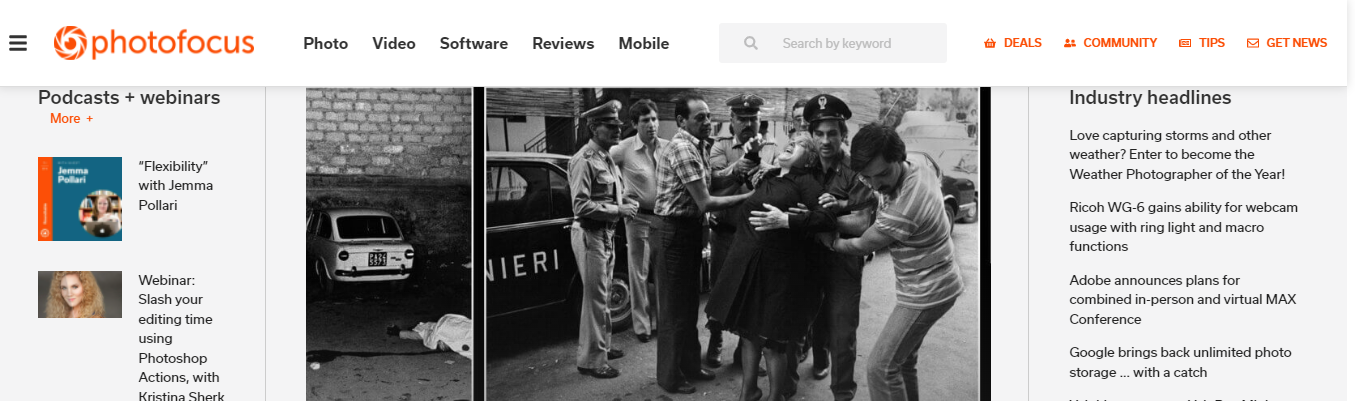
PhotoFocus is built for photographers who want to prioritize images. It offers an image-forward layout supported by robust text functionality, with features like a dynamic page slider, customizable post types, and built-in tools for adding header and footer scripts. You can also add custom CSS to override the theme’s design. With five template pages, PhotoFocus is purpose-built for photography portfolios.
2. Astra

Astra is a highly flexible free WordPress theme compatible with all popular drag-and-drop page builders. It works well with the WordPress block editor and lets you build a photography site that matches your style and brand. The premium version includes 180+ professionally designed templates for additional customization options.
3. Pixgraphy
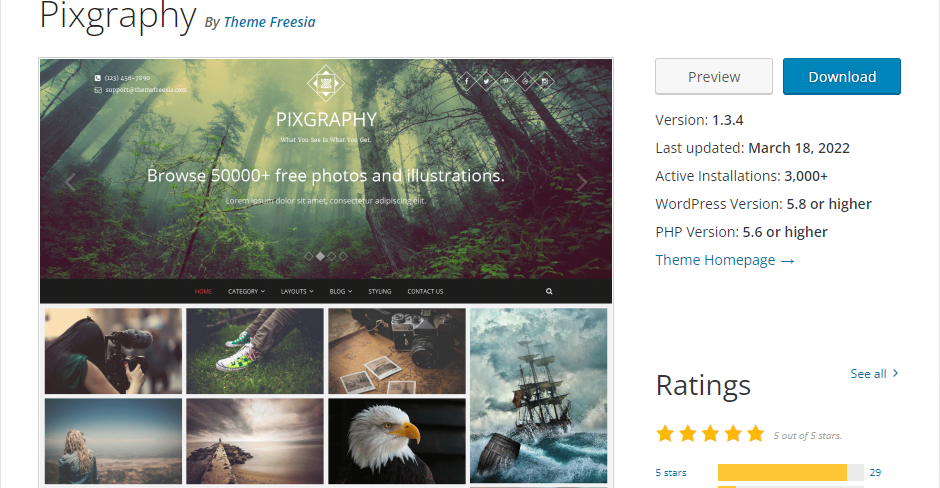
Pixgraphy gives you a full-screen header image, a feature uncommon in free themes. It includes social media buttons at the top styled to match the theme’s design, a logo positioned at the top of the homepage for easy branding, and contact information in the top left corner. A solid choice for photographers who want a bold first impression.
4. Hestia
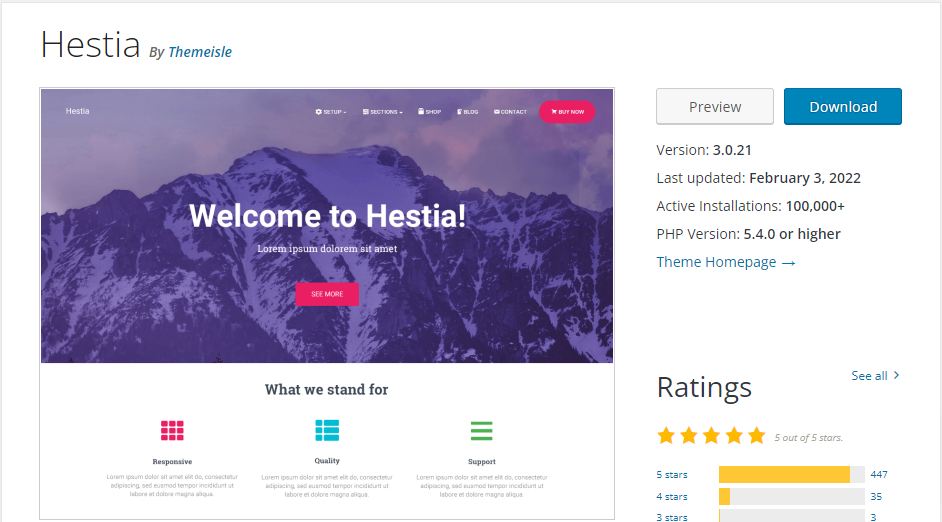
Hestia offers multiple elements to extend your site’s features, with premium-like details available in the free version. It includes a fullscreen header, custom background support, and the ability to display video clips or photo compilations. Responsive design ensures your site looks great on all mobile devices.
5. Fotografie
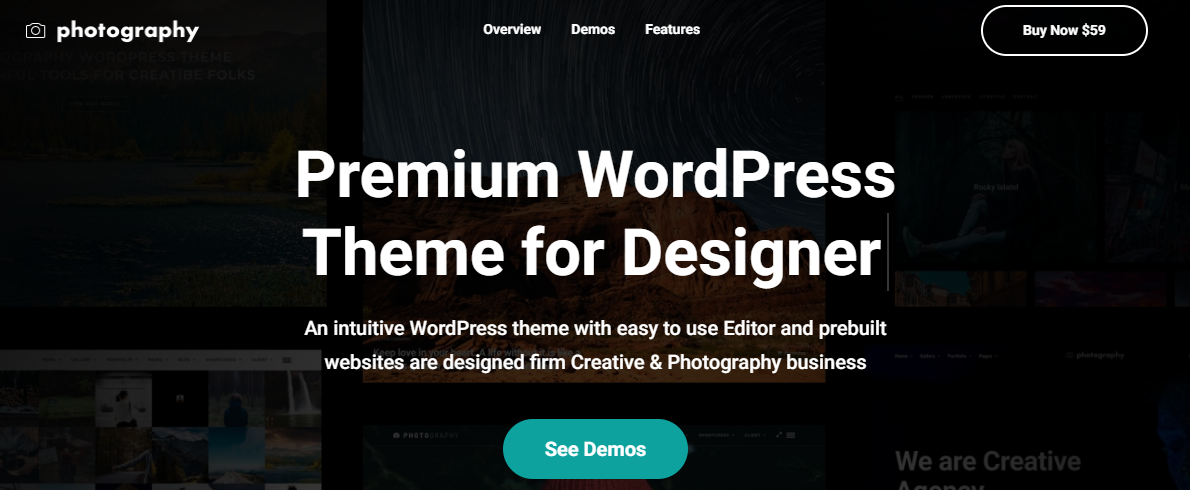
Fotografie is a modern photography WordPress theme built for photographers, graphic designers, artists, and bloggers. It’s clean, elegant, and straightforward, with key features like a header media option, hero content area, and portfolio layouts. Fotografie lets your photography take center stage while handling all the structural work in the background.
6. Neve
Neve is a flexible, performance-focused WordPress theme built with photographers in mind. It includes dozens of ready-to-use website templates that share a clean design style, covering all the pages you need to get your site running quickly. Neve is compatible with most modern WordPress page builders, giving you full control over your portfolio layout and style.
7. Hitchcock
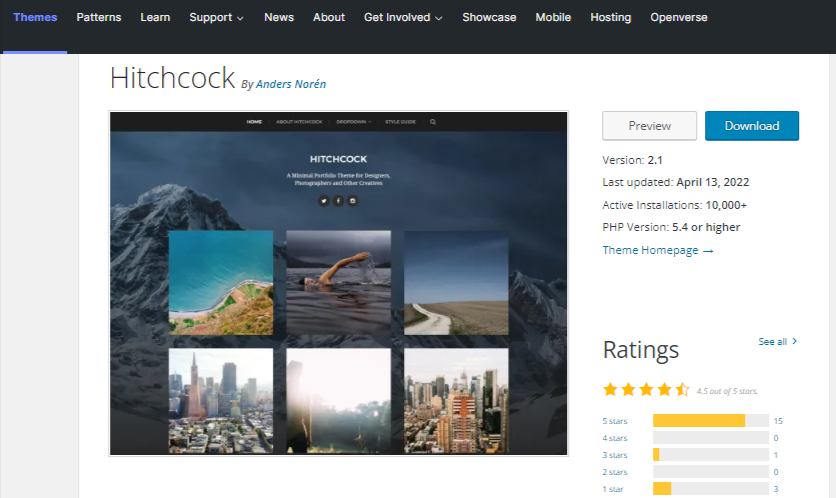
Hitchcock is a minimalist photography theme that gets out of the way and lets your images speak for themselves. It avoids distracting design elements and gives you simple controls for how your gallery displays. The setup takes only a few minutes, making it ideal for photographers who want a clean, fast portfolio site. Its last update was in 2022, so testing it thoroughly on a staging site before committing is worth the extra caution.
8. Noa
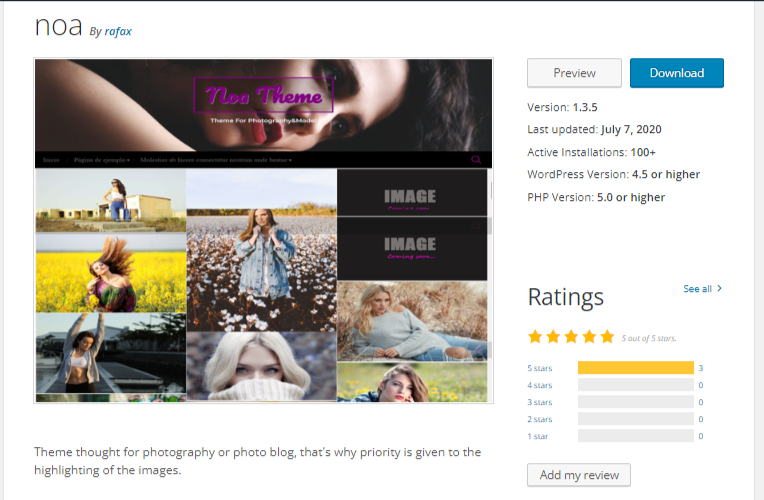
Noa is purpose-built for photo bloggers and photographers. It highlights featured photos prominently on the homepage and supports a custom header background, logo, and featured image. You can easily add a navigation menu through WordPress settings and place social media icons in the footer. It hasn’t seen an update since 2020, which makes it the riskiest pick on this list purely from a maintenance standpoint; worth a thorough compatibility test before relying on it for a live site.
9. Mags
Mags is a multipurpose theme suited for travel, fashion, and food photography websites. It includes a full-width image slider on the homepage for sharing featured photos and stories, magazine-style layouts with multiple ad spaces, and compatibility with popular WordPress plugins for extended functionality.
10. Maker
Maker gives your site a clean, striking look with plenty of white space and a grid-based layout. The black-and-white design keeps content highly readable and keeps visitors focused on your photography. The built-in WordPress customizer makes it easy to set up and customize your site without touching code. Like Noa, it hasn’t been updated since 2020, so it’s worth a compatibility check against the current WordPress version before building a full site on it.
11. Pinnacle
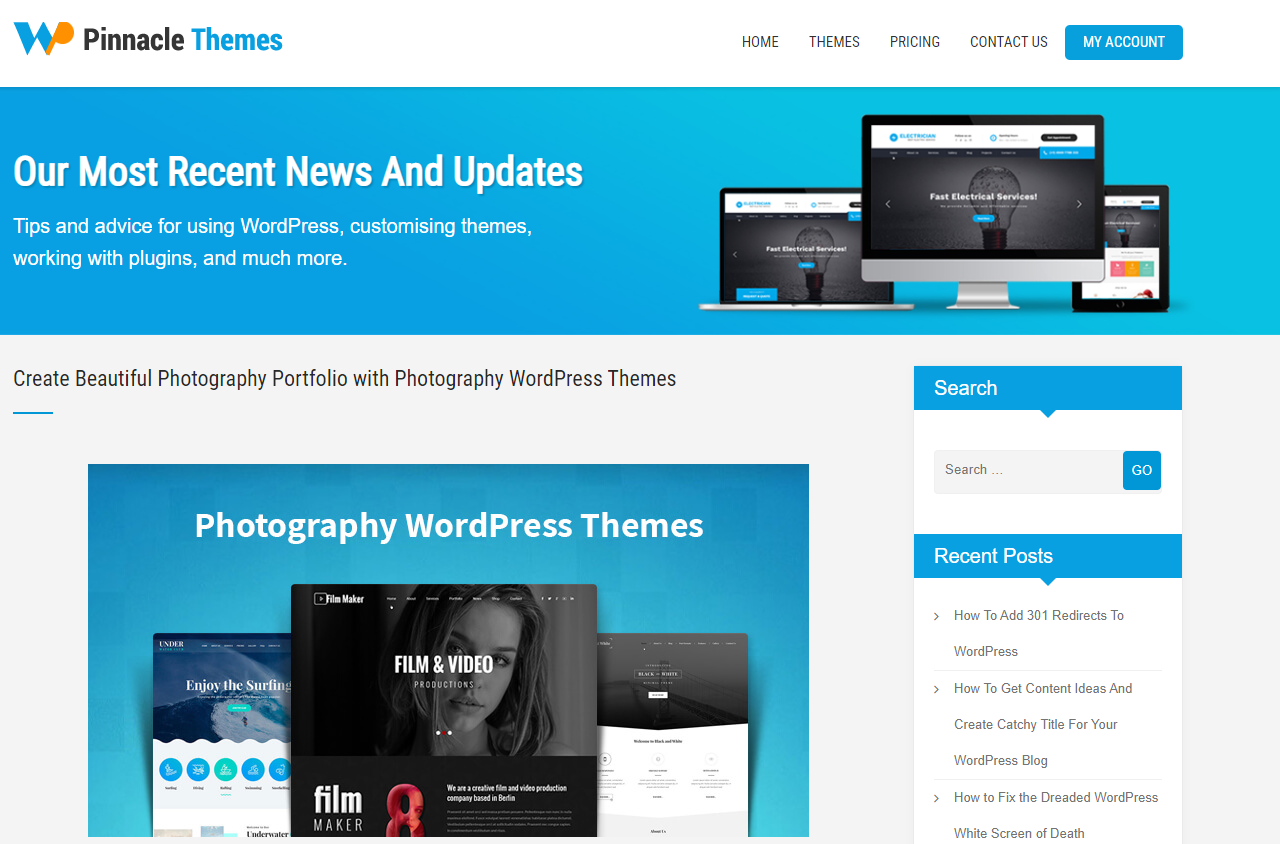
Pinnacle is a multipurpose theme loaded with useful features for photographers, including a custom navigation menu and a custom eCommerce layout for running an online shop alongside your portfolio. A practical choice for photographers who also sell prints or services directly from their website.
12. Yuma Masonry
Yuma Masonry uses a Pinterest-style masonry layout with a compact navigation menu and social icon menu. It’s designed to let you create a visually rich gallery on your homepage, with a straightforward panel for uploading and managing front-page gallery images. It’s a newer, actively maintained addition to this list, making it a safer long-term pick than some of the older masonry-style themes that have since dropped off WordPress.org entirely.
13. Fotogenic
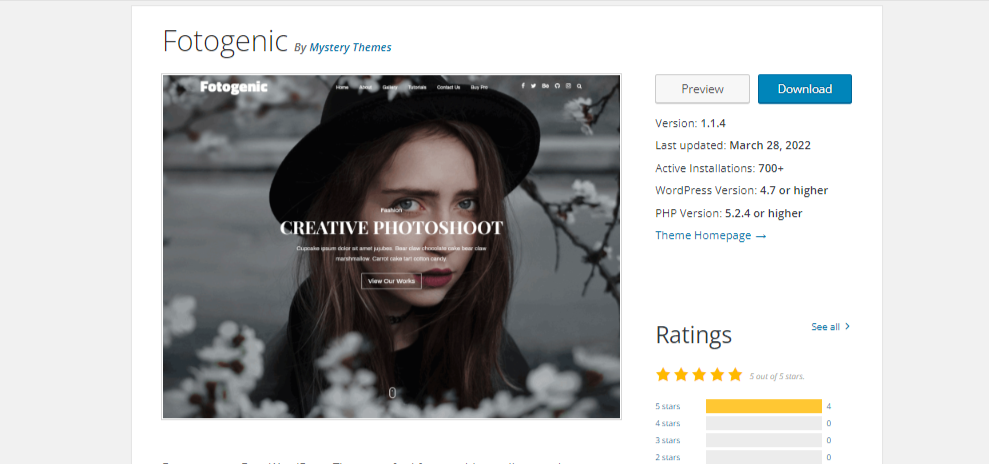
Fotogenic is designed specifically for wedding and travel photographers. It supports multiple archive layouts for displaying large collections of photos, and a fullscreen custom background creates an immersive first impression for visitors arriving on your site.
Matching a Theme to a Photography Niche
Wedding and event photographers tend to need archive-heavy layouts more than anything else, since a single event can produce hundreds of images that need organizing into a browsable, non-overwhelming gallery. Fotogenic’s multiple archive layouts and Pixgraphy’s full-screen presentation both suit this well, giving couples an immersive way to browse a full shoot without endless pagination clicks.
Product and commercial photographers usually need something closer to Pinnacle or Astra, both of which support WooCommerce cleanly for photographers who sell prints, presets, or licensing directly. A commercial portfolio also tends to benefit from a cleaner, more restrained visual style than a personal or artistic portfolio, since the goal is showcasing client work clearly rather than making a personal artistic statement.
Travel and lifestyle photographers, publishing frequently and mixing photos with written stories, tend to do better with Mags or Fotografie, both of which blend magazine-style layouts with strong support for long-form text alongside imagery. A photographer who primarily shoots and rarely writes will get less value from that flexibility and might prefer Hitchcock or Maker’s more minimal, image-first approach instead.
Portrait and fine-art photographers benefit most from themes that let a single striking image dominate a page without competing UI elements, which points toward Hestia or PhotoFocus, both built around large, uncluttered hero imagery rather than dense grids.
SEO Basics for a Photography Portfolio
Image-heavy sites face a specific SEO challenge: search engines can’t see a photo the way a human can, so descriptive alt text on every image is what actually tells search engines, and screen readers, what’s in the frame. A portfolio of a hundred images with empty alt attributes is invisible to image search entirely, which cuts off a meaningful traffic source that photography sites are unusually well positioned to capture.
File naming matters more than most photographers realize too. A file named “IMG_4821.jpg” carries zero search value, while the same file renamed to something like “golden-hour-beach-wedding-portrait.jpg” gives search engines actual context before a page even loads. Doing this consistently across an entire portfolio takes discipline but compounds over time as more images get indexed, since each well-named, well-described image becomes its own small entry point for someone searching image results rather than text results.
Page speed ties back into SEO as well, not just user experience. Search engines factor loading speed into ranking, and a photography site is more vulnerable to slow load times than almost any other site category given how much of its content is large image files. The image optimization habits covered below aren’t just a nice-to-have for photography sites; they’re closely tied to whether the site ranks at all, since a slow-loading gallery page tends to lose visitors and search ranking together rather than one without the other.
Common Setup Mistakes on Photography Sites
Uploading full-resolution camera files straight from a memory card is the most common and costly mistake. A DSLR or mirrorless camera can easily produce files in the 20 to 50 megabyte range, and uploading those directly instead of resizing and compressing them first can slow a site to a crawl before a single design decision has even been made. Every theme on this list handles reasonably sized images well; none of them can compensate for genuinely oversized source files. Resizing to a sensible maximum dimension, typically no wider than 2000 pixels for web display, before uploading solves most of this without any noticeable quality loss on screen.
Skipping a staging environment before launch is the second common issue, particularly for photographers without a technical background who tend to build directly on the live domain. Testing gallery layouts, mobile responsiveness, and page speed on a staging copy first catches most problems before a potential client ever sees a broken or slow-loading portfolio.
Overloading the homepage with every photo ever taken is the third mistake. A curated selection of a photographer’s strongest 20 to 30 images makes a stronger first impression than an exhaustive archive dumped onto a single page. Most of the themes above support separate gallery or archive pages specifically so the homepage can stay tightly curated while a fuller body of work lives one click deeper, organized by shoot, category, or client rather than as one undifferentiated wall of thumbnails.
Image Optimization Before Launch
A beautiful photography theme still won’t save a site that loads slowly because of unoptimized images. Running every photo through a compression tool before uploading, one that preserves visual quality while cutting file size, makes a bigger difference to page speed than almost any theme setting. Most modern themes, including everything on this list, support WebP images natively, and switching from JPEG to WebP alone often cuts file sizes by a meaningful margin without a visible quality loss.
Lazy loading is built into WordPress core at this point, so images below the fold load only as a visitor scrolls to them rather than all at once on page load. It’s worth confirming a chosen theme doesn’t disable or conflict with this default behavior, since a handful of older themes still load every gallery image eagerly regardless of what WordPress core does.
A content delivery network adds another layer of speed for photography sites specifically, since it serves images from a server physically closer to each visitor rather than a single origin server on the other side of the world. For a photographer with an international client base or audience, this difference is often more noticeable than any single theme setting.
Choosing Between Free and Premium Versions
Every theme on this list has a free version that’s genuinely usable on its own, not a crippled trial. Where premium versions earn their cost is in extra template variety, deeper customization panels, and priority support, useful for a working photographer who can’t afford downtime while troubleshooting a theme issue alone.
A practical approach is starting on the free tier and only upgrading once a specific limitation actually gets in the way of real work, a client-facing gallery feature that’s missing, or a layout option the free version doesn’t offer. Buying premium speculatively, before hitting an actual wall, often means paying for features that never end up getting used.
Working photographers running a business off their site, taking bookings, selling prints, managing client galleries, tend to hit that wall faster than hobbyists building a personal portfolio. Budgeting for a premium upgrade within the first few months of running a professional photography site is a reasonable expectation rather than a sign the free tier failed.
Frequently Asked Questions
Do these themes work with WooCommerce for selling prints?
Several, Astra, Pinnacle, and Neve among them, support WooCommerce well, which matters for photographers selling prints, presets, or session bookings directly from their site rather than through a separate platform.
How much should image file size matter when choosing a theme?
More than most people expect. A theme’s gallery block handling large image files gracefully, cropping, resizing, and lazy-loading them automatically, saves significant manual optimization work compared to a theme that expects pre-optimized images uploaded exactly to spec.
Is it risky to use a theme that hasn’t been updated in years?
It carries more risk than a recently updated one, mainly around compatibility with newer WordPress versions and PHP releases. It’s not an automatic dealbreaker, since some older themes remain stable simply because their feature set is small and complete, but testing thoroughly on staging before launch matters more the older the last update is.
Should a photography site use a page builder plugin on top of these themes?
It depends on how much custom layout control is needed beyond what the theme’s own customizer offers. Astra and Neve both pair especially well with page builders like Elementor if a highly custom homepage layout is the goal; the more image-focused themes like PhotoFocus or Hitchcock are often better left closer to their default layout, since a page builder can fight against a design that’s already purpose-built around large imagery.
How many gallery images is too many for a single page?
There’s no hard number, but once a single gallery page starts taking more than two or three seconds to load on a typical mobile connection, it’s worth splitting the collection across multiple pages or adding pagination. Most visitors won’t wait past that threshold before bouncing, regardless of how strong the photography itself is.
Picking the Theme That Fits the Work
Choosing the right theme is one of the more consequential decisions when launching a photography website. All 13 themes above are free and purpose-built for photographers at every level, though a few carry more maintenance risk than others worth weighing before committing. Whether the preference is a minimalist gallery, a bold fullscreen layout, or a magazine-style portfolio, there’s an option here that fits both the vision and the budget.