

Cyber threats against websites have increased significantly, with over 30,000 websites being hacked daily. WordPress, powering more than 43% of all websites, remains a prime target for attackers. Weak passwords, outdated plugins, and poor security configurations often expose sites to malware, brute-force attacks, and data breaches. A well-secured website is no longer optional—it’s a necessity. Thankfully, WordPress Security Plugins offer powerful solutions to safeguard your site from cyber threats. From malware scanning to firewall protection and login security, these tools provide essential defenses. Here are the 10 best WordPress Security Plugins in 2025 to keep your website protected.

Quick Links
Why Website Security Matters for WordPress Users
With WordPress powering over 43% of websites globally, it remains a prime target for hackers. Reports show that over 90,000 attacks occur on WordPress sites every minute, making security a top priority for website owners. Cyber threats such as malware infections, brute force attacks, and data breaches can compromise sensitive information, damage your site’s reputation, and lead to financial losses.
Without proper security measures, your site risks downtime, SEO penalties, and loss of customer trust. This is where WordPress Security Plugins play a crucial role. They help detect vulnerabilities, block malicious attempts, and provide automated protection against emerging threats, ensuring your website remains safe and operational.
Perfect Example of Security
Suppose you bought a property for carrying out business activities. You would do efforts to maintain privacy and secure the place. It is quite normal that you would want to save information and data from people trying to steal them. You will install security cameras and will appoint guards to protect the premises from such attacks. The same things are with your WordPress blog as you need to protect the information and data from attackers. Your valuable data can be safeguarded by installing a WordPress security plugin.
Time to take action
You need to act right now to protect the information present on your blog. You would not anybody to steal that as you might have worked on it for too long. You should not worry as there are several security plugins available which can be installed to protect your WordPress blog. Today the world has changed so has technology has. You cannot rely on basic security measures as they fail to provide the perfect security management as WordPress security plugins do. Install the WordPress security plugins now.
Common Services rendered by the plugins are:
- Continuous security monitoring
- Scanning of files
- Scan for malware
- Monitoring the blacklist
- Security updates
- Actions taken after hacks
- The firewalls
- Protection against the attacks
- Alert for a security breach
These are the services that WordPress security plugins provide. You can install them and sit back to watch the attackers on your screen. There will be no chance that an attacker would get into your system at any cost. In addition to security plugins, organizations wanting comprehensive assurance of their website’s defenses can leverage a professional Penetration Testing Service to identify vulnerabilities that automated tools and standard plugins may miss. This in-depth evaluation simulates real-world attacks on your site, testing your application, network, and cloud environments and provides actionable remediation to keep WordPress sites secure against evolving cybersecurity threats.
Also Reads: How to Choose the Best WordPress Hosting in 2020
Best WordPress Security Plugins
1. Sucuri Security
This WordPress plugin comes with a free and paid version. You need to pay if you are willing to use a website firewall feature. You cannot access many features which are available with paid versions. Indeed, many users don’t require such features and continue using the free version of Sucuri Security.
You can monitor the threats and activities on your website by installing the free version. The paid version provides you with technical assistance and much more. It is up to you and you should choose as per your requirements.
2. Wordfence Security
It is a popular WordPress security plugin and is in demand. It gives you full control over the activities which are made on your website. You can monitor the attackers trying to get into the system. The free version provides you with firewall security and protection against the breach. You can switch to the premium version which comes with a fee of 99$ a year. You can manage more than two websites by choosing a premium version. It is the best security plugin that can be installed to manage more than one website. Fee-free and stay safe.
3. iThemes Security
Earlier it was known as WP security. It is an easy way to safeguard your website. It offers services such as protection against hacks and breaches. It notifies you regarding the software becoming obsolete and weak passwords if any. You can access the basic features by installing the free version. The price for the pro version is around 80$ a year. You can access the technical support and updates which can be used for two websites. You can even upgrade to the plan which has a higher cost and provides more advanced features as compared to the lower versions.
Also Reads: Create a poll activity with BuddyPress Poll Plugin
4. WP fail2ban
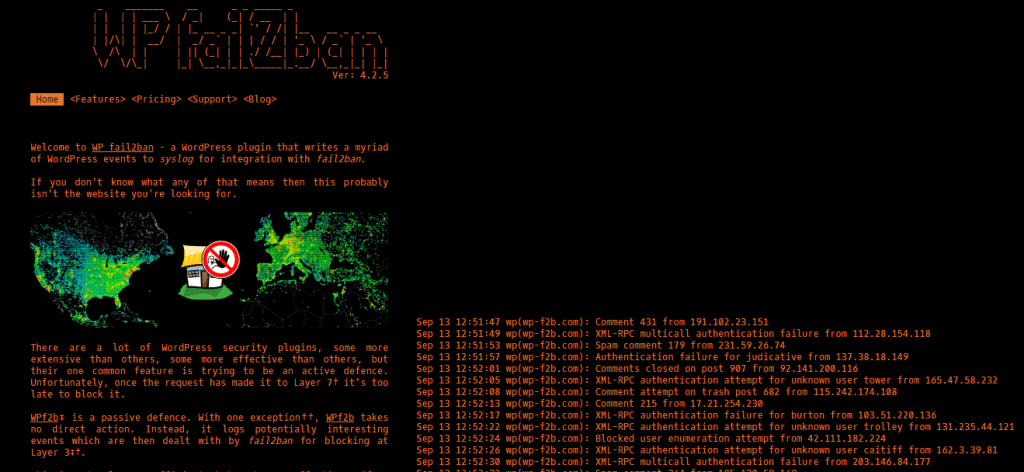
It is an advanced WordPress security plugin that monitors every login attempt. It monitors the activities being made on your website. You can request a report consisting of details of every user attempting to access your website. This feature is one of the important factors which protect your data from a breach. It is a self-controlled WordPress security plugin so you need not make efforts to control the action. It works fine and users reviewed it positively in terms of effectiveness. It offers a brute force security plugin which is free and can be installed without paying any fee.
5. Jetpack
The plugin is developed by the team of WordPress.com and is the most efficient WordPress security plugin. It offers too many features which include span control and management of site speed. You can trust this plugin as it offers the best of the best. You get free protection module and also it blocks the activities which seem to be suspicious. The basic pack includes brute force protection against attacks. You can switch to a paid version as it offers you the restoration of data and backups. There are other plans offering malware protection and real-time backups.
6. WebARX

One of the premium plugins which supports almost every PHP application. It provides an amazing feature which is an endpoint firewall by which you can monitor the traffic on your website and can control it via a cloud dashboard. The self-managed firewall protects your website from breaches and attacks. You can customize the firewall principles and easily create backups. You can monitor and analyze the uptime and security-related issues. You receive notifications and alerts and can also export reports. It is simple and can be easily set up. You can also harden the WordPress installation which is quite beneficial.
7. Hide My WP
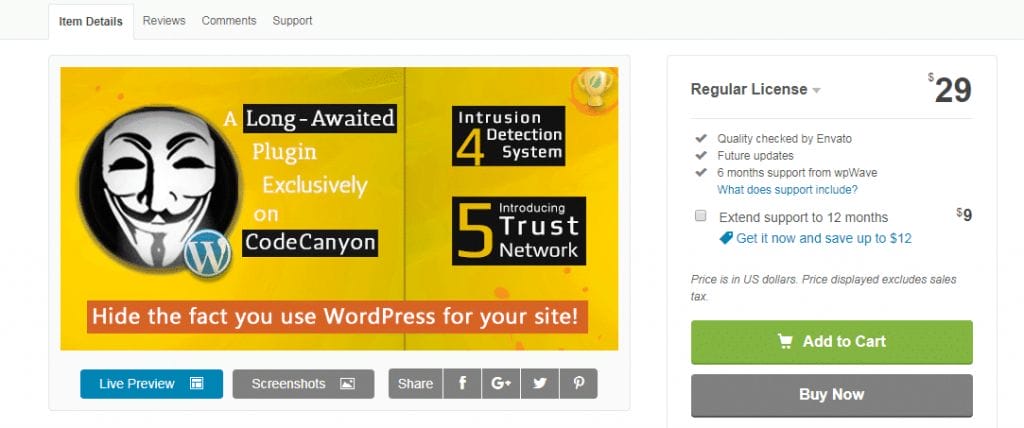
This plugin manages the privacy section to its best. It can hide your page identity and would not let the attackers, spammers, and theme detectors that you are using WordPress. It blocks the attacks such as XSS, and SQL injection with its IDS an intrusion detector. You can subscribe to it by paying a fee of $24. Features like hiding the name of the plugin and theme are available. You can block access to PHP files and can also stop directory listing. You will get notified when any abnormal behavior on your website takes place.
8. Shield Security
The burden of site security is minimized by using Shield Security. It will do its job which is to block suspicious visitors and abnormal activity which possibly takes place on your website. It does not keep you annoyed by sending emails throughout the day. It is best suitable for beginners who lack knowledge about site management. It gets into action the moment you install it on your website. Full documentation regarding suspicious activities, traffic, and attacks are presented so that you can look out for the details. Use it now as it is an autonomous security plugin.
9. Astra Web Security

You need not worry about attacks, breaches, malware, and XSS as Astra web security will take full responsibility for managing these security issues. You can feel relaxed and try focusing on content management. It is quite simple and has simpler buttons which means you don’t have to do masters using plugin features. Brands like Ford and Gillette are the client of Astra Web Security. You can get it by paying $9 per month and you get a 20% special discount when you pay an annual fee. It is the best plugin that comes at such a price.
10. All In One WP Security & Firewall
All In One WP Security & Firewall is a comprehensive and user-friendly WordPress Security Plugin designed to protect websites from threats like brute force attacks, malware, and spam. It offers firewall rules, login security, user account protection, and database security, making it a solid choice for beginners and advanced users alike. The plugin features a grading system that helps users assess and improve their site’s security. With IP blocking, file integrity monitoring, and login lockdowns, it provides essential protection without slowing down your site. Regular updates and an intuitive interface make it a reliable choice for securing WordPress websites.

Final Thoughts
Securing your website is no longer optional—it’s a necessity. With cyber threats on the rise, using the right WordPress Security Plugins can make all the difference in protecting your site from hackers, malware, and data breaches. Whether you need firewall protection, login security, or malware scanning, these plugins provide essential features to keep your website safe. Choosing a security plugin depends on your needs, but regular updates and proactive monitoring are key to maintaining a secure WordPress site. Investing in a reliable security solution ensures your website stays protected, giving you peace of mind and keeping your data safe.
Interesting Reads:
How WordPress Sites Can Enhance Their Cloud Security
Substack vs. WordPress: Choosing the Right Platform for Your Blogging Journey (2024)

