

The best WordPress hosting providers in 2026 are WP Engine, SiteGround, Bluehost, DreamHost, InMotion Hosting, HostGator, and GoDaddy. SiteGround leads for uptime consistency and customer support quality. WP Engine is the top managed WordPress hosting option for performance-critical and enterprise sites. Bluehost is the most widely recommended choice for beginners, officially recommended by WordPress.org. For budget-conscious users, HostGator and GoDaddy offer affordable shared plans with solid feature sets.
Choosing the right hosting plan is the first major decision for any WordPress site, and it’s one that’s genuinely hard to undo cleanly later. Your host directly affects uptime, page load speed, security, and SEO performance, all of which compound over time rather than staying fixed once you’ve launched. Three key factors to prioritize before you look at anything else:
- Uptime: Should be 99.94% or higher
- Support: 24/7 with fast response times
- Speed: Minimum load time for your region and audience
Also Read: How to Use BuddyPress to Create a Social Network on WordPress
Best WordPress Hosting Providers in 2026
1. WP Engine
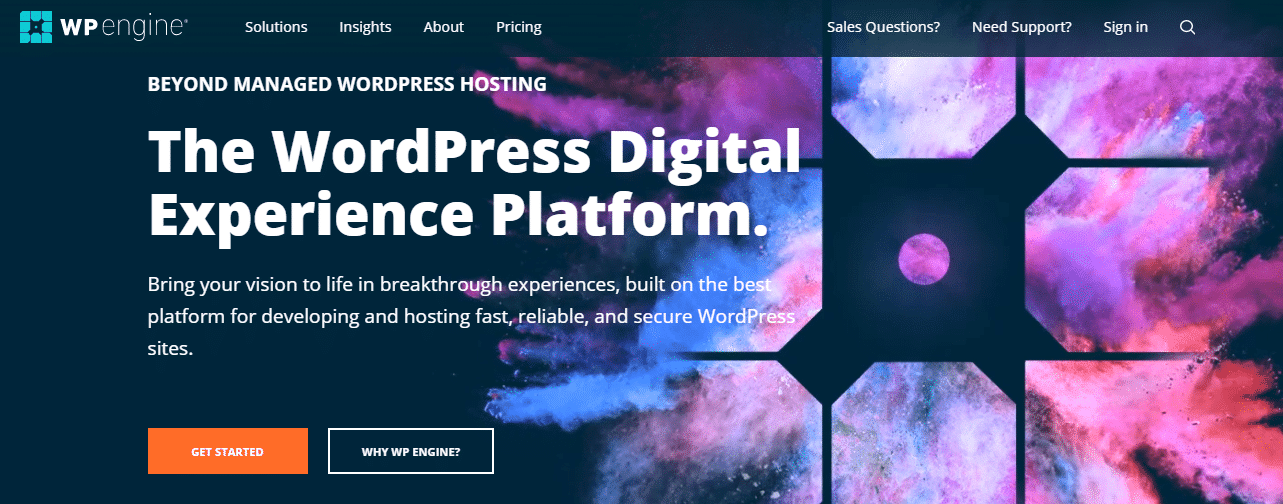
WP Engine is the leading managed WordPress hosting provider, built specifically for performance, security, and developer workflows. It handles updates, backups, and security monitoring automatically, so site owners can focus on content rather than infrastructure maintenance.
Uptime: 99.95% | Support: 24/7
- Simple site setups and easy workflows
- Stressless launches and effortless maintenance
- Enterprise performance and speed optimization
- Developer-friendly staging environments
- Ecosystem integrations with popular tools
2. SiteGround
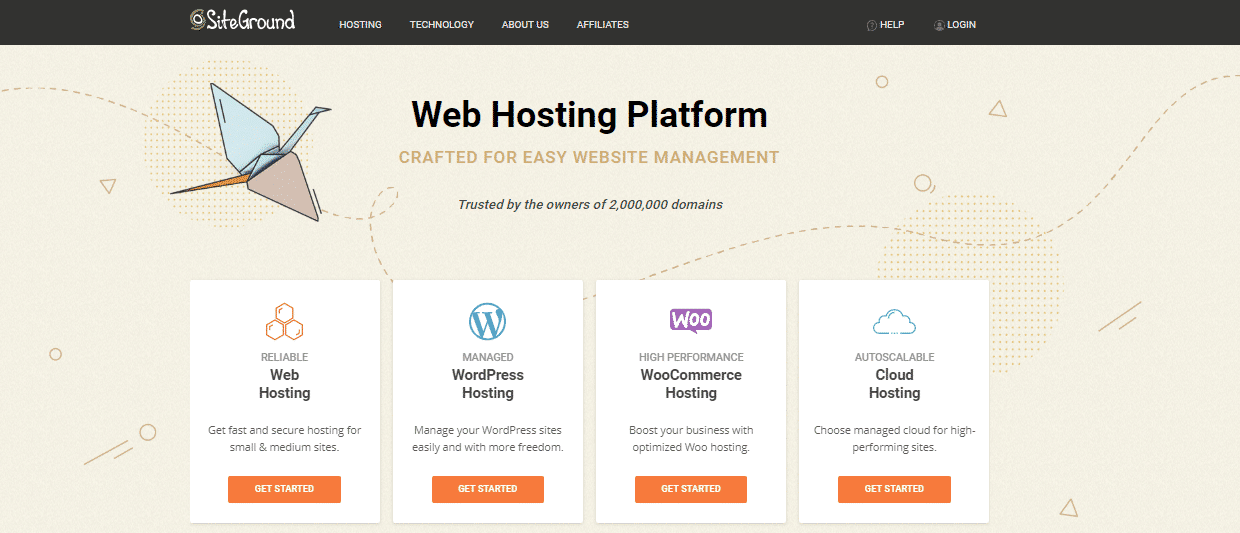
SiteGround is highly recommended by WordPress.org and consistently rated top for customer support. Their in-house security solution covers speed and protection without requiring third-party plugins for baseline security needs.
Uptime: >99.99% | Support: 24/7 (10/10)
- 1-Click WordPress installer
- Automatic WordPress updates
- Constant security monitoring and prevention
- Built-in WP caching for fast load times
- Free SSL certificate
3. Bluehost

Bluehost powers over 2 million websites worldwide and is the most widely recommended host by WordPress.org. It’s a reliable starting point for new sites, offering shared, VPS, and dedicated plans. Domain registration, SSL, and 1-click WordPress installation are all included.
Uptime: >99.99% | Support: 24/7
- Unlimited disk storage and bandwidth
- 1-click WordPress installation
- Free domain name for the first year
- Free SSL certificate
- Money-back guarantee
- 24/7 network monitoring
4. DreamHost
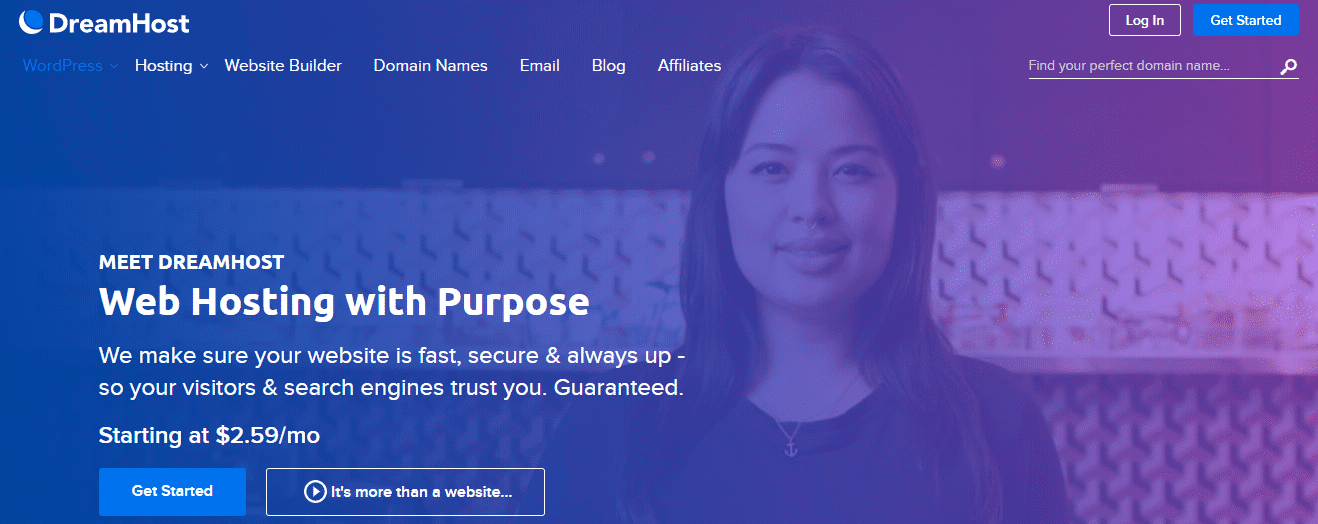
DreamHost is a reliable, budget-friendly host offering both shared and managed WordPress hosting. It’s also recommended by WordPress.org and includes a 100% uptime guarantee with money-back protection. Support is available daily during business hours.
Uptime: 100% guarantee | Support: Daily 5:30 AM - 9:30 PM PT
- Custom control panel
- 1-Click installer
- Solid State Drives (SSDs) for fast performance
- Quick WooCommerce integration
- WordPress-specific security measures
5. InMotion Hosting
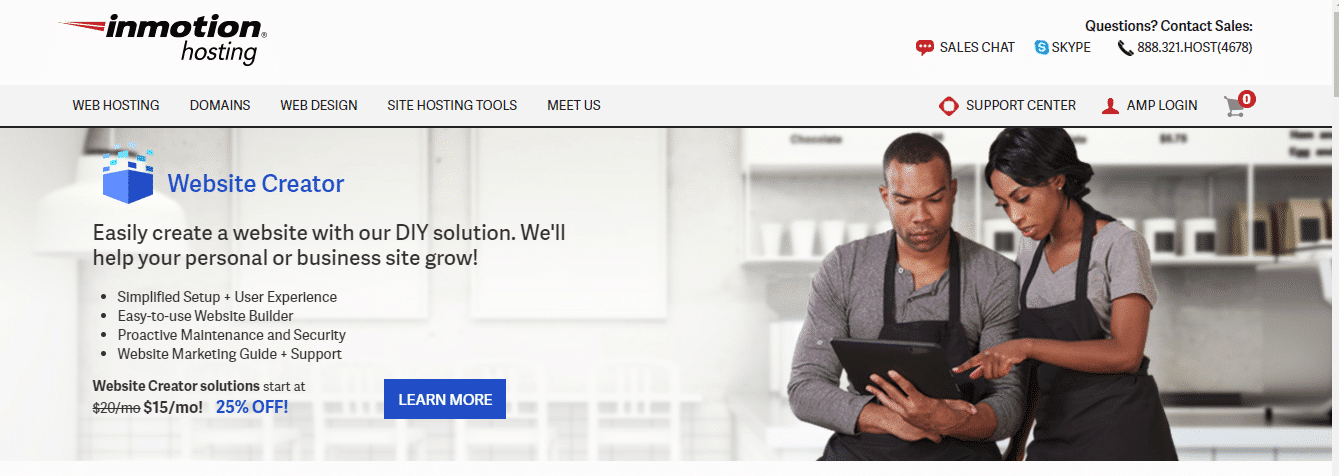
InMotion Hosting serves both personal and business sites with a straightforward interface, proactive maintenance, and strong security. Five hosting plan types, VPS, business, dedicated, managed WordPress, and reseller, with a 100% satisfaction guarantee across all.
Uptime: 99.95% | Support: 24/7
- Automated WordPress updates
- Daily website backups
- Unlimited disk space, bandwidth, and email on all plans
- 24/7 support from WordPress experts
- Simple control panel for DNS, monitoring, and billing
6. HostGator
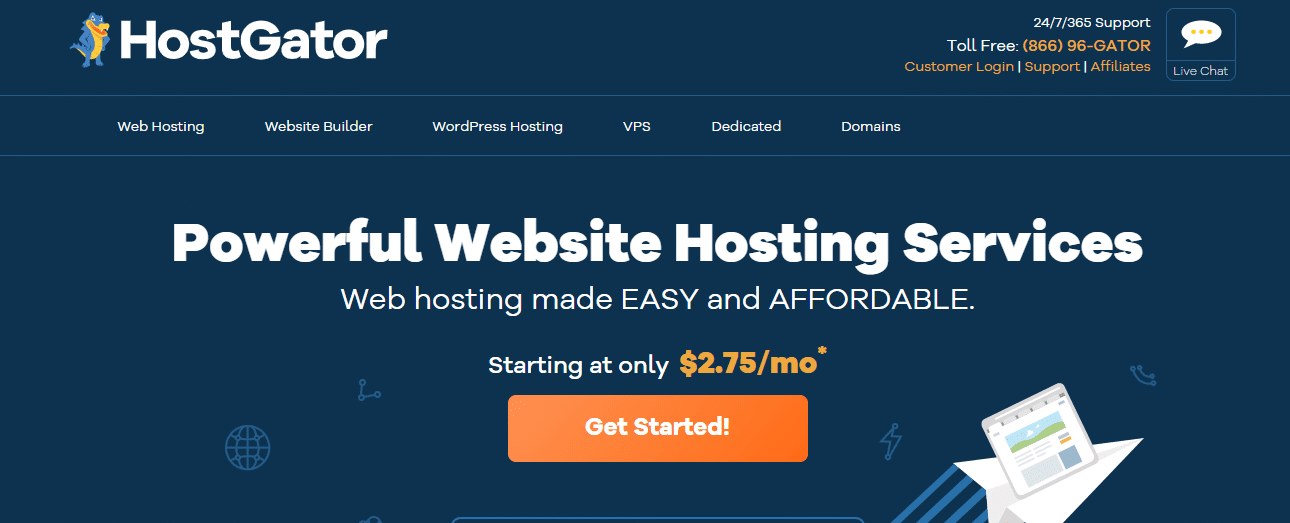
HostGator is one of the most popular and affordable hosting providers, covering web hosting, cloud, WordPress, reseller, VPS, and dedicated plans. Entry-level shared plans typically start in the $2 to $3 per month range on an introductory promotional term, though it’s worth checking the current renewal price directly, since HostGator’s rates jump noticeably higher, often three times the promotional rate, once that introductory period ends. Millions of active users trust the platform for its reliability and ease of setup.
Uptime: >99.99% | Support: 24/7
- Flexible, easy-to-use cPanel
- SSL certification included
- 45-day money-back guarantee
- Unlimited subdomains, FTP accounts, and email accounts
- Unmetered bandwidth
- One-click installation for 75+ open-source scripts
7. GoDaddy

GoDaddy offers reliable, affordable hosting across web, business, and reseller plans. Automatic daily malware scans, daily backups with 1-click restore, and tools for Google search visibility come standard. A solid choice for users who want hosting and domain management in one place.
Uptime: >99.97% | Support: 24/7 via chat and phone
- 1-click WordPress installation
- Automatic daily malware scans
- Daily backups with 1-click restore
- Managed and automated maintenance tasks
- Migrate existing site tool
Shared, Managed, and VPS Hosting: What’s the Real Difference
Most of the confusion around choosing a host comes from not knowing which hosting type actually fits the site being built. Shared hosting puts your site on a server alongside dozens or hundreds of other sites, splitting resources across all of them. It’s the cheapest option and fine for a low-traffic blog or a small business site, but performance can dip when a neighboring site on the same server gets a traffic spike.
Managed WordPress hosting, what WP Engine specializes in, runs WordPress on infrastructure tuned specifically for it, with automatic updates, built-in caching, and security monitoring handled by the host rather than left to the site owner. It costs more than shared hosting but removes a meaningful chunk of ongoing maintenance work, which matters most for sites where downtime or a security incident carries real business cost.
VPS, or virtual private server, hosting sits in between: you get a dedicated slice of server resources that isn’t shared the way basic shared hosting is, without the full cost of a dedicated server. It’s the right move once a shared plan starts showing performance strain but a fully managed or dedicated setup isn’t justified yet by traffic or budget.
Matching Hosting Type to Site Type
A personal blog or small portfolio site rarely needs more than a solid shared hosting plan, and paying for managed hosting at that scale is usually money spent on headroom you won’t use for years, if ever. A growing business site, membership community, or anything running WooCommerce benefits from managed hosting specifically because the automatic security monitoring and performance tuning start mattering the moment real customers or members are depending on uptime.
A high-traffic publisher or an agency managing multiple client sites usually outgrows shared hosting fastest, since traffic spikes and multiple concurrent editors put more strain on shared resources than a typical single-site shared plan can absorb gracefully. At that point, managed hosting or VPS becomes less of an upgrade and more of a requirement for staying online reliably.
Agencies specifically should also weigh whether a host’s plan structure fits managing multiple sites cleanly, separate billing and access per client, white-label options, staging environments for testing updates before pushing them live. A host that works well for a single site can become genuinely awkward to manage once you’re running fifteen or twenty client sites through the same account without those features built in.
Migration Considerations Before You Commit
Switching hosts later is always possible but rarely painless, so it’s worth thinking a step ahead before signing up anywhere. Check whether a host offers a free migration service for moving an existing site, most of the providers above do, since a botched manual migration can mean real downtime and lost content if something goes wrong mid-transfer.
Confirm what happens to your domain and email if you switch hosts later too. Some providers bundle domain registration in a way that makes leaving more of a hassle than it needs to be, while others keep domain and hosting cleanly separated so a future move doesn’t also mean untangling your email and DNS records at the same time.
Give yourself a real maintenance window for any migration rather than switching hosts during your highest-traffic period. DNS propagation can take anywhere from a few minutes to a couple of days depending on your domain’s settings, and testing the new host thoroughly before pointing your live domain at it catches most problems before visitors ever see them.
Security Features Worth Checking Before You Sign Up
Every host on this list includes baseline security, SSL certificates, some form of malware scanning, but the depth varies more than the marketing pages usually make clear. Look specifically for automatic daily backups with an easy one-click restore rather than a manual export process, real-time malware scanning rather than a periodic scheduled scan, and a documented incident response process for what happens if your site does get compromised despite the protections in place.
For sites handling any kind of sensitive user data, memberships, e-commerce transactions, user-submitted content, managed hosting’s more proactive security monitoring is worth the extra cost over basic shared hosting, since a breach costs far more in cleanup time and lost trust than the price difference between hosting tiers.
Two-factor authentication on the hosting account itself, not just on WordPress admin logins, is worth confirming as well. A hosting account is the single highest-value target for an attacker since it controls the entire site, including the ability to bypass WordPress-level security entirely by editing files directly through the host’s control panel.
Testing Performance Before You Fully Commit
Marketing pages and even independent review sites can only tell you so much, since actual performance depends partly on your specific content, traffic patterns, and geographic audience. Most hosts on this list offer a money-back guarantee within the first 30 to 45 days, which is exactly the window to actually test real performance rather than trusting a benchmark chart alone.
During that window, run your actual site, not a blank test install, through a real page speed tool from a couple of different geographic testing locations, particularly whichever regions your actual audience is concentrated in. Check load time under a simulated traffic spike if the host provides any staging or load-testing tools, and pay attention to how quickly support actually responds if you open a real ticket, not just how fast the sales team responds before you’ve paid anything.
Common Mistakes When Choosing a Host
The most common mistake is anchoring entirely on the advertised introductory price without checking the renewal rate. A plan that looks like the cheapest option in year one can end up costing more than a mid-tier competitor by year two once the promotional period ends, and switching hosts to avoid that renewal jump usually costs more in migration hassle than just budgeting for the real long-term price from the start.
A second mistake is choosing a hosting tier based on where the site is today rather than where it’s realistically headed in the next year or two. A site that’s about to launch a membership area, add WooCommerce, or run a marketing push that could spike traffic needs headroom built in from the start, not a scramble to upgrade mid-launch when the current plan can’t keep up.
A third mistake is skipping the fine print on what counts as “unlimited.” Several hosts advertise unlimited storage or bandwidth, but the fair-use policies buried in the terms of service often cap real-world usage well below what “unlimited” implies on the pricing page. If your site handles a lot of media or video, read that fine print specifically before assuming unlimited genuinely means no limit at all.
What Actually Changes Between Budget and Premium Hosts
The visible feature list often looks similar across a $3 shared plan and a premium managed plan, both offer SSL, both offer backups, both offer a control panel of some kind. What actually differs is what happens under real load and what happens when something goes wrong. Budget shared hosting generally handles a quiet, low-traffic site fine but shows real strain the moment traffic spikes or a plugin misbehaves. Premium managed hosting is built specifically to absorb that kind of variability without the site owner needing to intervene manually.
Support quality is the other place the gap shows up clearly. A budget host’s support team often works from a script for common issues, which is fine for straightforward problems but frustrating for anything unusual. Premium hosts, SiteGround and WP Engine in particular, tend to staff support with people who can actually diagnose a genuinely unusual WordPress-specific problem rather than just following a troubleshooting flowchart.
Frequently Asked Questions
Can I switch WordPress hosts without losing my site?
Yes, most reputable hosts, including all seven listed here, offer free or low-cost migration tools or services specifically to move an existing WordPress site without data loss, though it’s still worth backing up your site manually before any migration as a safety net.
Is shared hosting good enough for a business website?
For a small business with modest traffic, yes. Once you’re running e-commerce, handling customer data, or seeing consistent traffic spikes, managed or VPS hosting becomes the safer choice for both performance and security.
How much does good WordPress hosting actually cost?
Entry-level shared plans start in the low single digits per month on a promotional rate, while managed hosting from providers like WP Engine typically runs considerably higher monthly, reflecting the added performance tuning and security monitoring. Always check the renewal price, not just the introductory rate, before comparing options.
Does my hosting choice actually affect SEO?
Yes, indirectly but meaningfully. Page speed and uptime are both ranking factors, and a slow or frequently-down site loses both search visibility and visitor trust regardless of how good the content itself is.
Should I buy my domain and hosting from the same company?
It’s convenient but not required, and keeping them separate can actually make switching hosts later simpler since your domain registration isn’t tangled up with your hosting account. Either approach works, but understand the tradeoff before bundling everything with one provider for the sake of convenience.
What’s the real difference between a 99.9% and a 99.99% uptime guarantee?
That extra decimal point matters more than it looks. 99.9% uptime allows roughly 8.7 hours of downtime a year, while 99.99% allows under an hour. For a site where every hour of downtime has a real revenue or reputation cost, that difference is worth paying for.
Do I need managed WordPress hosting if I’m just starting out?
Usually not. Shared or basic hosting from any of the providers above is a reasonable starting point for a new site, and upgrading to managed hosting later once traffic and complexity justify it is a normal, low-risk progression rather than something to over-plan for on day one.
Wrapping Up
The best WordPress hosting for your site depends on your budget, traffic level, and technical needs. WP Engine and SiteGround are the strongest all-around choices for performance and support. Bluehost is the safest starting point for new sites. HostGator and GoDaddy deliver solid value at lower price points. Once your hosting is sorted, pairing it with a well-optimized WordPress theme makes the biggest difference to speed and user experience, BuddyX Pro is built for community and membership sites that need both performance and flexibility.
None of these seven hosts is the wrong choice in isolation, they’ve all earned their reputation over years of real customer volume. The mistake worth avoiding is picking based on price alone without matching the plan tier to what your site actually needs today and where it’s realistically headed over the next year. Get that match right, and hosting becomes infrastructure you rarely think about again rather than a recurring source of downtime, slow pages, or a surprise renewal bill.
Interesting Reads:
10 Best WordPress Security Plugins 2026