
AI Tools for Graphic Designers have ushered in a new era of innovation and efficiency within the creative realm. With the advent of Artificial Intelligence (AI), the landscape of graphic design has undergone a profound transformation, offering designers unprecedented capabilities to enhance their workflows. These tools are not merely supplements but integral components revolutionizing the way designers conceptualize, create, and refine their work. By harnessing the power of AI, designers can streamline repetitive tasks, unlock new avenues for creativity, and ultimately, elevate the quality of their designs. In this blog, we delve into the diverse array of AI tools available to graphic designers, highlighting their impact on efficiency, creativity, and productivity in the field.

Quick Links
Understanding AI in Graphic Design
AI, or Artificial Intelligence, represents the simulation of human intelligence processes by machines, particularly computer systems. In the context of graphic design, AI’s relevance lies in its ability to augment and streamline various aspects of the design process. One of its key roles is in automating repetitive tasks that traditionally consumed valuable time and resources, such as resizing images, removing backgrounds, or organizing design elements. Moreover, AI serves as a powerful ally in generating ideas by analyzing vast datasets, trends, and user preferences to offer valuable insights and inspiration.
AI enhances design processes by providing intelligent recommendations and suggesting layouts, color palettes, or typography choices based on the project’s requirements and objectives. Incorporating AI tools into graphic design workflows brings forth a myriad of benefits, including increased efficiency, accelerated project timelines, improved accuracy, and the ability to explore innovative design concepts that may not have been feasible otherwise. This integration empowers designers to focus more on the creative aspects of their work, pushing boundaries, and delivering exceptional results.
Also Read: Best AI Tools For Web Designers In 2024
Top AI Tools for Graphic Designers
1. Canva
Canva is a versatile graphic design platform that empowers users to create a wide range of designs quickly and easily. With its intuitive interface and AI-powered features, Canva is suitable for both beginners and professionals in graphic design. Whether you need to design social media graphics, presentations, posters, or logos, Canva offers a comprehensive suite of tools and templates to bring your ideas to life.

Key Features of Canva:
- User-friendly Interface: Canva’s intuitive drag-and-drop interface makes it easy for users to create designs without any prior graphic design experience.
- AI-Powered Design Suggestions: Canva utilizes AI to provide intelligent design suggestions, helping users choose the right layout, fonts, and colors for their projects.
- Extensive Template Library: Canva offers a vast collection of professionally designed templates for various purposes, including social media posts, flyers, invitations, and more.
- Collaboration Tools: Canva allows users to collaborate with team members in real-time, making it ideal for group projects and remote work.
- Integration with Other Platforms: Canva seamlessly integrates with other platforms such as Facebook, Instagram, and Dropbox, enabling users to import content and share their designs effortlessly.
Also Read: 10 Best Online Image-To-Text Converter Tools
2. Freepik
Freepik is a leading platform that offers a vast collection of free and premium graphic resources, including illustrations, vectors, photos, and PSD files. Catering to the needs of designers, marketers, and content creators, Freepik provides access to high-quality visuals that can be used for various projects, both personal and commercial.

Key Features of Freepik:
- Extensive Graphic Resource Library: Freepik boasts an extensive library of millions of graphic resources, including illustrations, icons, vectors, photos, and PSD files, suitable for diverse design needs.
- Free and Premium Content: Freepik offers a combination of free and premium content, providing options for users with different budget constraints.
- Search and Filter Options: Freepik’s advanced search and filter options allow users to quickly find the perfect graphic resources for their projects, saving time and effort.
- Customization Options: Freepik’s graphics are fully customizable, allowing users to modify colors, sizes, and other elements to suit their design preferences.
- License Flexibility: Freepik offers flexible licensing options, including commercial use licenses, making it a convenient choice for both personal and commercial projects.
Also Read: 10 Best AI Video Editing Software 2024
3. Adobe Sensei
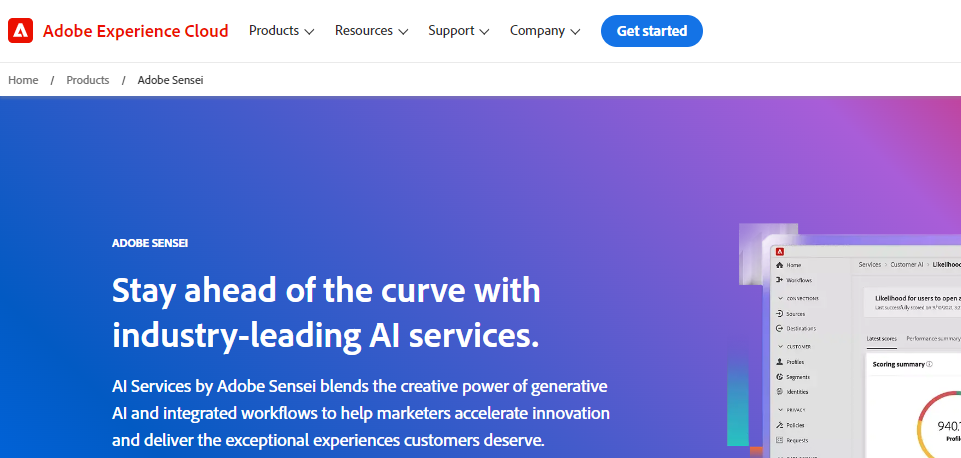
Adobe Sensei is an advanced artificial intelligence and machine learning platform integrated within Adobe Creative Cloud applications, revolutionizing the way designers approach image editing, object removal, and content creation. By leveraging AI technologies, Adobe Sensei enhances productivity, creativity, and efficiency across various design tasks.
Key Features:
- Advanced Image Editing: Adobe Sensei’s AI-powered image editing capabilities enable designers to achieve precise adjustments, retouching, and enhancements with ease, enhancing the overall quality of their designs.
- Object Removal: With Adobe Sensei, designers can seamlessly remove unwanted objects from images while preserving the background, saving time and effort in tedious manual editing tasks.
- Content-Aware Fill: Adobe Sensei’s content-aware fill feature intelligently fills in missing areas or removes unwanted elements from images, delivering seamless and natural-looking results.
- Automatic Tagging and Organization: Adobe Sensei automatically tags and organizes digital assets within Creative Cloud applications, streamlining the search and retrieval process for designers.
- Intelligent Recommendations: Adobe Sensei analyzes user behaviors, preferences, and project requirements to provide personalized recommendations, guiding designers toward optimal design decisions and workflows.
Also Read: Best AI writing tools in 2024
4. Figma
Figma is a collaborative interface design tool renowned for its innovative features tailored for prototyping, wireframing, and UI/UX design projects. With its intuitive interface and powerful collaboration capabilities, Figma empowers designers to create, iterate, and collaborate on designs in real-time, regardless of their location.

Key Features:
- Real-Time Collaboration: Figma allows multiple designers to work simultaneously on the same project, facilitating seamless collaboration and feedback exchange in real time.
- Prototyping and Wireframing: With Figma’s robust prototyping and wireframing features, designers can quickly create interactive prototypes and wireframes to visualize and validate design concepts.
- UI Design Tools: Figma offers a comprehensive set of UI design tools, including customizable components, vector editing capabilities, and design libraries, empowering designers to create pixel-perfect interfaces.
- Version History and Design Iteration: Figma automatically saves design revisions and maintains a detailed version history, enabling designers to track changes, revert to previous versions, and iterate on design concepts effectively.
- Cross-Platform Compatibility: Figma is a web-based design tool accessible across various operating systems and devices, ensuring seamless collaboration and accessibility for designers and stakeholders.
5. Tailor Brands
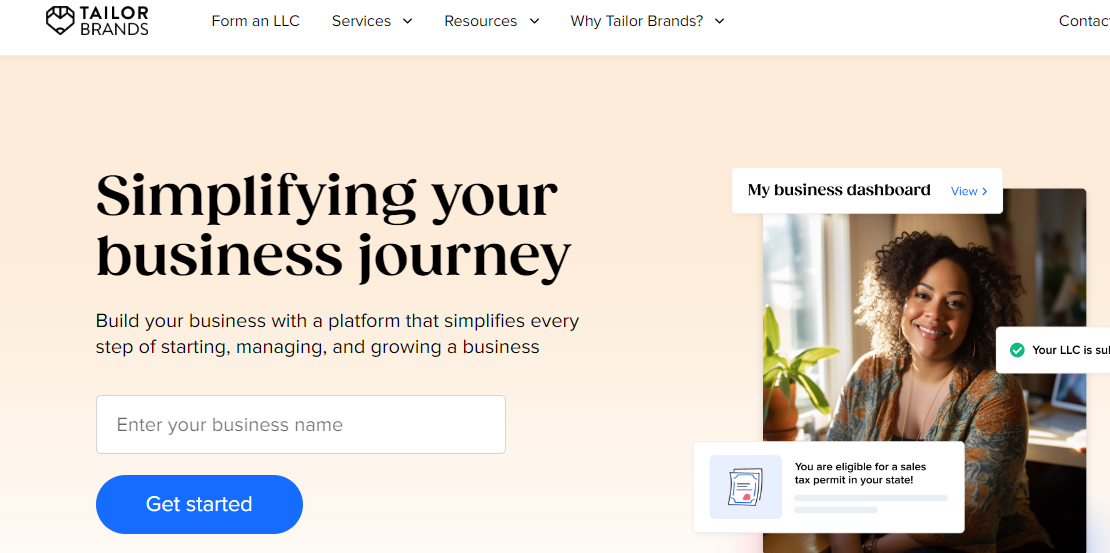
Tailor Brands is an AI-powered platform that assists users in creating custom logos, brand identities, and design assets. It utilizes advanced algorithms to analyze users’ preferences, industry trends, and brand requirements to generate unique and professional designs.
Key Features:
- AI Logo Maker: Tailor Brands’ AI Logo Maker allows users to input their brand name and preferences, then generates multiple logo options based on the provided information.
- Brand Identity Tools: In addition to logos, Tailor Brands offers tools for creating brand identities, including business card designs, social media posts, and presentation templates.
- Customization Options: Users can customize generated designs by adjusting colors, fonts, and layouts to match their brand’s aesthetic.
- Instant Branding Solutions: Tailor Brands provides users with instant branding solutions, allowing businesses to establish their brand identity quickly and efficiently.
- Affordable Pricing Plans: Tailor Brands offers various pricing plans suitable for different business needs, including options for individuals, startups, and established businesses.
Also Read: Best AI Content Detector Tools in 2024
6. Piktochart
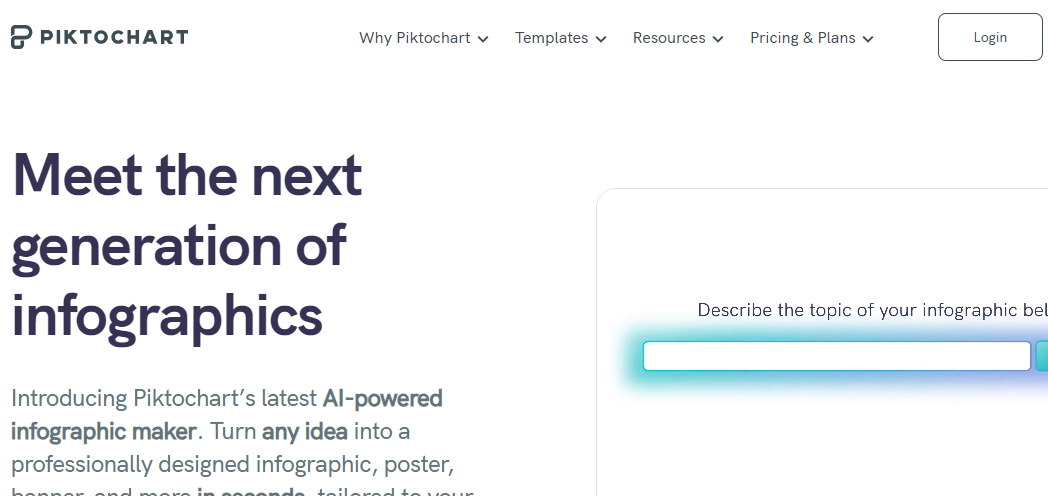
Piktochart is a user-friendly platform that empowers individuals and businesses to create infographics, presentations, and reports using AI-powered design templates and customization options. It simplifies the design process, allowing users to convey complex information visually.
Key Features:
- AI-Powered Templates: Piktochart offers a wide range of professionally designed templates powered by AI, allowing users to start their design projects with ease.
- Drag-and-Drop Interface: With Piktochart’s intuitive drag-and-drop interface, users can easily add text, images, icons, and other elements to their designs without any coding or design experience.
- Data Visualization Tools: Piktochart includes tools for creating visually appealing charts, graphs, and maps to effectively communicate data and statistics in infographics and presentations.
- Collaboration Features: Piktochart enables real-time collaboration, allowing multiple users to work on the same project simultaneously and share feedback seamlessly.
- Export and Sharing Options: Once the design is complete, Piktochart provides various export options, including PDF, PNG, and JPEG formats, as well as sharing capabilities to social media platforms and websites.
7. Designhill Logo Maker
Designhill Logo Maker is an AI-driven platform that empowers users to create professional logos with ease. With its user-friendly interface and customization features, Designhill Logo Maker caters to businesses and individuals looking to establish a strong brand identity. The platform utilizes AI algorithms to generate logo design suggestions based on user preferences, allowing for quick and efficient logo creation.

Key Features:
- AI-driven Design Suggestions: Designhill Logo Maker utilizes AI to generate logo design suggestions tailored to users’ preferences and industry requirements.
- User-friendly Interface: The platform offers a simple and intuitive interface, making it easy for users to navigate and create logos without any prior design experience.
- Customization Options: Users can customize every aspect of their logo designs, including fonts, colors, icons, and layouts, to reflect their brand identity accurately.
- Extensive Library of Assets: Designhill Logo Maker provides access to a vast library of icons, graphics, and typography options, enabling users to create unique and visually appealing logos.
- High-Quality Output: The platform ensures that users receive high-resolution logo files suitable for various applications, including print and digital media.
Also Read: Best Copywriting Frameworks 2024
8. Artisto
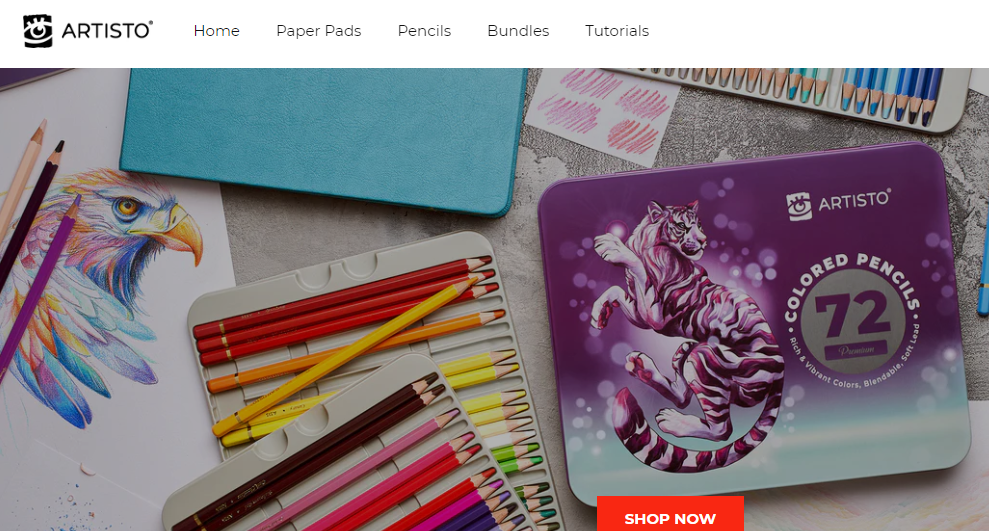
Artisto is a transformative platform that uses deep learning algorithms to turn photos and videos into stunning artworks inspired by renowned artists’ styles. By leveraging AI technology, Artisto offers users a creative outlet to enhance their visual content and express themselves artistically. Whether transforming a simple selfie into a masterpiece or giving ordinary videos a surreal touch, Artisto brings a new dimension to digital creativity.
Key Features:
- Artistic Filters: Artisto provides a wide range of artistic filters inspired by famous artists such as Van Gogh, Picasso, and Monet, allowing users to apply unique styles to their photos and videos.
- Deep Learning Algorithms: The platform’s advanced AI algorithms analyze input images and videos to understand their content and apply appropriate artistic transformations, resulting in visually stunning outputs.
- Real-time Preview: Users can preview the artistic effects in real-time before applying them to their photos and videos, ensuring they achieve the desired aesthetic.
- Customization Options: Artisto offers customization features that allow users to adjust parameters such as intensity, brush size, and color balance to fine-tune their artistic creations.
- Social Sharing: Once transformed, users can easily share their artworks directly to social media platforms like Instagram, Facebook, and Twitter, showcasing their creativity to the world.
9. Easil
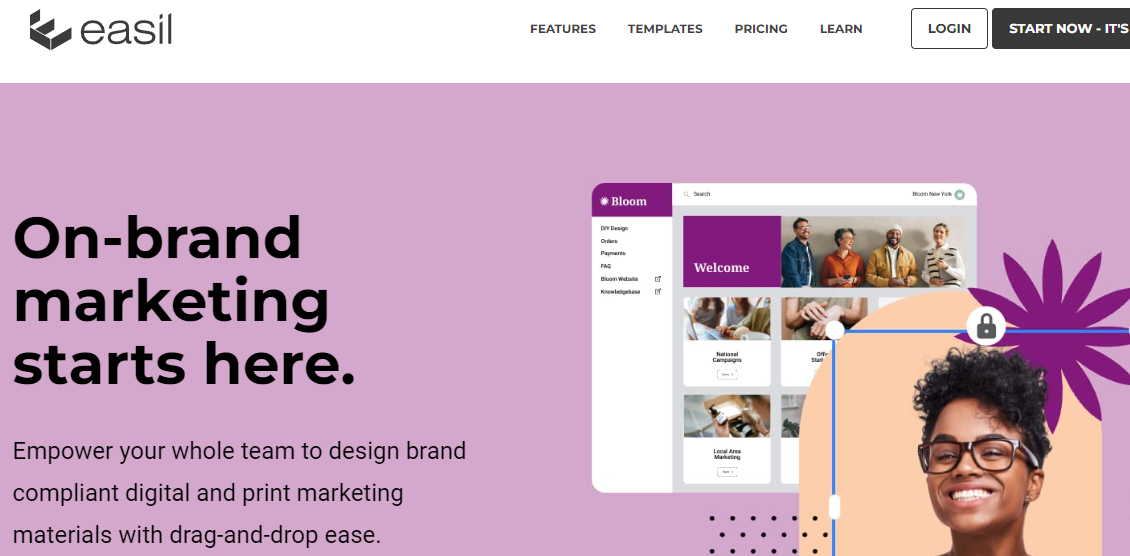
Easil is a versatile design tool tailored for creating social media graphics, presentations, and marketing materials. With its intuitive interface and AI-powered features, Easil simplifies the design process, allowing users to produce professional-quality visuals without extensive design experience.
Key Features:
- AI-Powered Templates: Easil offers a wide range of pre-designed templates powered by AI algorithms, ensuring users have access to professionally crafted designs tailored for various purposes.
- Customization Options: Users can customize templates to fit their brand identity and requirements with easy-to-use editing tools, including drag-and-drop functionality, text editing, and image manipulation features.
- Collaboration Tools: Easil facilitates collaboration among team members by providing real-time editing capabilities and sharing options, allowing multiple users to work on projects simultaneously and streamline the review process.
- Brand Kit Integration: Users can maintain brand consistency across all designs by incorporating their brand assets, including logos, colors, and fonts, using Easil’s Brand Kit integration feature.
- Social Media Scheduling: Easil enables users to schedule and publish social media posts directly from the platform, streamlining the content creation and distribution process for efficient social media marketing campaigns.
Also Read: Best AI Tools 2024
10. DesignWizard
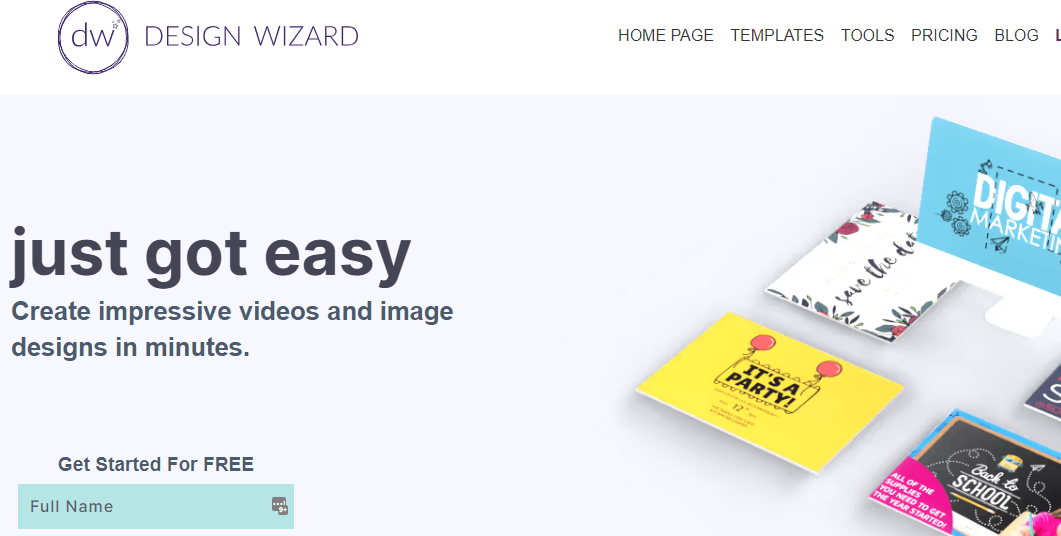
DesignWizard is a comprehensive design platform equipped with AI-driven design templates and customization options for creating graphics, images, and videos. Whether for personal or professional use, DesignWizard empowers users to unleash their creativity and produce visually stunning content effortlessly.
Key Features:
- AI-Powered Templates: DesignWizard offers an extensive library of design templates powered by AI technology, covering various categories such as social media graphics, posters, invitations, and more.
- Design Customization: Users can personalize templates to suit their preferences and branding requirements using DesignWizard’s intuitive editing tools, including text manipulation, image filters, and layer adjustments.
- Multimedia Integration: DesignWizard supports multimedia elements, allowing users to incorporate images, videos, icons, and graphics into their designs seamlessly.
- Collaboration Features: DesignWizard facilitates collaboration among team members by enabling shared access to projects, comments, and feedback, fostering a collaborative design environment.
- Design Export Options: Users can export their designs in multiple formats, including JPG, PNG, PDF, and GIF, ensuring compatibility with various platforms and printing requirements. Additionally, DesignWizard offers social media sharing options for effortless distribution of content across different channels.
Also Read: 10 Best AI Image Generator Tools
Future Trends and Possibilities
Future Trends and Possibilities in AI-Driven Graphic Design:
- Advanced Generative Design: AI algorithms will continue to evolve, enabling graphic designers to harness generative design techniques for creating complex and dynamic visuals. These algorithms will be capable of generating designs autonomously based on user input, preferences, and project parameters, revolutionizing the creative process.
- Augmented Reality (AR) Integration: With the increasing adoption of AR technology, AI-powered graphic design tools will incorporate AR capabilities, allowing designers to create immersive and interactive experiences. From AR-enabled advertisements to virtual try-on features, AI will play a crucial role in pushing the boundaries of graphic design in the digital realm.
- Personalized Design Solutions: AI-driven design platforms will leverage data analytics and machine learning to deliver personalized design solutions tailored to individual preferences, demographics, and behavioral patterns. This level of personalization will enhance user engagement and enable designers to create more targeted and impactful visual content.
- Ethical and Inclusive Design Practices: As AI becomes more ingrained in graphic design workflows, there will be a growing emphasis on ethical and inclusive design practices. Designers will need to address concerns related to bias, fairness, and accessibility in AI algorithms to ensure that designs are inclusive and representative of diverse audiences.
- Integration with Natural Language Processing (NLP): The integration of AI-powered graphic design tools with NLP technology will enable designers to interact with design platforms using natural language commands and voice inputs. This seamless integration will streamline the design process and enhance user experience, making graphic design more accessible to individuals with varying levels of technical expertise.
- Automated Visual Storytelling: AI algorithms will facilitate the creation of automated visual storytelling experiences, where designs evolve dynamically based on user interactions, preferences, and contextual cues. This immersive storytelling approach will enable brands to engage their audiences in more meaningful and personalized ways, driving deeper connections and brand loyalty.
- Real-time Collaboration and Feedback: AI-powered collaboration features will enable real-time feedback and collaboration among designers, clients, and stakeholders. By leveraging AI for automated feedback analysis and design optimization, teams can iterate rapidly and produce high-quality designs more efficiently.
- Cross-disciplinary Integration: AI-driven graphic design tools will increasingly integrate with other disciplines such as data science, psychology, and neuroscience to enhance design outcomes. By leveraging insights from these fields, designers can create designs that are not only visually appealing but also cognitively optimized for maximum impact and engagement.

Conclusion On AI Tools For Graphic Designers
In conclusion, the integration of AI tools into the realm of graphic design marks a pivotal moment in the industry’s evolution. Throughout this exploration, it’s evident that these tools are more than mere supplements; they’re catalysts for transformative change. By automating mundane tasks, sparking creativity, and offering invaluable insights, AI tools elevate designers’ capabilities, allowing them to channel their energies into ideation and execution. This not only boosts efficiency and productivity but also fosters a culture of innovation and experimentation.
AI tools enable designers to craft personalized, impactful designs that resonate with diverse audiences. However, as we embrace this technological revolution, it’s crucial to tread carefully, ensuring that ethical considerations and inclusivity remain at the forefront. By navigating this balance thoughtfully, designers can harness the full potential of AI tools, propelling the graphic design industry into a future defined by boundless creativity, innovation, and meaningful expression.
Interesting Reads:

