

With AI coding tools changing every few months, it is a good time to review the top AI Tools for IT Professionals to enhance their workflows and stay ahead of the curve. With the rapid rise of large language models like ChatGPT, the landscape of artificial intelligence (AI) has evolved dramatically, leading to the release of numerous innovative tools this year.
Last updated: 6 November 2026
Quick answer: This list focuses on day-to-day developer work. Tabnine and Codium (now Qodo) help with code completion and tests, Mintlify Writer handles documentation, Stepsize AI automates sprint reports, and Bugasura covers bug tracking. Sourcegraph retired Cody Free and Pro in 2025, so check its current plans first.
Table of Contents
- Market snapshot
- Best AI Tools for IT Professionals in 2026
- 1. Stepsize AI
- 2. Cody AI- AI Tools for IT Professionals
- 3. Tabnine- AI Tools for IT Professionals
- 4. Mutable AI- AI Tools for IT Professionals
- 5. Codium AI- AI Tools for IT Professionals
- 6. Mintlify Writer- AI Tools for IT Professionals
- 7. Grit.io- AI Tools for IT Professionals
- 8. WhatTheDiff- AI Tools for IT Professionals
- 9. Bugasura- AI Tools for IT Professionals
- Conclusion on AI Tools for IT Professionals
- FAQs
- Sources
In light of these advancements, I’ve curated a list of the most impressive AI Tools for IT Professionals should explore. Whether you’re looking to streamline your development process, boost productivity, or improve code quality, these tools are essential to experiment with as you head into the new year.
Market snapshot
AI is now a normal part of the developer toolkit:
- 84% of respondents to the 2025 Stack Overflow Developer Survey said they use or plan to use AI tools in their development process, up from 76% a year earlier, and about half of professional developers use them daily (Stack Overflow Developer Survey 2025).
- Trust is lower than adoption: 46% of developers said they distrust the accuracy of AI output, against 33% who trust it (same survey), so review generated code and tests before merging.
Best AI Tools for IT Professionals in 2026
The sheer range of AI-powered solutions now available opens up exciting opportunities for optimizing every stage of software development.
1. Stepsize AI
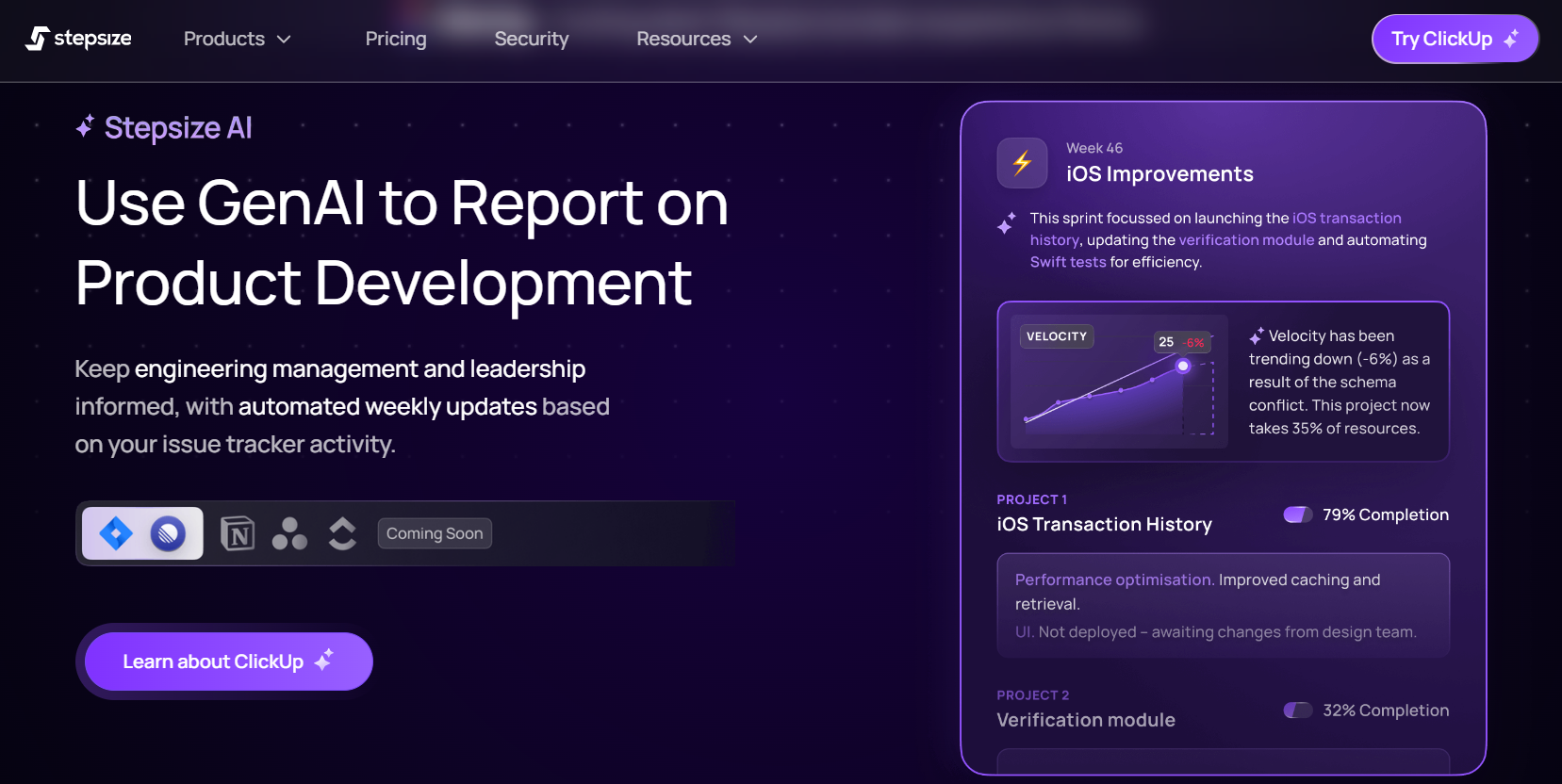
Stepsize AI creates flawless sprint reports that your team will appreciate.
This time-saving tool is a game-changer, delivering reports that outshine those written manually, making it a favourite among engineering leaders, POs, and Scrum Masters alike.
Tailored for teams using platforms like Jira or Linear, Stepsize AI automates the generation of sprint reports, offering the ideal balance of context and detail. With this tool, everyone stays aligned and on track with product development progress.
Stepsize AI pulls data from your issue tracker, connects the dots between projects and tasks, and delivers just the right level of commentary to keep everyone in the loop.
Key Features:
- A security-first approach that satisfies even the most cautious security teams
- Context-rich sprint reports that cut through the noise
- Fewer meetings, freeing up time for actual work
- Keeps everyone informed without disrupting their workflow
- Compatible with Jira, Linear, and soon, many other issue trackers
- Free trial: Yes! Get your first report free, no credit card required (you will need permission to integrate with your issue tracker).
2. Cody AI- AI Tools for IT Professionals
Update, November 2026: Sourcegraph retired Cody Free and Cody Pro on 23 July 2025. Cody is now sold only as part of Sourcegraph Enterprise, so the individual pricing below no longer applies.
If you’re not using an AI coding assistant yet, you’re falling behind. (And if you’re still sticking with GitHub Copilot, that might still be the case!) These tools save time and offer a range of support, from suggesting code snippets to automatically generating entire files using their natural language processing abilities.
This list highlights several AI coding assistants, and first up is Cody. By thoroughly analyzing your code, documentation, and code graph, Cody delivers fast and insightful answers to your queries about the codebase.
Key Features:
- Search and analyze your codebase using natural language prompts
- Accurate and efficient code navigation
- Code language translation capabilities
- In-depth code analysis and debugging support
- Free trial: Yes! Most features are available for free with a generous rate limit.
- With Cody, you’ll enhance your productivity and streamline your development process effortlessly.
3. Tabnine- AI Tools for IT Professionals
If you’re not using an AI coding assistant yet, you’re falling behind. (And if you’re still sticking with GitHub Copilot, that might still be the case!) These tools save time and offer a range of support, from suggesting code snippets to automatically generating entire files using their natural language processing abilities.
This list highlights several AI coding assistants, and first up is Cody. By thoroughly analyzing your code, documentation, and code graph, Cody delivers fast and insightful answers to your queries about the codebase.
Key Features:
- Search and analyze your codebase using natural language prompts
- Accurate and efficient code navigation
- Code language translation capabilities
- In-depth code analysis and debugging support
- Free trial: Yes! Most features are available for free with a generous rate limit.
With Cody, you’ll enhance your productivity and streamline your development process effortlessly.
4. Mutable AI- AI Tools for IT Professionals
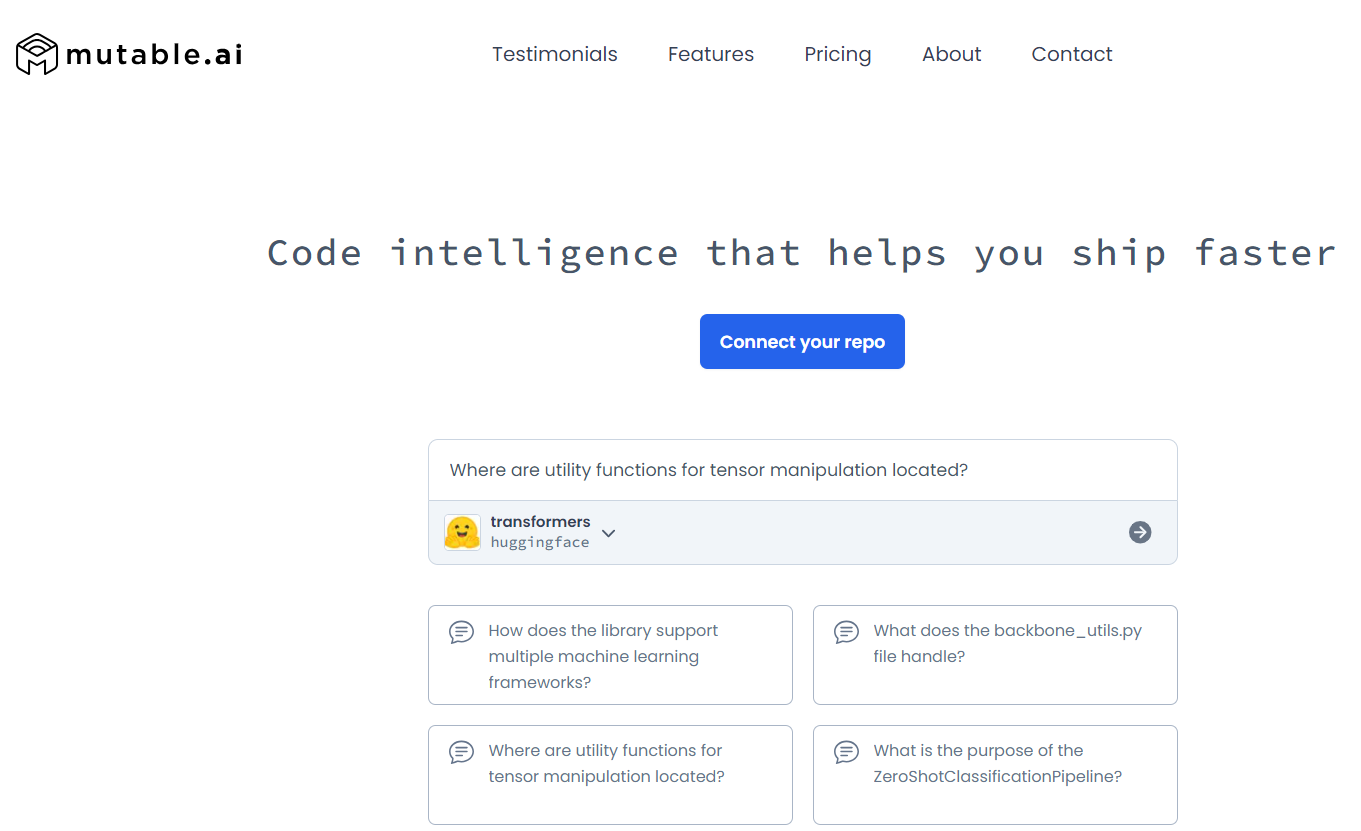
Mutable is designed to eliminate repetitive boilerplate code and reduce unnecessary searches, helping developers deliver code faster and more efficiently, thanks to its proprietary AI.
Though it’s the newest coding assistant on the list, Mutable is arguably one of the most advanced and high-performing, with a development pace that surpasses many of its competitors.
Key Features:
- Codebase chat and semantic search for quick, accurate results
- AI-powered edits across multiple files
- Repository intelligence for bug tracking and more
- Free trial: Yes, at the time of writing, you get a generous allowance of codebase chat, search queries, and file edit calls to test out. Additional features unlock with plans starting
- at $25/month per user and $50/month per user.
5. Codium AI- AI Tools for IT Professionals
Update, November 2026: Codium AI has since been renamed Qodo.
Codium helps prevent annoying errors and bugs by suggesting tests while you code. As you write, the AI intelligently proposes test ideas and can even generate them for you. It also provides insights into how your code changes impact the broader system.
Key Features:
- Intelligent test suggestions, just commit and go
- Insights into code behaviour
- Recommendations based on your code, docstrings, and comments
- Free trial: Yes, you can try all the core features for free. At the time of writing, it costs $19/month per user to add tests to existing test suites, access enhanced security features, and more.
6. Mintlify Writer- AI Tools for IT Professionals
This tool is sure to be a crowd-pleaser, as it tackles one of the most dreaded aspects of engineering, writing documentation. By automating the creation of context-aware docs, it frees up more time for the enjoyable parts of coding.
Key Features:
- One-click generation of comprehensive documentation
- Supports multiple programming languages
- Automatically creates context-aware descriptions
Free trial: Yes, it’s available for free!
7. Grit.io- AI Tools for IT Professionals
Grit, currently in beta, is a powerful tool designed to simplify complex tasks such as code migrations and dependency upgrades. These tasks, often seen as time-consuming and overwhelming, are streamlined into easy-to-manage processes with Grit. Whether you’re transitioning to new frameworks, upgrading libraries, or handling long-standing technical debt, Grit automates these chores, allowing developers to focus on building features rather than wrestling with maintenance.
With its intelligent automation, Grit not only speeds up the process but also minimizes the potential for human error, ensuring that migrations and upgrades are handled smoothly. This makes it an invaluable asset for teams looking to stay up-to-date without compromising productivity
Key Features:
- Automates technical debt tasks
- Handles code migrations and upgrades with ease
Free trial: Yes, currently Grit.io is free for teams of up to 20 developers while in beta.
Also Read: Best AI Tools for Urban Mobility
8. WhatTheDiff- AI Tools for IT Professionals
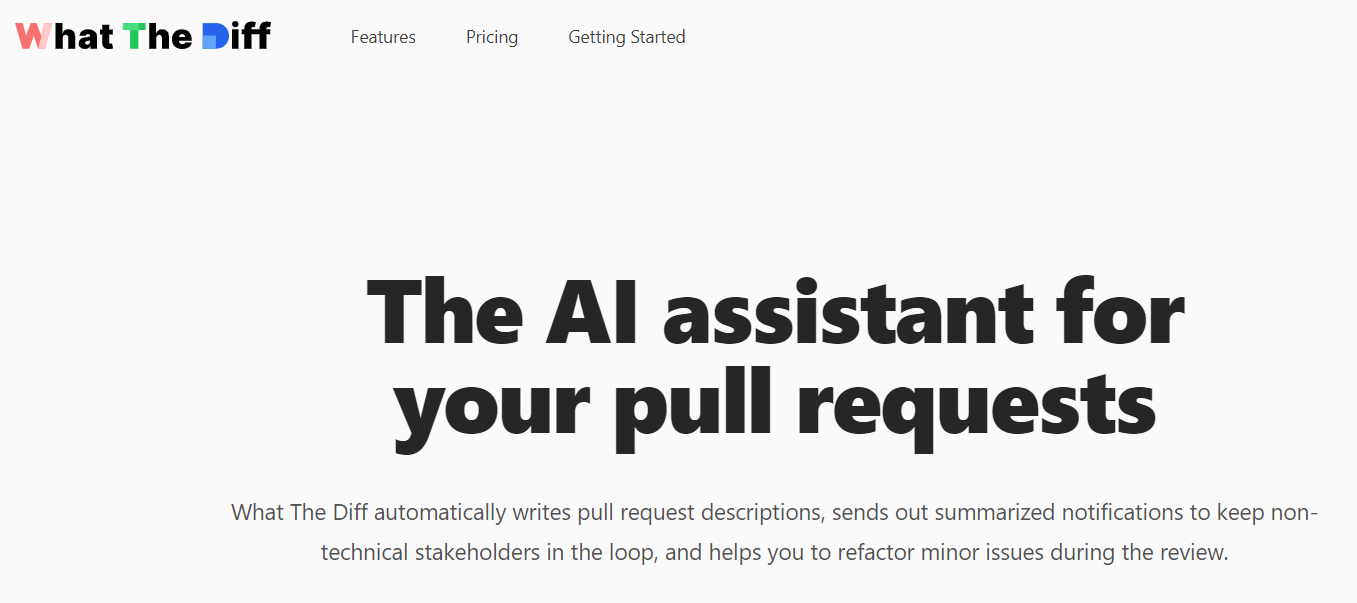
WhatTheDiff streamlines the often complex and time-consuming task of code reviews by providing automated suggestions and summaries. It’s especially helpful when dealing with large codebases or frequent pull requests. In addition to offering smart code refactoring suggestions, WhatTheDiff can automatically generate detailed descriptions for your pull requests, saving you time and effort.
This tool helps developers navigate code reviews with ease, ensuring that essential changes are identified quickly and accurately, while also reducing the manual burden typically involved in reviewing code. The automated insights and summaries help teams maintain a high standard of code quality without the usual hassle.
Key Features:
- Instant code refactoring suggestions: Quickly identifies opportunities to improve code structure and efficiency.
- Pull request simplification: Automatically generates summaries and descriptions, making pull requests more understandable and manageable.
- Comprehensive reporting and notifications: Keep your team updated with detailed reports and notifications to ensure nothing is missed.
WhatTheDiff is perfect for teams looking to optimize their review process and maintain consistent code quality, even across larger, more complex projects.
Also Read: Best AI Halloween Face Changer Tools
9. Bugasura- AI Tools for IT Professionals
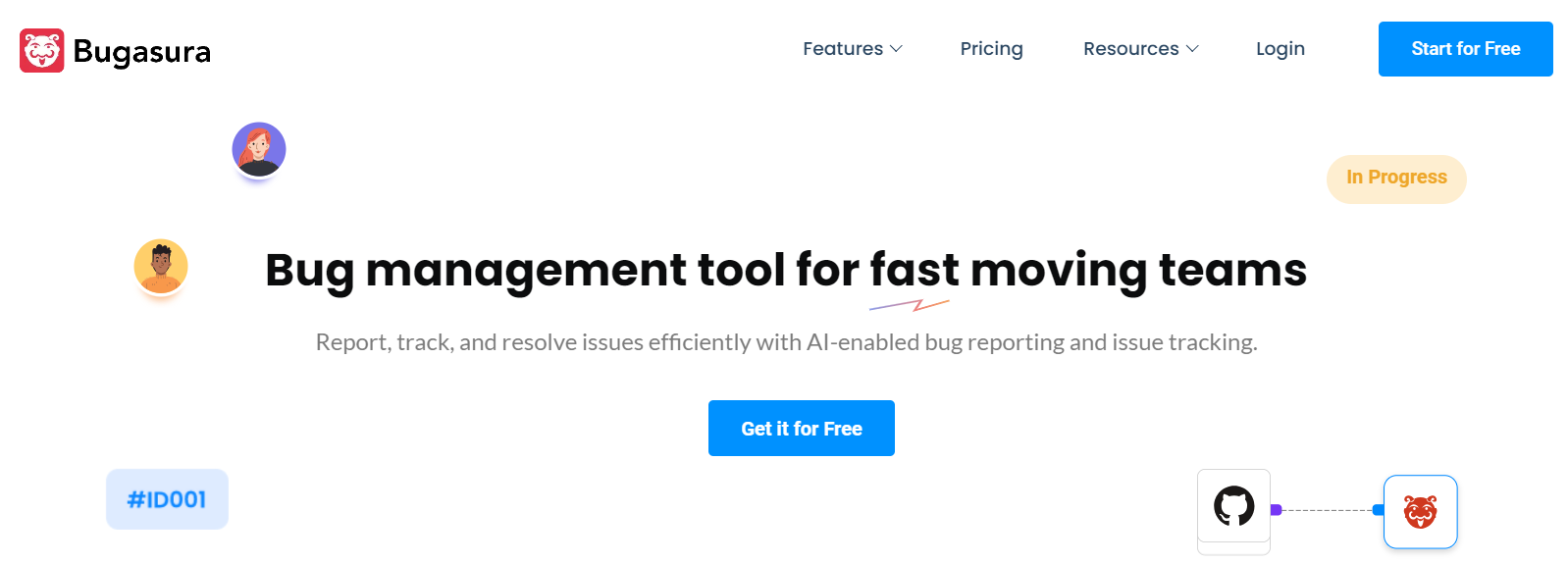
This innovative tool brings all your bug reports into a single, organized platform, using advanced AI to automatically identify and link similar bugs. By streamlining the bug detection process, significantly reduces the time spent on identifying issues and managing duplicate reports, allowing your team to focus on fixing problems rather than searching for them.
The AI-driven functionality ensures that related bug reports are connected, providing a clearer picture of recurring issues and enabling developers to address root causes more efficiently. This not only enhances the overall workflow but also improves communication within the team, as everyone can quickly access and understand the status of related bugs.
Key Features:
- AI-driven identification of similar bugs: This feature automatically recognizes and links related bug reports, allowing developers to see patterns and trends in issues without manual effort. This leads to quicker resolutions and more effective debugging.
- Collaboration tools: With built-in collaboration features like tracker links, your team can easily navigate between related reports, ensuring that everyone stays aligned on tasks and priorities. This fosters a collaborative environment where developers can share insights and solutions more effectively.
- Contextual bug reporting add-ons: The tool enhances the bug reporting experience by providing contextual information, such as steps to reproduce the bug or relevant screenshots. This additional context makes it easier for developers to understand issues quickly and implement fixes without needing extensive back-and-forth communication.
Free trial: Yes, you can access all features for free for teams of up to 5 users, making it a great option for small teams looking to improve their bug-tracking processes. For larger teams, the cost is $5/month per user, offering a cost-effective solution for comprehensive bug management.
Conclusion on AI Tools for IT Professionals
Adopting the right Artificial intelligence development tools can provide savvy software developers with a significant competitive advantage. I hope you found these recommendations valuable and inspiring for enhancing your development processes.
If there are any AI software solutions for developers that I may have overlooked, please share your suggestions, I’d love to hear your thoughts!
One tool I’ve been actively working on is Stepsize AI. This innovative platform streamlines the sprint reporting process, ensuring that teams remain aligned and informed with minimal effort. Stepsize AI automates the creation of sprint reports, providing the right level of context and detail to keep everyone on the same page regarding product development progress.
What’s great about Stepsize AI is that you can try it out for free! Your first report is complimentary, and there’s no need to enter a credit card. I genuinely welcome your feedback, as it helps us refine and improve the tool further. Your insights could be invaluable in shaping its future developments.
FAQs
What are the best AI tools for IT professionals?
For coding, Tabnine and Qodo (formerly Codium AI) are popular for completion and test generation. Mintlify Writer helps with documentation, and Stepsize AI automates sprint reports. Bugasura suits bug tracking. The best mix depends on your stack and team size, so trial two or three on real work before standardizing.
Can AI tools replace developers or IT staff?
No. They speed up routine work like boilerplate code, tests, documentation and summaries, but people still decide architecture, review output and own the result. Surveys show most developers use AI daily while many do not fully trust its accuracy, which is why human review stays essential.
Is Sourcegraph Cody still free?
No. Sourcegraph retired Cody Free and Cody Pro on 23 July 2025. Cody is now available only through Sourcegraph Enterprise plans. If you need a free or low-cost coding assistant, compare current options such as Tabnine, Qodo and others, and check their latest pricing pages.
Are AI coding tools safe for company code?
It depends on the vendor’s data handling. Check whether your code is used for training, whether the tool offers a self-hosted or private mode, and what your company’s policy requires. Many vendors provide business plans with stronger privacy terms. Never paste secrets or customer data into a tool without approval.
How should an IT team start with AI tools?
Pick one repetitive task, such as writing unit tests or updating docs, and trial a single tool on it for a few weeks. Measure time saved and error rates, set a review rule for generated output, and write down what data may be shared. Expand only after the first use case works.
Interesting Reads:
Best Christmas Invitation Video Maker
Best Free New Year Sale Design Online
Best New Year Wishes Video Maker