

Most “RSVP plugins” for WordPress are just contact forms wearing an event costume. You add a Yes/No dropdown to a form builder, collect a name and an email address, and call it an RSVP system. It works, technically, the same way a spreadsheet technically works as a database. What it does not do is tell you who that “yes” actually was once the form entry scrolls off the first page of submissions, or let an attendee come back later and change their answer without emailing you directly, or connect a response to anything your site already knows about that person.
Last updated: 6 November 2026
A good WordPress RSVP system needs three things a generic form cannot give you on its own: a real going/maybe/no status instead of a single checkbox, a guest count that gets checked against capacity so an event does not silently overbook, and ideally, an identity behind the RSVP that is more than a name typed into a text field. That last part is the one most RSVP tools skip entirely, and it is the difference between a mailing list and a community.
This guide ranks six real WordPress RSVP tools, starting with Eventonomy, the free plugin we build at Wbcom Designs, because it is the only one here that ties an RSVP to an actual member profile rather than a disposable form entry. We will stay honest about the others too: a lightweight form plugin is sometimes genuinely the right answer for a single one-off event, and we will say so.
Quick answer: Eventonomy is the best WordPress RSVP plugin for community sites because it ties each going, maybe or no response to a member account and has a free waitlist. RSVPMaker suits simple standalone events, WPForms or Formidable work for a one-off form, and Eventbrite fits public ticketed events. Pick by whether RSVPs need to belong to a member.
Quick Verdict
- →Pick Eventonomy if RSVPs belong to real members, you want guest counts and an automatic waitlist, and you run BuddyPress, BuddyX, or BuddyNext.
- →Pick RSVPMaker if you want a free, simple yes/no form for a church or nonprofit mailing list with no community layer.
- →Pick Formidable Forms or WPForms if you already use that form builder and just need a one-off RSVP form, not an events system.
- →Pick Eventbrite if the event is public-facing, one-off, and you are fine with attendee data living outside your own site.
In This Guide
- What a Good WordPress RSVP System Actually Needs
- Market snapshot
- 1. Eventonomy, Best for Community RSVP Tracking
- Side-by-Side Comparison Table
- 2. RSVPMaker
- 3. Formidable Forms (Event Registration Template)
- 4. WPForms (RSVP Form Template)
- 5. Eventbrite (Free RSVP Tier)
- Which Should You Actually Pick
- FAQs
- Sources
What a Good WordPress RSVP System Actually Needs
Strip away the marketing language and an RSVP system is really answering three questions for an organizer: who is coming, how many people are they bringing, and what do I do once the room is full. A plain contact form answers none of these well. It collects a submission, not a status, so there is no clean way to tell “going” apart from “maybe” apart from someone who filled out the form twice by accident. Guest counts, if the form even asks for one, are not checked against anything, so a 40-person venue can quietly end up with 60 confirmed guests and nobody notices until people are standing in the parking lot.
The deeper issue is identity. When an RSVP is just a name and email typed into a form field, it is disconnected from everything else true about that person: whether they are a paying member, what they RSVPd to last month, whether they actually showed up last time or ghosted. Tie the RSVP to a real account instead, and the same response becomes part of a profile, something a community organizer can look at and actually learn from, not a row in a spreadsheet that gets exported once and forgotten. That distinction, anonymous form entry versus identity-linked RSVP, is the single biggest difference between the tools in this guide, and it is worth deciding which one you need before you pick a plugin based on price alone.
Market snapshot
Only 52% of people who register for an event actually show up, according to Bizzabo’s 2026 event benchmark report, which measured anonymized, aggregated attendance data across mature, multi-event organizations. Put another way: for every ten people who click “going,” roughly five don’t walk in the door. A real RSVP system exists to close that gap, not by guessing, but by tracking who said yes, reminding them before the date, and giving the organizer an honest headcount instead of a registration number nobody fully trusts.
That 52% figure is an average across organizations that were already tracking attendance carefully enough to measure it, which means plenty of less organized events are doing worse. The gap between RSVPs and actual attendance is not a reason to stop collecting RSVPs; it is the reason reminders, guest-count accuracy, and a real identity behind each response matter more than the yes/no checkbox itself.
On the tools side, RSVPMaker lists 200+ active installations and a 4.6 out of 5 rating from 11 reviews on WordPress.org (WordPress.org plugin directory), and Eventbrite charges nothing for free events but takes 3.7% plus $1.79 per paid ticket and 2.9% per order in processing (Eventbrite pricing, checked November 2026).
1. Eventonomy, Best WordPress RSVP Plugin for Community Sites
Eventonomy is the free WordPress events and RSVP plugin we build at Wbcom Designs, and it starts from a different premise than every other tool in this guide: an RSVP should belong to a member, not to a form submission that disappears into an inbox.
RSVPs in Eventonomy use three real statuses, going, maybe, or no, not a single checkbox, and attendees can bring guests up to a limit the organizer sets, counted against the event’s capacity automatically. When an event fills up, new RSVPs land on an automatic waitlist instead of a flat “sold out” message, and anyone on it moves up the moment a spot opens. Organizers can also add custom RSVP questions with up to ten different answer types, dietary restrictions, t-shirt sizes, a parking tag, whatever the event actually needs to know, which a plain form field cannot replicate as cleanly once you need that data tied to a specific event rather than a generic submission.
The identity piece works two ways. A logged-in member RSVPs in one click from an event page, and that RSVP shows up on their own account through the My Events dashboard at /manage-events/, where they can review or change their response later without emailing anyone. A guest without an account can still RSVP with just a name and email, and manages their response afterward through a magic link, so an open community event does not force registration on someone who was never going to create an account anyway. Either way, the RSVP is a real record tied to a real person, not a line in a CSV export.
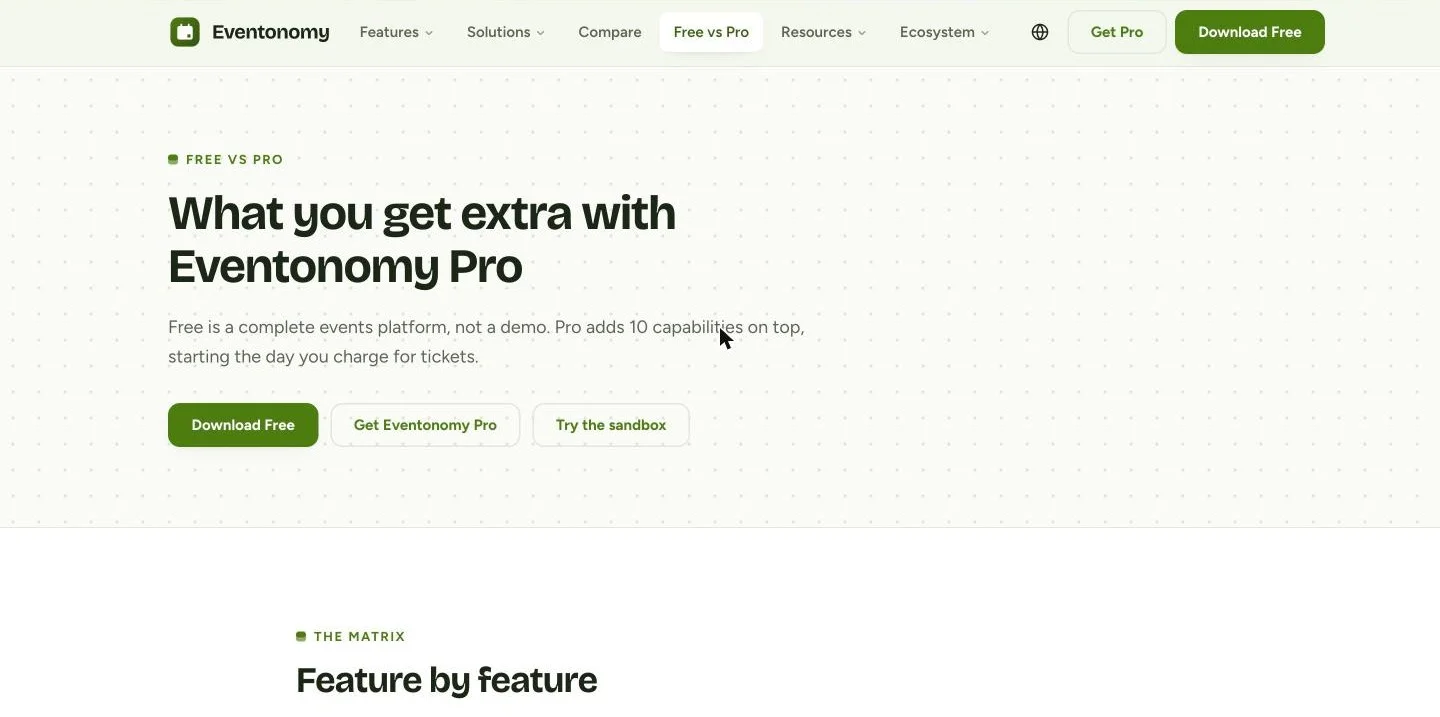
Recurring events (daily, weekly, monthly) are free, along with four calendar views, an ICS feed, add-to-calendar links, and automatic reminder emails a day and an hour before the event. None of that sits behind a paywall. Eventonomy Pro exists for the day you start charging for tickets: Stripe, PayPal, or WooCommerce checkout with tax, fees, and coupons, plus door check-in, organizer analytics, SMS reminders through Twilio, and yearly or custom recurrence rules. Pro runs $99/yr for one site, $199/yr for five sites, or $249/yr unlimited, with lifetime options from $249 to $629 if you would rather skip renewals.

The feature none of the other tools in this guide can match is community integration. Eventonomy is tested against BuddyX, so event pages inherit your theme instead of fighting it. On BuddyNext, Eventonomy activity surfaces directly in the community feed, search, and member profiles, with reminders landing in the same notification bell members already check, so an RSVP is not a separate system members have to remember exists. On classic BuddyPress, Eventonomy Pro adds a native Events tab to every group, with a list or calendar view and the option to attach one event to several groups at once. If your site already runs BuddyX or BuddyNext, our guide on replacing The Events Calendar with Eventonomy covers how events and RSVPs fit into the rest of the community stack.
Side-by-Side Comparison Table
| Plugin | Starting Price | RSVP Type | Guest Counts & Waitlist | Tied to a Real Identity | Community / BuddyPress | Best For |
|---|---|---|---|---|---|---|
| Eventonomy | Free / $99-$249/yr | Going, maybe, no | Yes, automatic waitlist | Yes, WP account or magic link | BuddyX, BuddyPress, BuddyNext | Community & membership sites |
| RSVPMaker | Free | Yes/No via form | Not built in | No, name/email submission | None | Churches, nonprofits, mailing lists |
| Formidable Forms | $39.50-$239.60/yr* | Build-your-own field | Manual, no native waitlist | No, form entry | None | Custom registration forms, agencies |
| WPForms | $49.50-$299.50/yr* | Template-based, build-your-own | Manual, no native waitlist | No, form entry | None | General-purpose forms, quick RSVP pages |
| Eventbrite | Free (RSVP events) / fees on paid tickets | Yes/No registration | Yes, capacity limits | Eventbrite account, not WordPress | None | Public, one-off ticketed events |
*Formidable and WPForms prices shown are current first-year introductory rates; both renew at roughly double after year one. Check each vendor’s own pricing page before buying, since tiers and promotions shift. The column that actually decides the right tool for a community site is “Tied to a Real Identity”: Eventonomy is the only plugin here where an RSVP is connected to an account rather than a disposable form submission.
2. RSVPMaker
RSVPMaker is a free WordPress.org plugin built for a specific, narrow job: a church, nonprofit, or small organization that needs a simple event listing with an RSVP form and does not need anything resembling a community platform around it. It covers event creation with a chronological or calendar listing, a customizable registration form that captures attendee details, and downloadable RSVP reports an admin can view on the dashboard or export as a spreadsheet.
Email is where RSVPMaker puts its real effort: it integrates with Postmark and Mailchimp for confirmation emails and newsletters, and handles timezone conversion for webinars or events spanning multiple regions. PayPal and Stripe cover paid events. What it does not do is track an RSVP against a WordPress user account; responses are form submissions identified by whatever name and email the attendee typed in, with no guest-count-against-capacity logic or automatic waitlist built in as a core feature. For a single-location nonprofit sending one event announcement a month to a mailing list, that is enough. For a site where the same people RSVP to dozens of recurring events a year, the lack of any account-based identity means there is no way to see a member’s RSVP history in one place.
3. Formidable Forms (Event Registration Template)
Formidable Forms is a general-purpose, drag-and-drop form builder, and its Online Event Registration template is the closest it gets to an RSVP tool: a multi-step form with fields for name, email, phone, and signature, built with the same conditional-logic engine that powers any other Formidable form. It is a capable way to collect structured sign-ups, and if your site already relies on Formidable for other forms, reusing the same builder for event registration avoids adding a second plugin.
The honest limitation is that it is a form, not an events system. There is no native going/maybe/no status, no automatic waitlist when a capacity number is hit, and no connection between a submission and a WordPress user account unless you build that logic yourself with Formidable’s add-ons and some custom work. Guest counts can be a form field, but nothing checks that number against a capacity limit automatically the way a purpose-built RSVP tool does. Pricing runs Basic at roughly $39.50/yr, Plus at $89.55/yr, Business at $159.60/yr, and Elite at $239.60/yr at current introductory rates (regularly $79-$599), with the event registration template requiring at least the mid tier for the fields and logic most events need.
4. WPForms (RSVP Form Template)
WPForms takes the same approach as Formidable from the other major form-builder camp: a massive template library, over 2,100 templates covering business, marketing, registration, and event use cases, with RSVP-style templates available at the Pro and Elite tiers. Building an RSVP form takes minutes if you already know WPForms, dragging in a Yes/No field, a guest-count field, and the usual name and email inputs.
Like Formidable, what you get is a form, not an RSVP system. Entries land in the WordPress admin as individual submissions with no automatic capacity check, no waitlist, and no link to a user account unless you build one with additional integrations. It is a genuinely good tool for what it is, a one-off RSVP page for a single event where you mainly need a clean, fast-to-build form and are comfortable reviewing a flat list of entries afterward. Pricing runs from $49.50/yr for Basic up to $299.50/yr for Elite at current introductory rates (regularly $99-$599), with the full template library, including anything RSVP-adjacent, gated behind Pro and above.
5. Eventbrite (Free RSVP Tier)
Eventbrite is not a WordPress plugin at all, it is a hosted events platform you link to or embed from a WordPress site, and its free tier is genuinely free: publishing an unlimited number of free, RSVP-only events costs nothing, with no listing fee and no percentage taken since there is no transaction to take a cut of. Paid ticketed events are where Eventbrite makes money, charging roughly a 3.7% + $1.79 service fee per ticket plus a 2.9% payment processing fee per order, costs that can be passed to the buyer or absorbed by the organizer.
For a public, one-off event, a conference, a public meetup, a community fundraiser open to anyone, Eventbrite’s free RSVP tier is hard to beat on convenience: a polished registration page, built-in capacity limits, and reporting tools, live in minutes with no plugin to configure. The tradeoff is exactly what you would expect from a third-party platform: attendee data lives in Eventbrite’s database, not yours, there is no connection to a WordPress user account or a BuddyPress profile, and exporting that data to actually use it elsewhere on your site means pulling a CSV by hand. For a private, recurring community event where the RSVP should belong to the same member record as everything else on the site, Eventbrite solves a different problem than the one a community organizer usually has.
A form collects a yes. An RSVP system remembers who said it, what they said last time, and whether they actually showed up. Only one of those is useful six months from now.
Which Should You Actually Pick
Match the tool to what happens after the first RSVP comes in, not just how fast the form was to build.
- A BuddyPress, BuddyNext, or BuddyX community running recurring events where RSVPs should belong to real member profiles: Eventonomy. No other tool here ties a response to an account, let alone to the community feed and notifications.
- A church, nonprofit, or small org sending one event announcement at a time with no ongoing community layer: RSVPMaker, free and simple.
- A site already standardized on one form builder that just needs an RSVP page for a single event: Formidable Forms or WPForms, whichever you already pay for.
- A public, one-off event open to anyone, where attendee data living outside your site is an acceptable tradeoff for convenience: Eventbrite’s free tier.
For more on what Eventonomy replaces on a community site, see our guide on replacing The Events Calendar with Eventonomy, and if your events will eventually sell tickets rather than stay RSVP-only, our guide on adding paid ticketing to a community site covers that transition.
FAQs
What is the best free WordPress RSVP plugin?
Eventonomy, for a community site. Its free plugin covers going/maybe/no RSVPs, guest counts, an automatic waitlist, recurring events, and a member dashboard, none of which RSVPMaker, Formidable, or WPForms offer together at any tier.
What is the difference between an RSVP plugin and a form builder with an RSVP template?
An RSVP plugin like Eventonomy treats a response as a structured status (going, maybe, no) checked against event capacity, tied to a real account where possible. A form builder’s RSVP template, like those from Formidable or WPForms, collects a flat submission with no native capacity check, waitlist, or account link unless you build that logic yourself.
Can RSVPs be tied to a member’s account instead of just a name and email?
Yes, with Eventonomy. A logged-in member’s RSVP appears on their own My Events dashboard, and guests without accounts manage their response through a magic link rather than a disposable form entry. RSVPMaker, Formidable, and WPForms all store responses as form submissions with no account link by default.
Does Eventonomy work with BuddyPress or BuddyNext?
Yes. Eventonomy is tested against BuddyX, surfaces RSVP activity in the BuddyNext feed, search, and member profiles, and Eventonomy Pro adds a native Events tab to classic BuddyPress groups. No other plugin in this comparison has an equivalent integration.
Is Eventbrite a good RSVP tool for a private community?
Not really. Eventbrite is built for public, one-off events, and attendee data stays in Eventbrite’s system rather than connecting to your WordPress site or a BuddyPress member profile. For a private, recurring community event, a plugin like Eventonomy that keeps RSVPs in your own database and tied to your own member accounts is a better fit.
Do I need an automatic waitlist for a small RSVP event?
If the event has a hard capacity, a venue size, limited seats, a fixed number of kits, a waitlist matters even for a small event, since it is the difference between quietly overbooking and automatically filling a cancellation from the next person in line. Eventonomy includes this free; RSVPMaker, Formidable, and WPForms do not offer it as a built-in feature.
Which RSVP tool lets members submit and manage their own events?
Eventonomy’s free plugin includes a member submission form and a My Events dashboard where attendees track and change their own RSVPs. RSVPMaker, Formidable Forms, and WPForms are all organizer-only: an admin builds the form, but there is no member-facing dashboard for managing responses afterward.
What happens to RSVP data when it lives on a third-party platform like Eventbrite?
It stays in that platform’s database, not yours. You can usually export a CSV, but the data does not automatically connect to a WordPress user account, a BuddyPress profile, or any other record your site already keeps on that person, which matters if you want a single view of a member’s history across events.
Does any of these RSVP plugins send reminder emails or texts automatically?
Eventonomy sends automatic reminder emails a day and an hour before an event in the free plugin, with SMS reminders through Twilio and custom reminder timing available in Pro. RSVPMaker handles confirmation and newsletter email through Postmark and Mailchimp integrations. Formidable and WPForms can trigger emails through their notification settings, but neither sends scheduled pre-event reminders without a separate automation add-on.
Which RSVP tool is cheapest for a single one-off event with nothing recurring?
Eventbrite’s free tier if the event is public, or RSVPMaker if you want it to live on your own WordPress site and the event has no capacity limit or waitlist to manage. Both cost nothing for a basic free event.
Where to Start
If RSVPs on your site should belong to real members, not disposable form entries, install Eventonomy’s free plugin on a staging copy, add an event, and test an RSVP with a guest count and a waitlist before touching your live site. If you are running a single public event with no community layer behind it, RSVPMaker or Eventbrite’s free tier will get you there faster. The honest question either way: six months from now, will you be able to see who actually RSVPd, or just how many form submissions you collected?
Interesting Reads:
Replace The Events Calendar on Your Community Site with Eventonomy
How to Add Paid Ticketing to a Community Site