10 Best WordPress Theme Builder Software


Creating a website used to be a tough job if you didn’t know how to code. But now, thanks to WordPress theme builder software, anyone can design a website without writing a single line of code. Whether you’re starting a blog, launching a business site, or building an online store, a theme builder can help you make your site look the way you want.
Here, we’ll look at the 10 best WordPress theme builder software options available today. We’ll also talk about their benefits, how to choose the best one for you, and tips on installing and setting things up easily.
What Is a WordPress Theme Builder?
A WordPress theme builder is a tool that lets you design every part of your website. You can create headers, footers, sidebars, blog layouts, and more—all using a simple drag-and-drop system. Instead of using a ready-made theme that might not suit your needs, you can build your own.
This gives you more control over your site’s look and feel. It also makes your website more unique, since you’re not using the same template as everyone else.
Theme builders work well for beginners and experienced users alike. They make it easier to create a professional-looking website without having to learn complex web design skills.
Benefits of Using a Theme Builder
Using a WordPress theme builder saves time. You don’t have to hire a developer or wait for someone else to make changes. You can do everything yourself, right from your WordPress dashboard.
It also gives you freedom to design your website exactly how you want. You can change fonts, colors, layouts, and even how your site looks on mobile devices. Many builders also come with pre-made templates to help you get started faster.
Lastly, theme builders are cost-effective. Most of them offer free versions or affordable plans. You get powerful tools at a low price, which is great for small business owners, bloggers, and freelancers.
10 Best WordPress Theme Builder Software
Here are the top 10 theme builders that work great with WordPress:
1. Elementor
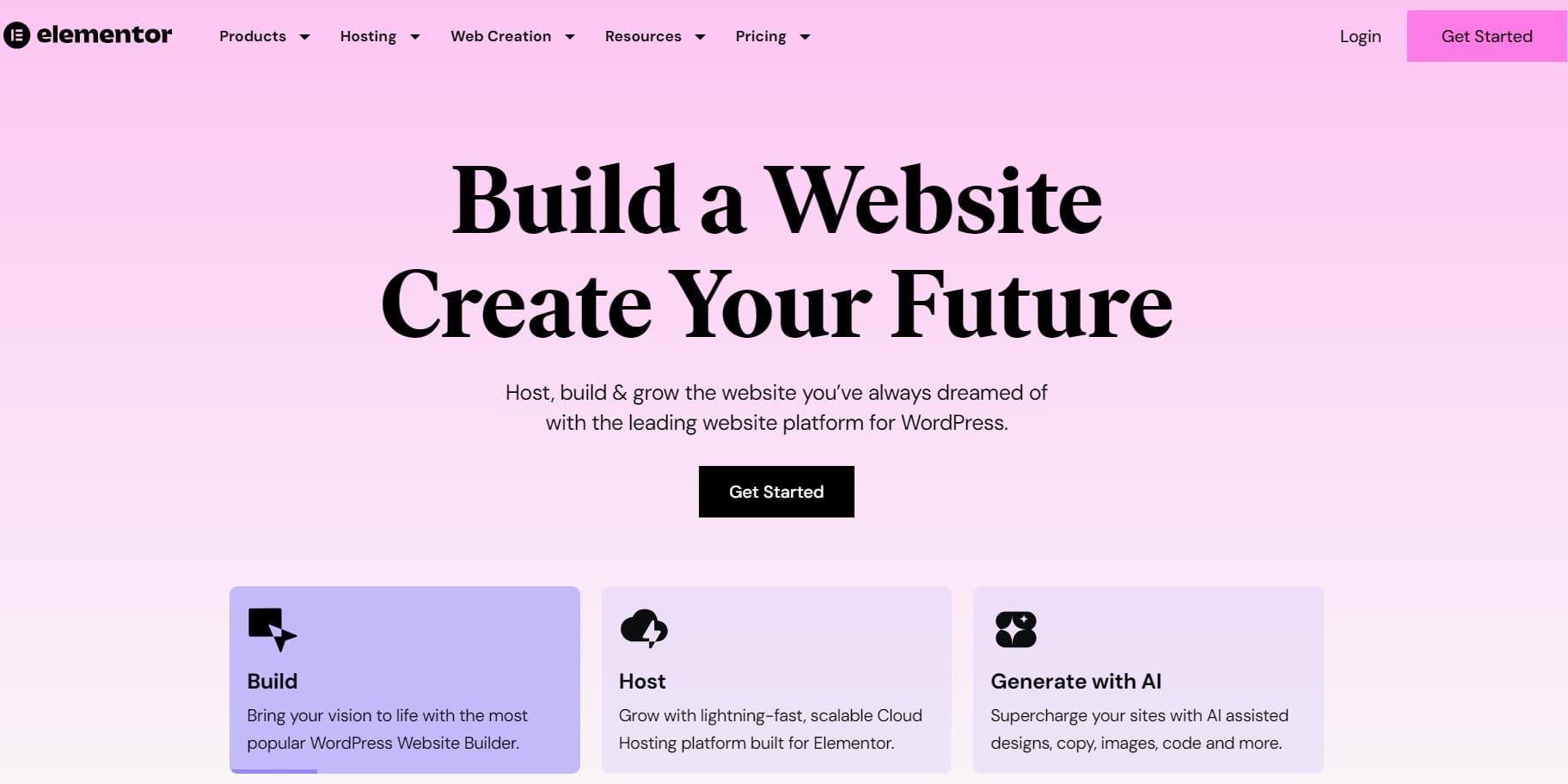
Elementor is one of the most popular tools for building WordPress websites. It’s made for people who don’t know how to code. You can simply drag and drop different sections like text, images, buttons, and more to build your site.
One of the best things about Elementor is that you can see your changes right away as you make them. This helps a lot because you don’t have to guess how your page will look. It also comes with many ready-made templates to help you get started.
You can use the free version to build basic websites. But if you want more design options and special features, there’s a Pro version you can upgrade to. It’s perfect for bloggers, small businesses, and even freelancers who build sites for others.
2. Beaver Builder
Beaver Builder is known for being very easy to use, especially for beginners. It also works smoothly with most WordPress themes, which means you don’t have to change your current theme to use it.
You can drag and drop items like photos, text boxes, and buttons anywhere on the page. Everything is organized clearly, so you won’t feel overwhelmed. It also has a live preview, so you can see how your changes look as you work.
Developers also like Beaver Builder because the code it produces is clean and doesn’t slow down websites. There’s a free version with basic tools, and a paid version if you need more features like saving layouts to use again later.
3. Divi Builder
Divi Builder is made by Elegant Themes and is one of the most powerful WordPress builders out there. It gives you full control over your website’s layout, colors, fonts, and more.
It comes with hundreds of ready-made templates that you can customize. This saves you a lot of time, especially if you don’t want to start from scratch. You can also create your own layouts and reuse them across your site.
The builder lets you work on the front-end of your site, so you can see every change as you make it. Divi is great for both beginners and advanced users who want a lot of creative freedom.
4. SeedProd
SeedProd started as a landing page builder, but now it lets you build entire WordPress themes. It’s one of the easiest builders to use, with a clean and simple interface.
It’s designed to be fast, so your website won’t slow down. You can build homepages, coming soon pages, sales pages, and more using drag-and-drop blocks. It also includes templates that help you get started quickly.
SeedProd is especially good for business owners and marketers who want to create high-converting pages without technical skills. It works well with email marketing tools and other WordPress plugins too.
5. Themify Builder
Themify Builder comes from the people behind Themify themes, but it also works with any other theme. It lets you build pages on both the front-end and the back-end, which means you can choose the editing style you prefer.
You can add sections like sliders, galleries, text, and videos just by clicking and placing them on the page. It also offers animation effects if you want your site to have a more fun and interactive feel.
The builder comes with many layout options that are ready to use. You can also copy and paste modules between pages, which makes designing multiple pages much faster.
6. Oxygen Builder
Oxygen Builder is made for users who want full control over every part of their website. It’s a bit more technical than other builders, but it’s very powerful and flexible.
With Oxygen, you can design headers, footers, and content sections exactly how you want. It also gives you control over how your site looks on mobile, tablet, and desktop. You can even control spacing, padding, and other detailed settings.
This builder is best for developers or experienced users who want to build custom websites from scratch. It’s not as beginner-friendly as some others, but it’s very good if you want precision and control.
7. Brizy
Brizy is one of the newer builders on the market, but it’s becoming popular quickly. It has a modern, clean interface that’s easy to understand, even for beginners.
You can build your page visually by clicking and dragging items into place. It also comes with a lot of pre-made blocks and templates to speed things up. The live editing feature lets you see what your site will look like as you build.
Brizy also has a cloud version if you want to build websites without even using WordPress hosting. It’s a simple yet powerful tool for people who want fast results without much learning.
8. WPBakery Page Builder
WPBakery has been around for many years and is included with many premium themes. It gives you both front-end and back-end editing, so you can build your site the way you like.
It comes with a large number of content elements like image boxes, buttons, columns, and more. You can also buy add-ons to get even more design tools.
Some people find it a bit less modern than newer builders, but it’s still very useful and works with most WordPress themes. If you’ve used WordPress for a while, you might already be familiar with it.
9. Thrive Theme Builder
Thrive Theme Builder is built mainly for bloggers, marketers, and small business owners who want to grow their audience. It focuses on helping you build websites that look good and convert visitors into customers or subscribers.
It has built-in tools for email signups, lead generation, and sales pages. It’s also very easy to use. You can edit your pages right on the front-end and see your changes instantly.
What makes Thrive different is its focus on results. It’s more than just design—it’s about building a website that works for your goals.
10. Visual Composer
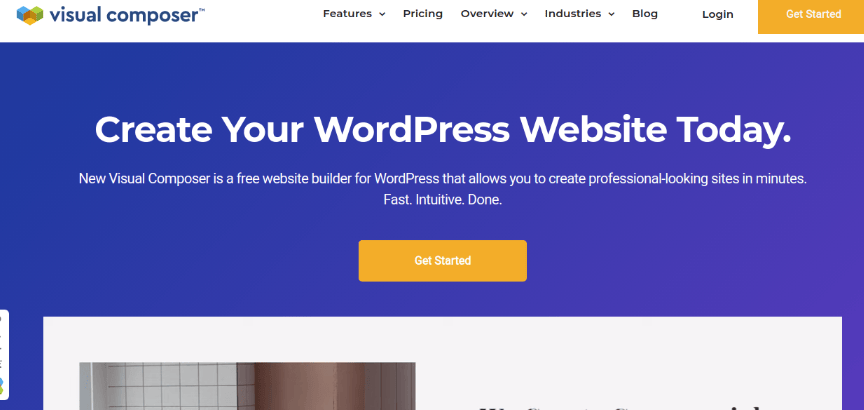
Visual Composer lets you build every part of your site, not just the content area. You can design headers, footers, and sidebars as well, which gives you more control than most page builders.
It has a huge library of design elements like buttons, sliders, and galleries. You can also add animations and effects to make your site more engaging. It’s easy to use and works well for beginners and pros alike.
Visual Composer also supports pop-ups and advanced design settings if you want to get creative. It’s a strong choice if you want to build a full website without needing multiple plugins.
How to Choose the Right Plugin for Your Needs
When choosing a theme builder, think about what kind of website you’re building. If you want something simple and quick, a tool like Elementor or Brizy might work best. If you need more control and features, Oxygen or Divi could be better choices.
Also, consider your budget. Some builders offer free versions with enough features for small websites. Others may need a paid plan for full access.
You should also look at ease of use. Try demos or free trials before buying. If a builder feels confusing or hard to work with, it might not be right for you—even if it’s popular.
Installation and Setup Tips
Installing a theme builder is usually very simple. Go to your WordPress dashboard, click on “Plugins,” and search for the name of the builder. Click “Install” and then “Activate.” Some builders are also available as part of a theme, so check the developer’s website for exact instructions.
Once installed, take your time to go through the setup wizard if there is one. Many builders walk you through the first steps to help you get started. It’s also a good idea to start with a template, so you don’t have to design from scratch.
Always save your work often. Some builders include autosave features, but not all. And make sure to preview your site on desktop and mobile before publishing.
Final Thoughts
A WordPress theme builder can save you time, money, and stress. It lets you design your website your way—without learning code or hiring a designer. With so many options out there, it’s important to pick one that fits your needs and feels easy to use.
Try out a few of the options on this list. Most have free versions or demos. Once you find the one that works for you, you’ll be able to build a beautiful website faster than you might think.
Whether you’re starting your first site or rebranding an old one, a good theme builder is a smart investment.
Interesting Reads:
What Is SEO and How Does It Impact Website Development?
Affordable Web Design: How to Build a Professional Website Without Breaking the Bank
Add Stickers to Photos in Seconds – The Fun Way to Make Your Content Pop

Shashank is a seasoned digital marketing and WordPress expert who specializes in SEO, software tools reviews, and cutting-edge strategies for boosting online presence. With a passion for simplifying complex topics, Goutham crafts engaging blog posts that help readers optimize their websites, improve search engine rankings, and stay ahead in the ever-evolving digital landscape.