

A contractor’s website has a narrower job than most business sites: convince a homeowner or property manager, usually mid-crisis or mid-renovation, that this company can be trusted with the job, and make it dead simple for them to see past work and get a quote. That’s a different design problem than a general business theme solves, which is why a purpose-built construction or contractor theme tends to outperform a generic one, even when the generic option looks more polished in a demo.
WordPress has a genuinely large selection of themes built specifically for this niche, covering everything from general contractors and remodelers to specialized trades like roofing, electrical, and HVAC. Below is a rundown of ten established options, what each one is actually built for, and afterward a practical guide to evaluating any contractor theme, since specific themes come and go while the underlying criteria for choosing one well stays fairly constant.
Top WordPress Themes For Contractors
1. Structure 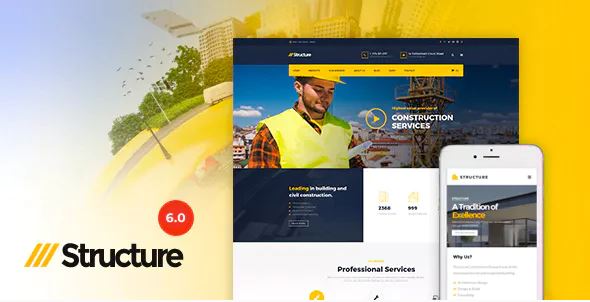
The structure is a responsive construction WordPress theme for contractors. It has 15+ homepages, 6 headers, a mega menu option, essential grid integration, 2 blog pages, and many more amazing features. Structure theme offers pre-built layouts for projects to make your design neat and organized.
It is compatible with WPBakery Page Builder, Revolution Slider, and Visual Composer. Its Visual Composer features bring drag-n-drop ability which ensures that you can easily design your construction website. Contact Form 7, MailChimp for WordPress, and Testimonial are also included in this.
Also Read: Best BuddyPress Addons
2. Konstructo
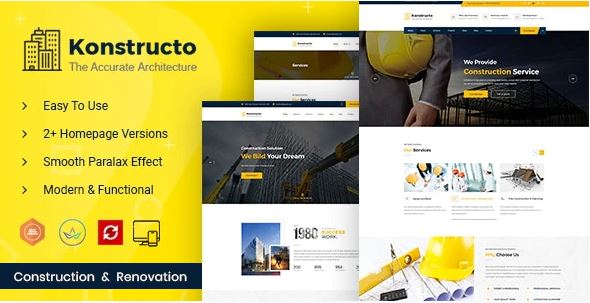
Konstructo is a functional and easy-to-use WordPress theme for contractors. It comes with easy-to-use features and enhances customization options to help you build a site that engages your audience. No coding knowledge is required when building a page with Konstructo.
This theme includes a very user-friendly and popular Visual Page Builder. It is frequently updated, has extensive documentation, and is backed up very fast. It is fully customizable with easy-to-use theme options. You can change colors, fonts, and layouts with simple yet comprehensive control.
3. BuildPress
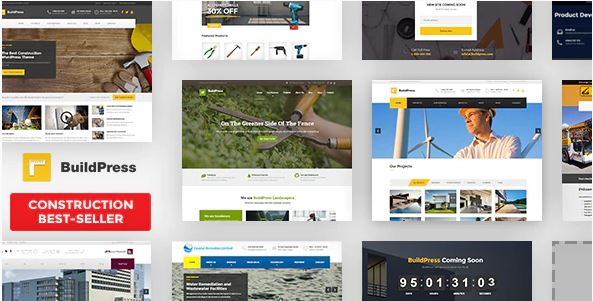
BuildPress is a popular construction theme designed specifically for contractors. It is super simple to set up and use. No coding or advanced programming knowledge is required. You can create a smart website easily with a drag and drop page builder option using which you can build different types of page elements.
You will also be able to customize each and every element from scratch. BuildPress supports the most popular WordPress plugins by default. Contact Form 7, Custom Sidebars, Jetpack, WPML, and FancyBox. It is fully responsive and retina-ready.
4. Koncrete
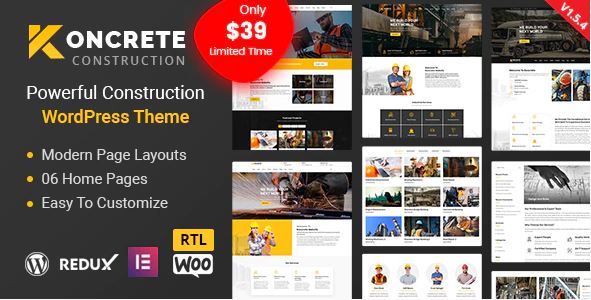
Koncrete is a WordPress theme for creating professional construction business websites. It is a modern and easy-to-use theme that has been designed for contractors. It comes with 4 multi-page home page demos, 3 about pages, 3 service pages, 3 project pages, and 2 blog pages.
This theme is fully compatible with all modern browsers such as Chrome, Mozilla Firefox, Safari, and more. Koncrete comes with the Elementor page builder. It is a highly advanced theme and comes with a lot of pagination options. The one-click demo importer is also provided.
5. The Contractor
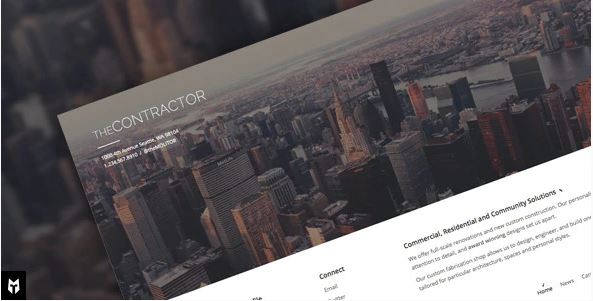
The Contractor is a quality and advanced theme built for construction companies. It allows you to present construction and architecture projects online. It comes with various built-in features which make it extremely easy to work with. You will also be able to drag and drop elements to your web page quickly and easily.
It includes advanced jQuery animations and effects. This allows you to change the colors and other appearance settings, all through a visual editor with a live preview. It is also translation-ready and is highly responsive.
Also Read: Secure Your Website With WordPress Salt Keys
6. Ratio
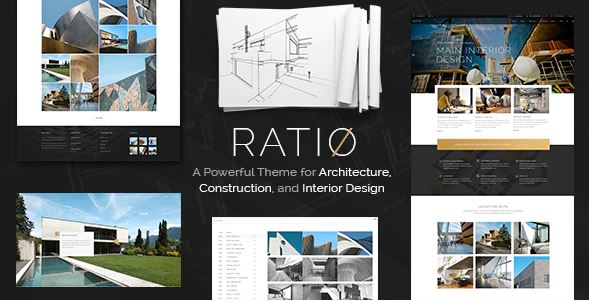
Ratio is a powerful construction theme with a large collection of pages. The theme has a professional look and provides you with the Elementor page builder tool. The one-click demo installer is provided. The WPBakery Page Builder plugin makes it very easy to open the pre-built content for editing.
Ratio theme includes 15 homepages, 9 shop layouts, 6 menu styles, 40+ custom shortcodes, and a lot more features that you get access to use. The code is well-documented and clean. You don’t need to worry about how your site will look on smartphones; it runs perfectly on mobile devices.
7. Welder Pro
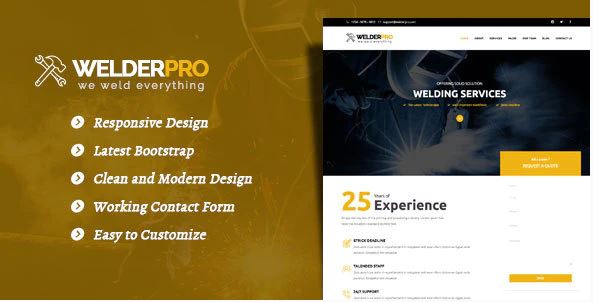
Welder Pro is a modern theme designed for contractors and builders. It has a clean and unique design that will give your business a great online presence. You can easily change the background and color of your theme.
Welder Pro has well-documented code that helps you to easily understand and edit it according to your requirements. Welder Pro is 100% responsive and runs smoothly across all major devices.
8. Contio
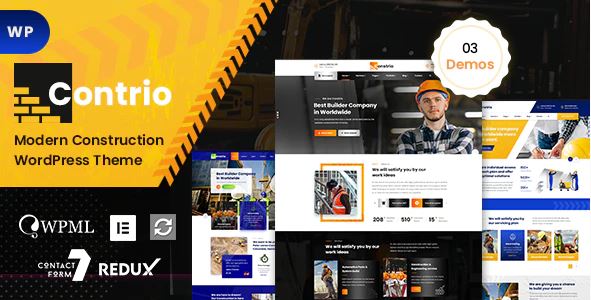
If you are looking for a theme built specifically for the construction business, Contio is a strong option. It comes with an Elementor page builder which helps developers work easily on this theme. It is a fully responsive and retina-ready theme created for all types of devices.
Contio is compatible with popular custom contact form plugins, letting you build your own inquiry forms without touching code. You also have the ability to customize the different elements of your website.
Also Read: What It Takes To Build An E-learning Website
9. Mega Construction
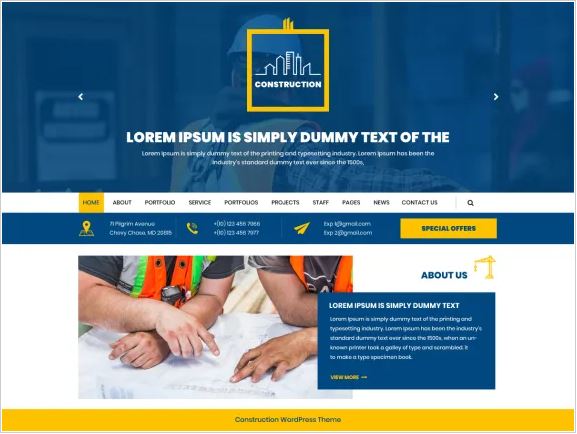
Mega Construction is a modern multi-purpose theme for businesses in the construction industry. It is designed to showcase real estate-adjacent services including construction, property dealers, repair, architecture, renovation, and more. It has a faster page load time than several of the more image-heavy options on this list.
The theme gives you easy-to-use options to change different theme settings such as the layout, color combinations, widgets, logos, and images. You can open any of the demo templates for editing, all through a drag-and-drop page builder interface. This theme is SEO-friendly and gives authority to share content over social media platforms.
10. GTBuilder
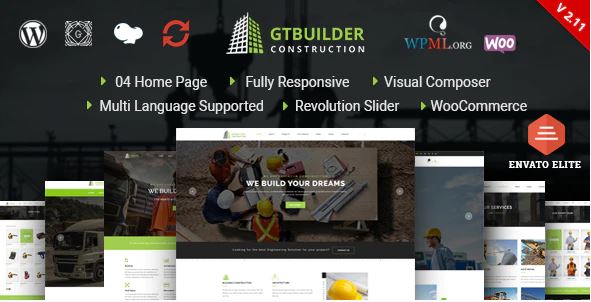
GTBuilder is a WordPress theme designed especially for contractors. It’s a robust and reliable option for construction sites, coming with 4 homepage layouts, a powerful premium slider, unlimited color combinations, and both full-width and boxed layouts.
GTBuilder has everything most contractor sites need: About, project details, services, and more. You can even run a news page or a blog page with very little fine-tuning. It is fully responsive and retina-ready.
What actually matters when choosing a contractor theme
A theme demo can make almost anything look good, populated with professional stock photography and polished sample copy. The real test happens after you’ve replaced the demo content with your own project photos, your own service list, and your own pricing structure. A few things worth checking carefully before committing to any theme, contractor-focused or otherwise.
Project and portfolio display
For a contracting business, the portfolio is doing more selling work than almost anything else on the site. Check specifically how the theme handles project galleries: can you group projects by service type or location, does it support before-and-after image pairs cleanly, and does the layout still look organized once you’ve loaded fifty real projects instead of the six curated demo entries. A gallery that looks great with a handful of polished images can fall apart visually once populated with the uneven quality of real job-site photography.
Lead capture, not just contact forms
Every contractor theme includes some kind of contact form, but the businesses that actually convert visitors into estimates tend to make requesting a quote as frictionless as possible: a short, prominent form above the fold, click-to-call buttons that actually work on mobile, and ideally some kind of visible response-time expectation, since a homeowner comparing three contractors will often go with whoever responds fastest. Evaluate the theme’s default forms and calls-to-action with that lens rather than just checking whether a contact form exists at all.
Mobile performance, tested honestly
A large share of contractor site traffic comes from someone searching on their phone, often standing in the room they’re trying to fix. A theme that’s technically “responsive” but loads slowly or requires excessive pinching and scrolling to read service details will lose that visitor before they ever reach a contact form. Test any theme you’re seriously considering on an actual phone over a mediocre connection, not just in a desktop browser’s mobile preview mode, since the two can behave quite differently.
Update history and support responsiveness
Marketplace themes vary enormously in how actively they’re maintained after purchase. Before buying, check the theme’s changelog for how recently it was actually updated, and read through recent reviews or support forum threads for signs of responsive, competent support rather than boilerplate replies. A theme that stops receiving updates eventually becomes a security liability and a compatibility headache as WordPress core and page builder plugins continue evolving around it.
Compatibility with the plugins your business actually needs
Booking and scheduling tools, review widgets, live chat, CRM integrations, most contracting businesses eventually need at least one of these. Check that any theme you’re evaluating plays well with the specific plugin ecosystem you plan to build around, rather than assuming broad “plugin compatible” marketing language covers your specific use case. A quick search for the theme name alongside the specific plugin you need often surfaces real user experiences worth reading before you commit.
Page builder considerations worth understanding upfront
Several of the themes above are built around specific page builders, WPBakery, Elementor, Visual Composer, and the choice of builder has real, lasting consequences beyond the initial setup. Elementor has become the most widely supported option across the broader WordPress plugin ecosystem, which tends to mean easier troubleshooting and a larger pool of freelancers and agencies familiar with it if you ever need outside help. WPBakery and other builders aren’t inherently worse, but they’re worth researching specifically before committing, since switching a live site’s page builder later is a genuinely disruptive undertaking, not a simple settings change.
If a theme locks its design system tightly to one specific builder, weigh that against how much long-term flexibility you actually want. A business that expects to redesign or expand its site meaningfully over the next few years benefits from a setup that doesn’t box it into a single tool’s particular limitations.
Choosing based on your specific trade, not just “construction” broadly
“Contractor” covers a wide range of businesses with genuinely different needs. A general remodeling contractor benefits most from strong project galleries and service-area pages. A specialized trade, electrical, plumbing, HVAC, often benefits more from clear emergency-service messaging and prominent licensing or certification display, since trust signals matter disproportionately when someone’s calling about a burst pipe at midnight. A larger commercial construction firm may care more about case studies with measurable project scope and timeline details than the residential-focused imagery most contractor themes default to.
Before picking from any list, including this one, get specific about which of these categories your business actually fits, and evaluate the shortlist against that specific need rather than picking whichever demo happens to look the most polished at first glance.
Understanding what you’re actually buying with a marketplace theme
Most of the themes above are sold through marketplaces like ThemeForest, which means the purchase typically covers a license for a single production site, along with a support window that’s usually shorter than most buyers expect, six months is common, with renewal available at additional cost. Read the specific license terms before buying rather than assuming they match what you’re used to from software subscriptions, since the terms genuinely vary between marketplace vendors and can affect whether you’re covered if you need help configuring the theme eighteen months down the line.
It’s also worth checking whether the price you see includes the page builder plugin the theme depends on, or whether that’s a separate purchase or a bundled but time-limited license. Some themes bundle a premium page builder license permanently, others only for the initial support period, which materially changes the real cost of keeping the site running smoothly over several years.
Weighing a dedicated contractor theme against a general-purpose one
It’s reasonable to ask whether a purpose-built contractor theme is actually worth it compared to a flexible general-purpose theme paired with the right plugins. The honest answer depends on how much time you have and how confident you are configuring things from scratch. A dedicated contractor theme front-loads the industry-specific decisions, project gallery layouts, service-area structures, quote request flows, that you’d otherwise have to design yourself. That’s real time saved, especially for a small business without a dedicated web person on staff.
A general-purpose theme trades that head start for more long-term flexibility and often a larger, more actively maintained plugin ecosystem to draw from. For a contracting business that expects to keep the site fairly simple and stable for years, a dedicated theme is usually the faster, lower-effort path. For one that anticipates significant growth, multiple service lines, or eventually wants a highly customized design, the extra flexibility of a general-purpose foundation can be worth the additional setup time upfront.
A practical way to shortlist and test before buying
Narrow your options to two or three themes based on the criteria above rather than trying to fully evaluate all ten. For each finalist, load the live demo on your actual phone, not just a desktop browser, and walk through the exact path a potential customer would take: landing on the homepage, finding your service list, and reaching a contact form or phone number. Note where that path feels smooth and where it feels clumsy.
Where possible, check the theme’s documentation for how project galleries and lead forms are actually configured, since some “customizable” themes turn out to require far more technical effort than their marketing copy suggests once you’re actually trying to swap in your own content. A theme that saves you real setup time is worth more than one with a slightly longer feature list you’ll never fully use.
Above are ten established options worth considering, but treat this as a starting shortlist rather than a final answer. Use these picks and the buying criteria in this guide together, test on your own device with your own content in mind, and choose the one that actually fits how your specific contracting business wins work, not just the one with the flashiest demo.
Whichever theme you land on, plan to revisit the site at least once a year as your business grows. A portfolio that impressed customers with ten completed projects can start to feel thin at fifty, and a site built around one service line needs real attention once you’ve expanded into two or three. The theme is the starting structure, not the finished product, and the contractors who get the most out of their site treat it as something to maintain and expand, not something to set up once and forget about entirely.