
Plugins and tools to convert a WordPress site into a mobile app let website owners build mobile apps for their WordPress websites without having to write code or hire developers. These tools offer a cost-effective way to expand the reach of a website beyond the browser.
They typically come with a range of features and customization options, allowing you to tailor the app to your specific needs. Common features include push notifications, app analytics, and in-app purchases. A word of caution up front: this category has more abandoned and discontinued products than most WordPress plugin categories, so we’ve flagged maintenance status for every entry below.
Before comparing individual tools, it’s worth being honest about what these plugins can and can’t do. None of them turn your existing theme and page layouts into an app pixel-for-pixel. Instead, they pull your site’s content (posts, pages, products, and in some cases custom post types) into a separate native or hybrid app shell with its own navigation and design. That distinction matters when you’re evaluating screenshots on a vendor’s marketing page, since the app experience is closer to a purpose-built mobile interface than a shrunk-down copy of your website.
It’s also worth asking honestly whether a mobile app is the right investment for your specific site before picking a tool. A responsive WordPress theme already handles the vast majority of mobile visitors well, and a dedicated app only pays off when there’s a real reason for a user to install something rather than just bookmark a fast-loading mobile site. Frequent return visits, content or features that benefit from push notifications, and an audience that already expects an app (retail, membership communities, news) are the strongest signals that the investment is worth it. A brochure site that gets a handful of visits a month from each user rarely justifies the ongoing cost of app store fees and maintenance.

Best Plugins and Tools to Convert a WordPress Site Into a Mobile App
1. AppPresser
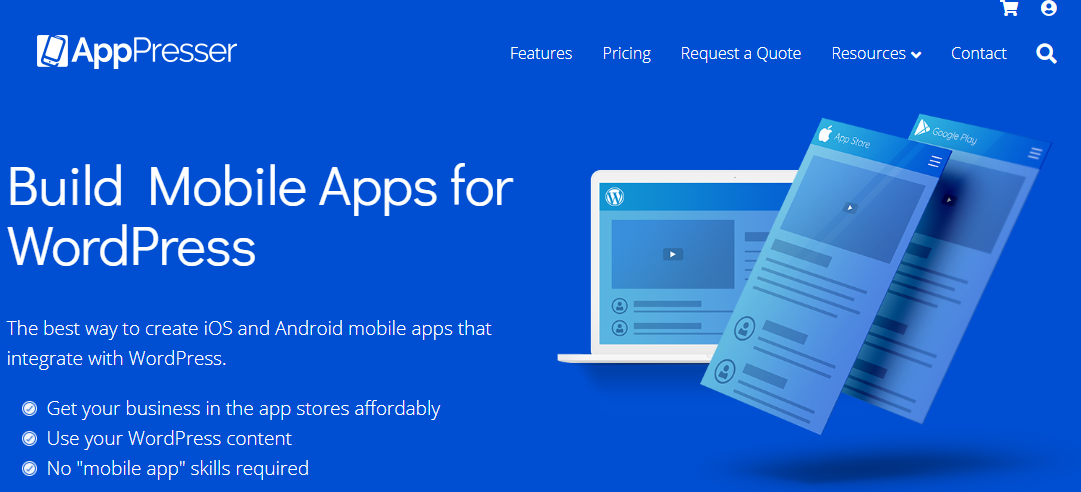
Status: actively maintained (v4.5.3, updated March 2026).
AppPresser helps create mobile apps for iOS and Android using WordPress as the backend, with support for WooCommerce, LearnDash, and BuddyPress content. It works as a framework rather than a one-click builder: you design and build your app using AppPresser’s separate app builder tool, then install this free WordPress plugin to connect your site as the backend.
It supports push notifications, social media integration, in-app purchases, and a range of paid add-ons for extra functionality.
2. WPMobile.App
Status: actively maintained, one-time lifetime license (no recurring subscription).
WPMobile.App converts your WordPress website into a mobile app for iOS and Android with a drag-and-drop interface that automatically populates the app with your site’s content. It supports push notifications, offline content caching, and native navigation, and generates native code for both platforms.
Unlike most competitors here, WPMobile.App is sold as a one-time purchase rather than a monthly subscription, and it includes a submission service to help publish your app to the Apple App Store and Google Play Store.
3. MobiLoud
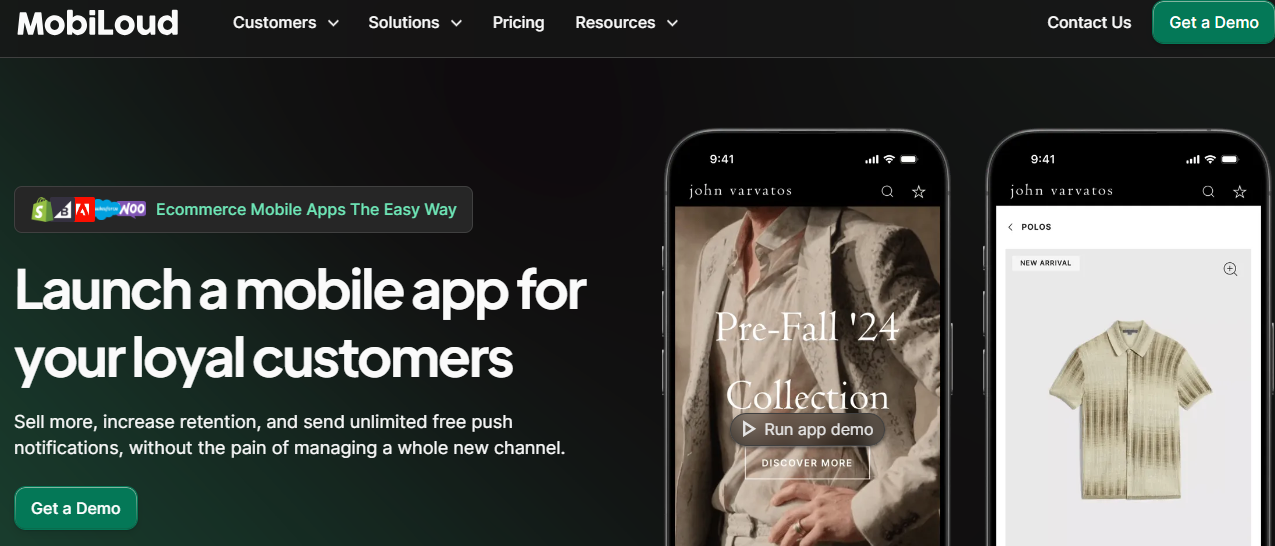
Status: actively maintained, but this is a premium managed service, not a low-cost plugin.
MobiLoud converts a WordPress (or WooCommerce/Shopify) site into a native mobile app with real-time content sync, push notifications, offline access, and full app-store submission handling. It’s aimed at content-heavy sites and stores that want a hands-off, managed solution.
Be aware of the price tier before comparing it to the other tools on this list: MobiLoud’s plans start at roughly $399/month (Startup), rising to $799/month (Growth) and $1,499/month (Corporate), with custom Enterprise pricing above that. This is a service for businesses with real app-revenue potential, not a casual side-project plugin.
4. Median (formerly GoNative)
Status: actively maintained, rebranded from GoNative.io to Median.co in 2026.
Median converts any website, including WordPress and WooCommerce sites, into native iOS and Android apps. It supports push notifications, biometric authentication, QR/barcode scanning, and deep linking. It isn’t WordPress-specific the way AppMySite or AppPresser are, but it’s a well-established, actively developed option worth comparing pricing and features against before committing.
5. AppMySite
Status: actively maintained (v3.15.2, updated February 2026, 8,000+ active installs).
AppMySite’s plugin enables any WordPress website owner to create an app without coding. Your site’s content, pages, posts, menus, and more, syncs to the native app interface. You can add push notifications, social login, AdMob integration, and multilingual support, then publish to Google Play and the Apple App Store. It’s built specifically for WordPress/WooCommerce, though the design tools are template-based rather than fully custom.
6. Androapp
Status: stale, last updated December 2022, tested only up to WordPress 6.1.10. Verify current compatibility with your WordPress version before relying on it.
Androapp converts a WordPress site into a native Android-only mobile app (no iOS support), supporting posts, pages, categories, tags, and custom post types. Features include push notifications, monetization options, and customizable app icons and splash screens, with direct publishing to the Google Play Store.
7. WP-AppKit
Status: largely abandoned, last updated October 2020, and the developers dropped native iOS support starting with version 1.5.3. Only consider this for Android/PWA use cases, and test thoroughly given the lack of recent updates.
WP-AppKit is an open-source plugin that originally used PhoneGap and Apache Cordova to create hybrid apps connected to a WordPress backend, with support for custom post types and taxonomies. It remains free and GPL-licensed, but with five-plus years since the last release, treat it as a legacy option rather than a current recommendation.
Native App vs. Progressive Web App: Which Do You Actually Need?
Most of the tools above build native or hybrid apps that get submitted to the Apple App Store and Google Play Store, but that’s not the only path from a WordPress site to a mobile-app-like experience. A Progressive Web App, or PWA, runs inside a browser but can be added to a phone’s home screen, send push notifications on Android, and work offline, all without going through an app store review process at all.
PWAs make sense for sites that want app-like engagement without the ongoing cost of app store submission and native development, and several WordPress-specific PWA plugins exist as a lighter alternative to the tools listed above. The tradeoff is that PWAs still can’t access certain native device features, and on iOS specifically, PWA push notification support has historically lagged behind Android, though Apple has gradually closed that gap in recent iOS releases. If your primary goal is push notifications and an app store presence for brand credibility, a native app builder from the list above is the more reliable path. If you mainly want a faster, more app-like mobile browsing experience without app store overhead, a PWA plugin is worth evaluating first.
What to Check Before You Commit to a Tool
A few practical questions matter more than the feature comparison chart on any vendor’s pricing page. First, does the tool support the specific plugins your site already depends on? A store running WooCommerce with several extensions needs a tool that syncs product variations, custom fields, and checkout flow correctly, not just basic post and page content. Several of the tools above list WooCommerce compatibility, but the depth of that support varies significantly between a full native checkout and simply opening your existing checkout page inside an in-app browser window.
Second, who owns the app once it’s built? Some of these tools generate a project you fully own and can move between hosting providers or even to a different developer down the line. Others, particularly the fully managed services, keep more of the build process on their own infrastructure, which is worth understanding clearly before you invest months of content and configuration into a specific platform.
Third, budget for app store review time and ongoing maintenance, not just the initial build. Apple’s App Store review process routinely takes anywhere from a day to a couple of weeks depending on how busy the review queue is and whether your app trips any of Apple’s more subjective guidelines around content-wrapper apps. Google Play tends to move faster but isn’t instant either. And once an app is live, both platforms periodically require updates to stay compatible with new OS versions, so factor in who’s responsible for that maintenance work long after the initial launch.
Why Maintenance Status Matters More in This Category
App-builder plugins depend on staying in sync with two moving targets at once: WordPress core updates and the API changes Apple and Google periodically push out for their app stores. A plugin that goes two or three years without an update, like Androapp or WP-AppKit, risks breaking silently when either platform changes something the plugin’s authors never accounted for, sometimes well after the plugin has already stopped receiving fixes.
This is different from, say, an abandoned WordPress caching plugin, which might just stop offering performance gains without actively breaking anything. An abandoned app-builder plugin can mean your published app in the App Store or Play Store stops working correctly for users on newer phones, with no update coming to fix it. That’s the real cost of choosing a stale tool in this particular category, and it’s why the status flags above matter more here than in most other plugin roundups.
Push Notifications: The Feature That Justifies the Effort
If there’s one feature that tends to make the whole app-building effort worthwhile, it’s push notifications. Email open rates for most industries sit well below what a well-timed push notification achieves, and unlike email, a push notification doesn’t compete with a crowded inbox or get filtered into a promotions tab a user never checks. For a content site, that might mean notifying readers the moment a new post goes live. For a store, it might mean flagging a flash sale or an abandoned cart directly on a customer’s lock screen.
All seven tools above support push notifications in some form, but the sophistication varies. Basic implementations send a blanket notification to every app user for every new post, which gets old fast and drives uninstalls. More advanced setups, available through AppPresser’s add-ons and MobiLoud’s managed platform, support segmented notifications based on user behavior or content category, so a reader interested in one topic isn’t bombarded with notifications about something they never engage with. If push notifications are the main reason you’re building an app in the first place, weigh this segmentation capability heavily in your decision, since a poorly targeted notification strategy can do more harm to user retention than having no app at all.
App Store Approval: What Trips Up WordPress-to-App Conversions
Apple’s App Store guidelines have specific language targeting what they call “content wrapper” apps, meaning apps that do little more than display a website inside a native shell without adding meaningful app-specific functionality. This has caused real rejections for some WordPress-to-app conversions over the years, particularly ones that skip native navigation, offline support, or any interactive functionality beyond scrolling through content that looks identical to the mobile website.
The tools that fare best against this scrutiny are the ones that build genuinely native navigation, push notifications, and offline caching, rather than simply loading your website inside a wrapper. AppMySite, WPMobile.App, MobiLoud, and AppPresser all build toward this kind of native experience specifically to avoid App Store rejection, and their submission support teams (where offered) typically know how to structure an app to clear this particular hurdle. Google Play has historically been more lenient about content-wrapper style apps than Apple, though both platforms have tightened enforcement over time as the volume of low-effort wrapper apps grew.
Content Sync: Real-Time vs. Manual Publishing
How quickly new WordPress content shows up inside the app varies more between these tools than most comparison articles mention. Some tools sync content in close to real time, so a new blog post or product goes live in the app within minutes of being published on the website. Others rely on a periodic sync or a manual “publish to app” step that introduces a delay, sometimes hours, between publishing on the site and the content appearing in the app.
For a news or content-heavy site, that delay matters enormously, since the entire value proposition of a mobile app is often speed and immediacy. MobiLoud markets real-time sync as a core feature specifically because of this use case. For a smaller business site that publishes new content occasionally, a short sync delay is far less consequential, and the cost savings of a simpler tool without real-time sync infrastructure may be the better trade.
Frequently Asked Questions
Do I need coding experience to use any of these tools?
No, all seven tools listed above are designed for use without writing code, relying instead on visual builders, templates, or automatic content syncing from your existing WordPress site. That said, more advanced customization, like a fully custom app design that doesn’t match any available template, may still require a developer regardless of which tool you choose.
How much does it typically cost to convert a WordPress site into an app?
Pricing spans a wide range across this category. WPMobile.App and AppMySite offer accessible entry-level pricing for smaller sites, AppPresser sits in a similar mid-range tier depending on which add-ons you need, and MobiLoud’s managed service starts at several hundred dollars a month, aimed at businesses with an established mobile strategy rather than a first experiment. Factor in Apple’s $99/year developer account fee and Google’s one-time $25 registration fee on top of whatever the plugin or service itself costs.
Can I switch tools later if I outgrow my first choice?
Generally yes, though switching means resubmitting a new app to both app stores under whichever new tool’s build process you move to, which resets your app store listing’s review history and any existing reviews tied to the old app. It’s worth choosing carefully upfront rather than planning to switch quickly, since app store resubmission carries real friction even when the underlying WordPress content transfers over cleanly.
Will my app work if my site uses a page builder like Elementor or a custom theme?
Most of these tools pull structured content, post titles, body content, featured images, product data, rather than rendering your theme’s visual layout inside the app, so page builder output generally gets simplified down to its underlying content rather than displayed exactly as designed on the website. Highly custom Elementor layouts with complex widget arrangements may not translate cleanly, so it’s worth testing a free trial or demo build against your actual site content before committing to a paid plan, rather than assuming compatibility based on the marketing page alone.
Do these tools support membership or login-gated content?
AppPresser and MobiLoud both explicitly support BuddyPress and membership-style login flows, letting logged-in app users see gated content the same way they would on the website. AppMySite and WPMobile.App handle basic WordPress login syncing as well, though the depth of support for more complex membership plugin ecosystems varies enough that it’s worth testing directly against your specific membership setup rather than assuming full parity with the website experience.

Picking the Right Tool for Your WordPress Site
Fortunately, there are several actively maintained options that can turn your WordPress site into a mobile app without coding: AppPresser, WPMobile.App, MobiLoud, Median, and AppMySite all remain current choices in 2026, each with a different price point and level of hands-on service. Androapp and WP-AppKit are still technically available but haven’t seen meaningful updates in years, so weigh that risk carefully.
Each option has its own set of features, pricing model, and level of WordPress-specific integration, so match the tool to your budget and how actively it’s maintained, not just its feature list. For a first app on a modest budget, WPMobile.App or AppMySite offer the most direct path from an existing WordPress site to a published app. For a content-heavy publisher or a store with real mobile revenue potential, MobiLoud’s managed approach removes most of the ongoing technical burden, at a price that reflects that hands-off convenience.