

A multi-vendor marketplace lets multiple sellers list and sell products through one storefront, an Etsy or Amazon-style setup instead of a single-seller store. Shoppers get a bigger catalog in one place, and vendors get access to an audience they didn’t have to build themselves.
Before picking a plugin, it’s worth being honest about what running a marketplace actually involves beyond installing software. You’re taking on a role closer to a platform operator than a store owner, you’re responsible for vendor onboarding, dispute resolution when a buyer and seller disagree, commission structures that feel fair to vendors while still covering your own costs, and quality control across listings you didn’t personally create. None of the plugins below solve that operational side for you, they give you the technical infrastructure, the actual marketplace running well or poorly still comes down to how it’s managed day to day.
Best WordPress Marketplace Plugins
1. Dokan

Dokan is the most feature-complete of these, product management, order management, independent vendor stores, and compatibility with most WooCommerce themes. Free core with premium modules for anything beyond the basics.
What separates Dokan from a lighter frontend-management plugin is the depth of its vendor dashboard. Vendors get their own analytics, their own coupon management, their own shipping rules if you enable per-vendor shipping, and a genuinely independent store presence with its own URL rather than just a filtered view of your main catalog. That depth is also the tradeoff: Dokan has more settings to configure and more moving parts to understand than a lighter plugin, which means a longer initial setup if you want to use its full feature set rather than just the basics. For a marketplace expecting dozens or hundreds of vendors long-term, that upfront complexity tends to pay off; for a smaller marketplace with a handful of trusted sellers, it can feel like more plugin than you need.
2. WC Vendors
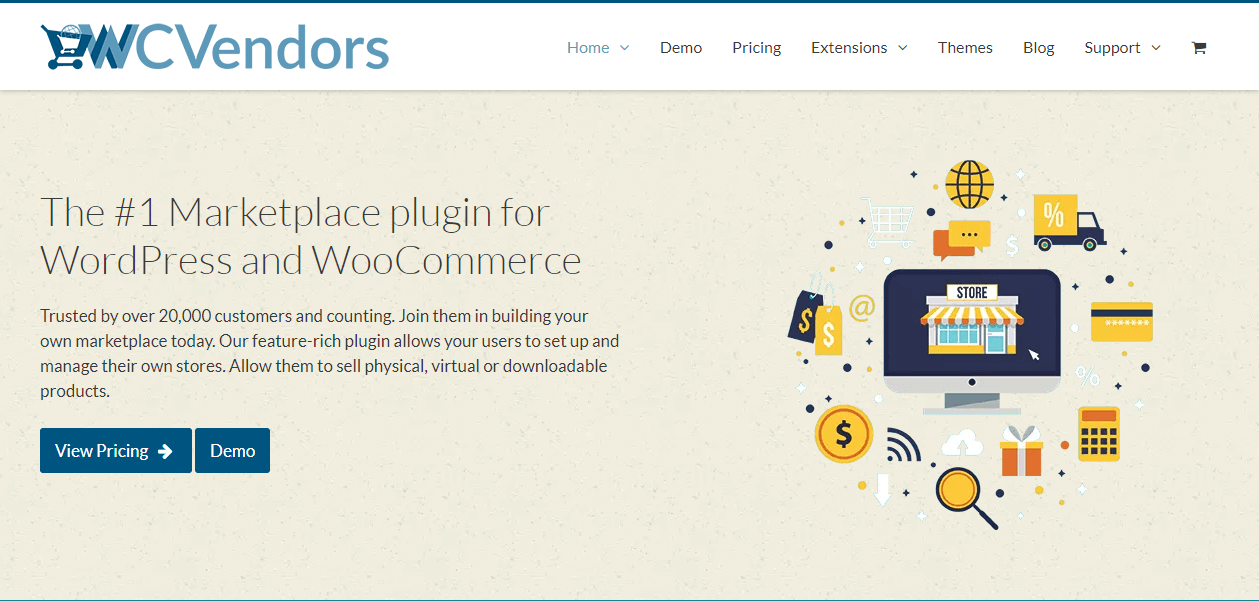
WC Vendors handles vendor payouts via PayPal or Stripe, instant or delayed. It’s the lighter-weight option of the two, a reasonable pick if you want basic frontend vendor management without Dokan’s full feature set (and price tag). See our WC Vendors demo on BuddyX.
The instant-versus-delayed payout distinction is worth understanding before choosing either option, since it affects your cash flow position as the marketplace operator. Instant payouts send a vendor’s share the moment a sale completes, which is attractive to vendors but means you’re extending payment before any refund window has closed, a real risk if a buyer disputes or returns an item after the vendor’s already been paid. Delayed payouts, releasing funds after a set holding period, protect you from that risk at the cost of vendor goodwill, since vendors generally prefer getting paid sooner rather than later. Most marketplaces land somewhere in between, a short holding period, a week or two, rather than either extreme.
3. MarketKing
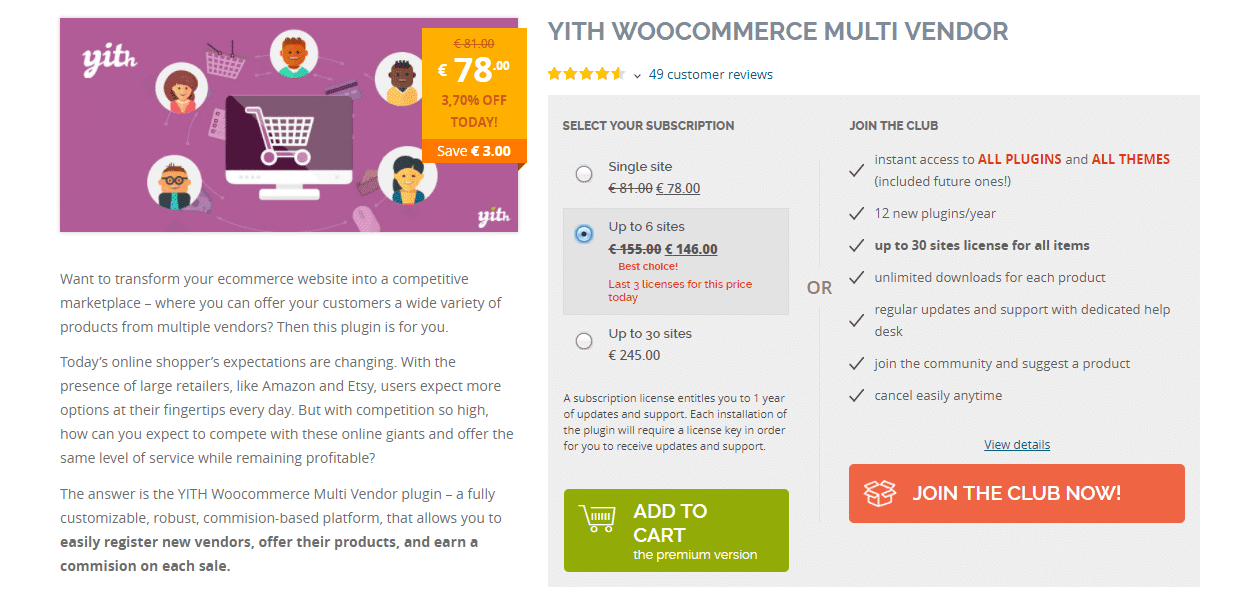
An earlier version of this post recommended YITH WooCommerce Multi Vendor here. That plugin was permanently closed by YITH in December 2021 and is no longer available, so we’ve swapped it for MarketKing (free core, WordPress.org, actively updated, most recently in July 2026), which covers similar ground: adjustable commission rates, vendor coupon management, CSV data export, and per-vendor reporting.
Worth calling out explicitly since it’s a real risk in this specific plugin category: marketplace plugins occasionally get discontinued, acquired, or folded into a different product line, and a marketplace built around one can face a genuinely disruptive migration if the plugin disappears. Before committing to any of these long-term, check the plugin’s changelog history for consistency, an active support forum with recent responses, and whether the developer has a track record of maintaining the plugin over multiple WordPress and WooCommerce major versions rather than just a burst of initial activity followed by silence.
4. Product Vendors (WooCommerce.com)
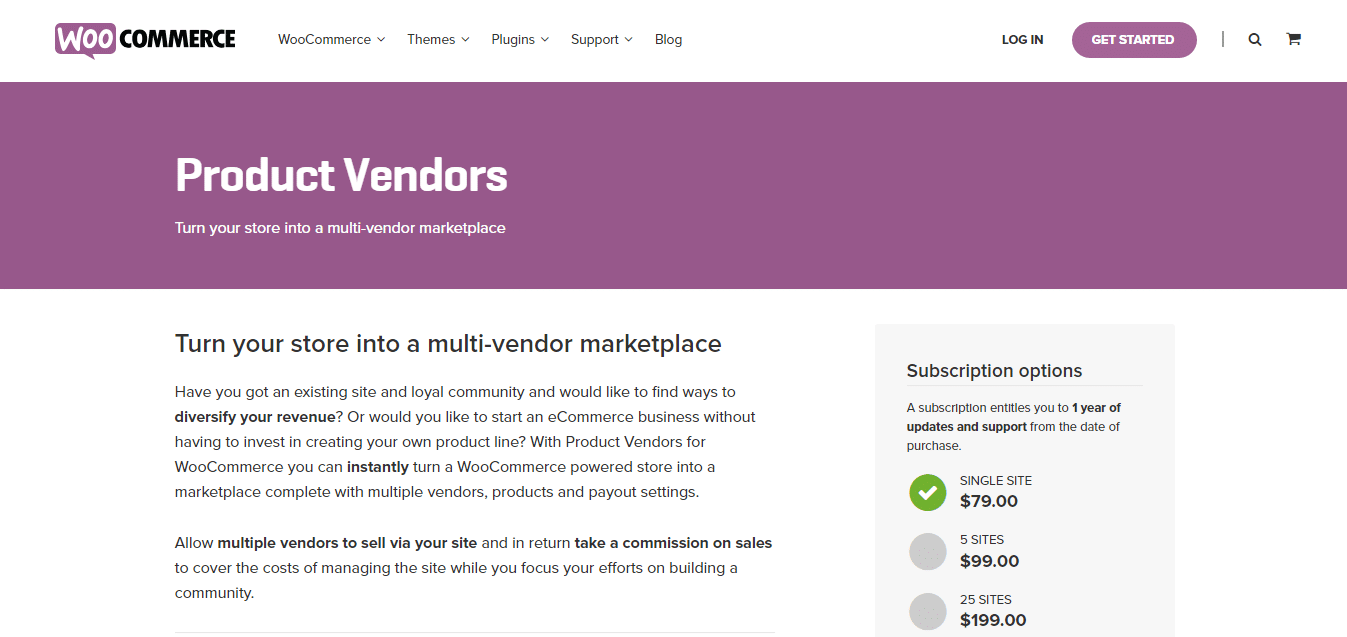
Product Vendors is WooCommerce’s own official extension: vendor-specific commission rates, self-managed vendor listings, support for digital, physical, and time-based bookable products, and native WooCommerce Bookings integration. Worth noting honestly: it currently sits at a mixed 2.9/5 rating with some recent support complaints, worth testing on staging before committing.
The appeal of an officially-branded WooCommerce.com extension is the assumption of tighter core compatibility, since it’s built by (or closely with) the same team maintaining WooCommerce itself. The mixed review pattern worth digging into before buying is whether complaints cluster around a specific version, sometimes a rocky major update explains a run of bad reviews that later improved, or whether they’re spread consistently across versions, which would suggest a more persistent underlying issue rather than a one-time rough patch. Reading through the actual review text rather than just the star average gives a much clearer picture than the number alone.
5. WCFM Marketplace
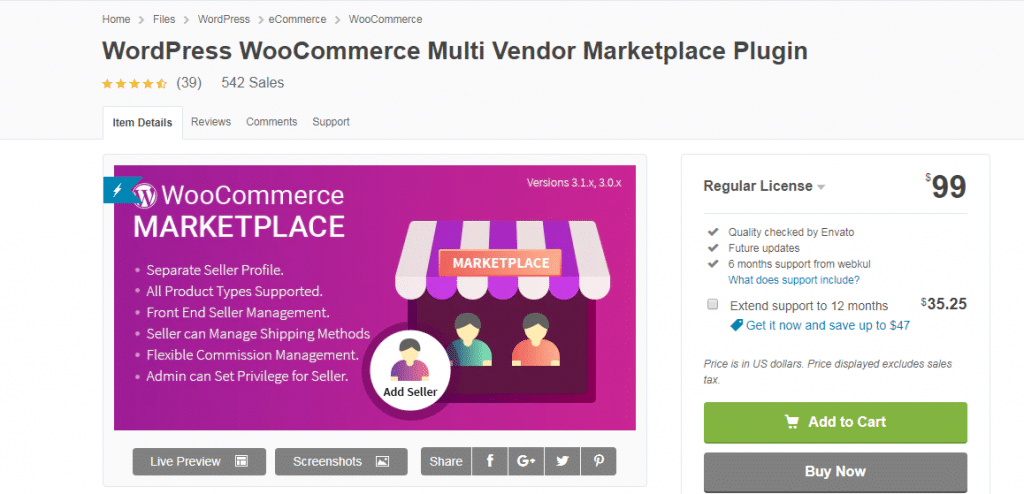
WCFM Marketplace gives away its core functionality free, with WCFM Ultimate as the paid upgrade for frontend capabilities like separate seller profiles, frontend seller dashboards, and shipping management. Admins can set granular vendor permissions either way.
WCFM’s standout feature relative to the others on this list is its unified frontend dashboard approach, vendors, and in some configurations even customers, interact with a consistent frontend interface rather than bouncing between the storefront and wp-admin for different tasks. That consistency is a genuine usability win for non-technical vendors specifically, since it means one interface to learn rather than juggling the public-facing store and an admin-style backend simultaneously.
Commission Structures Worth Understanding Before You Choose
Every one of these plugins supports some form of commission, the percentage or flat fee you keep from each vendor sale, but the flexibility of how that commission gets configured varies meaningfully between them. Some support only a flat sitewide percentage. Others let you set commission per vendor, per product category, or even per individual product, which matters if your marketplace has vendors selling wildly different margin products, a handmade jewelry seller and a bulk commodity reseller genuinely need different commission structures to both stay viable on the same platform. Before committing to a plugin, map out what commission flexibility your specific vendor mix actually needs, rather than assuming a flat percentage will work for everyone once vendors start comparing notes on what they’re actually keeping.
A Note on Vendor Communication Tools
Buyers generally expect to message a vendor directly with a pre-purchase question or a post-purchase issue, and how each plugin handles that communication varies. Some build in a native messaging system between buyers and vendors; others rely purely on WooCommerce’s order notes and email notifications, which is a noticeably weaker experience for anything beyond a simple order status update. If direct buyer-vendor communication is important to your marketplace’s use case, check this specifically rather than assuming it’s a standard feature across all five, it’s one of the areas where the plugins genuinely differ rather than converging on the same baseline functionality.
Vendor Onboarding and Vetting
None of these plugins vet vendors for you, that’s a human decision layered on top of whatever technical approval workflow the plugin provides. Most support at least a basic vendor-application and admin-approval step before a new seller can start listing, which is worth using rather than opening registration completely open, since an unvetted marketplace tends to accumulate low-quality or even fraudulent listings faster than a lightly gated one. A short application, business or seller information, a sample product listing for review, catches obvious problems before a vendor’s storefront goes live rather than after a customer’s already had a bad experience with it.
Reviews and Ratings Across Vendors
A single-store WooCommerce site typically only needs product-level reviews, but a marketplace benefits from vendor-level ratings too, letting buyers evaluate the seller’s overall track record, not just one product in isolation. This matters more the larger your vendor base grows, since a buyer choosing between two nearly identical listings from different vendors is making a trust decision as much as a product decision. Check whether your chosen plugin supports vendor-level ratings natively or only product reviews, and if it’s the latter, whether a separate reviews plugin can be layered on top without conflicting with the marketplace plugin’s own review handling.
Dispute Resolution Isn’t Automatic
A buyer-vendor dispute, wrong item, no delivery, quality complaint, isn’t something any of these plugins resolve on their own. WooCommerce’s native refund tools work the same regardless of which marketplace plugin sits on top, but the actual process of mediating a disagreement between a buyer and an independent vendor is a policy and operations question you need to answer before launch, not something to figure out reactively the first time it comes up. A clearly published dispute process, and a defined admin escalation path when a vendor and buyer can’t resolve something between themselves, saves a lot of ambiguity and frustration on both sides.
Design and Frontend Presentation
A marketplace’s technical backend is only half the experience, how vendor storefronts and product listings actually look and feel to shoppers matters just as much for conversion. Since most of these plugins are built to work with any reasonably standard WooCommerce theme, choosing a theme built with community and vendor-facing layouts specifically in mind, rather than a generic single-store theme retrofitted for multiple vendors, tends to produce a more cohesive shopping experience. The BuddyX theme is one option built with exactly that kind of community and vendor-facing layout in mind if you’re evaluating themes alongside your marketplace plugin choice.
Scaling Considerations as Vendor Count Grows
A marketplace running smoothly with a dozen vendors doesn’t automatically stay smooth at a hundred or a thousand. Order volume, product catalog size, and the sheer number of vendor dashboard sessions happening simultaneously all put more load on your hosting than a comparable single-store site would see at the same traffic level. Before scaling vendor recruitment aggressively, confirm your hosting plan and any caching setup can handle the increased database write load multi-vendor activity generates, order creation, stock updates, and vendor dashboard interactions all touch the database more frequently than a typical single-admin store. A marketplace that grows vendor count faster than its hosting capacity tends to show it first as slow vendor dashboards during peak hours, which is an early warning sign worth monitoring rather than waiting for a full outage to notice.
Migrating Between These Plugins Later
Switching marketplace plugins after vendors and products are already live is a genuinely disruptive undertaking, worth avoiding by choosing carefully upfront rather than treating the choice as easily reversible. Vendor accounts, commission history, and order attribution data are all structured differently between plugins, and a migration typically means custom data mapping rather than a clean export-import. If you’re still evaluating, run a real test with sample vendors and products on a staging environment for each plugin you’re seriously considering, rather than deciding purely off feature lists, since the actual day-to-day admin and vendor experience often reveals friction points a comparison chart won’t show you.
Pricing at a Glance
All five have free core versions available, which makes an initial test drive low-risk, but the real cost of running a marketplace shows up in the premium modules most of these plugins need for genuinely production-ready features: advanced shipping rules, subscription commissions, front-end vendor registration forms beyond the basics, and deeper reporting. Dokan’s premium tiers and WC Vendors’ Pro add-on both follow a similar pattern, a reasonable free starting point with meaningful capability gaps that the paid tier closes. Budget for the paid tier from the start if you’re serious about launching rather than assuming the free version will carry you indefinitely, since most marketplaces outgrow the free feature set within the first few months of real vendor activity.
Security Considerations Specific to Multi-Vendor Payments
Routing payments to multiple independent vendors introduces payment-handling complexity beyond a standard single-store WooCommerce checkout. Confirm your chosen plugin’s payout method, PayPal Payouts, Stripe Connect, or a manual admin-managed payout process, actually matches what your payment processor supports and what your business is comfortable managing operationally. Stripe Connect in particular requires each vendor to complete their own Stripe onboarding, which adds friction to vendor signup but centralizes a lot of the compliance and fraud-detection work Stripe already handles well. A manual payout process gives you more control but means you’re personally responsible for tracking and executing every vendor payment correctly, which doesn’t scale well past a small number of vendors.
SEO for Vendor Storefronts and Listings
Every vendor’s individual storefront page and product listings are indexable content the same as any other page on your site, which means a large, actively selling vendor base can meaningfully grow your site’s organic search footprint over time. The tradeoff is quality and duplication risk: vendors reselling the same generic product with a manufacturer’s stock description create duplicate-content problems across your own marketplace if multiple vendors list an identical item with identical copy. Encouraging or requiring vendors to write original product descriptions, rather than copy-pasting manufacturer copy, protects both individual listing rankings and the marketplace’s overall search credibility.
Mobile Experience for Vendors and Shoppers
Vendor dashboards tend to get less design attention than the shopper-facing storefront, which is a mistake given how much of a modern vendor’s day-to-day management, checking orders, responding to buyer questions, updating stock, plausibly happens on a phone rather than a desktop. Before committing to a plugin, actually test the vendor dashboard at a mobile width rather than assuming it inherits clean responsive behavior automatically. A clunky vendor mobile experience translates directly into slower order fulfillment and stock updates, which shoppers experience as a worse marketplace regardless of how polished the shopping-side experience looks.
Frequently Asked Questions
Can I start with a free plugin and upgrade later without losing vendor data?
Generally yes within the same plugin’s free-to-premium upgrade path, Dokan Lite to Dokan Pro, for example, is designed to preserve existing vendor and product data through the upgrade. Switching between entirely different plugin families (Dokan to WCFM, for instance) is a different and much more disruptive situation, closer to a full migration than an upgrade, and isn’t something to plan around doing casually later.
Do these plugins handle sales tax across multiple vendors correctly?
Tax handling in a multi-vendor context is genuinely more complex than a single-store setup, particularly if vendors are based in different tax jurisdictions themselves. Most of these plugins integrate with WooCommerce’s standard tax settings and popular tax automation plugins like Avalara or TaxJar, but the specifics of how vendor-level tax liability gets calculated and reported vary enough between plugins that it’s worth confirming directly against your specific tax obligations before launch, ideally with an accountant familiar with marketplace facilitator tax rules in your jurisdiction, since those rules have gotten meaningfully more complex in recent years for platforms facilitating third-party sales.
How many vendors is “too many” for the free version of these plugins?
There’s no hard technical vendor limit baked into most free tiers, the practical ceiling is usually feature-based rather than a vendor count cap, you’ll hit a missing capability (advanced shipping rules, deeper reporting, front-end registration customization) before you hit an actual vendor number limit. Budget for outgrowing the free tier’s feature set as your vendor base and complexity grow, rather than a specific headcount trigger.
Does running a marketplace mean I’m legally a payment facilitator?
This depends heavily on your specific payment flow, jurisdiction, and transaction volume, and it’s genuinely a legal and tax question rather than a technical WordPress question these plugins can answer for you. If you’re routing payments through your own account before disbursing to vendors, rather than vendors receiving payment directly via something like Stripe Connect, you may take on payment facilitator or money transmitter obligations depending on your location. This is worth a conversation with a lawyer or accountant familiar with marketplace businesses before launch, not something to assume is fine because the plugin technically allows the payment flow.
Summary
Dokan and WCFM Marketplace are the most fully-featured free-to-start options; WC Vendors is the lighter alternative; Product Vendors is worth considering if you’re already committed to WooCommerce’s own ecosystem, with the caveat about its current reviews.
Interesting Reads:
Building an Online Community From Scratch
BuddyPress WooCommerce Integration: Start Selling on Your Community Site