10 Best Online Instagram Video Maker for Free


Instagram has become one of the most popular platforms for sharing videos, whether it’s through stories, reels, or regular posts. To stand out in a sea of content, creators need engaging and high-quality videos. Luckily, there are plenty of online video makers that can help you create stunning videos for free. In this blog post, we’ll explore the ten best online Instagram video makers, highlighting their key features, pros, and cons. We’ll also provide a comparison table to make your decision easier.
What to Look for When Choosing a Online Instagram Video Maker
When choosing an online Instagram video maker, it’s essential to consider several factors to ensure you find the right tool for your needs. Here are some key aspects to look for:
1. User-Friendly Interface
- Ease of Use: Look for a platform that offers an intuitive and easy-to-navigate interface. A user-friendly design will save you time and make the video creation process smoother, especially if you’re a beginner.
2. Templates and Customization Options
- Variety of Templates: Choose a video maker that provides a wide range of templates specifically designed for Instagram (such as reels, stories, and posts).
- Customization: The ability to customize templates to fit your branding and style is crucial. Look for tools that allow you to modify colors, fonts, and layouts easily.
3. Media Library
- Stock Assets: A rich media library that includes stock videos, images, and music can enhance your video quality. This saves you the hassle of sourcing assets from multiple places.
4. Editing Features
- Basic Editing Tools: Check for essential editing tools like trimming, cutting, merging clips, and adding transitions.
- Advanced Features: Depending on your needs, you may also want features like animations, voiceover capabilities, and special effects.
5. Export Options
- Resolution and Formats: Ensure that the video maker allows you to export videos in high resolution and compatible formats for Instagram.
- No Watermarks: If you plan to use the videos commercially, look for tools that offer watermark-free exports, especially in their free versions.
6. Social Media Integration
- Direct Sharing: Some video makers allow you to share your creations directly to Instagram and other social media platforms. This can streamline your workflow and save time.
7. Collaboration Features
- Team Collaboration: If you’re working with a team, consider platforms that offer collaboration features, such as real-time editing, commenting, and project sharing.
8. Pricing Plans
- Free vs. Paid Features: Evaluate the limitations of the free version versus the benefits of paid plans. Check whether the pricing aligns with your budget and offers good value for money.
Also Read: 10 Best Christmas Sales Video Maker
Best Online Instagram Video Maker for Free
1. Canva

Pros:
- User-friendly interface.
- Wide variety of templates.
- Free version available.
Cons:
- Some advanced features require a premium subscription.
2. Adobe Spark Video
Pros:
- High-quality output.
- Intuitive design.
- Integration with other Adobe products.
Cons:
- Limited features in the free version.
3. Animoto
Animoto is a user-friendly cloud-based video creation platform that allows users to quickly produce professional-quality videos using a simple drag-and-drop interface. It offers a variety of pre-made templates for different purposes, enabling users to easily incorporate photos, video clips, text, and music from a built-in library. With options for direct sharing to social media platforms like Instagram, Animoto streamlines the video publishing process. While the free version includes watermarked exports, advanced features are accessible through subscription plans, making it a great choice for anyone seeking to create engaging videos without extensive editing skills.
Pros:
- Quick video creation.
- Suitable for marketing and promotions.
- Good customer support.
Cons:
- Watermarked videos in the free version.
4. InVideo
InVideo is a robust online video editing platform that allows users to create professional-quality videos quickly and efficiently. Designed for marketers, social media managers, and content creators, it offers a wide range of pre-made templates and an extensive media library, making the video creation process seamless. With its user-friendly interface, InVideo enables users to customize their projects to align with their branding and vision. While the free version includes watermarked exports, InVideo remains a top choice for anyone looking to produce engaging videos without extensive editing experience.
Pros:
- Extensive template library.
- Flexible editing options.
- Cloud-based storage.
Cons:
- Watermark in the free version.
- Limited export options.
5. Kapwing
Pros:
- Supports multiple file formats.
- No software download required.
- Excellent for collaboration.
Cons:
- Limited features in the free version.
- Watermarked exports.
6. FlexClip
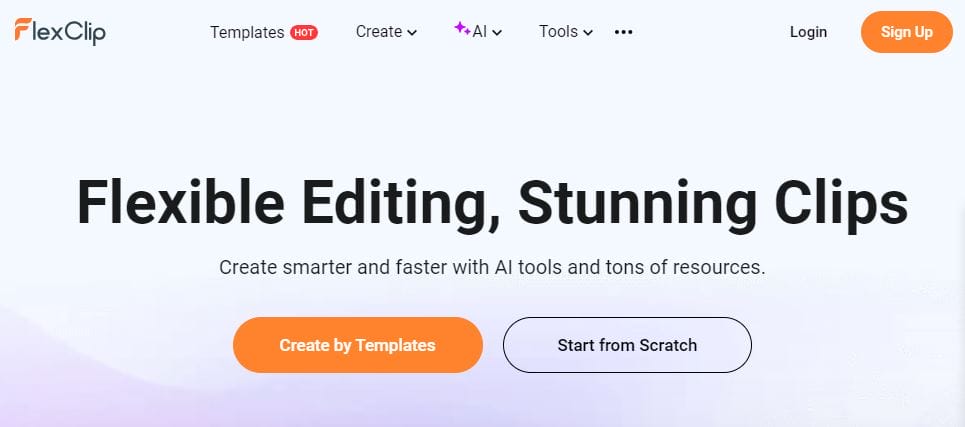
FlexClip is a versatile online video creation tool that allows users to produce high-quality videos with ease. It features a user-friendly interface and a wide range of customizable templates, making it suitable for both beginners and experienced creators. FlexClip supports various video styles, from marketing content to personal projects, and offers a rich media library filled with stock footage, images, and music. While the free version has certain limitations, such as watermarked exports, FlexClip is a solid choice for anyone looking to create engaging videos quickly and efficiently without needing extensive editing skills.
Pros:
- Easy to use for beginners.
- Good selection of resources.
- Flexible video output options.
Cons:
- Limited free storage.
- Watermarked videos in the free version.
7. Wave.video
Wave.video is a comprehensive online video marketing platform that enables users to create, edit, and share engaging videos effortlessly. With its user-friendly interface, Wave.video offers a range of customizable templates designed for various social media formats, including Instagram. The platform combines video editing tools with marketing features, making it ideal for businesses and content creators looking to enhance their online presence. Users can easily add text, graphics, and music to their videos, and the platform supports direct sharing to multiple social media channels. While the free version includes limitations, such as watermarked exports, Wave.video remains a popular choice for those seeking a powerful yet accessible video creation tool.
Pros:
- Suitable for marketing and promotional content.
- Large stock library.
- User-friendly interface.
Cons:
- Free version has limited features.
- Watermark on videos.
8. Biteable
Pros:
- Simple and quick video creation.
- Good for animated content.
- User-friendly interface.
Cons:
- Limited customization options.
- Watermarked exports in the free version.
9. Veed.io
Veed.io is an online video editing platform that simplifies the process of creating and editing videos for various purposes, including social media, marketing, and personal projects. With a user-friendly interface, Veed.io allows users to quickly edit videos by adding subtitles, text, and effects, making it accessible even for beginners. The platform supports collaboration, enabling teams to work together in real time, and offers features like audio editing and a library of stock assets. While the free version has certain limitations, including watermarked exports, Veed.io remains a popular choice for those looking to produce engaging videos efficiently without requiring advanced editing skills.
Pros:
- Easy to use with a clean interface.
- Good for quick edits.
- Supports multiple formats.
Cons:
- Limited features in the free version.
- Watermark on exports.
Also Read: Best AI Video Generators 2024
10. Renderforest
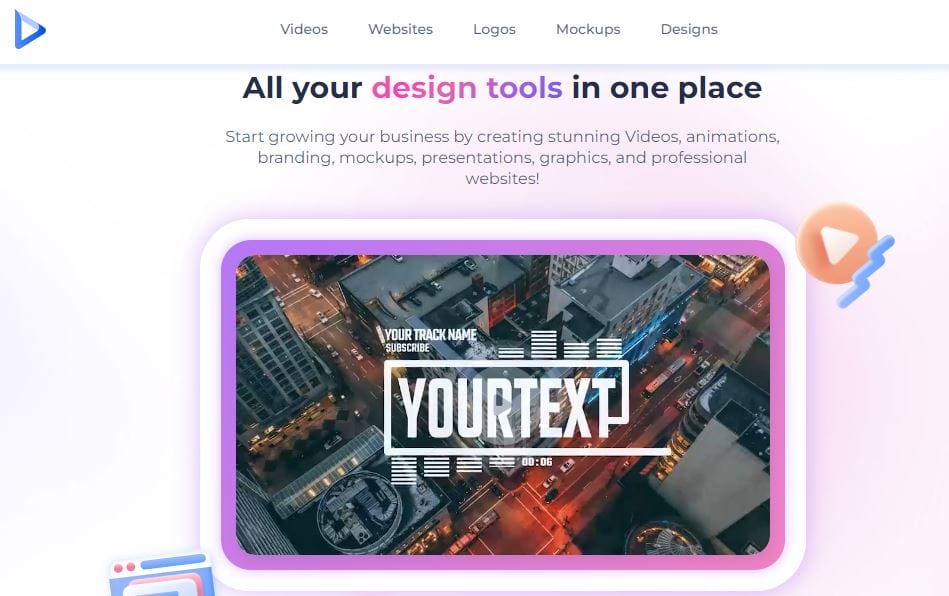
Renderforest is an online video creation and animation platform that enables users to produce high-quality videos, animations, and promotional content with ease. With a wide variety of customizable templates, Renderforest caters to different needs, including explainer videos, presentations, and social media content. The platform’s user-friendly interface allows both beginners and experienced creators to create professional-looking videos without extensive editing skills. Additionally, Renderforest offers tools for branding, including the ability to add logos and customize colors. While the free version includes watermarked exports and certain limitations, Renderforest remains a solid choice for those seeking a versatile and efficient video creation solution.
Pros:
- Good quality video outputs.
- Extensive library of templates.
- User-friendly interface.
Cons:
- Limited features in the free version.
- Watermarked videos.
Online Instagram Story Video Maker for Free at a Glance
| Tool | Key Features | Free Version Limitations | Best For |
|---|---|---|---|
| Canva | Templates, Media Library, Text Animation | Limited templates, watermarked | Graphic design + video |
| Adobe Spark | Customizable Themes, Voice Narration | Limited features | Professional-quality videos |
| Animoto | Drag-and-Drop, Video Styles | Watermarked videos | Marketing content |
| InVideo | Pre-made Templates, Media Library | Watermark, limited exports | Promotional videos |
| Kapwing | Collaboration Tools, Subtitling | Watermarked exports | Collaborative editing |
| FlexClip | Customizable Templates, Rich Media Library | Limited free storage, watermark | General video creation |
| Wave.video | Social Media Tools, Video Hosting | Limited features, watermark | Business marketing |
| Biteable | Animation Tools, Royalty-Free Assets | Watermarked exports | Animated videos |
| Veed.io | Subtitle Generator, Audio Editing | Watermarked exports | Quick video edits |
| Renderforest | Variety of Templates, Branding Options | Watermarked videos | Promotional content |
Final Thoughts
Choosing the right online Instagram video maker depends on your specific needs, whether you’re looking for templates, ease of use, or collaborative features. Each tool offers unique features that can help you create stunning videos that will engage your audience. By understanding the pros and cons of each platform, you can select the best one for your content creation journey. Start exploring these tools today and elevate your Instagram game with captivating videos!
Interesting Reads
10 Best Festive Christmas Photo Collage Makers

Shashank is a seasoned digital marketing and WordPress expert who specializes in SEO, software tools reviews, and cutting-edge strategies for boosting online presence. With a passion for simplifying complex topics, Goutham crafts engaging blog posts that help readers optimize their websites, improve search engine rankings, and stay ahead in the ever-evolving digital landscape.