

Creators, businesses, and organizations have more ways to connect with an audience online than at any point before. Membership websites keep growing in popularity because they give creators an exclusive space to share content, offer premium services, or build a community around a shared interest.
If you’re thinking about starting one, this is a walkthrough of the platforms and tools people actually use to build and run membership sites. Whether you’re comfortable with code or have none at all, there’s a workable option somewhere in this list.
What Is a Membership Website?
A membership website is an online platform offering exclusive content, services, or community access to people who’ve subscribed or paid to join. Unlike a normal website open to every visitor, a membership site requires registration, usually an account and a payment, before unlocking the restricted content.
The point of a membership site is to build a sense of belonging among its members while offering something they genuinely can’t get elsewhere. Memberships vary widely: premium content, online courses, downloadable resources, community forums, networking, member-only events.

Content creators, businesses, educators, and organizations all use membership sites to monetize expertise, build communities around shared interests, or give an audience a more direct experience than an open website offers. Compared to a normal open-access site, the membership model creates something more personal, since creators are engaging directly with people who chose to be there.
Benefits of a Membership Website
A well-run membership platform can genuinely change the trajectory of a brand or business. It generates recurring income instead of one-off sales. It connects members with like-minded people and growth opportunities, which keeps the community running with less day-to-day effort from you. It leans on user-generated content, and memberships combine well with events, coaching, courses, private groups, and premium content. Managing one well can take as little as a few hours a week once the initial setup work is done.
What Makes a Membership Platform Actually Work?
A good membership platform feels like a well-run neighborhood: easy to navigate, welcoming, and clear about what’s inside. Menus and buttons should never leave people confused about where to go next. The platform needs to offer genuinely valuable features, the kind of exclusive access that makes membership feel worth paying for, and it needs to scale as the group grows rather than buckling once it does.
A few specific traits separate the platforms worth using from the ones that aren’t: a genuinely intuitive interface, robust features (content restriction, payment gateways, analytics, community tools), scalability as the audience grows, real customization options, reliable security for member data and transactions, integration with the other tools you already use, mobile responsiveness, and built-in marketing and analytics.
Top 8 Platforms and Tools for Building Membership Websites
1. BuddyPress
BuddyPress is a free WordPress plugin that turns a website into a social network or community hub. It integrates directly with WordPress and adds the layer of interaction most membership sites need to feel alive rather than static.
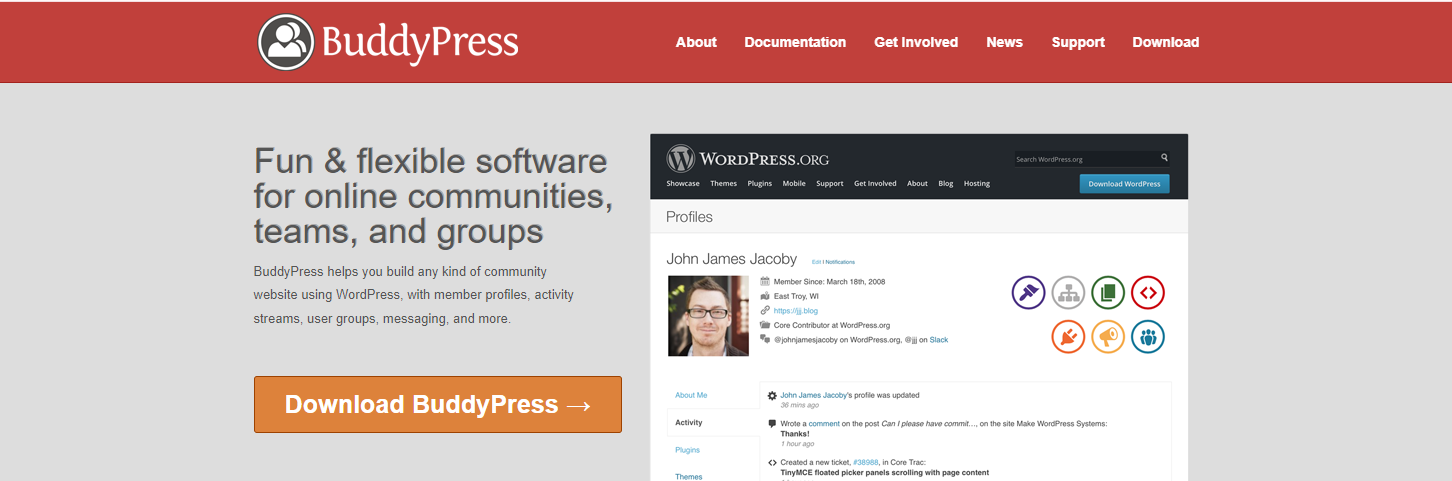
BuddyPress adds user profiles that members can personalize with details and interests, dynamic activity streams for posting updates in real time, groups for focused discussion among people with shared interests, discussion forums, and private messaging for direct member-to-member communication.
2. Teachable
Teachable is built purely for online courses, aimed at educators, entrepreneurs, and content creators. The interface is genuinely user-friendly, and the feature set is tailored specifically to course content rather than trying to be everything at once.
It handles course creation and customization, payment processing, and analytics as a single package. On the plus side: a solid asynchronous LMS, strong marketing tools (landing pages, coupons, affiliate programs), plenty of integrations, and flexible monetization. On the downside: no community functions at all, no discussion forums or native livestreaming, weak fit for cohort-based courses, and no Android app.
3. Wix
Wix steps outside the typical membership-site-builder category entirely. It’s primarily a full CMS and website builder, but it folds a members area into your site as part of the package.

Wix offers a drag-and-drop builder for the whole site, a members area for community-building, customizable templates, flexible content types, user management, tiered access control, and built-in ecommerce for selling within the members area.
4. MemberSpace
MemberSpace is a third-party tool that bolts onto platforms like Squarespace, Webnode, and WordPress, turning any of them into a membership-protected site.
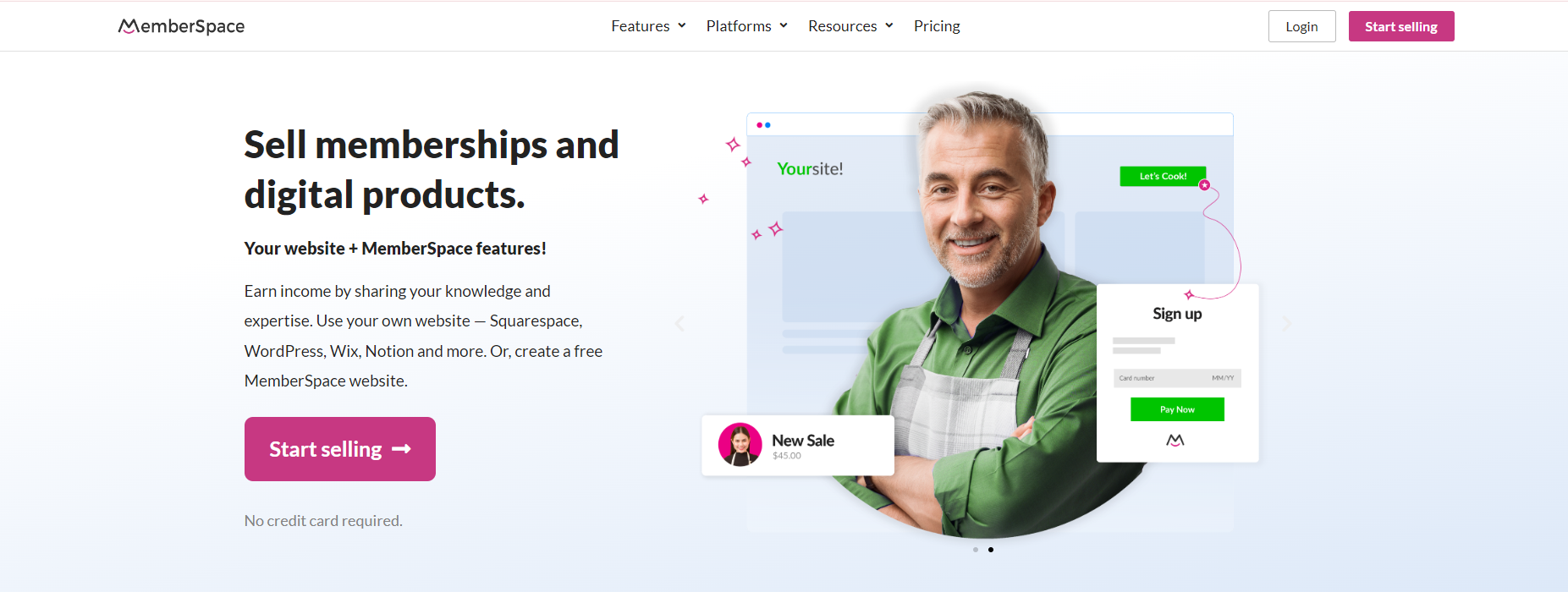
It works across multiple website-building platforms, gates specific pages behind membership, lets you set custom access requirements (subscription, one-time payment, or other criteria), integrates without much friction, and gives you tools for managing members and their access levels.
5. Podia
Podia is an all-in-one platform for digital creators, artists, and entrepreneurs. It covers selling courses and digital downloads, hosting webinars, and building a community, all from one dashboard.
Podia’s strengths: a genuinely unified platform for courses, downloads, webinars, and community; a streamlined course builder; secure sales of ebooks, PDFs, music, and other digital products; live streaming and Q&A tools; and customizable sales pages that don’t require design skill to look good.
6. LearnDash
LearnDash is one of the leading Learning Management Systems, built for educators, businesses, and organizations that need to create, manage, and deliver serious online courses.

It offers intuitive course creation, drip-feed content to control pacing, quizzes and assessments, multimedia support, and prerequisite settings so learners can’t jump ahead before they’re ready.
7. Uscreen
Uscreen is built for video creators. It lets you sell paid memberships giving access to a video library, run live streams, and offer a community space, all under your own branding on web and app.

You keep control over your audience and get built-in marketing, sales, and analytics tools. Key features: flexible monetization (subscription, pay-per-view, one-time purchase), custom branding, secure video hosting, live streaming, marketing tools, content protection through DRM, and multi-device accessibility.
8. BuddyX Theme
For anyone building a membership site on WordPress specifically, BuddyX pairs the BuddyPress plugin with a purpose-built theme rather than leaving you to assemble the community layer from scratch. It handles member profiles, groups, activity feeds, and directory layouts out of the box, and it’s free to start with.
Pricing Across These Platforms, Roughly
Teachable’s plans run from a free trial tier up through several hundred dollars a month at the top end, plus a transaction fee on the free plan that disappears once you upgrade. Podia sits in a similar range, with its lowest paid tier starting around $39 a month and no transaction fees on any paid plan, which matters once sales volume grows.
Wix charges through its regular website plans, and the members area functionality is bundled into mid-tier plans rather than sold separately, so the effective cost depends on which Wix plan you’re already on for the rest of the site. MemberSpace charges based on member count, starting affordably for a small list and scaling up as the membership grows, which can get expensive fast for a large free-to-paid conversion funnel.
LearnDash is a one-time or annual licence fee for the plugin itself, on top of whatever hosting and theme costs your WordPress site already carries. BuddyPress and BuddyX are both free at the core, with optional paid extensions and themes layered on as needed. Uscreen’s pricing starts higher than most of the others here, reflecting the video hosting and streaming infrastructure baked into the platform.
A Migration Checklist If You’re Switching Platforms
Export everything you can before cancelling anything. Member emails, purchase history, and content files are the three things worth backing up regardless of which platform you’re leaving. Most platforms offer at least a CSV export of member data, even if the export is incomplete compared to what the platform actually stores.
Set up the new platform fully, content included, before announcing the migration to your members. A half-finished new platform announced too early creates confusion and abandoned signups. Run both platforms in parallel for a short window if the budget allows it, giving existing members time to move over instead of forcing a hard cutoff.
Communicate the reason for the move, not just the mechanics. Members who understand why you’re switching (better features, lower cost, more control) tend to follow you through the transition. Members who only get a “we’re moving, click here” email without context are more likely to quietly churn.
How to Choose Between These Platforms
Start with what your content actually is. Pure video content favors Uscreen. Structured courses with assessments favor LearnDash or Teachable. A community-first project where discussion matters more than a course structure favors BuddyPress or BuddyX. Trying to force video-heavy content into a platform built for text-based courses, or vice versa, creates friction that shows up in member complaints within the first month.
Budget matters too, and not just the sticker price. Teachable and Podia charge ongoing platform fees regardless of your revenue. WordPress-based options like BuddyPress and LearnDash have lower recurring costs but require more setup time and occasional maintenance. Weigh your available time against your available cash before picking a direction.
Signs You’ve Outgrown Your Current Platform
Transaction fees eating a growing share of revenue is usually the first signal. What felt negligible at $2,000 a month in sales starts to sting at $20,000 a month, and that’s often the point creators start seriously evaluating alternatives with lower or no per-transaction cost.
Feature requests from members that the platform simply can’t fulfill are another sign. If members keep asking for a feature (structured cohorts, deeper community tools, custom certificates) and the platform’s roadmap doesn’t include it, that gap tends to widen rather than close over time.
Design limitations become a bigger issue as a brand matures too. Early on, a generic template is fine. A few years in, looking indistinguishable from every other membership site on the same platform starts to undercut the premium feel a paid membership is supposed to carry.
Community Features Worth Prioritizing
Not every community feature matters equally. Discussion forums or activity feeds tend to drive the most sustained engagement, since they give members a reason to return between content releases rather than only showing up when something new drops. Direct messaging between members builds relationships that keep people renewing even when they’ve slowed down on the actual content consumption.
Member directories and profiles matter more than they seem to at first glance, particularly for professional or networking-focused communities where members join specifically to find and connect with each other, not just to consume content from the creator.
Events, whether virtual meetups or scheduled live sessions, create urgency and a reason to log in at a specific time rather than “whenever.” A membership with zero live component tends to feel more like a static content library than an actual community, even when the underlying content quality is identical.
Common Mistakes When Launching a Membership Site
Launching with too much content upfront is a frequent one. New members feel overwhelmed rather than excited, and completion rates on courses or engagement in communities drop as a result. Releasing content in stages, even if everything already exists, tends to perform better than dumping it all at once.
Underpricing is another common trap. Creators worried about pricing too high often set fees too low to sustain the ongoing work of running the community, then burn out within a year trying to keep up with an underpriced membership. Price for the value delivered, not for what feels comfortable to charge on day one.
Skipping the community piece entirely is a mistake too, even for course-focused platforms. Members who only consume content without any way to interact with each other or the creator churn faster than members who feel like they’re part of something.
Frequently Asked Questions
Can I switch platforms after launching a membership site?
Technically yes, but migrating members, content, and payment history between platforms is rarely smooth. Most creators lose some members during a platform switch simply due to the friction of re-registering and re-entering payment details.
Do I need a community feature if I’m only selling a course?
Not strictly, but courses with even basic community features (a discussion forum, a Q&A space) tend to see better completion rates than fully isolated, self-paced courses with no interaction at all.
How much should a membership cost?
There’s no universal number. Look at the depth of content, the amount of direct access to you or your team, and what comparable memberships in your niche charge, then price toward the value delivered rather than a round number that feels safe.
Should I offer a free trial or a free tier?
A time-limited free trial tends to convert better than an open-ended free tier, since the deadline creates urgency to decide. A permanent free tier works better for community-first platforms where the free version still delivers standalone value and paid tiers add depth rather than gating basic access entirely.
Is WordPress a good foundation for a membership site, or is a dedicated platform safer?
WordPress requires more setup work upfront but gives you full ownership of the site, the data, and the design, without a third-party platform sitting between you and your members. Dedicated platforms trade that ownership for convenience and faster setup. Neither is universally better; the right call depends on how much you value control versus speed to launch.
What happens to member access if I stop paying for the platform?
This varies significantly by platform and is worth checking before committing. Some platforms lock members out immediately on a lapsed subscription. WordPress-based setups keep functioning as long as hosting is paid, independent of any plugin licence lapsing, which is one of the quieter advantages of the self-hosted route.
Final Thoughts
Building a membership website has never had more solid options behind it. Whether the focus is content, community, or courses, the platforms covered here give you a real foundation to build from. The right choice comes down to matching the platform to your specific content type and your audience’s actual needs, not picking whatever’s most popular. Get that match right, and both the creator and the members end up with an experience worth sticking around for.
Test before you commit. Most of the platforms above offer a free trial or a genuinely usable free tier, and an afternoon spent building a mock membership page tells you more than another hour of reading comparisons. Pick the one that feels right to actually work in, day after day, because you’ll be the one running it long after launch week is over. Build a page, add a piece of content, walk through the checkout as if you were a member. If any part of that feels clunky to you, it will feel clunky to them too.
Also read: