

The 10 best plugins for optimizing WordPress for speed and SEO in 2026 are WP Rocket, NitroPack, Perfmatters, WP Fastest Cache, Cache Enabler, WP Super Cache, W3 Total Cache, WP Super Minify, Smush, and LazyLoad by WP Rocket. WP Rocket handles most sites’ needs as a single all-in-one caching solution; Smush and LazyLoad cover image performance; Perfmatters removes unnecessary WordPress bloat; and NitroPack automates the entire optimization pipeline.
Last updated: 6 November 2026
Quick answer: WP Rocket is the best all-round pick for most sites because it bundles caching, file optimization and lazy loading in one plugin. NitroPack suits you if you want a fully automated setup, and WP Fastest Cache or WP Super Cache paired with Smush is the best free route.
A fast, well-optimized WordPress site directly affects user retention, search rankings, and conversions. Research shows that 53% of users abandon a site if it takes more than 3 seconds to load, and 75% of users never scroll past the first page of search results. The right plugin stack addresses caching, image compression, file minification, and on-page SEO so your site stays competitive without requiring developer-level configuration.
Table of Contents
- Market snapshot
- Importance of Website Optimization in 2026
- Best Plugins for WordPress Speed and SEO Optimization
- 1. WP Rocket
- 2. NitroPack
- 3. Perfmatters
- 4. WP Fastest Cache
- 5. Cache Enabler
- 6. WP Super Cache
- 7. W3 Total Cache
- 8. WP Super Minify
- 9. Smush
- 10. LazyLoad by WP Rocket
- Final Thoughts
- FAQs
- Sources
Market snapshot
Where site speed stands today:
- The HTTP Archive Web Almanac found that 48% of mobile sites passed all three Core Web Vitals in 2025, up from 44% in 2024 and 36% in 2023 (HTTP Archive Web Almanac 2025, Performance).
- WP Super Cache and WP Fastest Cache each list 1,000,000+ active installs, and Smush lists 1,000,000+ (WordPress.org, checked November 2026).
Importance of Website Optimization in 2026
Website optimization in 2026 covers speed, usability, and search visibility. Users expect pages to load fast on any device; Google’s Core Web Vitals make page speed a direct ranking signal; and mobile browsing now drives the majority of web traffic. Sites that don’t optimize fall behind on all three fronts simultaneously.
The good news: the plugins below handle most of the technical heavy lifting. You don’t need to be a developer to dramatically improve your site’s performance, the right combination of plugins can cut load times in half with relatively minimal configuration.
Best Plugins for WordPress Speed and SEO Optimization
1. WP Rocket
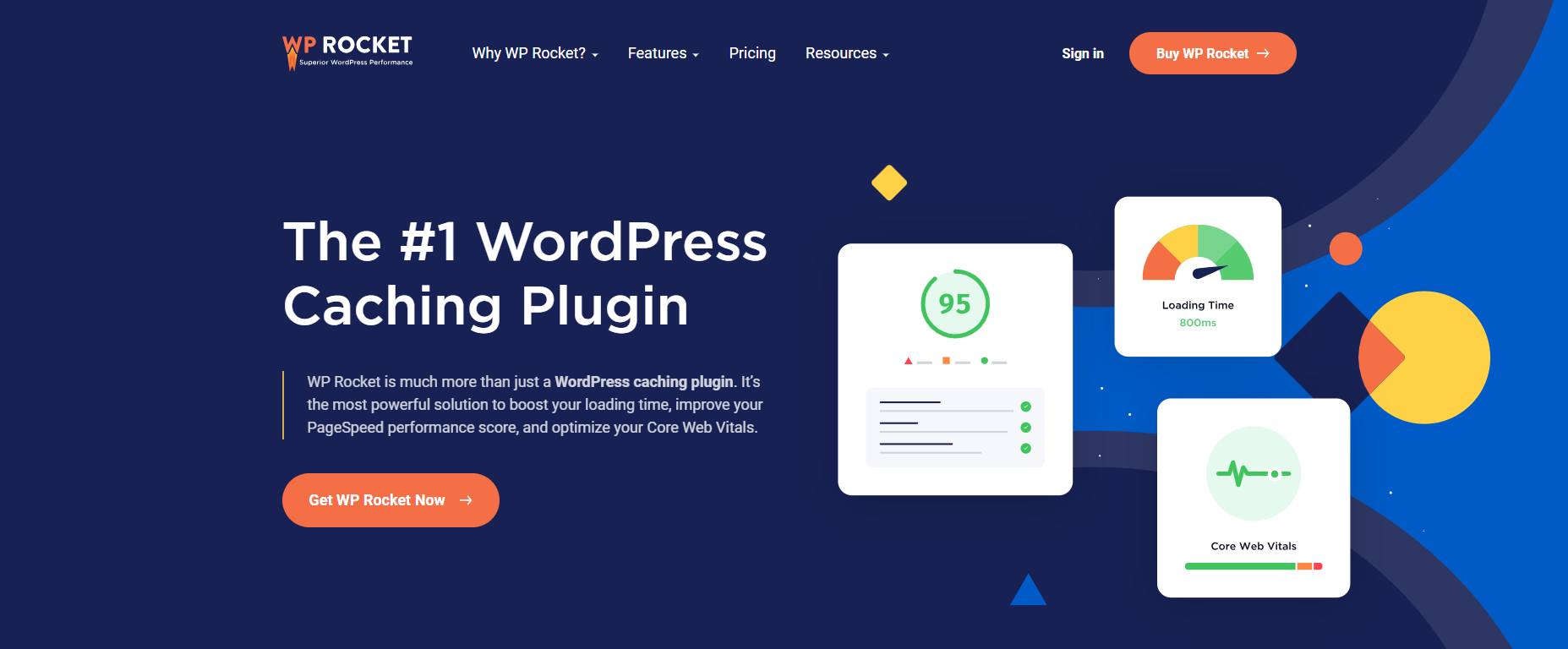
WP Rocket is the leading WordPress caching plugin, combining caching, file optimization, lazy loading, and CDN integration in one intuitive interface. It handles JavaScript deferral, CSS and HTML minification, database cleanup, and cache preloading without requiring a manual course to configure. Most sites can remove several other plugins after installing WP Rocket.
Key Features:
- Page caching and cache pre-loading
- CSS, HTML, and JavaScript compression and minification
- Image lazy loading
- Database optimization
- CDN and Cloudflare integration
- Delayed JavaScript execution for Core Web Vitals improvements
- Settings import/export and version rollback
Price: From $59/year
2. NitroPack

NitroPack is an all-in-one speed optimization platform that automates the entire process: caching, CDN, image optimization, compression, minification, next-gen image formats, DNS prefetching, and JavaScript deferral. Install the connector plugin, add your site, select an optimization level, and NitroPack handles the rest.
Key Features:
- Fully automated optimization pipeline
- Global CDN with automatic setup
- Multiple caching strategies (page, browser)
- Automated image optimization and WebP conversion
- Adaptive image sizing
- HTML, JS, and CSS minification and compression
- JavaScript loading deferral
- DNS prefetching
Price: Paid plans based on traffic; the $21 to $176 per month range shown here may be out of date, so check NitroPack’s pricing page
3. Perfmatters
Perfmatters takes a different approach, instead of adding caching, it removes unnecessary WordPress bloat. Default WordPress loads scripts, options, and HTTP requests that most sites don’t need. Perfmatters disables these selectively, reducing page weight and load times. It also enables per-page script disabling so plugins only load where they’re actually used.
Key Features:
- Disables unnecessary default WordPress options and scripts
- Blocks unnecessary HTTP requests
- Per-page script disabling to prevent unnecessary code loading
- DNS prefetch and preconnect support
- Local hosting for Google Analytics script
Price: From $24.95/year
4. WP Fastest Cache
WP Fastest Cache is a popular free caching plugin with over 1 million active users. It’s simpler to configure than W3 Total Cache while still covering the key performance features: page caching, CSS/HTML minification, CDN integration, and cache expiration rules. The premium version adds Gzip compression, image optimization, and browser caching.
Key Features:
- Simple setup with minimal configuration needed
- One-click cache clear and CSS/HTML minification
- Cache exclusion for specific posts or pages
- Cache expiration by URL pattern
- CDN integration
Price: Free (premium version available)
5. Cache Enabler
Cache Enabler is a lightweight caching plugin that creates static HTML files of frontend pages and serves them directly, bypassing the WordPress database entirely. Simple configuration, minimal feature set, and reliable performance, designed specifically for sites that want caching without complexity.
Key Features:
- Generates and serves static HTML files
- Automatic and manual cache clearing
- WebP image format support
- File compression support
- Cache size display in WordPress dashboard
Price: Free
6. WP Super Cache

WP Super Cache is one of the most downloaded WordPress caching plugins, with over 1 million active installs. It offers three caching modes (Mod_Rewrite, PHP, and Legacy), browser caching, CDN support, and cache preloading. Straightforward to set up for basic use, with advanced settings available for experienced users.
Key Features:
- Three caching modes (Mod_Rewrite, PHP, Legacy)
- Browser caching
- Static HTML file serving
- Cache preload
- CDN support
Price: Free
7. W3 Total Cache
W3 Total Cache is a comprehensive caching solution that goes well beyond basic page caching, covering database caching, object caching, browser caching, and full CDN integration including Cloudflare. It’s the most feature-complete free option, but also the most complex to configure correctly. Best suited for advanced users who know their way around caching settings.
Key Features:
- Extensive caching options (page, database, object, browser)
- Advanced CDN support including Cloudflare
- Minification of HTML, CSS, and JavaScript
- Fragment caching for dynamic content
Price: Free
8. WP Super Minify
WP Super Minify focuses exclusively on minifying and combining HTML, JavaScript, and CSS files. It’s a useful addition when your caching plugin doesn’t include built-in minification. Test on a staging site first, minification can occasionally conflict with theme or plugin code.
Key Features:
- Minifies HTML, JavaScript, and CSS
- Combines files for faster delivery
- Lightweight and focused on a single function
Price: Free
9. Smush

Smush is the leading image optimization plugin for WordPress. It compresses images without visible quality loss, handles bulk optimization of existing media, auto-compresses new uploads, and lazy loads images on scroll. For image-heavy sites, Smush alone can produce significant load time improvements.
Key Features:
- Image compression without quality loss
- Bulk optimization of existing images
- Automatic compression of newly uploaded images
- Lazy load for images and iframes
- Supports multiple formats and sizes
Price: Free (Smush Pro available)
10. LazyLoad by WP Rocket

LazyLoad by WP Rocket defers loading of images, iframes, and YouTube thumbnails until they’re about to enter the viewport. This reduces initial page weight and load time significantly, particularly on pages with many images below the fold. It’s a standalone free plugin, separate from the paid WP Rocket, so you can use it on any site.
Key Features:
- Lazy loads images, iframes, and video thumbnails
- Ultra-lightweight, no jQuery or JavaScript dependency
- Replaces YouTube iframes with preview thumbnails until clicked
Price: Free
Final Thoughts
For most WordPress sites in 2026, the simplest high-impact stack is: WP Rocket for caching and file optimization, Smush for image compression, and Perfmatters to strip unnecessary bloat. That combination covers the majority of what affects Core Web Vitals scores and search rankings.
If you want a fully automated approach without manual configuration, NitroPack handles everything in one platform. For those on a tighter budget, WP Fastest Cache or WP Super Cache paired with Smush covers the essentials at no cost.
Interesting Reads:
10 Best WordPress Security Plugins 2026
Top 10 Content Marketing Agencies 2026
How WordPress Sites Can Enhance Their Cloud Security
FAQs
What is the best WordPress plugin for speed?
WP Rocket is the best all-round choice because it handles page caching, file minification, delayed JavaScript, lazy loading and database cleanup in one plugin, from $59 per year. Free alternatives like WP Fastest Cache and WP Super Cache cover caching well, and Smush handles images.
Is there a free WordPress caching plugin?
Yes. WP Fastest Cache, WP Super Cache, W3 Total Cache and Cache Enabler are all free on WordPress.org, and WP Fastest Cache and WP Super Cache each have over 1 million active installs. Pair one with an image plugin like Smush for the biggest gains.
Should I use more than one caching plugin?
No. Running two page-caching plugins causes conflicts and stale pages. Use one caching plugin, then add single-purpose tools around it, such as Smush for images or Perfmatters for script control. Always clear the cache and retest after you change settings.
Do speed plugins improve SEO?
They can. Google uses Core Web Vitals as a ranking signal, and faster pages tend to keep visitors longer. Speed is one factor among many, so content quality and relevance still matter more. Test with PageSpeed Insights before and after you install a plugin.
WP Rocket or NitroPack, which is better?
WP Rocket gives you manual control and a flat per-site yearly price. NitroPack automates the whole pipeline and includes a CDN, but its pricing depends on traffic and has changed over time. Check both pricing pages, then trial the one that fits how much hands-on tuning you want.