

Forms are a crucial part of any website, whether you need them for contact purposes, lead generation, surveys, or user feedback. A well-designed form enhances user interaction and plays a vital role in lead generation and customer engagement. WordPress offers a wide range of form plugins to help you create everything from simple contact forms to complex multi-step forms with conditional logic.
In 2026, the best WordPress form plugins offer not only ease of use but also advanced features like third-party service integrations, payment gateways, and built-in spam protection.
Ten plugins covers a wide range, but the practical shortlist for most sites is smaller than that. Two or three of the options below fit a typical use case well, the rest exist for more specific requirements, calculations, conversational multi-step flows, deep WooCommerce integration, that only a fraction of sites actually need. Reading through what each one specializes in, rather than picking the plugin with the longest feature list, gets to the right choice faster.

Top WordPress Form Plugins
1. Gravity Forms
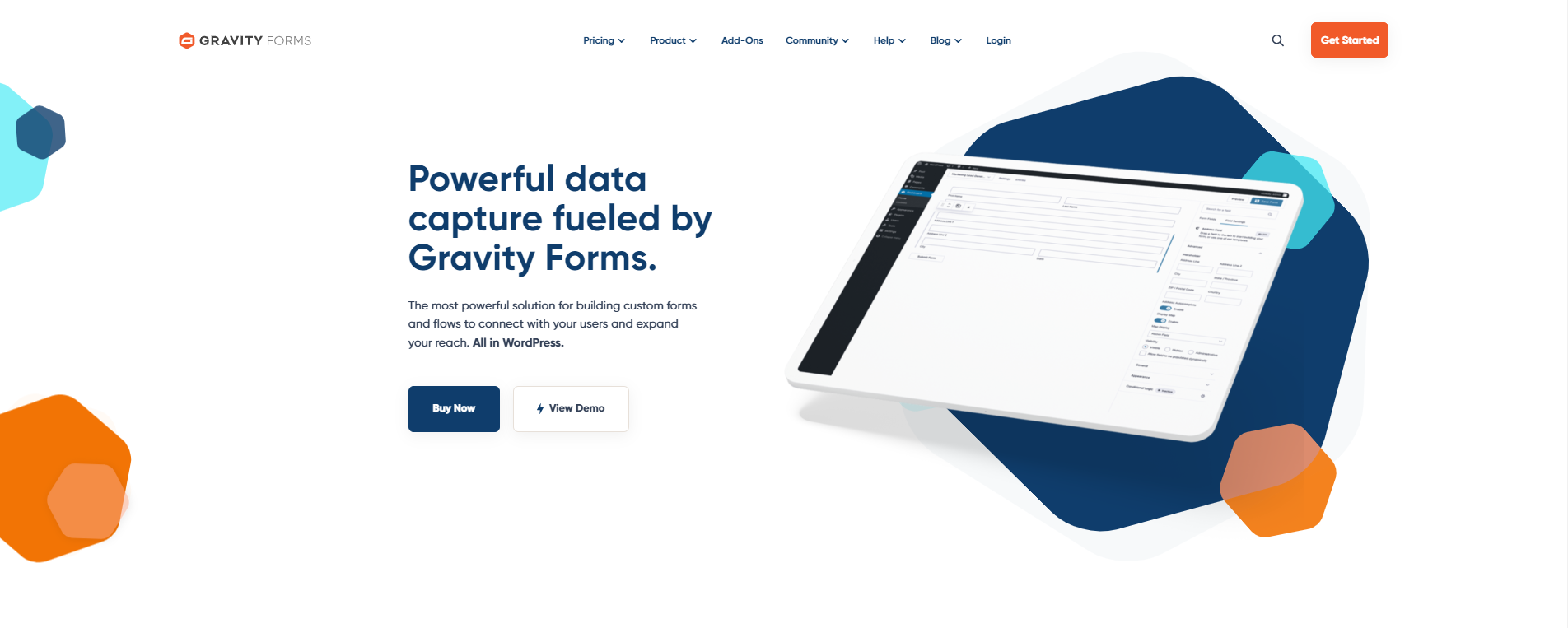
Gravity Forms is widely regarded as the most powerful and flexible form plugin for WordPress. Known for its advanced functionality and ease of use, it’s a favorite among developers and businesses alike. Whether you need simple contact forms or complex forms with conditional logic, Gravity Forms has you covered.
Key features:
- Drag-and-drop form builder: Create forms without any coding knowledge.
- Conditional logic: Show or hide fields based on user input, making forms more dynamic.
- Advanced integrations: Connects with PayPal, Stripe, Mailchimp, HubSpot, and Zapier.
- File uploads: Allow users to upload files directly through your forms.
- Multi-page forms: Create multi-step forms with progress bars for surveys and applications.
- Spam protection: Built-in support for reCAPTCHA, Akismet, and custom honeypots.
Gravity Forms also offers a wide range of add-ons for quizzes, user registration, and e-commerce forms.
Pricing: Starts at $59 per year for a basic license.
2. WPForms
WPForms is one of the most user-friendly form plugins available. Its drag-and-drop form builder makes it easy for anyone to create contact forms, payment forms, and surveys in minutes.
Key features:
- Pre-built form templates to speed up form creation.
- Integration with popular email marketing services.
- Advanced features like conditional logic and file uploads.
- Built-in spam protection using CAPTCHA and honeypots.
WPForms is ideal for beginners and small businesses looking for an easy-to-use yet powerful form solution.
3. Ninja Forms
Ninja Forms offers a flexible form-building experience with a wide range of extensions for added functionality. It works well for both beginners and advanced users who need customizable forms.
Key features:
- Drag-and-drop form builder.
- Add-ons for payment gateways like PayPal and Stripe.
- Customizable form layouts and design options.
Ninja Forms has a free version with basic features and a premium version for more advanced functionalities.
4. Formidable Forms
Formidable Forms is the right choice for users who need advanced features like form-based calculations, directories, and user-submitted content. It’s a powerful tool for data-driven applications.
Key features:
- Advanced calculation fields, ideal for price estimators and calculators.
- Visual form styler for easy customization.
- Integration with WooCommerce for advanced e-commerce forms.
5. Contact Form 7
Contact Form 7 is one of the oldest and most popular free WordPress form plugins. While it’s not as user-friendly as some premium options, it’s highly customizable and supports basic form creation.
Key features:
- Simple form builder for quick contact form creation.
- Support for CAPTCHA, Akismet, and spam filtering.
- Completely free with extensive documentation.
6. Everest Forms
Everest Forms is a lightweight and user-friendly form plugin that offers a drag-and-drop interface and plenty of customization options. It’s well suited for both simple and complex forms.
Key features:
- Pre-built form templates to save time.
- Multi-column form layout options.
- Shortcode support for embedding forms anywhere on your site.
7. Fluent Forms
Fluent Forms has become one of the most widely adopted form plugins on WordPress.org, with a fast, native form builder and a conversational form mode that presents one question at a time rather than a full form all at once. It’s a strong pick for anyone who wants Gravity Forms-level capability without the annual license cost for a smaller site.
Key features:
- Conditional logic and multi-step forms in the free version.
- Native integrations with payment gateways and major email marketing platforms.
- Built-in entry management and submission analytics without needing a separate plugin.
8. HappyForms
HappyForms is a lightweight form plugin that integrates directly with the WordPress customizer, making it easy to build forms without leaving the customizer interface.
Key features:
- Real-time form editing in the WordPress customizer.
- GDPR-compliant forms with built-in consent fields.
- No branding in the free version, keeping forms looking professional.
9. Jetpack Forms
Jetpack Forms is part of the Jetpack plugin suite and offers basic form-building capabilities. It’s a good option for users who already have Jetpack installed and need a simple form solution.
Key features:
- Simple contact form builder.
- Spam protection with Akismet integration.
- Easy form embedding via shortcodes.
10. Quform
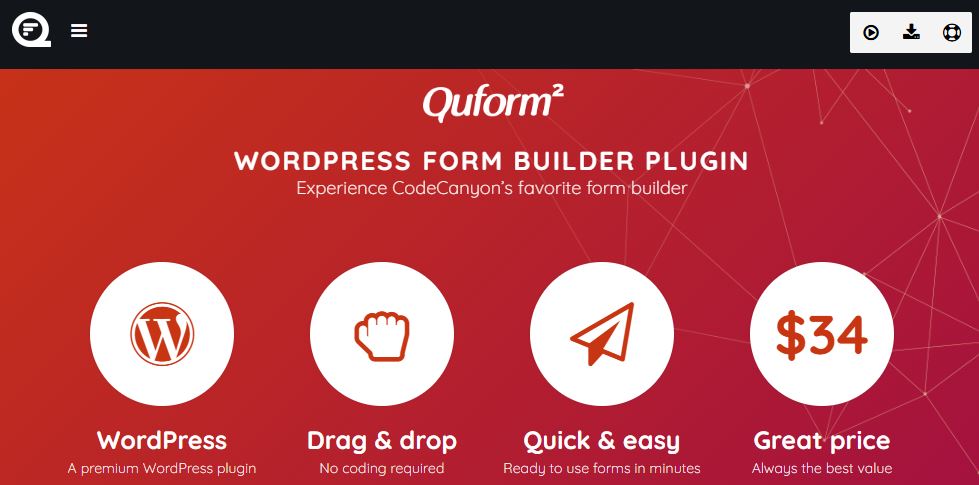
Quform is a premium WordPress form plugin that lets users create fully customized forms with minimal effort. It’s known for its sleek design and user-friendly interface.
Key features:
- Advanced form builder with drag-and-drop functionality.
- Multi-page forms with progress bars.
- Built-in form animations for a modern look.
Free vs. premium: what actually differs
Free tiers across this list cover genuine ground: Contact Form 7, Everest Forms, HappyForms, and Jetpack Forms all handle straightforward contact and lead-capture forms at no cost, and WPForms, Gravity Forms, Ninja Forms, and Fluent Forms all offer functional free versions alongside their paid tiers. What premium unlocks tends to follow a consistent pattern: conditional logic beyond a basic level, payment gateway integrations, multi-page forms with saved progress, and direct connections to email marketing platforms like Mailchimp or HubSpot. A site collecting simple contact requests rarely needs to pay for any of this; a site running paid event registrations or multi-step application forms usually does.
Pricing structures differ enough to matter for a real budget decision. Gravity Forms and WPForms both use annual subscription licensing, Gravity Forms starting around $59 a year for a single site. Ninja Forms and Fluent Forms take a freemium approach, a genuinely usable free core plugin with paid add-ons for specific advanced features rather than a single all-or-nothing upgrade. Quform is a one-time purchase through CodeCanyon rather than a subscription, worth factoring in if avoiding recurring costs matters more than getting continuous updates bundled in automatically.
Matching the plugin to your actual form complexity
Matching plugin choice to actual form complexity avoids both underpowered and overbuilt setups. A basic contact form, name, email, message, needs almost nothing beyond what Contact Form 7 or Jetpack Forms provides for free, reaching for a premium plugin here adds cost without adding real capability. Multi-step application forms, quote calculators, or forms with heavy conditional logic (show this field only if that option was selected) are where Gravity Forms and Formidable Forms earn their price, both were built specifically for this level of complexity rather than having it added as an afterthought.
Forms that need to calculate a price, a shipping quote, an insurance estimate, based on user input require calculation fields specifically, a feature Formidable Forms handles particularly well through its dedicated calculation field type. Forms collecting file uploads, resumes, portfolio samples, supporting documents, need to check the plugin’s file size limits and supported formats against actual use case requirements before committing, default limits vary meaningfully between plugins and hosting environments both.
Testing a shortlisted plugin’s actual editing experience matters more than its feature comparison chart suggests. Building the same sample form, a handful of fields, one conditional rule, in each candidate plugin’s free trial or free tier surfaces friction, an awkward field ordering process, a confusing conditional logic interface, that a written feature list never captures. The plugin that looks strongest on paper isn’t always the one that’s fastest to actually build in day to day.
Spam protection approaches compared
Spam protection approaches split into a few categories worth understanding before picking one. CAPTCHA-based protection, Google’s reCAPTCHA most commonly, adds a visible or invisible challenge that filters out most automated bot submissions, supported across nearly every plugin on this list. Honeypot fields, a hidden field invisible to human visitors but visible to bots that fill in every field they find, catch a different class of spam without adding any visible friction for real visitors.
Akismet integration, the same spam-filtering service that protects WordPress comments, extends to form submissions on plugins that support it, Contact Form 7, Jetpack Forms, and Gravity Forms all integrate with it directly. For a form receiving meaningful spam volume despite these measures, combining more than one method, honeypot plus reCAPTCHA, for instance, catches a wider range of spam patterns than relying on a single method alone.
Payment-enabled forms: what to check
A form that accepts payment directly, event registration fees, donations, product orders through a simple form rather than a full storefront, needs more scrutiny than a standard lead-capture form. Confirming the plugin’s supported gateways match what the business already uses, Stripe, PayPal, and Square coverage varies by plugin and by tier, avoids discovering a mismatch after building out the whole form. PCI compliance also matters here: reputable form plugins route payment details directly to the gateway rather than storing card data on the WordPress site itself, worth confirming explicitly rather than assuming, since storing raw card data on a self-hosted site creates real compliance exposure.
Testing the full payment flow in the gateway’s sandbox mode before going live catches configuration issues, a misconfigured webhook, a currency mismatch, before a real customer hits them. This is worth doing even on a form that looks simple, payment integrations have more moving parts than they appear to from the form builder’s settings screen alone.
Accessibility and privacy considerations
Form accessibility gets overlooked more often than most other accessibility concerns because a form’s visual layout can look fine while still being unusable for a screen reader or keyboard-only visitor. Properly labeled fields, ones a screen reader announces correctly rather than just a visual placeholder text with no actual label attribute, matter more here than almost anywhere else on a site, since a form a visitor can’t complete is a form that fails at its one job. Most of the plugins on this list handle basic label accessibility correctly by default, worth testing directly with a keyboard-only tab-through rather than assuming.
GDPR compliance for European visitors requires explicit consent language and a clear statement of what happens to submitted data, not just a working form. HappyForms builds consent fields in directly, but any plugin can add this through a checkbox field paired with a clear privacy policy link, the mechanism matters less than actually having the disclosure in place before collecting personal data from EU visitors specifically.
What happens after a submission: notifications and routing
What happens after a form gets submitted matters as much as the form itself. Email notifications, sent both to the site owner and as a confirmation to the person submitting, are standard across every plugin here, but the useful differentiator is conditional notification routing, sending a sales inquiry to the sales team’s inbox and a support question to support, automatically, based on which option a visitor selected. Gravity Forms and Fluent Forms both handle this natively; simpler plugins may need a workaround through a third-party automation tool like Zapier to achieve the same routing.
Connecting form submissions directly to a CRM or email marketing platform turns a form from a one-off inquiry box into part of an actual lead pipeline. A submission that automatically creates a new contact in Mailchimp or a new lead in HubSpot, rather than sitting in an inbox waiting for someone to manually enter it elsewhere, saves real time on any site generating a meaningful volume of form submissions, and reduces the chance a lead gets missed in a crowded inbox.
Where form submissions actually live is worth understanding before it becomes a problem. Most WordPress form plugins store submissions directly in the WordPress database by default, meaning it’s included in your regular site backups and accessible without a separate login, but also means a database issue or a hosting problem could affect submission history the same as any other site content. A handful of plugins offer or require external storage instead, particularly ones with a cloud-hosted component, worth checking specifically if submissions include sensitive information that has its own retention or deletion requirements under something like GDPR.
A form with too many required fields is the most common conversion killer, every additional required field is a chance for a visitor to abandon before submitting, particularly on mobile where typing is more friction than on desktop. Asking only for what’s genuinely needed to follow up, and marking anything else optional, consistently improves completion rates more than any design change to the form itself.
Frequently asked questions
Can I use more than one form plugin on the same WordPress site?
Technically yes, but it’s worth avoiding when possible. Running two full form plugins simultaneously adds unnecessary page weight from duplicate scripts and styles loading, and can occasionally create JavaScript conflicts between the two. Picking one plugin that covers the range of form types the site actually needs, rather than one plugin per form type, keeps the site leaner and easier to maintain.
Will a form plugin slow down my site?
A well-built one shouldn’t be noticeable, most modern form plugins load their scripts only on pages that actually contain a form rather than site-wide. Older or poorly optimized plugins sometimes load their full script library on every page regardless of whether a form is present, worth checking page speed before and after installing a new form plugin to catch this.
What happened to Caldera Forms, and is it safe to keep using it?
Caldera Forms was closed on the WordPress.org plugin repository in April 2022 at the developer’s own request and is no longer available for download or receiving updates. A site still running it is running unmaintained code with no security patches going forward, worth migrating off it to an actively maintained alternative like Fluent Forms, which offers a comparable free feature set with an active development team behind it.
Do I need a premium form plugin for a small business website?
Not necessarily. For a straightforward contact form and basic lead capture, the free tiers of Contact Form 7, Jetpack Forms, or Fluent Forms cover the requirement without a recurring cost. Premium becomes worth it once the site needs conditional logic, payment collection, multi-step forms, or integration with a specific email marketing platform the free tier doesn’t support.
How do I migrate forms from one plugin to another without losing submissions?
Most established plugins offer an export tool for form structure, but historical submission data usually needs a separate export, often to CSV, before switching plugins, since submission storage formats aren’t standardized across different plugins. Exporting and backing up existing submissions before deactivating the old plugin avoids losing that data permanently during a migration.
Choosing the right one
Choosing the right WordPress form plugin depends on your specific needs, form complexity, required integrations, and budget, more than on any single “best overall” ranking. For a feature-rich and highly customizable solution, Gravity Forms remains the strongest pick for complex, high-stakes forms in 2026. For beginners who want an easy-to-use interface without a learning curve, WPForms and Ninja Forms are solid choices. Developers seeking advanced data-driven functionality, calculations, directories, structured data collection, will find Formidable Forms the most capable option, and Fluent Forms has become one of the strongest free-tier options since Caldera Forms’ closure left a real gap in that space.
If you also need to gather quick audience opinions alongside your forms, WordPress Polls is a lightweight complement, letting you embed interactive polls on any page or post to collect fast, visual feedback without the overhead of a full form. Test a shortlist directly on a staging site before committing, most of these plugins offer enough of a free tier to evaluate the actual editing experience firsthand, which matters more for day-to-day usability than any feature comparison chart.
Interesting Reads:
Top 10 WordPress Hosting Services in 2026