

Images are the cornerstone of an engaging WordPress website, but they can quickly slow down your site’s performance if not optimized correctly. According to Google, a delay of just one second in page load time can result in a 7% loss in conversions. That’s where WordPress image compression plugins (2025) come into play. These plugins automatically compress your images without compromising quality, boosting site speed, improving user experience, and positively affecting your SEO rankings. In this article, we’ll compare the top WordPress image compression plugins (2025), helping you find the best solution to keep your site running fast and smooth.

Quick Links
Why Image Optimization is Essential for Website Performance
Image optimization plays a critical role in website performance, directly influencing loading times, user experience, and SEO rankings. Websites with large image files take longer to load, which can frustrate visitors and lead to higher bounce rates. Studies show that 47% of users expect a webpage to load in two seconds or less, and a delay of even a few seconds can reduce conversion rates significantly. Additionally, search engines like Google consider site speed as a ranking factor, so optimizing your images can improve your site’s SEO. By compressing and resizing images without compromising quality, you enhance your website’s speed, accessibility, and overall performance, ultimately improving user engagement and retention.
Best WordPress Image Compression Plugins
There are several WordPress Image Compression Plugins available, each with its own unique features and benefits. Here are some of the best WordPress Image Compression Plugins to consider:
1. ShortPixel
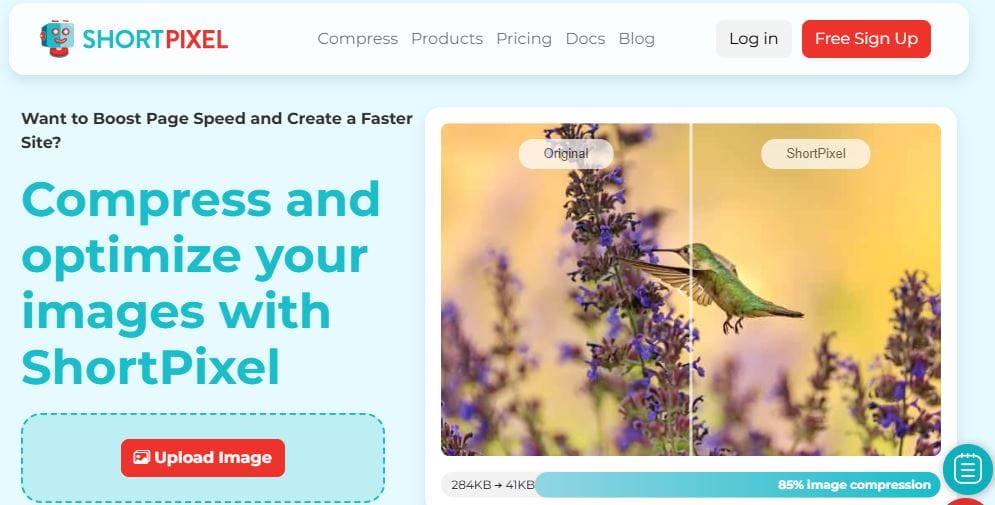
ShortPixel is a popular WordPress Image Compression Plugin that uses advanced algorithms to compress images on your website without sacrificing their visual quality. The plugin offers both lossy and lossless compression options, allowing you to choose the level of compression that is appropriate for your website.
ShortPixel can automatically compress images as they are uploaded to your website, and it can also optimize images that were uploaded before the plugin was installed. The plugin also includes a bulk compression feature that allows you to compress all the images on your website at once.
In addition to compression, ShortPixel offers several other features to help optimize images on your website. These include:
- Resizing: ShortPixel can automatically resize images to fit specific dimensions, which can help to further reduce their file size.
- WebP conversion: ShortPixel can convert your images to the WebP format, which is a more efficient image format that can further reduce the size of your images.
- Image backups: ShortPixel automatically creates backups of all the images it compresses, so you can easily restore them if needed.
ShortPixel offers a free version of the plugin, as well as paid plans with additional features such as PDF compression and integration with popular page builders.
2. Smush
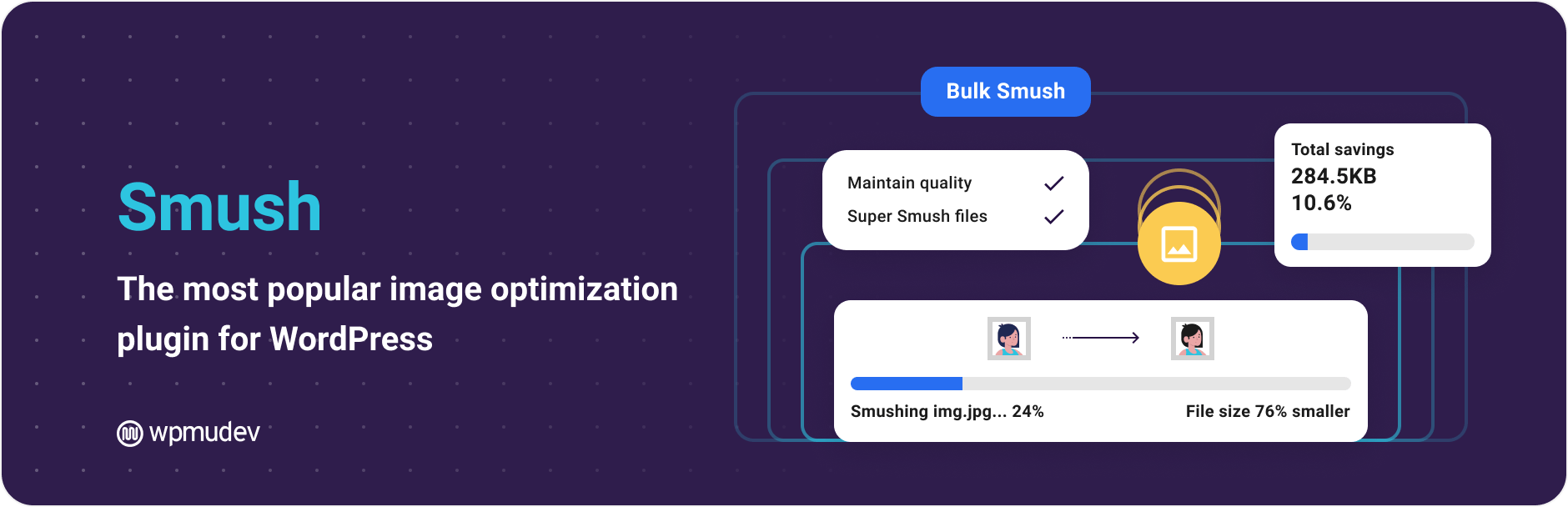
Smush is a popular WordPress Image Compression Plugin developed by WPMU DEV. It uses lossless compression techniques to optimize images on your website, reducing their size without sacrificing their visual quality.
Smush automatically compresses images as they are uploaded to your website, and it can also optimize images that were uploaded before the plugin was installed. The plugin also includes a bulk compression feature that allows you to compress all the images on your website at once.
In addition to compression, Smush offers several other features to help optimize images on your website. These include:
- Lazy loading: Smush can enable lazy loading for images, which means that images will only load when they come into view on the user’s screen. This can help to reduce page loading times and improve the user experience.
- Automatic resizing: You can configure Smush to automatically resize images to fit specific dimensions, which can also help to reduce their file size.
- WebP conversion: Smush can convert your images to the WebP format, which is a more efficient image format that can further reduce the size of your images.
Smush offers a free version of the plugin, as well as a Pro version with additional features such as bulk smushing and integration with popular page builders.
3. Imagify
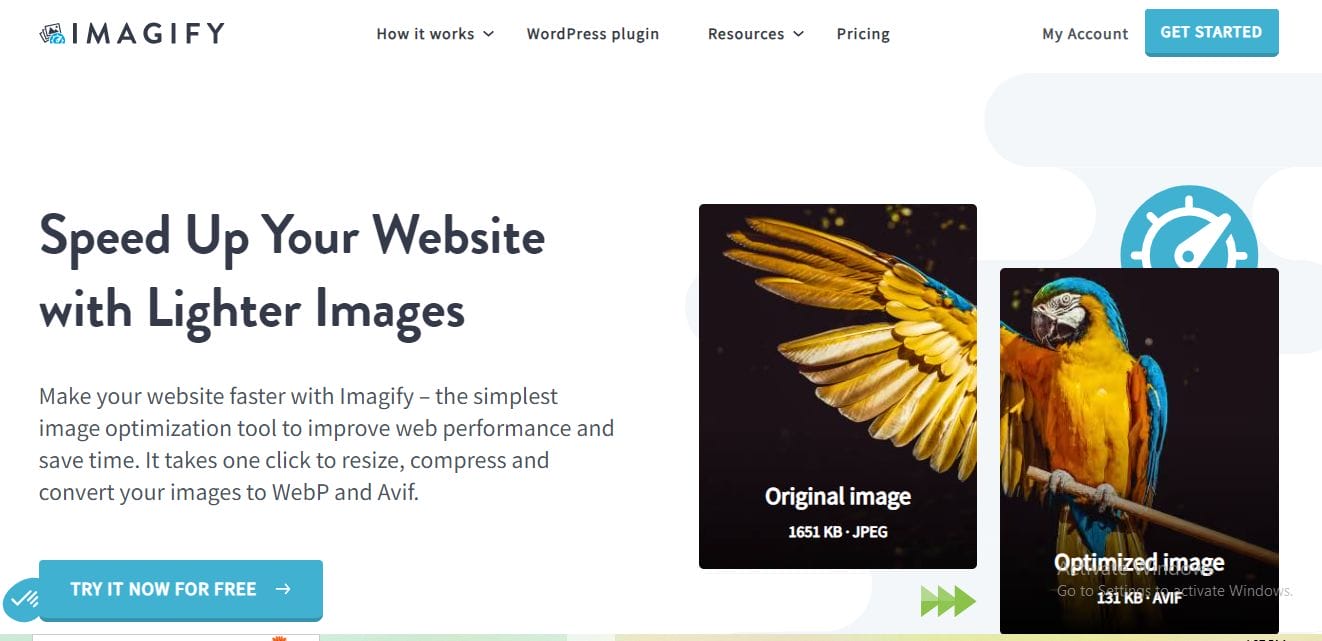
Imagify is a popular WordPress Image Compression Plugin developed by WP Media. It uses a combination of lossy and lossless compression techniques to optimize images on your website, reducing their size without sacrificing their visual quality.
Imagify can automatically compress images as they are uploaded to your website, and it can also optimize images that were uploaded before the plugin was installed. The plugin also includes a bulk compression feature that allows you to compress all the images on your website at once.
In addition to compression, Imagify offers several other features to help optimize images on your website. These include:
- WebP conversion: Imagify can convert your images to the WebP format, which is a more efficient image format that can further reduce the size of your images.
- Resizing: Imagify can automatically resize images to fit specific dimensions, which can help to further reduce their file size.
- Image backups: Imagify automatically creates backups of all the images it compresses, so you can easily restore them if needed.
Imagify offers a free version of the plugin, as well as paid plans with additional features such as PDF compression and integration with popular page builders.
4. EWWW Image Optimizer
EWWW Image Optimizer is a popular WordPress Image Compression Plugin that offers both lossy and lossless compression options to optimize images on your website.
EWWW Image Optimizer can automatically compress images as they are uploaded to your website, and it can also optimize images that were uploaded before the plugin was installed. The plugin also includes a bulk compression feature that allows you to compress all the images on your website at once.
In addition to compression, EWWW Image Optimizer offers several other features to help optimize images on your website. These include:
- Resizing: EWWW Image Optimizer can automatically resize images to fit specific dimensions, which can help to further reduce their file size.
- WebP conversion: EWWW Image Optimizer can convert your images to the WebP format, which is a more efficient image format that can further reduce the size of your images.
- Lazy loading: EWWW Image Optimizer includes a lazy loading feature that can improve your website’s loading speed by only loading images as they are needed.
EWWW Image Optimizer offers a free version of the plugin, as well as paid plans with additional features such as backup and restore and integration with popular page builders.
5. Optimole
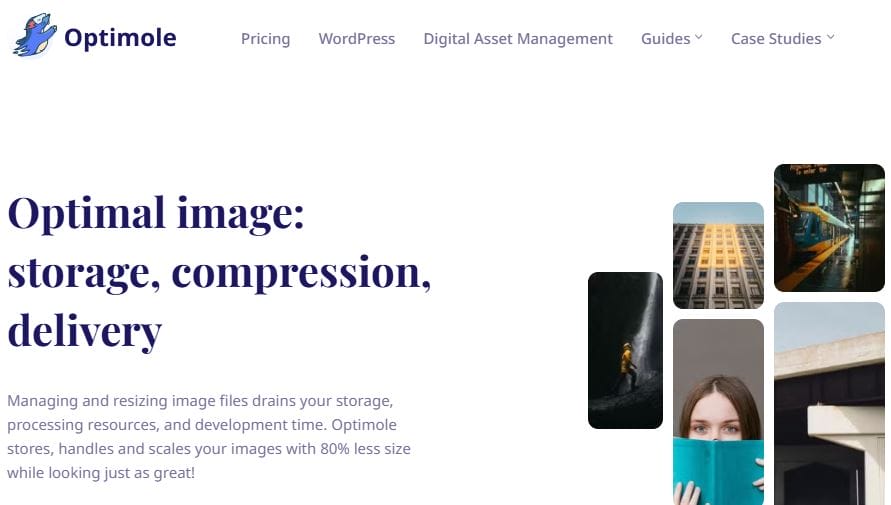
Optimole is a WordPress image optimization plugin that uses a cloud-based service to automatically compress and optimize images on your website. The plugin is designed to be lightweight and easy to use, and it offers several features to help improve the performance of your website.
Optimole uses advanced image compression algorithms to optimize your images without sacrificing quality. The plugin can automatically compress images as they are uploaded to your website, and it can also optimize images that were uploaded before the plugin was installed. The plugin also includes a lazy loading feature that can help to improve your website’s loading speed by only loading images as they are needed.
In addition to compression and lazy loading, Optimole offers several other features to help optimize images on your website. These include:
- Resizing: Optimole can automatically resize images to fit specific dimensions, which can help to further reduce their file size.
- WebP conversion: Optimole can convert your images to the WebP format, which is a more efficient image format that can further reduce the size of your images.
- CDN integration: Optimole integrates with a global Content Delivery Network (CDN) to deliver your optimized images to visitors faster.
Optimole offers a free version of the plugin, as well as paid plans with additional features such as backup and restore and integration with popular page builders.
6. WP Compress
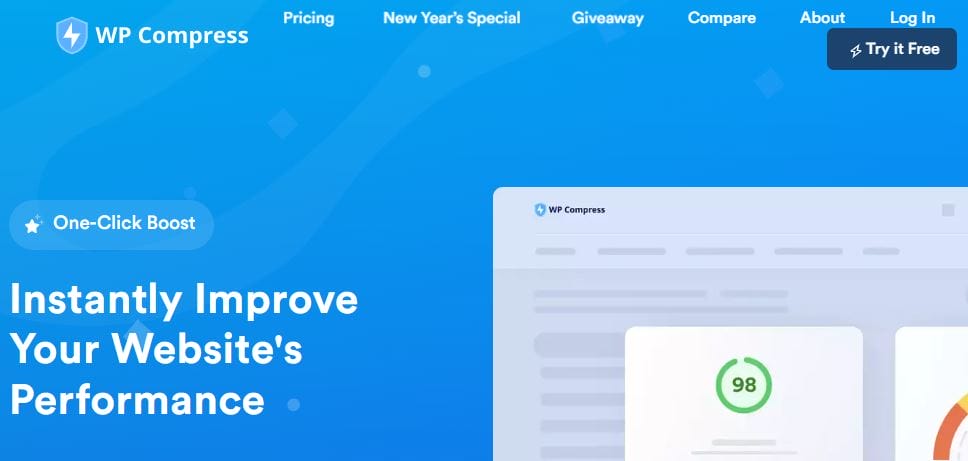
WP Compress is a WordPress image compression plugin that offers both lossy and lossless compression options to optimize images on your website. The plugin is designed to be fast and easy to use, and it offers several features to help improve the performance of your website.
WP Compress can automatically compress images as they are uploaded to your website, and it can also optimize images that were uploaded before the plugin was installed. The plugin also includes a bulk compression feature that allows you to compress all the images on your website at once.
In addition to compression, WP Compress offers several other features to help optimize images on your website. These include:
- Resizing: WP Compress can automatically resize images to fit specific dimensions, which can help to further reduce their file size.
- WebP conversion: WP Compress can convert your images to the WebP format, which is a more efficient image format that can further reduce the size of your images.
- Lazy loading: WP Compress includes a lazy loading feature that can improve your website’s loading speed by only loading images as they are needed.
- Backup and restore: WP Compress offers a backup and restores feature that allows you to easily restore your original images if you ever need to.
WP Compress offers a free version of the plugin, as well as paid plans with additional features such as integration with popular page builders and custom compression settings.
7. Compress JPEG & PNG images
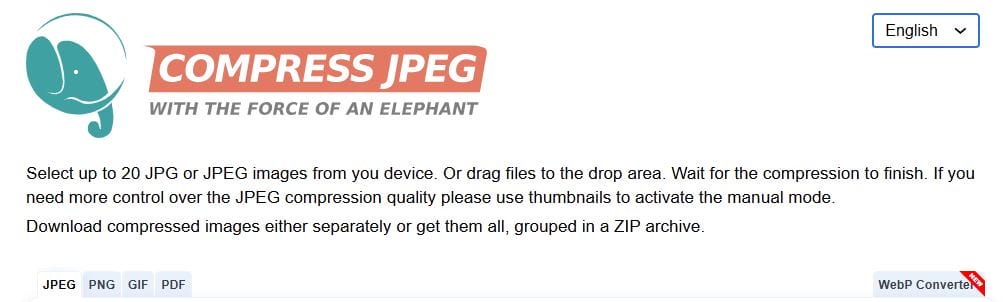
Compress JPEG & PNG images is a WordPress plugin that automatically compresses and optimizes images on your website to reduce their file size and improve your website’s loading speed. The plugin uses advanced compression algorithms to reduce the size of your images without sacrificing quality.
Compress JPEG & PNG images can automatically compress images as they are uploaded to your website, and it can also optimize images that were uploaded before the plugin was installed. The plugin also includes a bulk compression feature that allows you to compress all the images on your website at once.
In addition to compression, Compress JPEG & PNG images offer several other features to help optimize images on your website. These include:
- Resizing: Compress JPEG & PNG images can automatically resize images to fit specific dimensions, which can help to further reduce their file size.
- WebP conversion: Compress JPEG & PNG images can convert your images to the WebP format, which is a more efficient image format that can further reduce the size of your images.
- Backup and restore: Compress JPEG & PNG images offer a backup and restore feature that allows you to easily restore your original images if you ever need to.
Compress JPEG & PNG images offer a free version of the plugin, as well as paid plans with additional features such as integration with popular page builders and custom compression settings.

Final Thoughts: WordPress Image Compression Plugins
Optimizing your images with the right WordPress image compression plugins is an essential step toward improving website performance. By reducing image file sizes without sacrificing quality, you enhance load times, boost SEO rankings, and provide a better user experience. With many powerful and user-friendly plugins available, it’s easier than ever to integrate image optimization into your workflow. Whether you’re running an e-commerce site, a blog, or a portfolio, these plugins ensure that your website remains fast, efficient, and responsive in 2025. Investing in the right tools will not only improve performance but also contribute to higher conversion rates and user satisfaction.
Interesting Reads:
10 Essential Free And Premium WordPress Plugins

