

The best WordPress membership plugins in 2026 are WooCommerce Memberships, MemberPress, Ultimate Member, LearnDash, and S2Member. MemberPress is the most complete all-in-one option for content restriction, subscription billing, and course creation. Ultimate Member leads for community-focused membership sites with over 200,000 installations. If selling online courses is your primary goal, LearnDash is purpose-built for that use case. All five plugins work with any WordPress theme and can be set up without writing code.
Most businesses and organizations launch membership sites to share gated content, build closer relationships with their audience, and generate recurring revenue. WordPress makes this achievable with plugins that handle everything from content restriction to payments. The tricky part isn’t finding a plugin that works. It’s picking the one that matches how you actually plan to run the site a year from now, not just what looks good on a comparison chart today.
What Are Membership Sites?
Membership websites give businesses and organizations a platform for sharing content with registered members only. This includes training videos, downloadable resources, subscription content, and community access. A software company might gate advanced tutorials behind a paid tier. A nonprofit might reserve event registration for donors. A coach might sell one-on-one access alongside a library of recorded sessions.
Members-only content builds loyalty and creates a predictable revenue stream, both of which are harder to achieve through open-access publishing. When someone pays monthly for access, they stick around longer than someone who found a free article through search and never came back. That difference shows up directly in retention numbers and in how much you can invest in producing content, because you know roughly how much revenue is coming in each month.
Why Build a Membership Site?
A membership site lets you connect directly with your most engaged audience, showcase exclusive offerings, and build trust over time. Whether you want a platform for closer customer relationships or a sustainable revenue model, WordPress membership plugins make it straightforward to set up and manage without custom development.
There’s also a defensive reason to consider one. Free content gets scraped, republished, and indexed by search engines that may eventually summarize it without sending you traffic. Gated content doesn’t have that problem. It only reaches people who signed up specifically because they wanted what you’re offering, which tends to produce a more engaged, lower-churn audience than open publishing ever does.
How to Choose the Right Membership Plugin
Before comparing feature lists, answer three questions about your own site. What are you actually selling: courses, a community, gated articles, or product access? How complex is your pricing going to get, a single flat fee or multiple tiers with add-ons and upgrades? And do you need this to integrate with an existing store, or is the membership site the whole business?
A course creator who tries to force LearnDash-style content into WooCommerce Memberships will spend more time fighting the plugin than building the course. Likewise, a store owner who bolts a general-purpose membership plugin onto WooCommerce instead of using the native extension often ends up maintaining two separate systems that don’t talk to each other cleanly. Match the tool to the actual job first, then look at price.
One-Time Payment or Recurring Subscription?
Before you even open a plugin’s settings page, decide how you want to bill members, because this choice shapes which plugin makes sense more than almost any other factor. A one-time lifetime access fee is simple to sell and easy for buyers to say yes to, but it caps your revenue per member and gives you no ongoing reason to keep producing new content for that person. Recurring subscriptions build a compounding revenue base, but they require more from you: consistent new content, active retention work, and a billing system that handles failed payments without losing the customer.
Some sites split the difference with a tiered approach, a lower-priced monthly plan alongside a higher-priced annual or lifetime option for members who’ve already decided they’re staying. All five plugins here support at least basic recurring billing, but the depth of options, multiple currencies, proration on upgrades, free trial periods, varies a lot between them. MemberPress and LearnDash offer the most granular control if you plan to experiment with pricing structures after launch.
Best WordPress Membership Plugins - Compared
1. WooCommerce Memberships

- Membership Plugins
WooCommerce Memberships ties your membership system directly to your e-commerce store. Members get exclusive access to products, pricing, and content that non-members can’t see or purchase. A customizable coupon and reward system lets you offer perks like free shipping to specific membership tiers. Content dripping lets you schedule when members gain access to different content, keeping them engaged over time.
This is the right pick if your business already runs on WooCommerce and membership is an extension of the store rather than a separate product. You get native checkout, native order management, and no syncing headaches between two different systems. It’s a weaker fit if you don’t already sell physical or digital products through WooCommerce, since you’d be adding an entire e-commerce stack just to gate content.
Key Features:
- Content dripping
- Membership-level discounts
- Members-only dashboard
- Easy communication with members
- Restrict product viewing and purchasing
2. MemberPress
- Membership Plugins
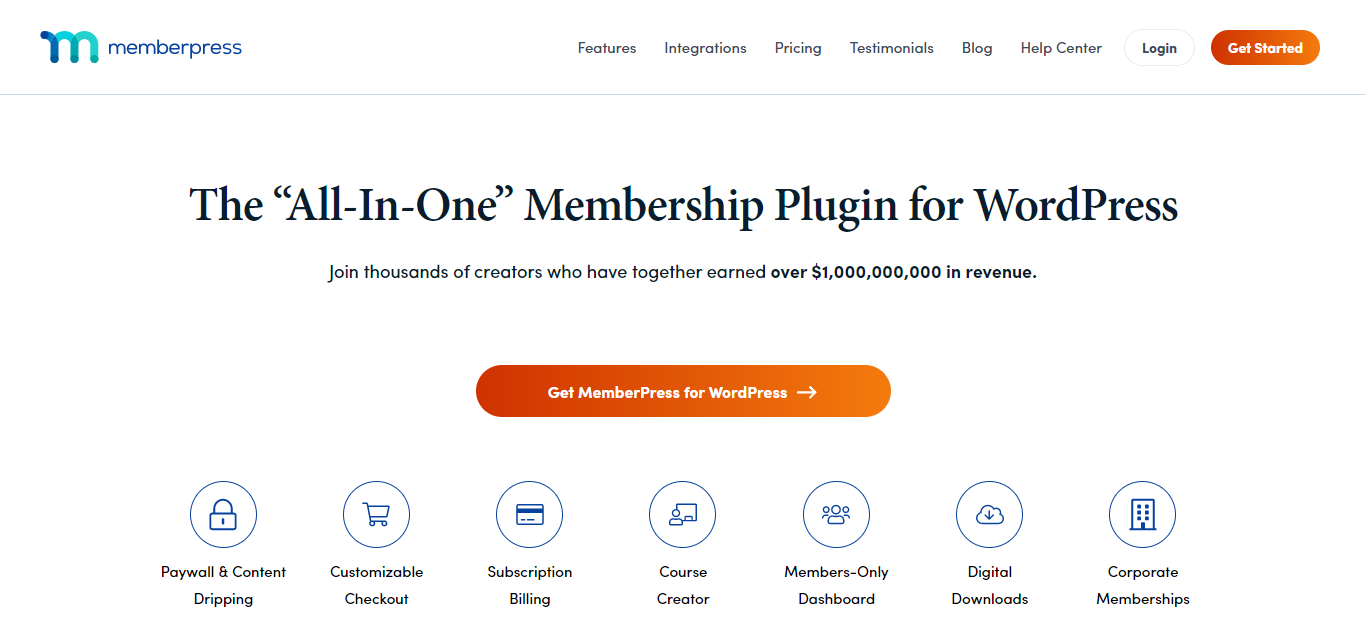
MemberPress is the most popular all-in-one WordPress membership plugin. It handles content restriction, subscription billing, course creation, and digital downloads from a single install. MemberPress is compatible with virtually all WordPress themes and gives you full control over your membership tiers, pricing, and access rules without needing a developer.
What makes MemberPress the default recommendation for most new membership sites is that it doesn’t force you to bolt on three separate plugins to get payments, drip content, and a course structure working together. You configure rules once, set your pricing tiers, and the plugin handles enforcement across your entire site, including pages, posts, custom post types, and downloads. The tradeoff is cost. It’s a premium-only plugin, so there’s no free tier to test with before you commit.
Key Features:
- Paywall and content dripping
- Subscription billing
- Built-in course creator
- Members-only dashboard
- Digital downloads
- Customizable coupon and reward system
- Unlimited membership levels
3. Ultimate Member
- Membership Plugins
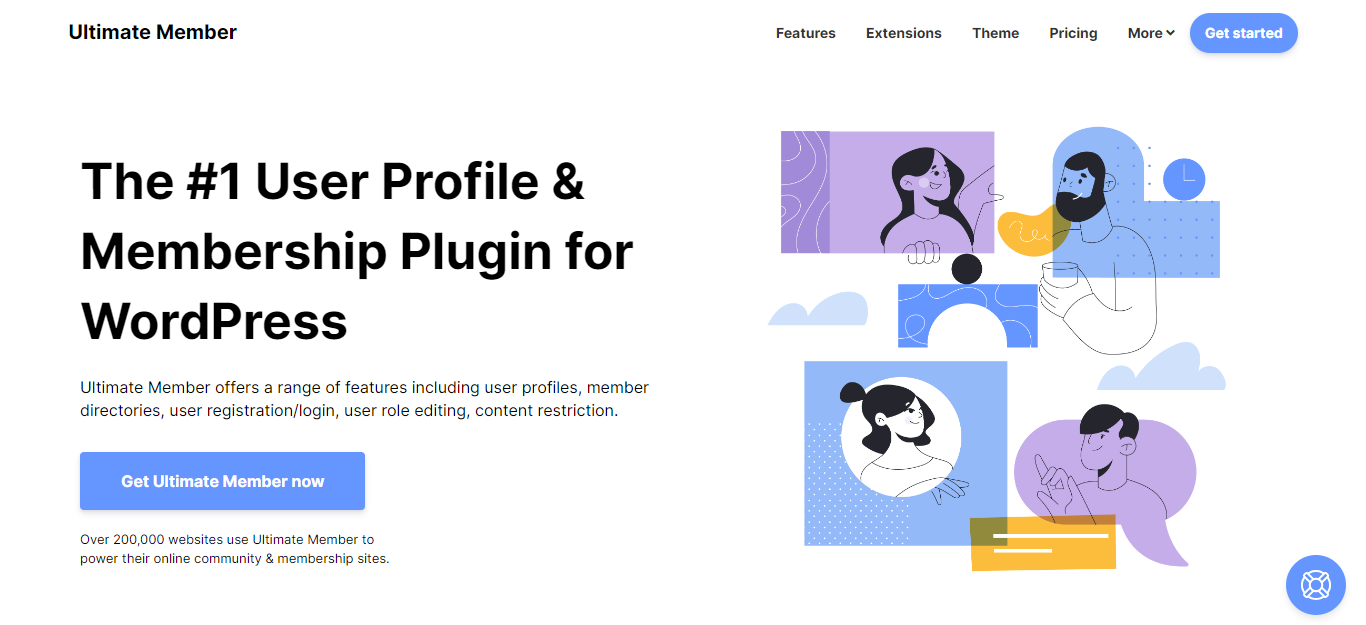
Ultimate Member is in use on over 200,000 websites, making it one of the most widely adopted membership plugins available. It’s a freemium plugin that works well for small and medium-sized community and membership sites, combining frontend user registration, login, and profile management with backend access control.
Where Ultimate Member separates itself from MemberPress and WooCommerce Memberships is the emphasis on user profiles and directories rather than pure content gating. If your membership site is really a community where members browse each other’s profiles, message one another, or appear in a searchable directory, Ultimate Member’s free core already covers most of that. Paid extensions add features like social login, verified badges, and advanced form building when you outgrow the defaults.
Key Features:
- Member directories
- User registration, login, and roles
- Content restriction
- Advanced extensions with pro membership
4. LearnDash

- Membership Plugins
LearnDash is designed specifically for membership sites built around online course delivery. It handles gated content, multiple pricing models, payment gateways, and learner certifications in one package. If your primary monetization is courses rather than general content subscriptions, LearnDash is the strongest purpose-built option. It pairs well with BuddyX Pro to add a community and social networking layer on top of your LearnDash courses.
The reason course creators keep coming back to LearnDash rather than trying to shoehorn a general membership plugin into a course structure is the depth of the learning-specific tooling: quizzes with question banks, timed assignments, course prerequisites, and completion certificates that print automatically. None of the other plugins on this list attempt to match that depth, because it’s not what they’re built for. If you’re selling access to a knowledge base or a community and courses are secondary, this is more plugin than you need.
Key Features:
- Customizable pricing model
- Multiple payment gateways
- Auto renewal reminders
- Refund protection
- Automated notifications
- One-time courses, badges, and certifications
5. S2Member
- Membership Plugins
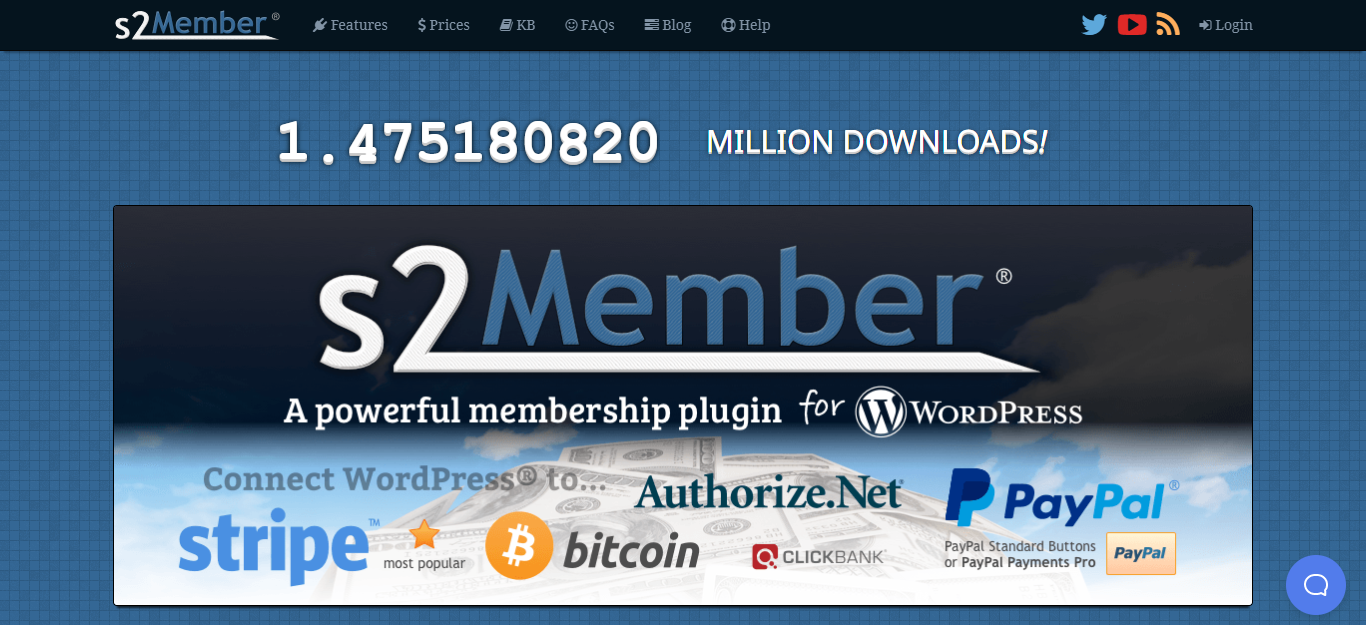
S2Member is a reliable starting point for beginners who want to protect content for paying members without a large upfront cost. The free version covers content restriction and basic membership management. Upgrading to the Pro version adds one-step registration and checkout. A solid option for smaller sites where budget is a constraint.
S2Member has been around long enough that its documentation and community support forums are unusually deep for a plugin in this category, which matters if you’re troubleshooting without a developer on retainer. It’s not the most modern interface on this list and the admin screens show their age, but the underlying restriction logic is dependable, and plenty of long-running membership sites have quietly used it for years without issue.
Key Features:
- Content restriction options
- Manual account creation
- Open registration options
- Shortcode conditionals
- Custom login and registration design

Quick Comparison at a Glance
If you just need a fast gut check on which plugin to start with, here’s how the five stack up on the questions that matter most when you’re actually deciding.
- Best all-around pick: MemberPress, for sites that need billing, content gating, and courses without stitching together separate plugins.
- Best for online courses: LearnDash, for the quiz engine, certificates, and prerequisite logic that generic membership plugins don’t offer.
- Best for community sites: Ultimate Member, for directories, profiles, and social features layered on a free core.
- Best if you already run WooCommerce: WooCommerce Memberships, for native checkout and order history without a second billing system.
- Best on a tight budget: S2Member, for basic content restriction that costs nothing to start testing.
Common Mistakes When Setting Up a Membership Site
The most common misstep is picking a plugin based on price alone and discovering months later that it can’t handle a pricing model you didn’t anticipate, like a lifetime tier or a group discount for teams. Migrating an active membership base to a new plugin mid-stream is painful and usually involves manually rebuilding subscriber records, so it pays to think through pricing flexibility before launch, not after.
The second mistake is under-investing in the member experience once someone has paid. A locked-content wall that just shows a login form isn’t enough on its own. Members who feel like they joined a ghost town cancel fast, regardless of how good the gated content actually is. Small additions like activity feeds, recognition for participation, or simple polls asking members what they want next go a long way toward making the membership feel alive rather than transactional.
A third, quieter mistake is skipping the cancellation flow during testing. Site owners spend weeks polishing the signup and checkout process, then never actually walk through what happens when someone wants to leave. A confusing or hidden cancellation path doesn’t stop people from leaving, it just makes them file a chargeback or leave a bad review instead, which costs more than the lost subscription ever would have.
Security and Access Control Considerations
Content restriction is only as strong as the plugin enforcing it, and this is a spot where cutting corners causes real problems later. Some cheaper or older restriction plugins hide gated content with CSS instead of actually blocking the request at the server level, which means the “protected” text still ships in the page source and shows up in search results or a simple view-source check. All five plugins covered here enforce restriction properly, but if you ever evaluate an alternative, test this specifically before trusting it with paid content.
Payment security is the other piece worth checking upfront. MemberPress, LearnDash, and WooCommerce Memberships all integrate with established payment gateways like Stripe and PayPal rather than handling card data directly on your server, which keeps you out of the business of storing sensitive payment information. Confirm which gateways a plugin supports in your country before committing, since coverage varies by region and some gateways charge higher fees for subscription billing than for one-time purchases.
Planning for Growth Beyond Launch
A membership site that works fine at fifty members can behave very differently at five thousand. Query-heavy dashboards, member directories, and activity feeds all get slower as your table sizes grow, and not every plugin handles that gracefully out of the box. Ask about caching compatibility and look for evidence the plugin has been tested on larger installs rather than just small demo sites, especially if your growth plan involves scaling past a few hundred active subscribers within the first year.
It also helps to think about churn management early rather than treating it as a later problem. Failed payment retries, dunning emails when a card expires, and an easy cancellation flow all affect how much revenue you actually keep versus how much slips away through billing friction. MemberPress and LearnDash both include automated renewal and dunning handling out of the box; if you go with a leaner plugin like S2Member, budget time to configure that manually or add a dedicated billing extension.
Frequently Asked Questions
Can I switch membership plugins later without losing subscribers?
Usually, but it takes manual work. Most plugins don’t offer a one-click migration path to a competitor, so plan on exporting user and subscription data and re-importing it, then testing billing continuity carefully before you cut over.
Do I need a page builder to use these plugins?
No. All five work with the default WordPress block editor and with most themes and page builders. Some offer their own shortcodes or blocks for things like pricing tables and member login forms.
Is a free membership plugin good enough to launch with?
For a simple gated-content site with one tier, yes. Once you need multiple pricing levels, recurring billing, or course structure, you’ll likely outgrow the free tier of most of these plugins within the first few months.
Can I run a membership plugin alongside a community plugin?
Yes, and it’s a common combination. A membership plugin handles who can pay and what they can access, while a community layer handles what members actually do once they’re inside, like posting updates, messaging each other, or joining groups. Running both together tends to produce better retention than access control alone.
How long does a typical membership site take to set up?
A single-tier site with basic content restriction can be live within a day once you’ve chosen a plugin. Multi-tier pricing, drip content schedules, and course structures usually take a week or more to configure and test properly, especially if you’re mapping existing content into a new access hierarchy.
What happens to a member’s access if a payment fails?
This depends on how you configure the plugin, but most support a grace period before access is actually revoked, along with automated retry emails asking the member to update their card. Configure this deliberately rather than leaving the default, since an overly aggressive grace period costs you revenue and an overly generous one lets lapsed members keep access for free.
Start Building Your WordPress Membership Website
Each plugin on this list covers a different use case. MemberPress is the best default choice for most membership sites. LearnDash is the top pick for course-based memberships. Ultimate Member fits community-driven sites, and WooCommerce Memberships works best when your membership is tied to a product store.
Once your plugin is in place, the experience your members have matters as much as the access control. WB Gamification adds points and badges to your WordPress site to reward member activity and logins, which significantly improves long-term retention. Adding WordPress Polls lets you gather member input on content direction, new features, or community decisions, turning passive subscribers into invested participants.
None of that matters if the plugin you picked doesn’t match what you’re actually building, so go back to the three questions before you install anything. Pick the tool that fits the job, and the pricing tiers and feature checklists will sort themselves out from there.
Interesting Reads:
Top WordPress Membership Plugins